
AI Diagram Generator: Architecture, Flowchart & 4K
Turn plain-English briefs or smartphone whiteboard sketch photos (up to 30 MB) into publication-grade 2K and 4K schematics with our AI diagram generator. Built for modern diagram design, diagram design AI workflows, and AI system architecture overviews, the studio replaces tangled Mermaid-slop lines with 90-degree orthogonal routing across H3 Image (4K, 12 credits), GPT Image 2 (2K, 16 credits), Nano Banana 2 (4K text-to-image, 18 credits), and GPT Image 2.6 (26–42 credits).
Reference image (optional · GPT Image 2 / 2.6 / H3 Image)
JPEG, PNG or WebP · up to 30 MB · 300–6000 px per side · ratio 2:5–5:2.
Optional: upload a reference image for 2K / 4K reference editing, or generate directly from text.
Your 2K / 4K Technical Schematic Preview
Create AI generated diagrams, an AI system diagram, or AI schematic design concepts from text, or attach one whiteboard sketch photo (JPG, PNG, or WebP up to 30 MB) on H3 Image (12cr), GPT Image 2 (16cr), or GPT Image 2.6 (26–42cr). Note: the 4K preview plates showcase clean icon-and-tier orthogonal geometry ready for vector overlays or 5–9 uppercase node header prompting.
Editorial Diagram Design & Anti-Mermaid-Slop Calibrator
Use this interactive diagram design tool and flowchart design tool to calibrate diagram design, dataflow design, flowchart design, and workflow chart design prompts across 4 engineering paradigms, spatial topologies, Swiss editorial palettes, and 90-degree orthogonal routing.
1. Diagram Paradigm
2. Spatial Topology & Zoning
3. Editorial Theme (Anti-Mermaid-Slop)
4. Connector & Label Precision
Anti-Blur Typography Sanitizer Active: strips 3d, isometric, neon, bokeh, depth of field, lens flare, cursive, hand-painted
5. Anti-Mermaid-Slop Visual Guardrails
Whiteboard photo tip: attach one JPG/PNG/WebP sketch photo (up to 30 MB) in the editor for H3 Image (4K, 12 credits), GPT Image 2 (2K, 16 credits), or GPT Image 2.6 (2K 26 / 4K 42 credits). Nano Banana 2 (4K, 18 credits) is text-to-image only.
What Is an AI Diagram Generator?
An AI diagram generator is a technical text-to-image and image-to-image schematic design studio that converts prompts or whiteboard sketches up to 30 MB into 2K and 4K PNG/WebP system architecture diagrams, dataflow pipelines, swimlane decision flowcharts, and database schema visuals for software architects, engineers, and product managers—delivering raster concepts rather than editable .drawio XML or live cloud state sync.
Powered by the nabn AI visual generation platform, our studio elevates architecture diagram drawing, process diagram design, and UML diagram drawing into publication-ready Swiss grid schematics.
3-Tier Cloud Microservices & System Design Architecture Diagrams
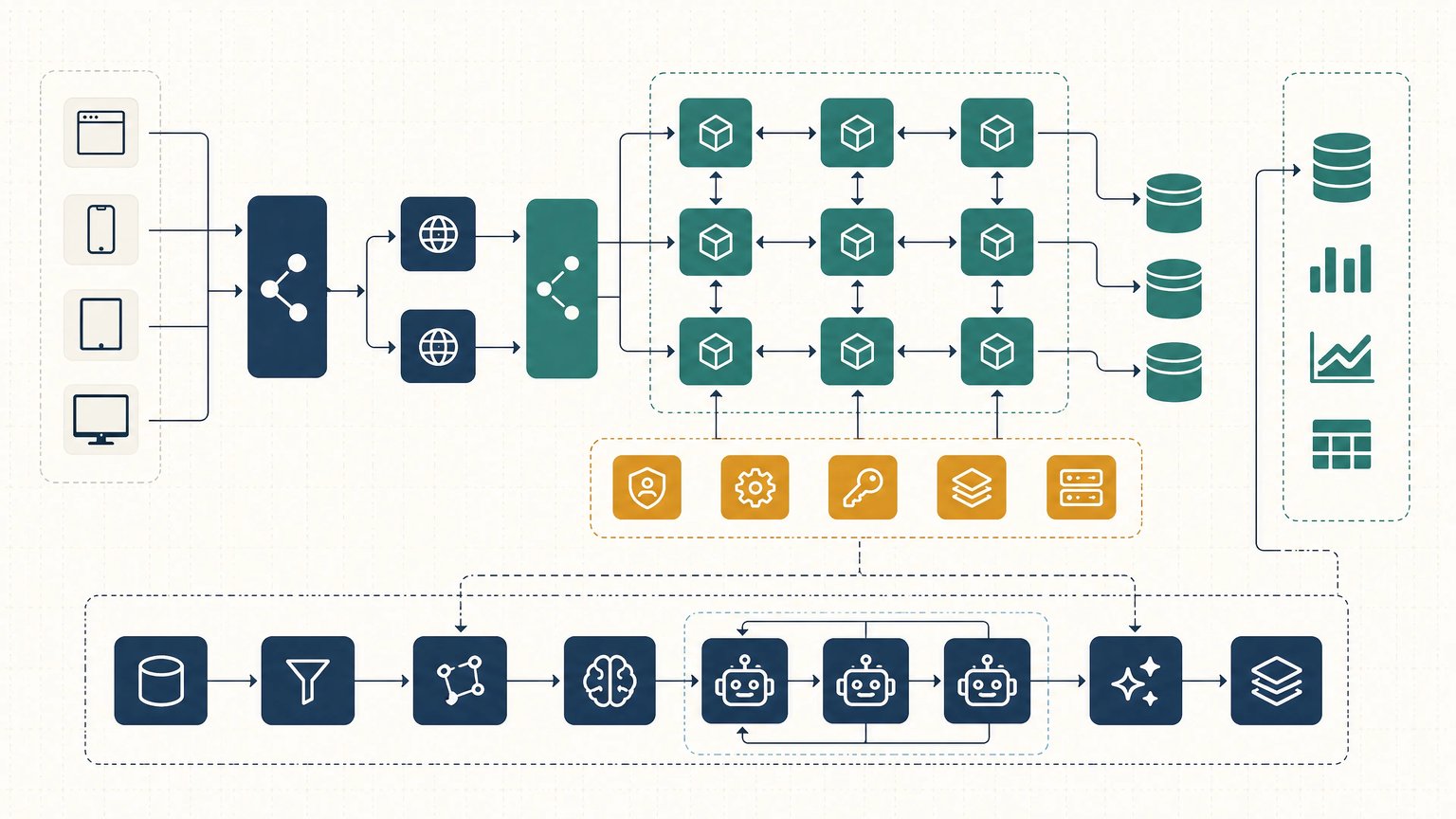
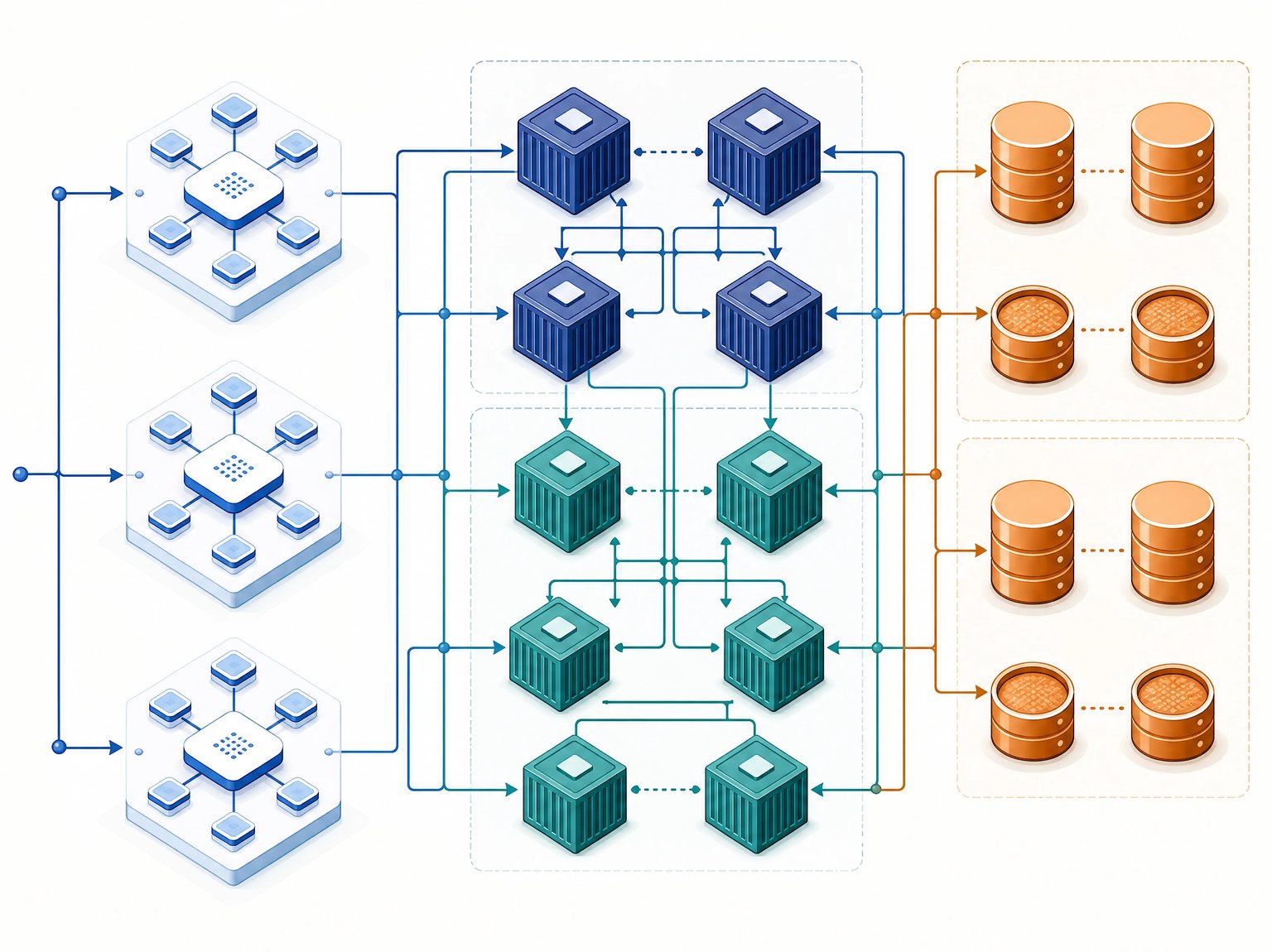
Create a clean system design architecture diagram that maps ingress gateways, agent orchestration routers, message queues, and vector databases across left-to-right tiers with semantic color zoning and 90-degree orthogonal arrows.
- Separates Ingress, Compute, and Storage tiers with 1px dashed subsystem boundaries
- Demonstrates clean icon-and-tier orthogonal topology ready for 5–9 uppercase node labels or vector text overlays
- Built for architecture RFC headers, engineering blogs, and system design interviews
Cross-Functional Swimlane Decision Flowcharts & Process Diagram Design
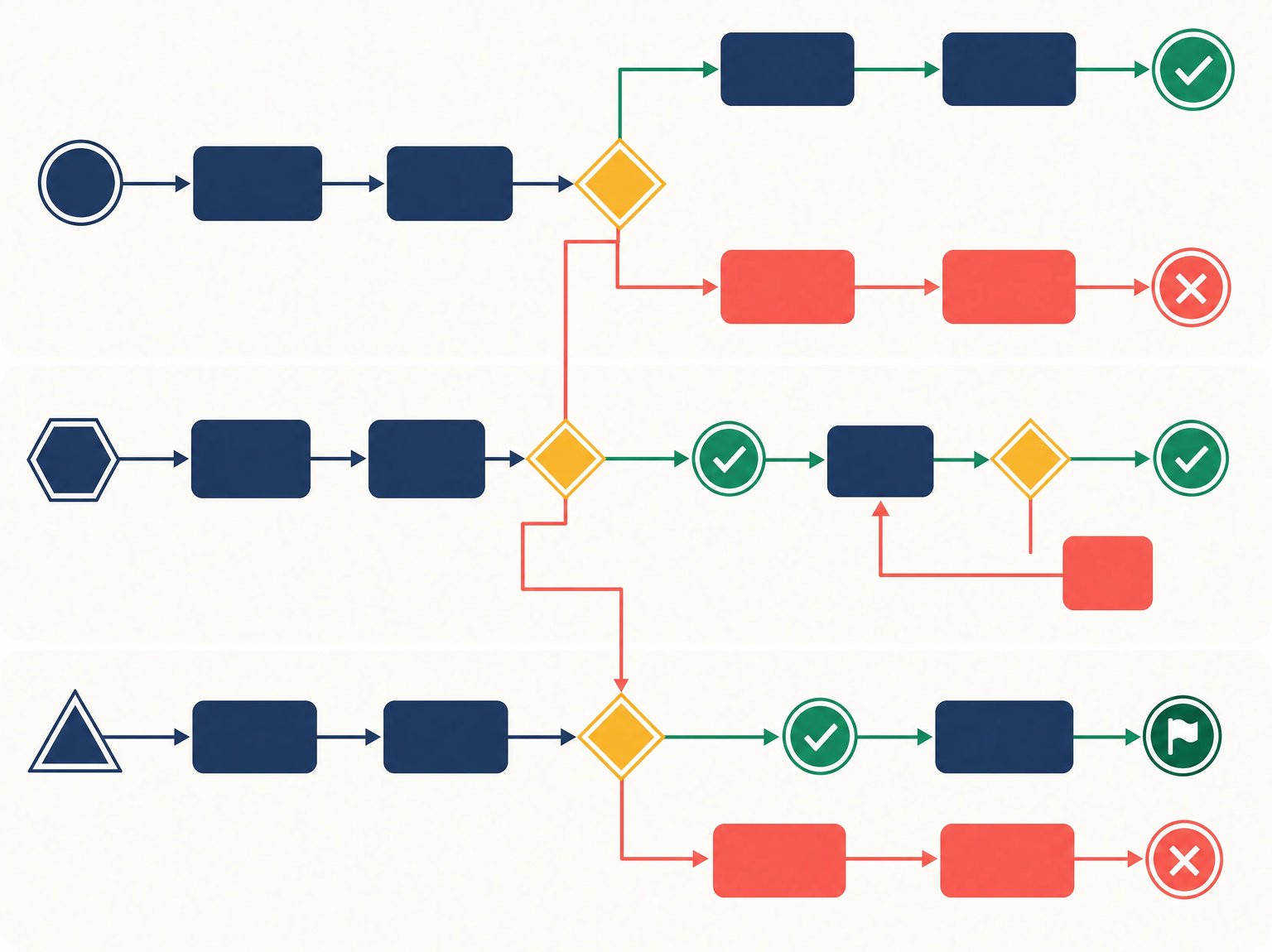
Streamline process diagram design and UML diagram drawing by visualizing CI/CD pipelines, payment fulfillment logic, and conditional rollback trees across horizontal swimlanes using distinct start pills, action blocks, and amber decision diamonds.
- Color-codes emerald success paths and coral rollback/retry branches automatically
- Eliminates diagonal line tangles with strict 90-degree orthogonal routing
- Ideal for PRD specifications, SOP documentation, and executive slide decks
Hand-Drawn Whiteboard & Napkin Sketches to 4K Architecture Diagram Drawing
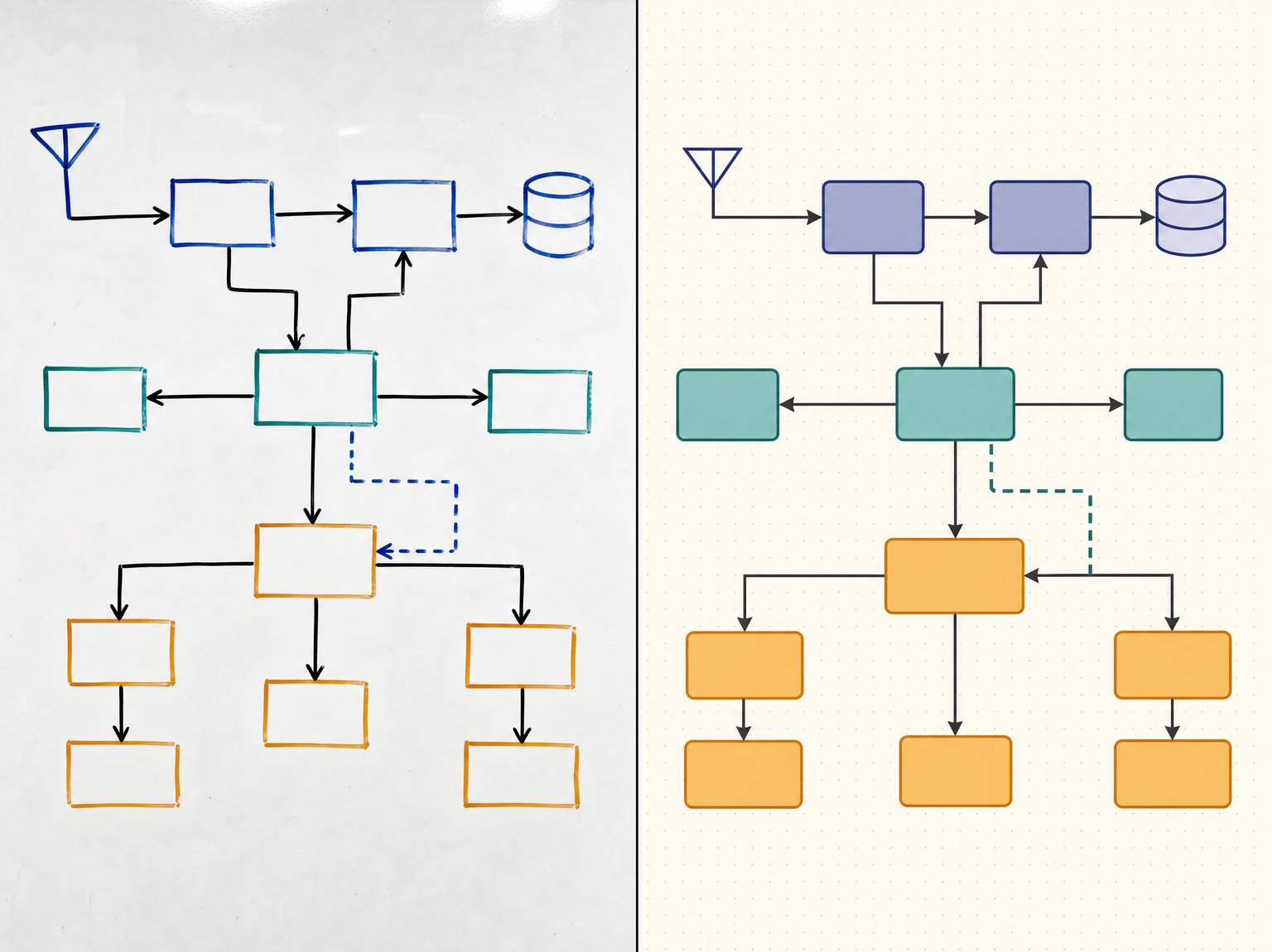
Accelerate architecture diagram drawing by uploading a smartphone photo of a dry-erase whiteboard or notebook sketch up to 30 MB and restyling rough marker boxes into aligned vector-style modules while locking your node topology.
- Supports JPG, PNG, and WebP sketch uploads up to 30 MB on H3 Image & GPT Image 2/2.6
- Preserves spatial node hierarchy while upgrading to Swiss editorial grid styling
- Turns post-meeting whiteboard photos into client-ready 4K architecture slides in seconds
Why Use Our Editorial AI Diagram Generator Over Legacy Wireframe Tools?
Engineered for anti-Mermaid-slop diagram design, dataflow design, flowchart design, chart graphic design, and db schema design without local CLI setup or $35/mo Pro locks.
Anti-Mermaid-Slop Swiss Grid & Chart Graphic Design
Upgrade dull gray Mermaid boxes into editorial chart graphic design using ByteByteGo- and Stripe-inspired alabaster, warm ivory, or dark-slate blueprint themes and 90-degree orthogonal connectors.
Whiteboard Sketch Photo to 4K Schematic (Up to 30 MB)
Attach a smartphone whiteboard photo in H3 Image (4K, 12cr), GPT Image 2 (2K, 16cr), or GPT Image 2.6 (26–42cr) to convert rough marker drawings into crisp technical schematics.
5–9 Uppercase Node Typography Guardrails
Our on-page Calibrator structures your architecture into 5 to 9 high-contrast uppercase node headers across 3 tiers while auto-stripping 3D, neon, bokeh, and cursive blur triggers.
Architecture, Flowchart, DFD & Database Schema Designer
Switch seamlessly between Cloud & LLM System Architecture, Swimlane Decision Flowcharts, Dataflow (DFD) Event Pipelines, and database schema designer (db schema design / ERD) blueprints in one studio.
Our Editorial Diagram Studio vs. Legacy Canvas Tools vs. CLI Skills & $35/mo Suites
See how instant browser-based 2K/4K editorial diagram synthesis compares against manual drag-and-drop boxes and local CLI skills.
| Capability / Workflow | Our Editorial 2K/4K Diagram Studio | Mermaid / Legacy Canvas Tools (Lucidchart, Miro) | CLI Diagram Skills & $35/mo Diagram Suites |
|---|---|---|---|
| Visual Output Aesthetic | Swiss editorial grid, semantic color zones & 90° orthogonal routing (zero Mermaid slop) | Default wireframe boxes with crossing diagonal arrows and drop-shadow clutter | CLI skills output local HTML/SVG only; generic T2I hallucinates unreadable 3D neon boxes |
| Whiteboard Photo to 4K Schematic | Direct JPG/PNG/WebP upload up to 30 MB on H3 Image (12cr) & GPT Image 2/2.6 (16–42cr) | Requires manually redrawing every box and connector from scratch on an empty canvas | CLI skills lack hosted image-to-image restyling; desktop tools lock 4K behind $35/mo tiers |
| Node Typography & Anti-Blur Discipline | 5–9 uppercase node tiering + live sanitizer stripping 3D/bokeh/cursive text killers | Crisp vector text, but zero automated editorial layout or visual hierarchy styling | Unconstrained prompts produce alien gibberish labels and tangled spaghetti arrows |
| Zero-Install Browser Workflow | Instant browser studio with 4-axis Calibrator, 4 engineering models & AI Enhance (2cr) | Browser canvas requires 30–60 minutes of manual alignment and box resizing | diagramdesign.dev requires local Claude Code CLI setup with no hosted web generator |
| Resolution & Per-Render Credit Transparency | Native 2K & 4K (12 to 42 credits per render across 9 paid plans from $20 to $999 USD) | Per-seat monthly subscriptions ($10–$20/user/mo) with low-res basic export caps | Diagram-Generator.com locks 4K Pro visuals behind a $35/mo recurring plan |
| Editable .drawio XML / Live AWS State Sync | No—2K/4K raster PNG/WebP schematics for RFCs, slide decks & technical publications | Yes—exports node-draggable .drawio, Visio .vsdx, or Mermaid .mmd source code | Cloud architecture mapping suites connect to live AWS/GCP/Terraform state files |
How to Generate 4K System Architecture & Flowchart Diagrams in 4 Steps
Experience easy diagram drawing with our diagram design tool, flowchart design tool, and AI schematic design workflow—going from a node list or smartphone whiteboard sketch to a 2K/4K schematic in under a minute.
Select Your Diagram Paradigm or Attach a Whiteboard Sketch (Up to 30 MB)
Choose Cloud System Architecture, Swimlane Flowchart, Dataflow (DFD), or Database ERD in the Calibrator—or attach a whiteboard photo (JPG, PNG, WebP up to 30 MB) in the editor.
Define 5–9 Uppercase Core Node Headers Across 3 Spatial Tiers
Enter 5 to 9 concise uppercase node titles (such as 'CLIENT APP', 'API GATEWAY', 'AGENT ROUTER', 'VECTOR DB') while the sanitizer strips 3D, bokeh, and cursive blur triggers.
Pick Your 2K Typography or 4K Swiss Grid Model
Render sharp uppercase labels on GPT Image 2 (2K, 16 credits), native 4K grids on H3 Image (12 credits) or Nano Banana 2 (4K text-only, 18 credits), or deep 4K hierarchies on GPT Image 2.6 (26–42 credits).
Export 2K/4K PNG or WebP Schematics for RFCs & Executive Decks
Save your high-contrast editorial diagram for engineering RFCs, Substack posts, or keynote slides—and use external code editors whenever you need draggable .drawio XML files.
High-Impact System Architecture, Dataflow & Flowchart Playbooks
See how staff engineers, data architects, academic researchers, and product managers use our AI system architecture, workflow chart design, dataflow design, and database schema designer workflows across RFCs and executive briefings.
Cloud Microservices, RAG & LLM Agent System Architecture RFCs
Generate a 3-tier system design architecture diagram separating ingress gateways, LLM agent routers, and vector stores for technical RFC headers, engineering blogs, and IEEE/Nature manuscript pipelines.
Cross-Functional Swimlane Flowcharts & Workflow Chart Design
Accelerate workflow chart design by mapping CI/CD release gates, checkout state machines, and customer onboarding decision trees across 3 horizontal swimlanes, then pair your flow with data-driven visual reports.
Dataflow Design (DFD), Kafka ETL & DB Schema Design Blueprints
Combine dataflow design and db schema design to illustrate streaming event sources, primary/foreign-key database schema designer cards, and warehouse sinks in 2D orthogonal views—or expand into 3D infrastructure visuals.
Whiteboard Sketch Restyling & Physical Facility Spatial Layouts
Convert post-meeting dry-erase whiteboard photos (up to 30 MB) into clean 4K technical block diagrams, or switch to architectural room and server-floor zoning blueprints when planning physical spaces.
Ready to Replace Mermaid Slop with 4K Editorial System Diagrams?
Turn your next system architecture prompt or whiteboard sketch photo into a crisp Swiss-grid schematic with our AI diagram generator, diagram design studio, and diagram design AI workflow.
Transparent per-render credits: H3 Image (4K, 12 credits) · GPT Image 2 (2K, 16 credits) · Nano Banana 2 (4K T2I, 18 credits) · GPT Image 2.6 (2K 26 / 4K 42 credits) · AI Enhance (2 credits).
Compare all 9 paid plans ($20–$999 USD)Frequently Asked Questions About AI Diagram Generator
Direct answers on anti-Mermaid-slop diagram design, AI system architecture, dataflow design, flowchart design, whiteboard sketch uploads, per-render credit costs, and raster vs. .drawio XML boundaries.
How do I generate editorial system architecture diagrams without ugly default Mermaid boxes?
Select a diagram paradigm and editorial theme (such as Swiss Alabaster Grid or Dark Slate Blueprint) in the Editorial Diagram Design Calibrator below, keep the 90-Degree Orthogonal Routing and Zero Drop-Shadow guardrails enabled, and load the compiled prompt into the studio editor. Render on H3 Image (12 credits for native 4K) or GPT Image 2 (16 credits for 2K high-precision typography) to produce publication-grade schematics inspired by modern engineering journals rather than cramped default Mermaid boxes.
How do I prevent gibberish text labels and tangled arrows in AI generated diagrams?
Image synthesis models render crispest typography when a diagram focuses on 5 to 9 core uppercase node headers (for example, 'CLIENT APP', 'API GATEWAY', 'AGENT ROUTER', 'VECTOR DB') arranged across 3 distinct spatial tiers (Left-to-Right or Top-Down). Our on-page Calibrator automatically structures your node list into bounded tiers and strips 3D perspective, neon bokeh, and cursive triggers that cause text distortion.
Can I upload a smartphone photo of a hand-drawn whiteboard or napkin sketch to turn it into a 4K diagram?
Yes. The studio editor supports optional reference image uploads up to 30 MB in JPG, PNG, or WebP format on H3 Image (12 credits, 4K), GPT Image 2 (16 credits, 2K), and GPT Image 2.6 (26 credits for 2K or 42 credits for 4K). Attach your whiteboard or notebook sketch photo and select the Whiteboard Sketch to 4K Schematic preset to restyle rough marker boxes into aligned vector-style modules while preserving your original node topology.
How many credits does each AI diagram render cost, and which models support reference sketches?
Every model uses transparent per-render credit pricing across 9 paid plans ranging from $20 to $999 USD: H3 Image costs 12 credits (native 4K with reference sketch upload), GPT Image 2 costs 16 credits (2K with reference sketch upload), Nano Banana 2 costs 18 credits (4K text-to-image only), GPT Image 2.6 costs 26 credits (2K) or 42 credits (4K) with reference upload, and AI Enhance costs 2 credits per prompt refinement.
Does this tool export editable .drawio XML, Mermaid .mmd code, or live-synced AWS Terraform state?
No. Our studio generates 2K and 4K raster diagram visualizations (PNG and WebP) designed for architecture RFC headers, executive slide decks, technical blog illustrations, and whiteboard-to-schematic restyling. It does not export node-draggable .drawio, Visio .vsdx, or Mermaid .mmd source code files, and it does not connect to live AWS, GCP, or Terraform state files for automated infrastructure discovery.