
Your poster, generated from a prompt
Describe the poster you want — subject, style, mood, and layout — and this the tool generates portrait poster art in seconds.
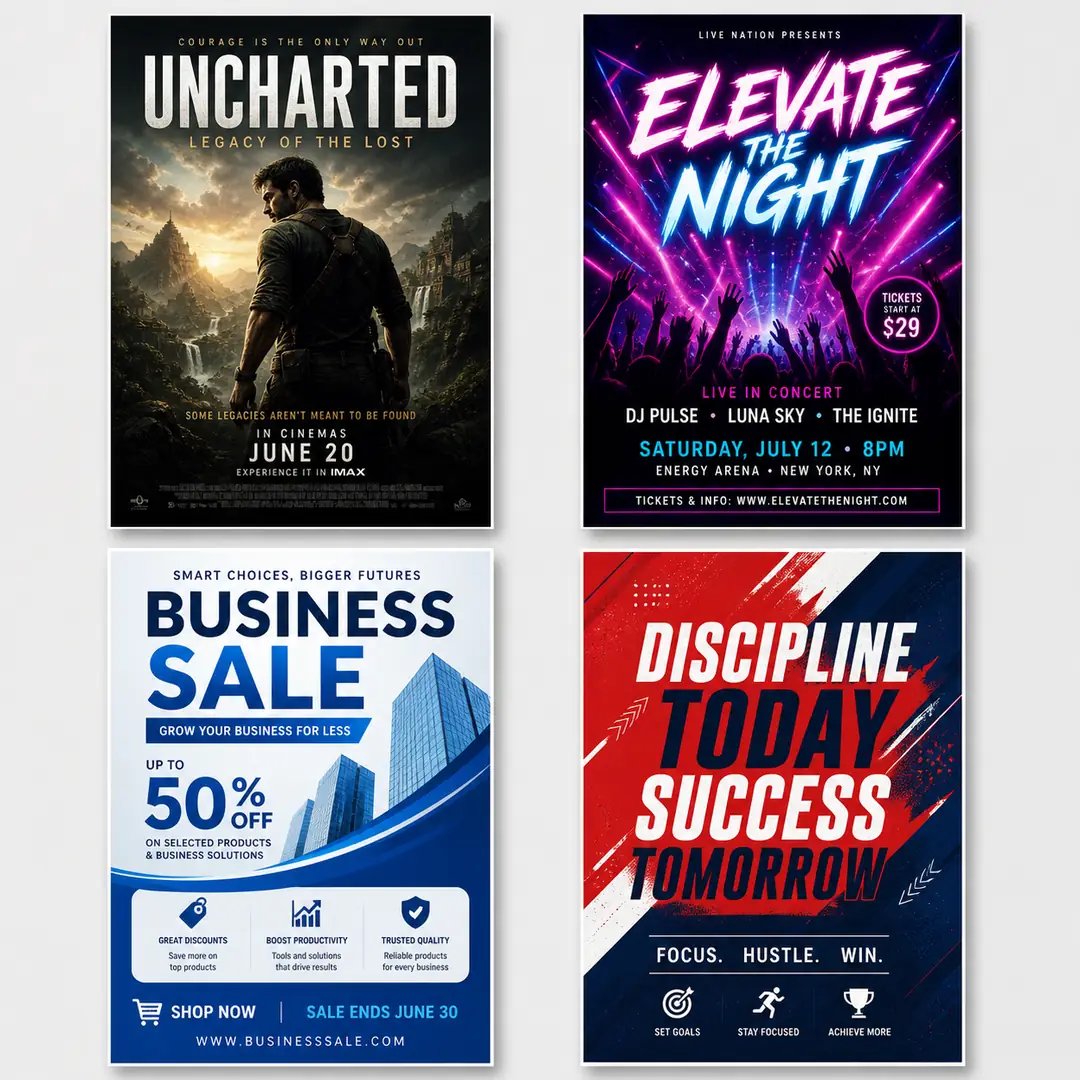
AI Poster Generator — Make a Poster from Text
Turn a written idea into a finished poster. Describe the subject, style, and mood, and the AI poster generator renders portrait poster art in seconds.
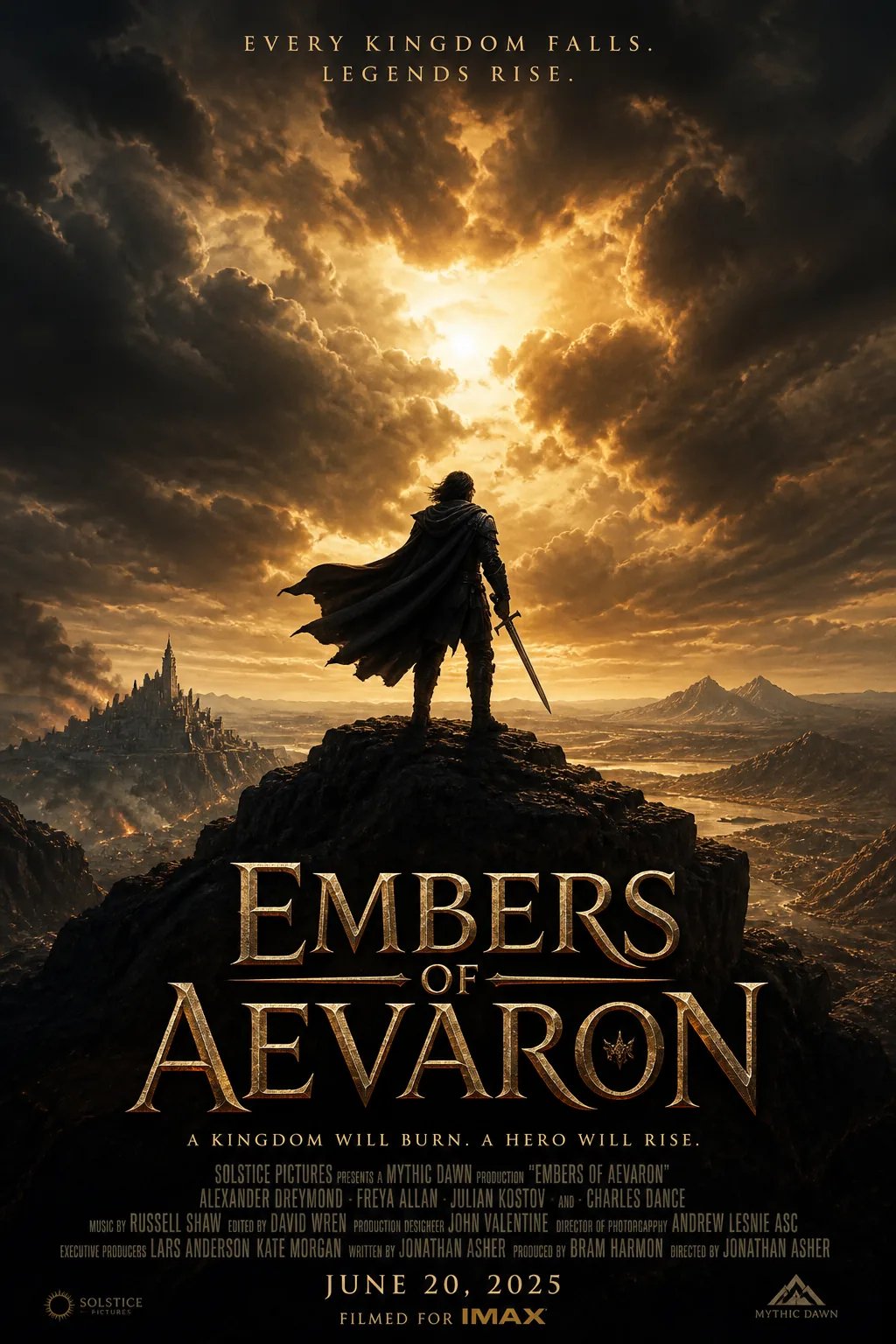
What Is the AI Poster Generator?
An AI poster generator is a prompt-based design tool that creates printable event posters, marketing banners, typography layouts, and movie key art from text descriptions. Marketers and designers describe themes, color palettes, and focal subjects to render high-contrast composition concepts and visual campaign assets in seconds.
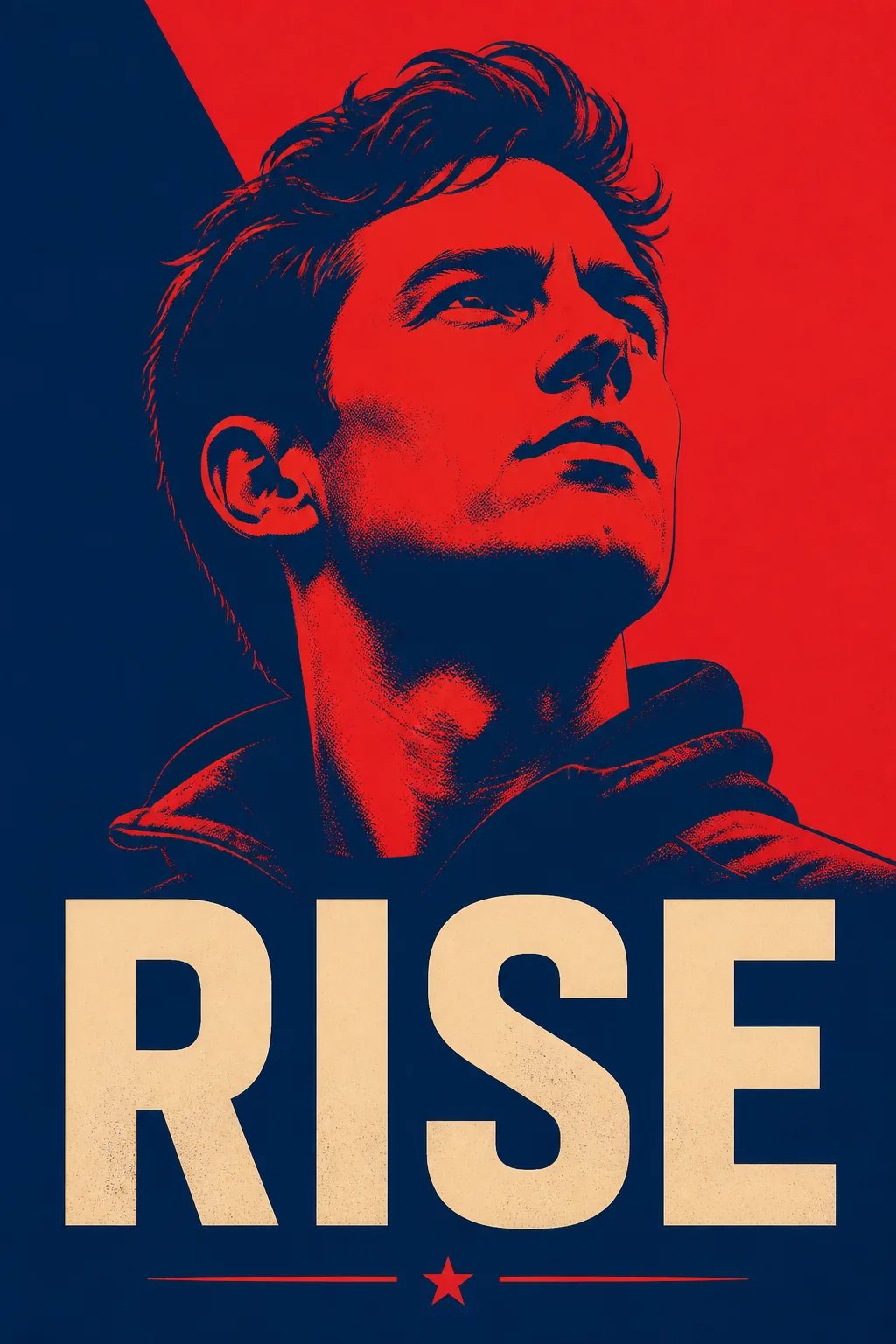
A Poster Maker That Skips the Design Software
A polished poster normally takes layout software, a good eye for type, and hours of arranging a headline, key art, and composition. This the AI poster generator removes that barrier: you write what you want — a dramatic film key-art poster, a neon concert poster, a motivational poster with strong negative space — and the model designs it in seconds. You iterate by rewriting the prompt, not by nudging layers. That makes the tool a fast way to explore a direction: try ten versions of a movie poster or event poster in the time one manual layout would take, and keep only the poster that works.
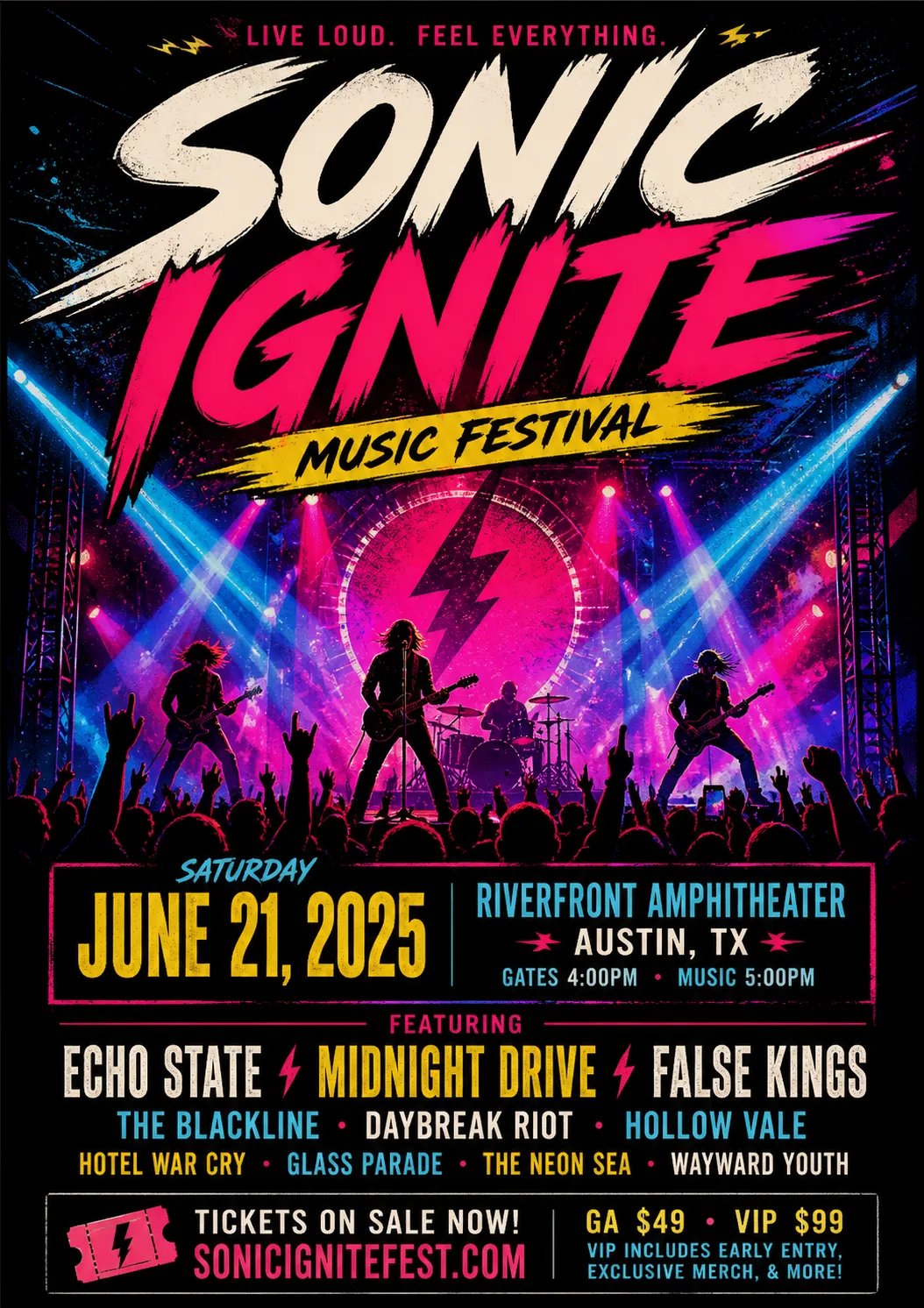
Can't Turn Your Idea into a Poster?
You can picture the poster exactly — the mood, the color, the headline placement, the whole feel — but getting it laid out normally means wrestling with design tools or hiring a designer. The tool closes that gap: describe the poster in a sentence and the AI poster generator designs a clean portrait version in seconds. A rough idea for a business poster or a sale poster becomes something you can look at, react to, and refine by adjusting the prompt.

How to Make a Poster with the tool
Three steps from a written idea to a finished poster. No design software, no layout skills.
- 1
Describe your poster
Write the subject, style, mood, palette, and where the title should sit. The more specific your prompt, the closer the result lands to the poster in your head.
- 2
Pick a model and generate
Choose a supported model and run it. The tool renders portrait poster art from your prompt in seconds and shows it in the workspace.
- 3
Refine by re-prompting
Not quite right? Adjust the wording — a bolder headline, a different palette, more negative space — and generate the poster again until it fits.
What You Can Make with the Poster Maker
One text-to-image poster generator, many kinds of poster. Here are the jobs people reach for it most.
Cinema & movie posters
Design a cinematic movie poster or film key-art concept. Describe the hero, mood, and title placement, and the tool returns dramatic portrait key art you can iterate on.
Event & concert posters
Create an event poster or concert poster with energy and a clear title area. Describe the vibe, colors, and headline, and the tool lays out the composition.
Business & promo posters
Make a business poster or promotional poster for a launch or sale. Describe the message and brand mood, and the tool generates a clean, confident layout.
Need a seamless background pattern to complement your poster design? Try the AI Pattern Generator
Make Your First Poster
Describe the poster in your head and let the AI poster generator design it. Sign in, spend credits, and generate portrait poster art in seconds.
More AI Image Generators
Need motion instead of a still image? Try the AI Video Generator
AI Poster Generator FAQ
An AI poster generator is a prompt-based tool that creates portrait poster art from written descriptions.
Cinematic movie posters, event and concert posters, business and promo posters, and motivational posters. Because the tool works from your description, the style follows the words you write.
No. The tool replaces layout software with a text prompt. Describe the poster you want and it designs the portrait composition for you; you refine it by rewriting the prompt.
The tool renders titles and headline shapes from your prompt as part of the artwork. Ask for a bold title area and it will design one; exact typeset copy and logos are best added afterward in your own editor.
Be specific in the prompt — name the subject, palette, mood, and where the headline sits — then re-prompt. Each run of this the tool is a fresh generation, so small wording changes steer the poster.
nabn operates on a flexible credit model with plans starting from $20 for 1,000 credits up to high-volume creator tiers ($999). Generating images costs 16-18 credits per variant (~$0.32-$0.36 on standard plans), with complete commercial licensing included for all generated assets.