
Explore Your Album’s Visual Direction
The preview starts with illustrative artwork. Describe your music to generate a new concept; results will vary.
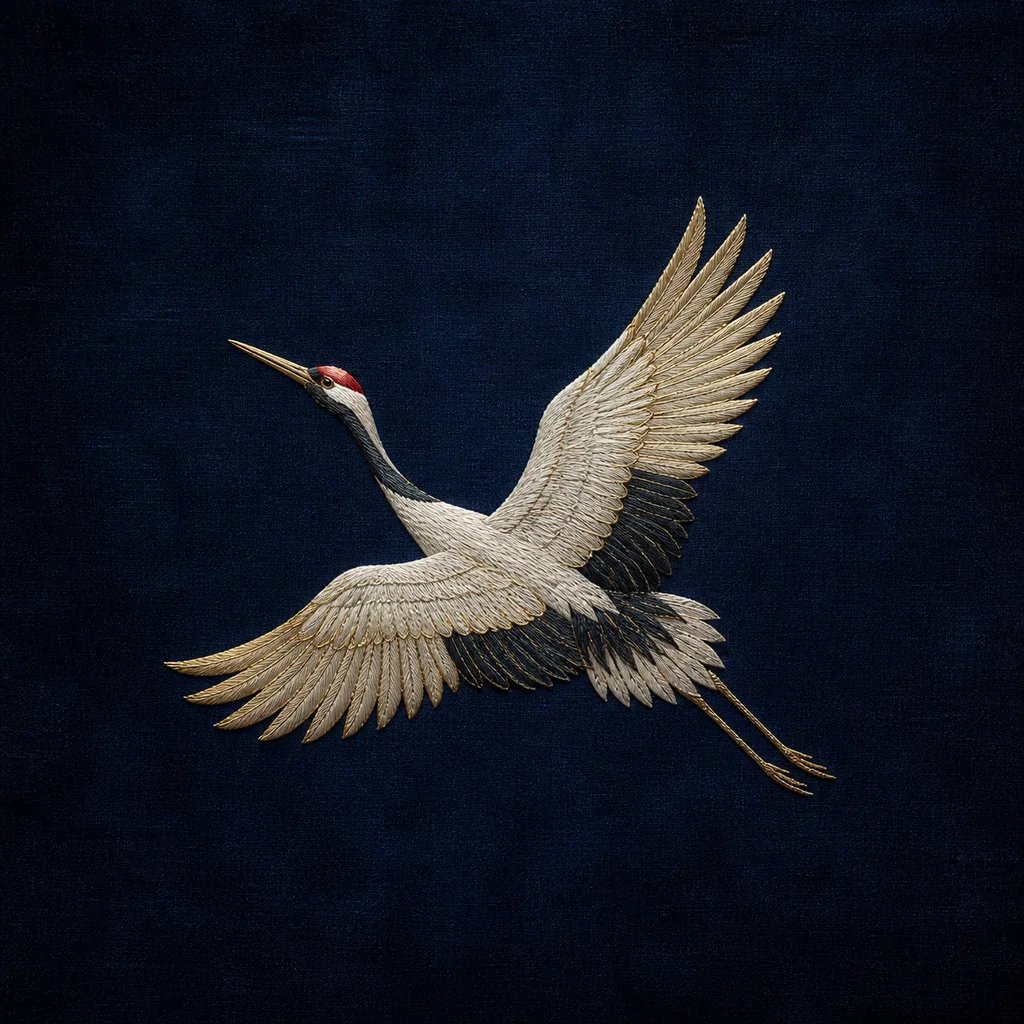
AI Album Cover Generator: Square Cover Art from Text
Use an AI album cover generator to explore square artwork for your music. Review text and prepare files for your distributor. Start your cover concept.
What is an AI album cover generator?
An AI album cover generator is a text-to-image tool for exploring square album artwork, single covers, EP visuals, and mixtape concepts. Musicians describe a genre, mood, palette, and focal subject to generate raster images. Creators then review lettering and prepare dimensions and file formats for their release platform.
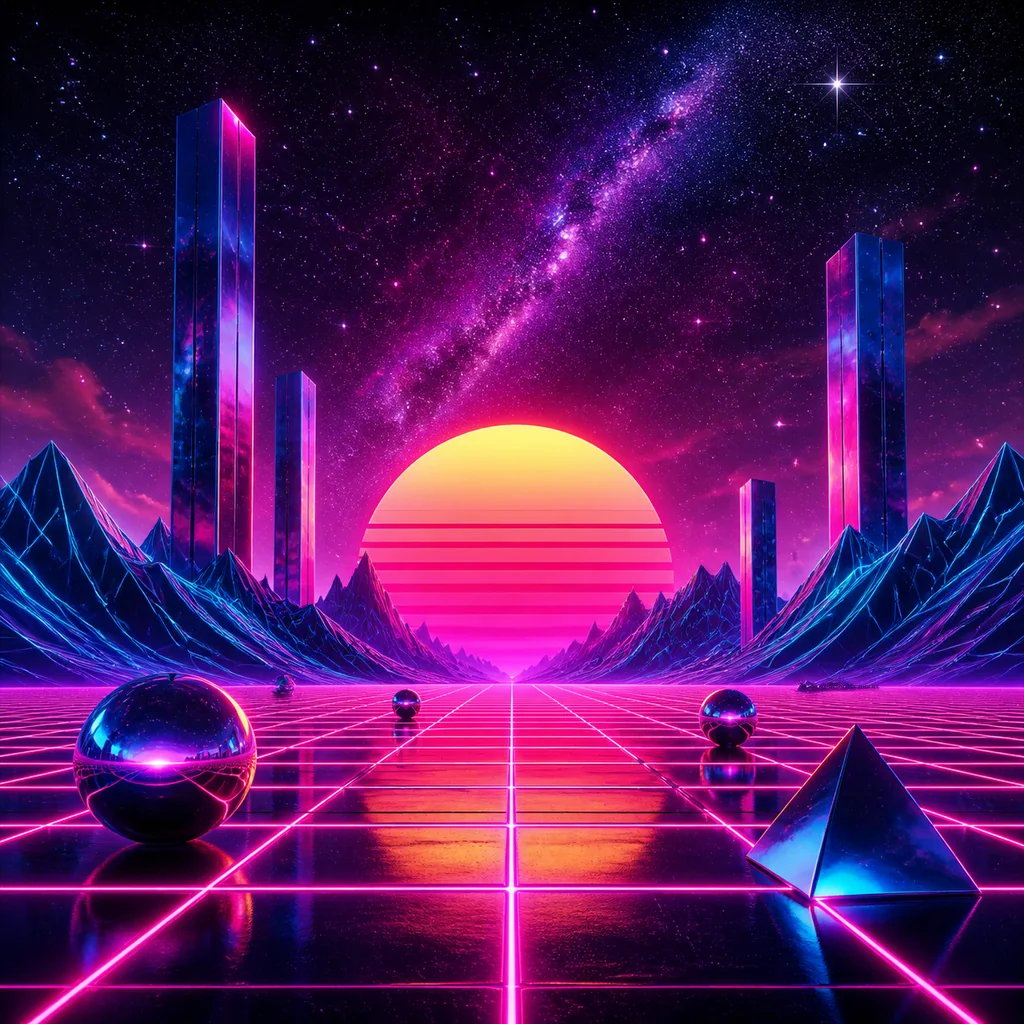
Cover art that matches your sound
A cover should feel like the music sounds. Because you write the prompt, you can guide the genre, mood, and palette — a warm lo-fi glow, a stormy metal scene, or a retro collage — instead of relying on an unrelated stock image. Name the visual direction, inspect the result, and adjust the prompt if it drifts from your track.
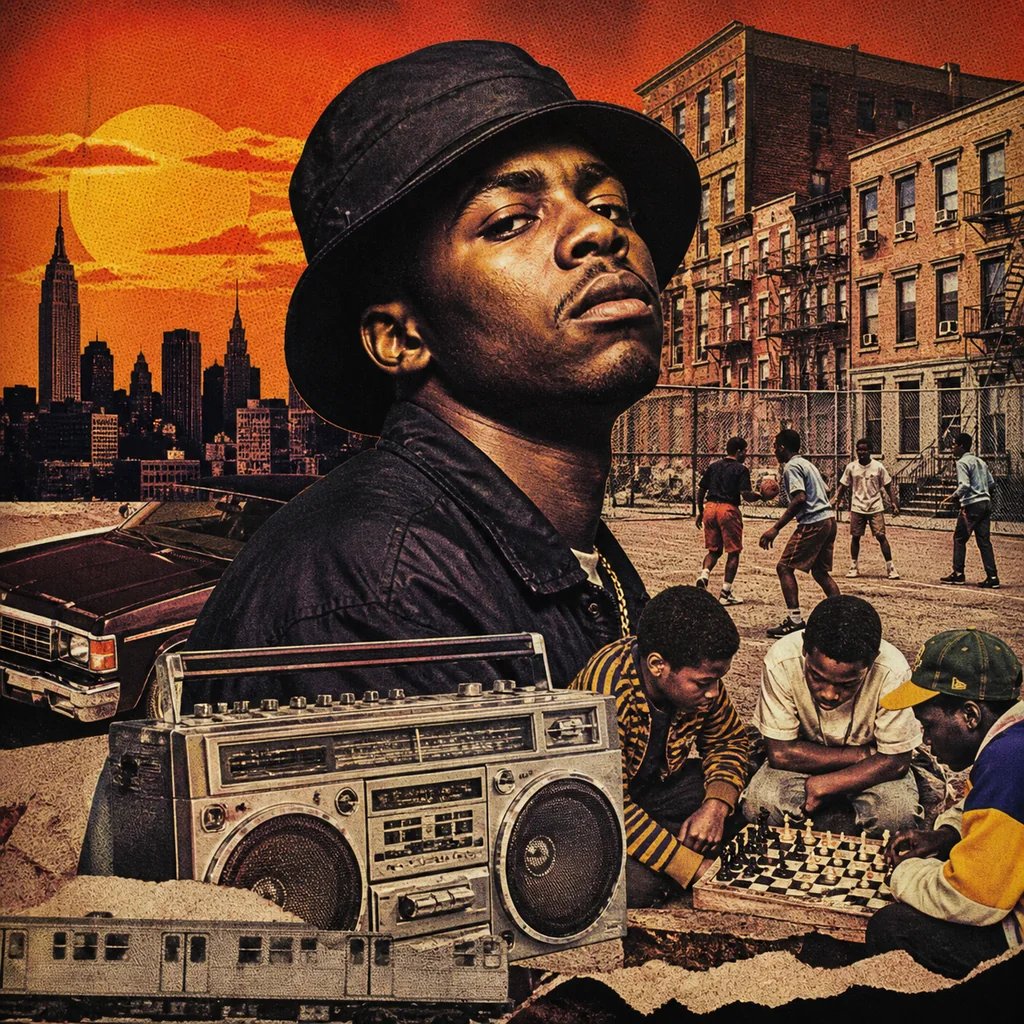
Explore the Artwork Before Preparing Your Release
Describe the mood, palette, and focal subject you want listeners to associate with your music. Review the concept and adjust the prompt if needed. Finish exact lettering and layout in an external editor, then check the image dimensions, format, and rights before submitting it to your distributor or streaming platform.
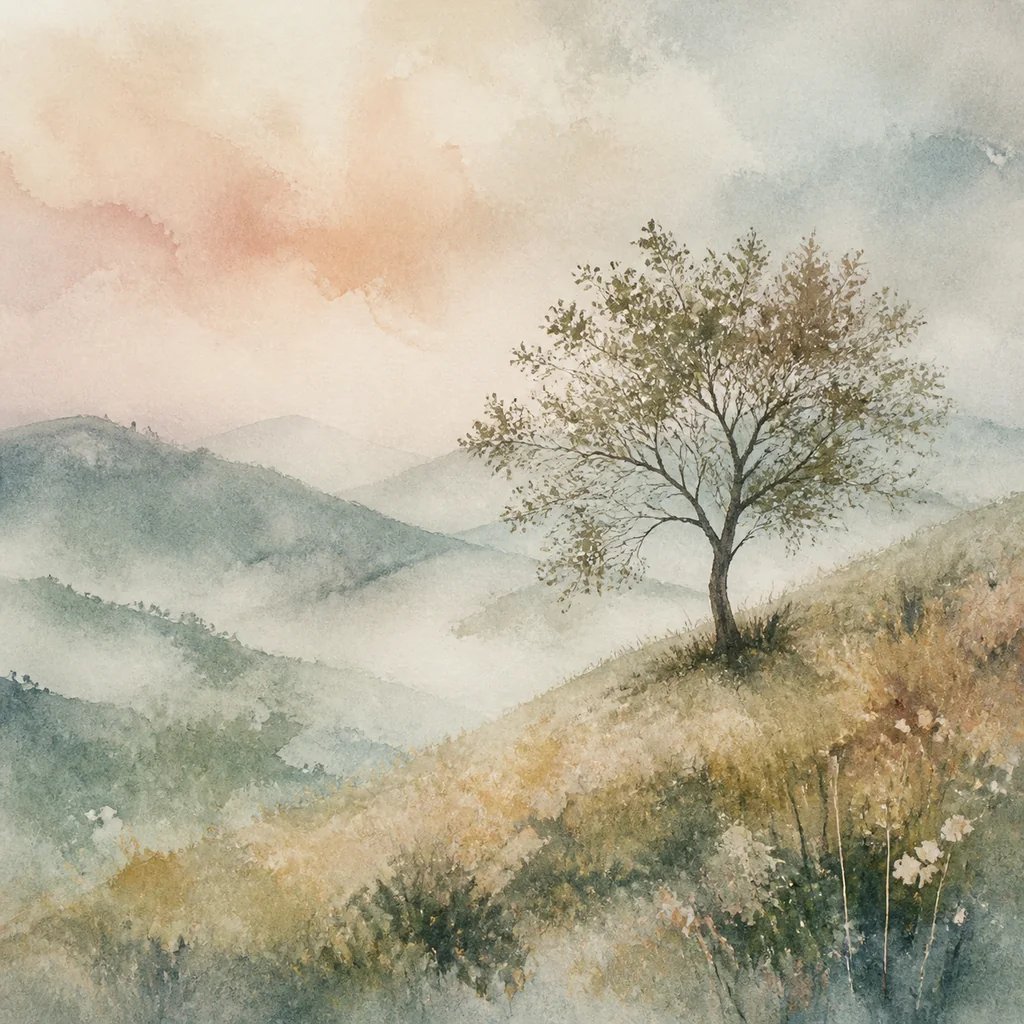
How to make an album cover with the AI album cover generator
Explore a cover concept with the AI album cover generator, then review and prepare the final file for your release.
- 1
Describe your cover
Write the genre, mood, and colors — for example, a surreal psychedelic dreamscape in saturated colors, or a minimalist geometric shape on cream.
- 2
Pick a model and generate
Choose GPT Image 2 or Nano Banana 2 in the AI album cover generator, then generate. Each generation spends credits, so you are signed in and in control of the run.
- 3
Review and Prepare the Final File
Refine the prompt if needed, then use Open / Save Original. Check lettering, pixel dimensions, file format, and artwork rules. Complete any resizing or typography in an external editor before submitting your release.
What people make with the AI album cover generator
The AI album cover generator is one text-to-image tool, put to work on the covers musicians actually need.
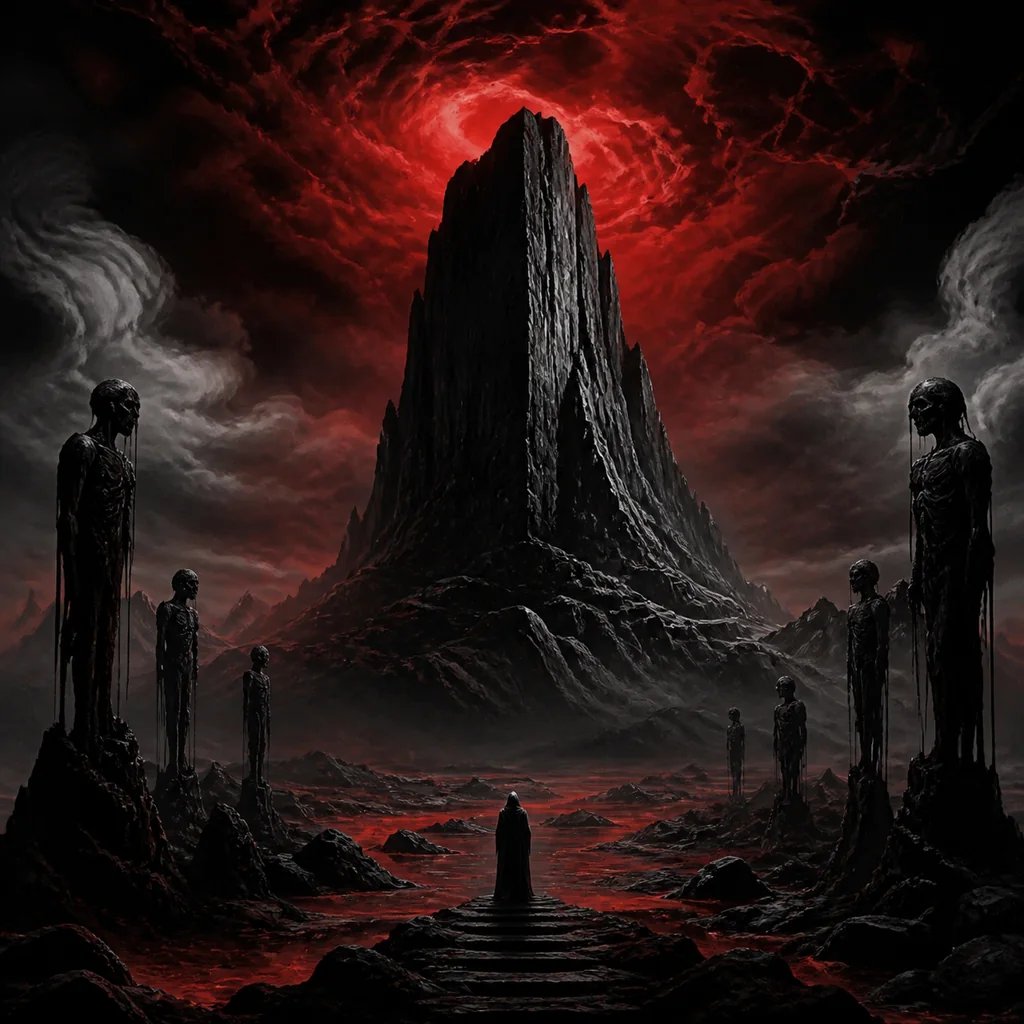
Singles and streaming covers
Explore square 1:1 artwork for a single or album. The shape alone does not make a file ready for release: check the required pixel dimensions, format, and artwork rules for your platform or distributor.
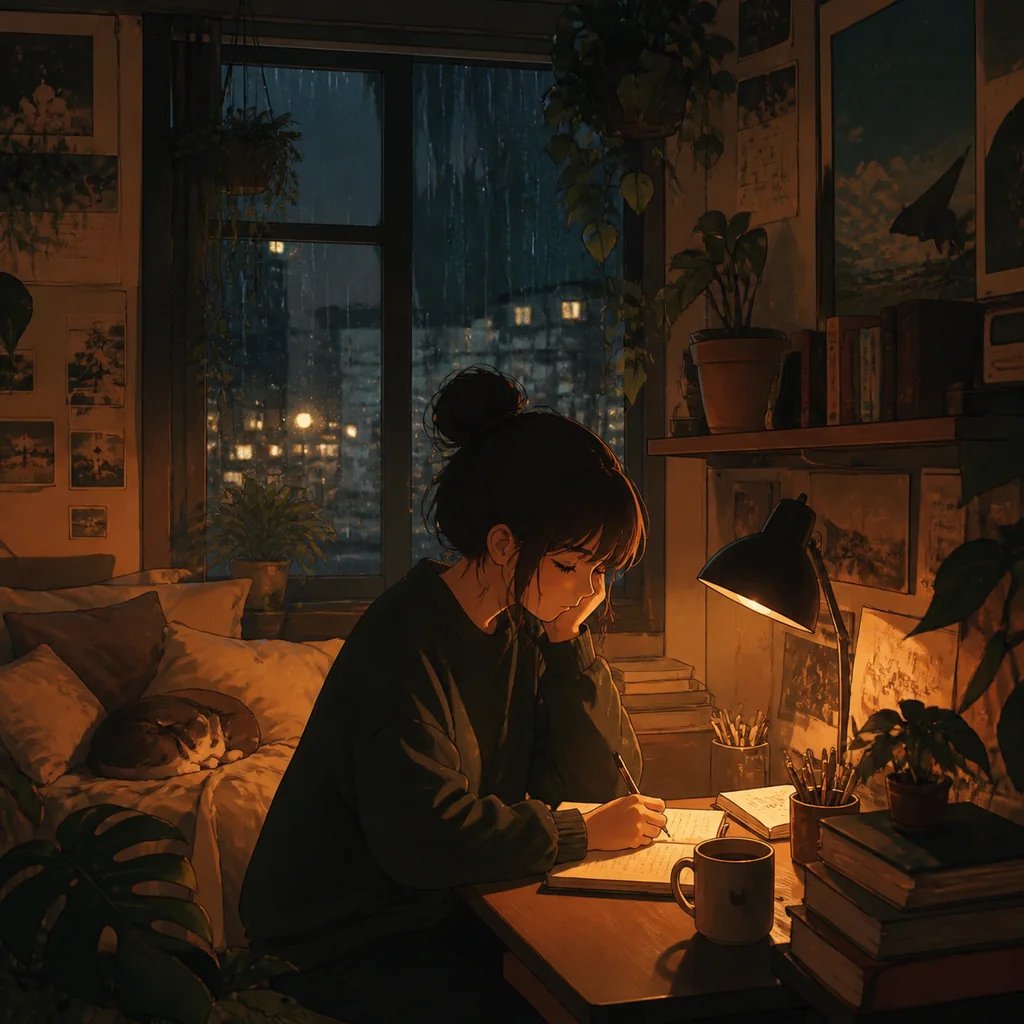
Any genre's aesthetic
Lo-fi warmth, metal darkness, vaporwave neon, indie watercolor — describe the genre and visual cues to explore cover concepts that reflect your sound.
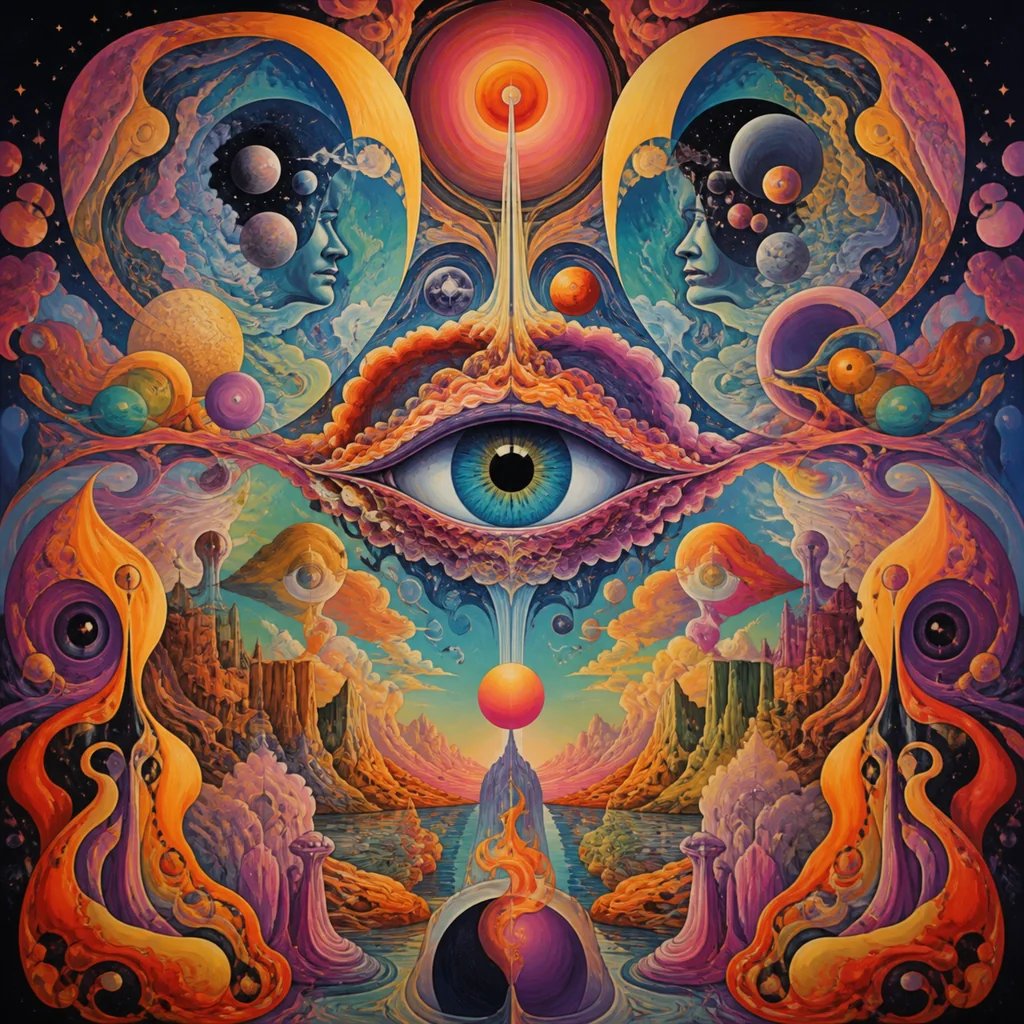
Concept and mixtape art
Building a mixtape, an EP, or a concept record? Generate a whole set of covers around one theme so the release hangs together visually.
Give your music a cover that's actually yours
Describe your genre, mood, and colors and let the AI album cover generator paint a square cover for your release. Sign in and spend credits to generate.
AI album cover generator FAQ
An AI album cover generator is a text-to-image tool for exploring square album artwork, single covers, EP visuals, and mixtape concepts. This page requests square 1:1 images: GPT Image 2 requests 2K output and Nano Banana 2 requests 4K output. Use Open / Save Original and check the actual pixel dimensions and format. Apple Music’s current artwork guide calls for at least 4000 × 4000 pixels; a square image or a 2K/4K label alone does not guarantee acceptance. Follow your platform or distributor’s current specifications before submitting the final file.
You can ask for text in your prompt, but AI image models still render lettering unreliably, so a name or title may come out garbled. For clean type, treat the AI-made art as the artwork and set your title over it yourself in a separate app.
No. This is a text-to-image AI album cover generator — it creates cover art from written prompts only, not from a picture you provide. Describe the scene or style you have in mind and it paints one from scratch.
Name the genre, mood, and color palette in your prompt — for example, "dark ambient, cold blue and grey, minimal" or "warm lo-fi, amber and teal." Stating those visual cues clearly helps guide the generated concept; review the output and refine the prompt if needed.
Generation requires sign-in and sufficient credits. GPT Image 2 uses 16 credits per image and Nano Banana 2 uses 18. Paid subscription and credit-pack prices range from $20 to $999 USD across 9 options; the $20 monthly plan includes 1,000 credits. Review the service terms and any third-party rights before commercial use. Generating an image does not guarantee copyright protection or distributor acceptance.