
AI Image Text Editor — Edit & Replace Text in Images
Use our AI image text editor to edit, replace, or add text in images with the same font and lighting in 2K or 4K without Photoshop. Upload a flat photo to GPT Image 2 (2K Image-to-Image) to swap baked-in words or repair garbled AI signage, or use Nano Banana 2 (4K Text-to-Image) to render fresh editorial posters.
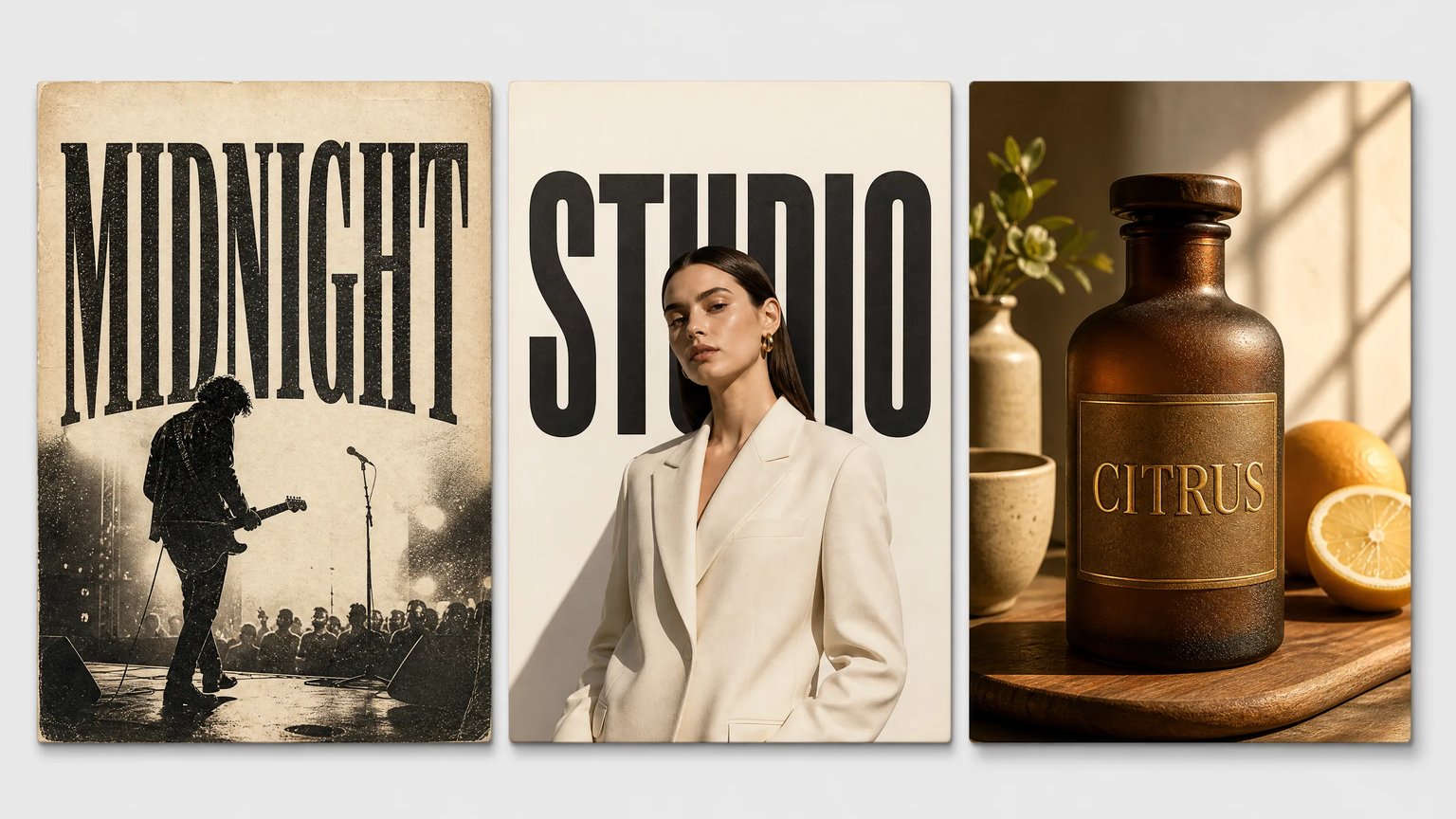
Edit Baked-In Image Text or Render 2K/4K Typography
Upload a reference image in GPT Image 2 (2K, 16 credits) to replace baked-in words in quotes, or choose Nano Banana 2 (4K, 18 credits, Text-to-Image) to generate new commercial posters and signage.
What Is an AI Image Text Editor?
An AI image text editor is a generative typography studio that replaces baked-in words, repairs misspelled signage, and adds styled lettering to photos or posters. Designers and marketers use GPT Image 2 (2K Image-to-Image) or Nano Banana 2 (4K Text-to-Image) to match surrounding fonts, perspective, and lighting without manual Photoshop cloning.
Edit Baked-In Raster Text Without Generic OCR Font Swaps
Once text is flattened into a JPEG or screenshot, you cannot backspace it, and OCR tools like Canva Grab Text often overwrite your original design with a rigid default font. By uploading your image to GPT Image 2 in Image-to-Image mode and placing the new wording in quotation marks, the model synthesizes replacement glyphs that follow the surrounding stroke weight, kerning, and paper grain.
- Upload flat screenshots, flyers, or covers to GPT Image 2 (2K Image-to-Image).
- Enclose 1–5 replacement words in double quotes for high character accuracy.
- Instruct the prompt to keep original background details and lighting unchanged.
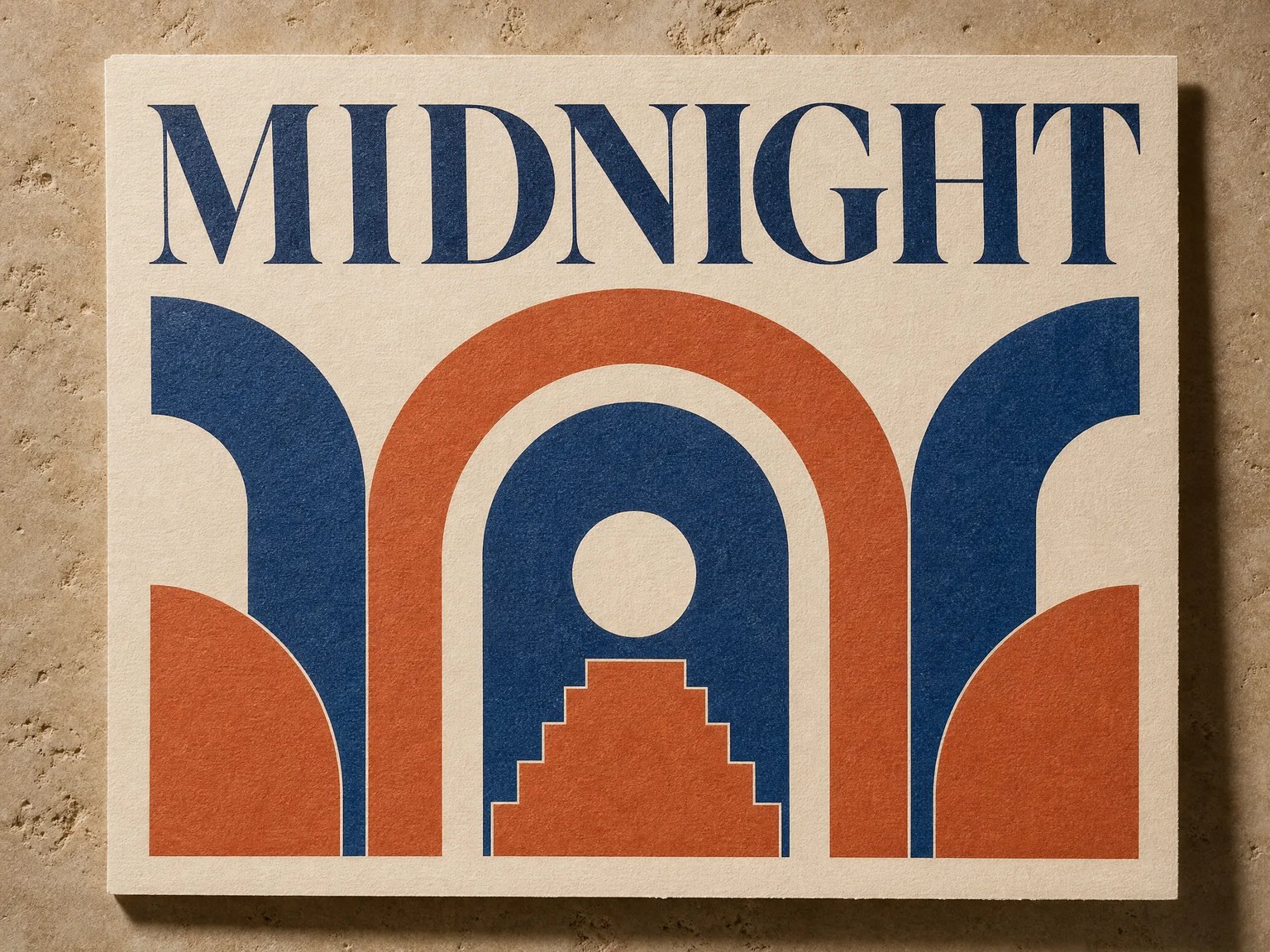
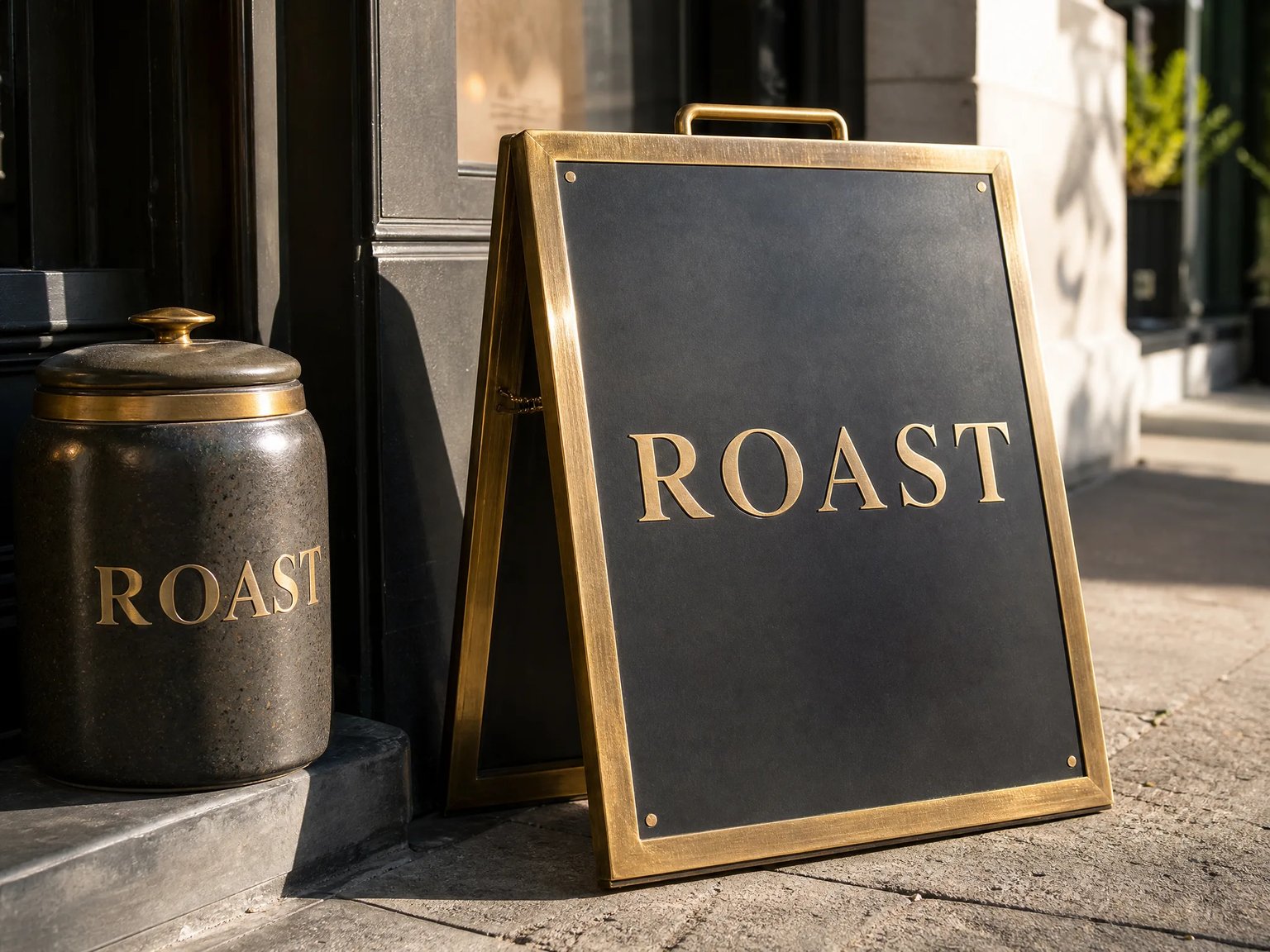
Fix Misspelled AI Lettering & Perspective Storefront Signs
Early diffusion models frequently ruined otherwise strong scenes with garbled price tags, misspelled street signs, or warped packaging labels—forcing creators to pay freelancers on Reddit just to fix one word. Upload flawed renders to GPT Image 2 to repair short text strings in perspective, or prompt Nano Banana 2 to generate 4K signage with crisp metallic, neon, or engraved surface shaders.
- Repair garbled AI price tags, badges, and storefront signs via quoted prompts.
- Describe physical substrates like brushed brass, neon glass, or embossed foil.
- Match three-point camera perspective and directional sunlight reflections.
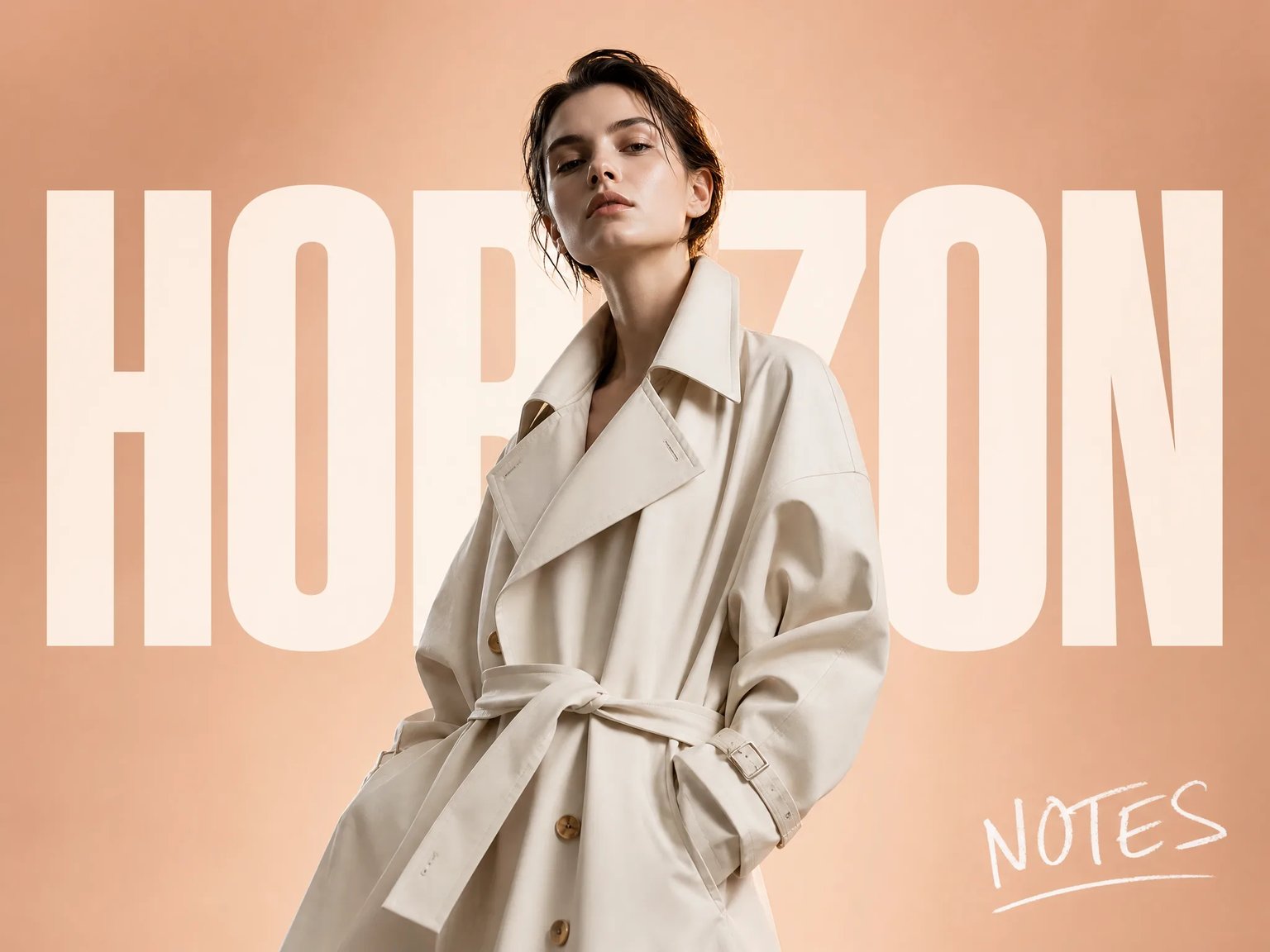
Add Depth-Layered Headlines & Handwritten Annotations
Creating magazine covers where bold typography sits behind a portrait subject—or adding authentic handwritten diary notes to travel posters—traditionally requires tedious subject masking in Photoshop. Use verified editorial prompt structures with GPT Image 2 or Nano Banana 2 to layer bold sans-serif titles behind subjects and place tactile handwritten annotations across the frame.
- Prompt massive bold headlines positioned in depth behind portrait subjects.
- Add upright handwritten editorial titles, coordinates, and corner notes.
- Use optional 2-credit AI prompt enhancement to expand short typography ideas.
Why Designers & Marketers Use an AI Image Text Editor
Compare context-aware generative text editing against OCR font-replacement boxes and manual Photoshop WhatTheFont workflows.
Context-Aware Font Matching
Synthesize replacement words that respect surrounding serif details, stroke weight, and surface grain rather than pasting a mismatched system font.
Dual 2K & 4K Typography Engines
Use GPT Image 2 (2K, 16 credits) for Image-to-Image reference text editing and Text-to-Image, or Nano Banana 2 (4K, 18 credits) for Text-to-Image posters.
Perspective & Shader Realism
Blend lettering naturally across curved glass bottles, folded paper posters, brushed metal signs, and depth-layered magazine portraits.
Quoted Prompt Precision
Lock target words inside double quotes and optionally use the 2-credit prompt enhancer to structure layout zones and typography styles.
AI Image Text Editor vs. OCR Grab Text & Manual Photoshop Workflows
An honest workflow comparison across generative raster synthesis, OCR text-box replacement tools, and manual desktop retouching.
| Workflow Dimension | nabn AI Image Text Editor | Manual Photoshop + WhatTheFont Pipeline | OCR Grab-Text Tools (Canva / Basic Web Apps) |
|---|---|---|---|
| Font & Style Continuity | Synthesizes matching serif, sans-serif, script, or display lettering from visual context | Requires manual WhatTheFont lookup, font purchase/install, and kerning adjustments | Strips original styling and substitutes a generic flat system font |
| 3D Perspective & Surface Blending | Naturally follows curved bottles, angled storefront signs, paper grain, and rim lighting | Requires manual Clone Stamp cleanup, Perspective Warp cages, and 0.2px Gaussian blur | Pastes a flat 2D text box that looks artificial over angled or textured surfaces |
| AI Gibberish & Typo Repair | Upload a flawed image to GPT Image 2 (2K I2I) and prompt exact replacement words in quotes | Paint out every garbled letter by hand and reconstruct the underlying background | OCR fails to detect distorted or illegible AI-generated gibberish characters |
| Supported Model Modes | GPT Image 2 (2K Text-to-Image & Image-to-Image) + Nano Banana 2 (4K Text-to-Image only) | Desktop raster/vector layer editing; requires local license and manual skill | Browser OCR bounding-box overlay on uploaded images |
| Background Preservation & Output Boundary | Flattened 2K/4K raster PNG/WebP (whole-image synthesis may subtly shift background pixels; no .PSD/.TTF export) | 100% surgical pixel lock outside masked layers; exports editable multi-layer .PSD and .TIFF | Exports flattened PNG/PDF with crude content-aware patch smudges behind replaced text |
| Turnaround & Cost | 16–18 credits per 2K/4K render (~seconds); 9 paid plans from $20 to $999 USD | 30–60 minutes of manual retouching or $5–$20 per freelance request | Free or monthly template subscription with limited font-matching fidelity |
How to Edit, Replace, or Add Text in Images Online
Modify baked-in lettering on an existing photo or generate a 4K typographic poster in three steps.
- 01
Select Your Model & Upload a Reference Photo (Optional)
Choose GPT Image 2 (2K, 16 credits) and upload your PNG, JPG, or WebP file (up to 10 MB) to edit existing baked-in text in Image-to-Image mode, or select Nano Banana 2 (4K, 18 credits) to generate new 4K typography from text.
- 02
Put Replacement Words in Quotes & Describe the Surface
Write your prompt with the exact target text inside quotation marks (1–5 words works best). Specify the font style, perspective, and surface shader—and tell the model to keep the original background and lighting unchanged.
- 03
Inspect Glyph Accuracy & Save Your 2K/4K Raster Image
Verify character spelling, kerning, and background continuity in the preview canvas, then download your full-resolution 2K or 4K raster artwork via Open / Save Original.
Where Creators Use the AI Image Text Editor
Practical workflows for repairing AI text, localizing ad banners, and designing editorial posters.
Baked-In Poster & Flyer Updates
Swap event titles, dates, or volume numbers on flattened JPEG flyers and vintage posters while matching existing serif or sans-serif typography.
Fixing Gibberish AI Signage
Repair misspelled words and garbled letters on AI-generated market price tags, street signs, badges, and storefront awnings without Photoshop.
Depth-Layered Magazine Covers
Render bold uppercase fashion headlines positioned in depth behind portrait subjects or add handwritten chalk and diary annotations to editorial frames.
Product Labels & Packaging
Preview embossed gold foil, screen-printed glass lettering, and curved bottle labels with realistic studio reflections and surface grain.
Edit or Generate Crisp Text in Images in 2K & 4K
Replace baked-in words with matching fonts in GPT Image 2 or create 4K commercial typography posters in Nano Banana 2.
GPT Image 2 uses 16 credits per image (2K T2I & I2I) and Nano Banana 2 uses 18 credits per image (4K T2I). Sign-in required; 9 paid plans range from $20 to $999 USD.
Frequently Asked Questions About the AI Image Text Editor
Honest answers on same-font text replacement, fixing AI gibberish, PSD layer vs. raster boundaries, and credit pricing.