
Make art from text
Describe a subject and style, and generate a square art image.
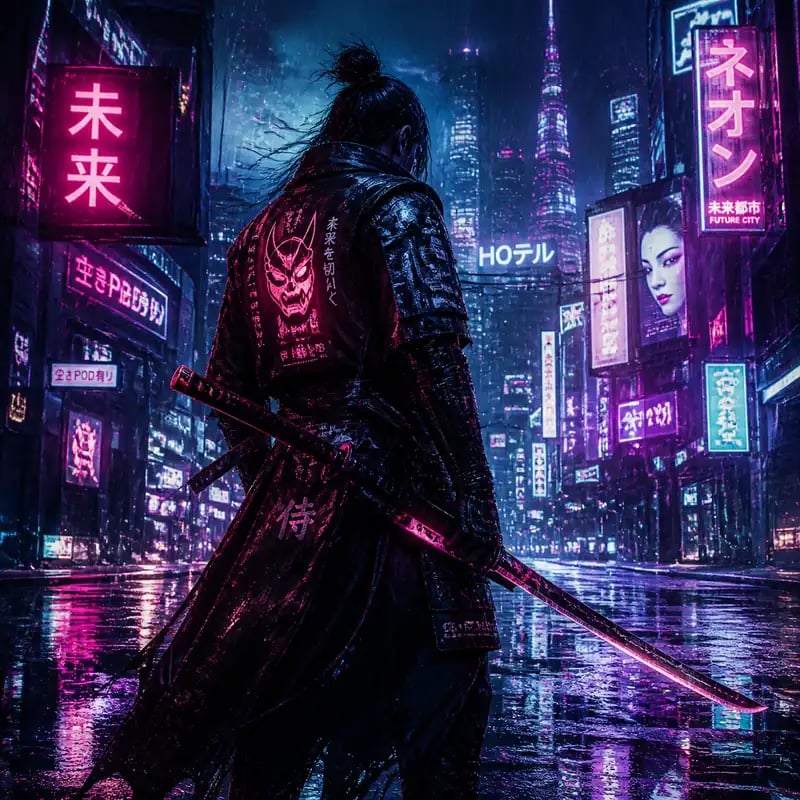
AI Art Generator — Make Original Art from Text
Describe a scene, a style, and a mood, and it paints it into original artwork in seconds. It is a prompt-only tool — sign in and spend credits to generate a square art piece you can keep refining.
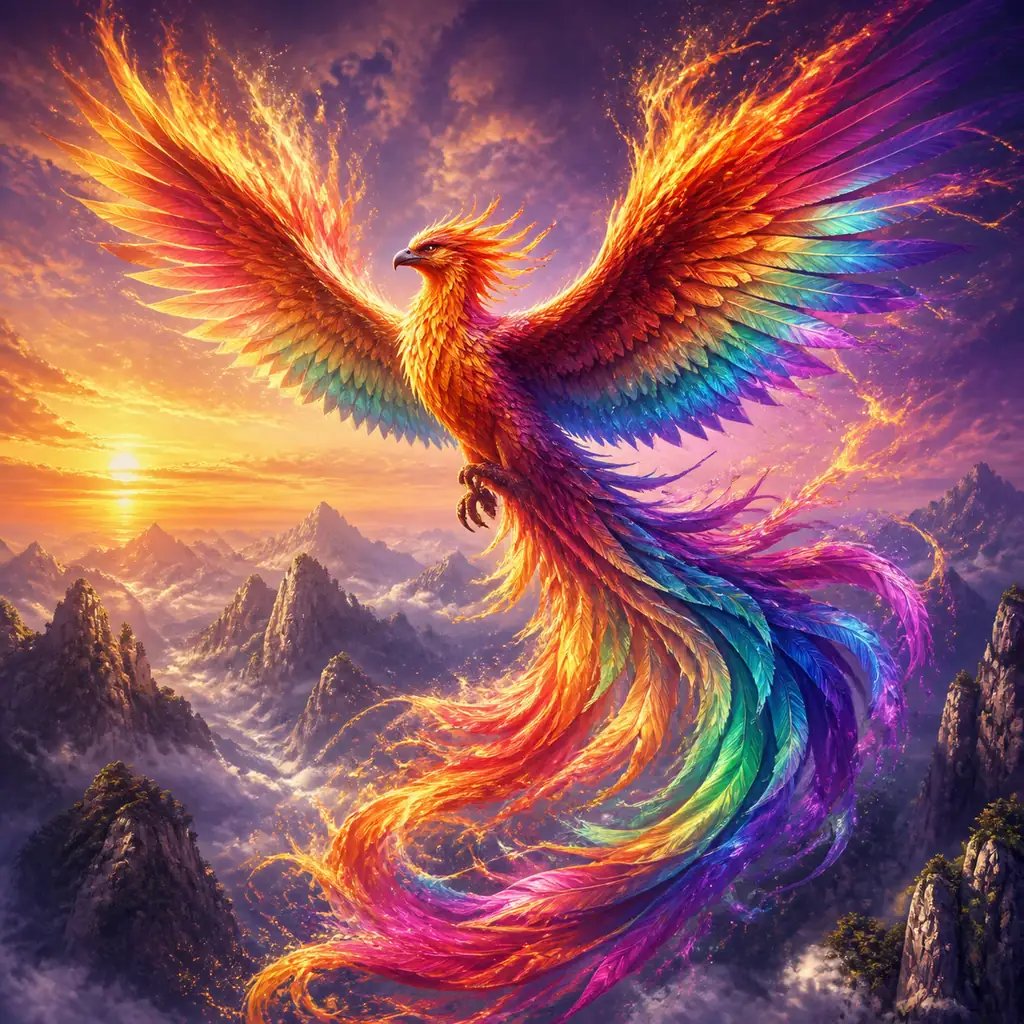
What is the AI art generator?
An AI art generator is a prompt-based digital creation tool that transforms text descriptions into fine art paintings, surreal digital illustrations, and abstract visual artwork. Artists and creators specify artistic movements, brushwork textures, lighting moods, and color palettes to generate original gallery-grade concept compositions in seconds.
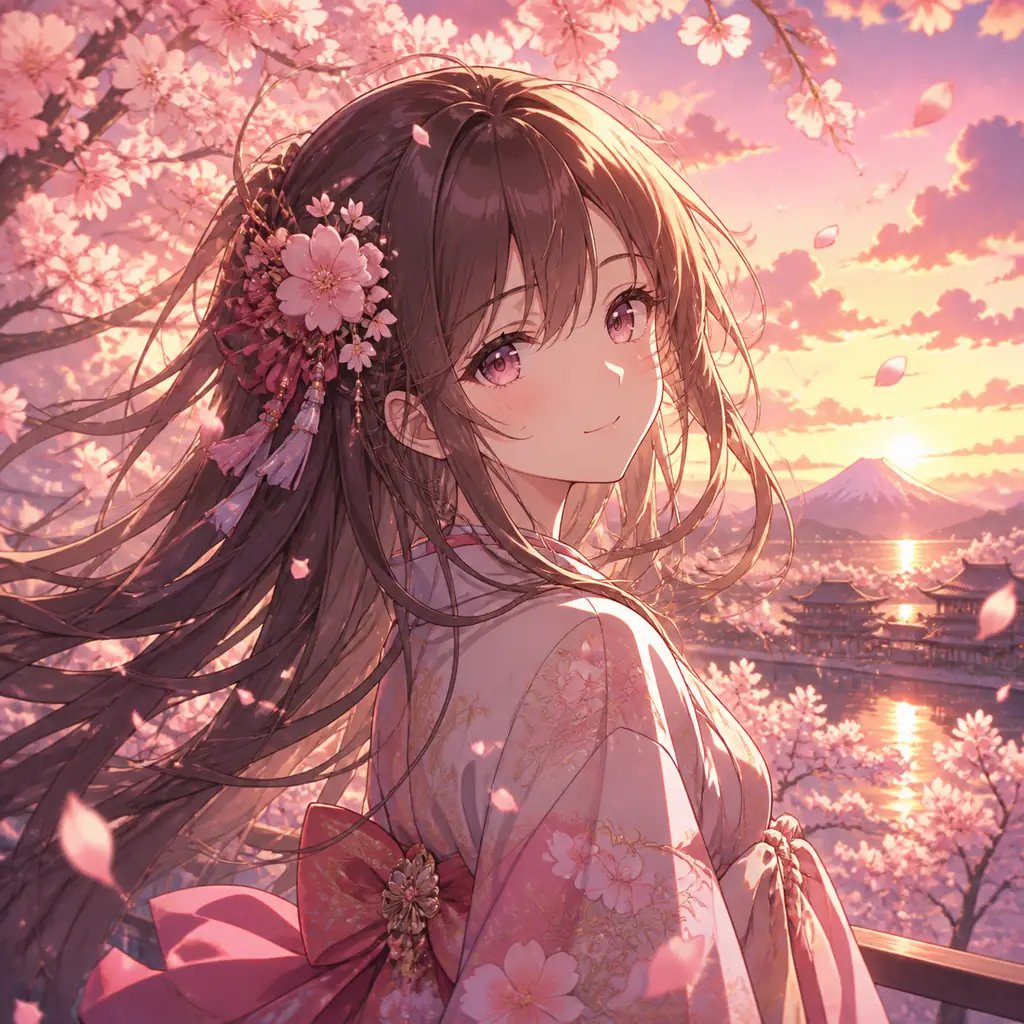
Why use an AI art generator?
The blank canvas is the hardest part of making art. This tool gets you from an idea to a finished image in one prompt: name the style, the subject, and a palette, and see real artwork you can judge. Where learning to paint takes years, this takes seconds — and because the style lives in your words, you can swing from oil painting to anime to pixel art just by changing the prompt. It is a prompt-only flow: no menus to fight, no files to manage. Describe, generate, and keep tuning the wording until the art feels right.
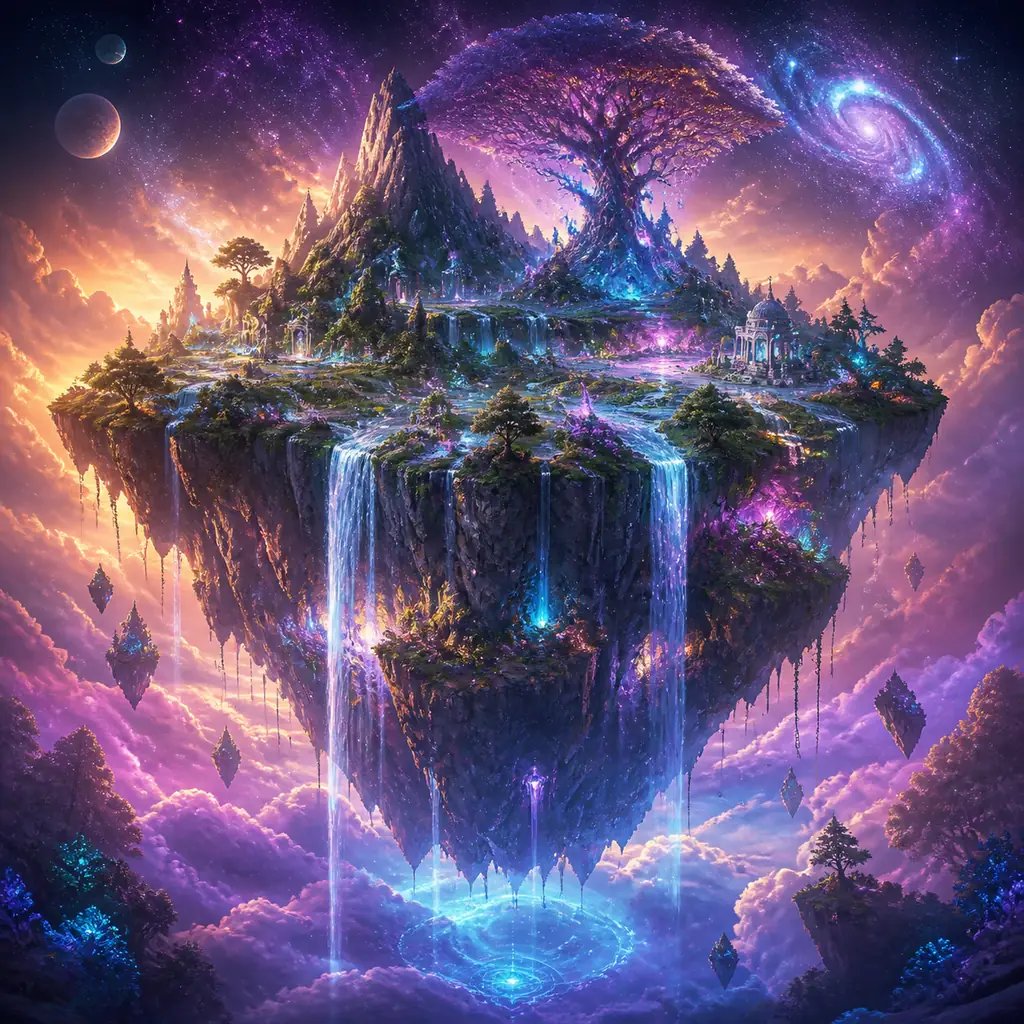
Out of ideas, or can't draw what's in your head?
You picture something vivid, but a blank page — or a lack of drawing skill — stops you cold. The tool flips that: put the picture into words and get a real image back to react to right away. Not quite it? Change a few words — the palette, the lighting, the style — and generate again. It is the same prompt-only flow as the rest of nabn: sign in, spend credits, and iterate toward the artwork you imagined instead of staring at a blank canvas.
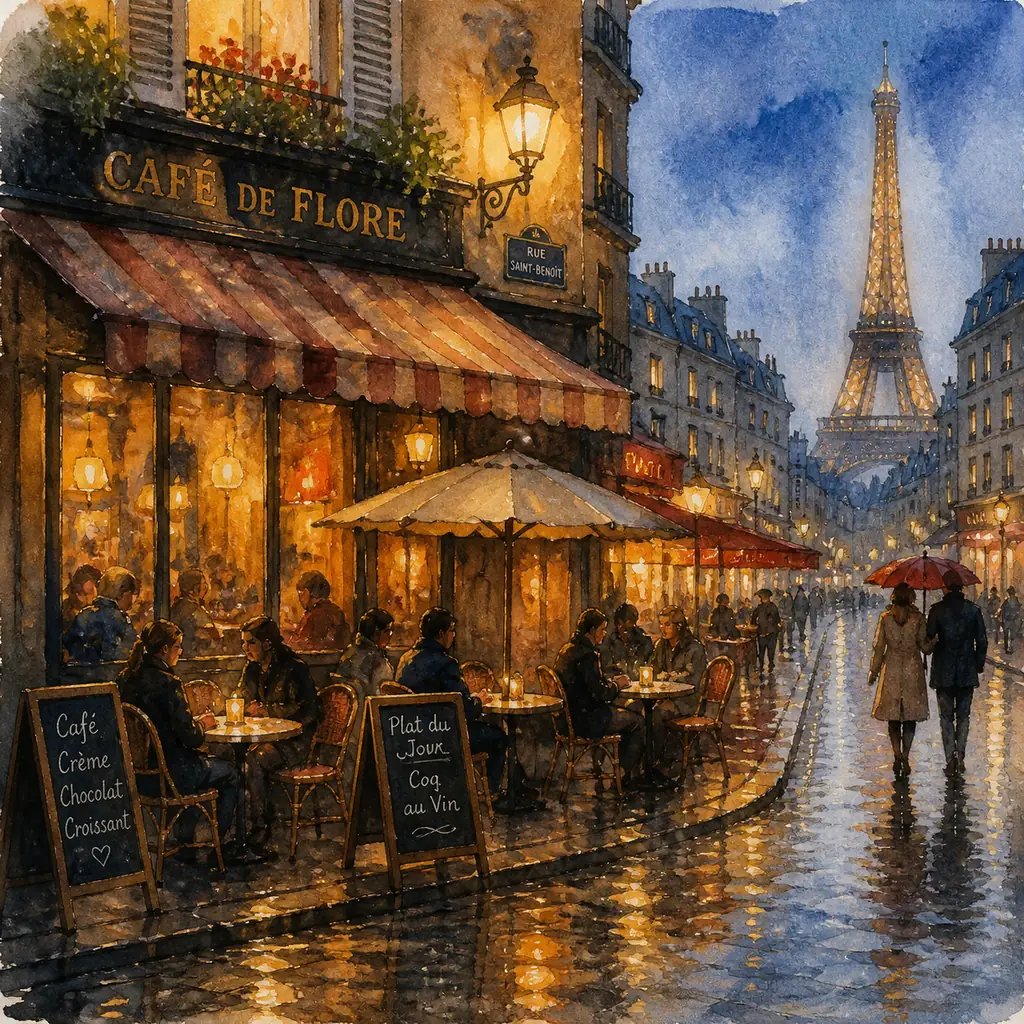
How to make AI art from text
Three steps to your first AI artwork on nabn.
- 1
Describe the art
Type a prompt: the subject, an art style (digital painting, anime, watercolor, abstract…), the colors, and the mood.
- 2
Generate the image
Sign in, spend credits, and it renders a square art image from your prompt.
- 3
Refine the prompt
Not quite right? Swap the style, the palette, or a detail and generate again until the artwork lands.
What people make with the AI art generator
One text-to-image tool, many kinds of art. Here is where people reach for it most.
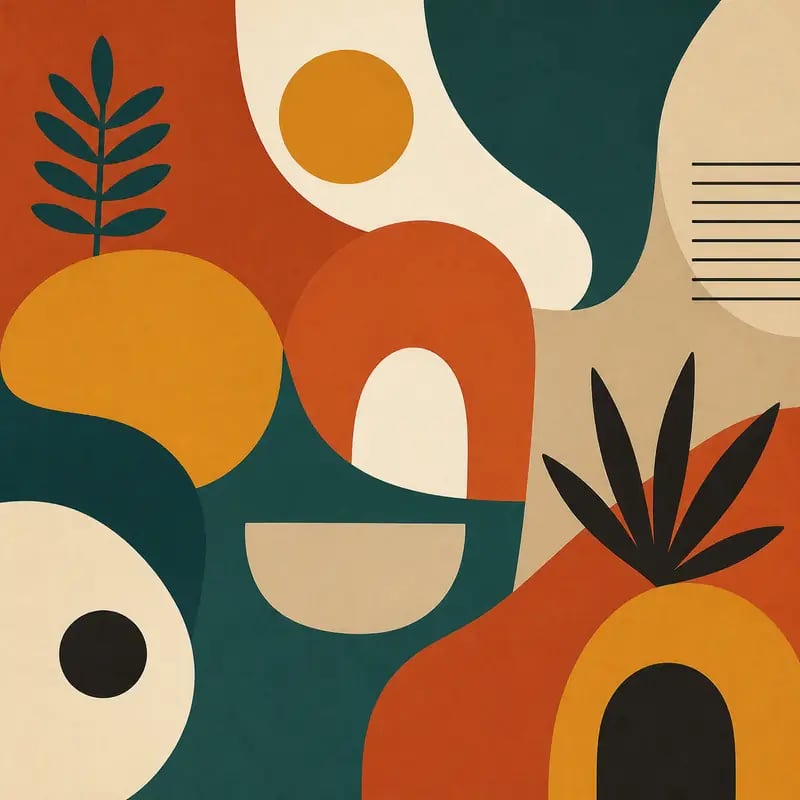
Wall art & prints
Generate a bold piece for a wall, a desktop, or a print. Describe the style and palette, and the generator returns art you can build a room around.
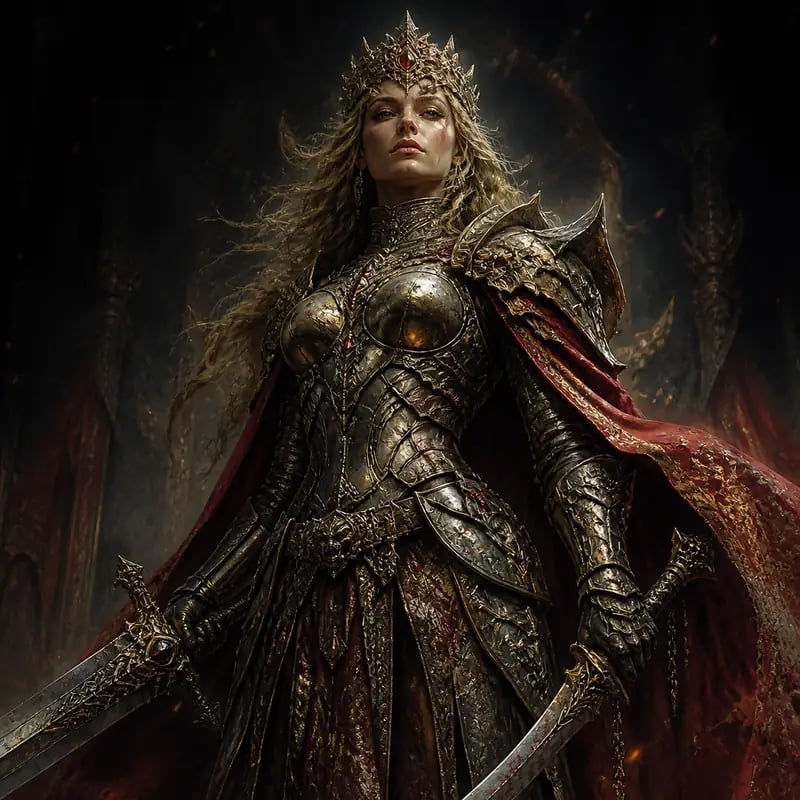
Characters & concept art
Bring a character or a world to life. Describe the look and the mood, and get painterly concept art straight from your words.
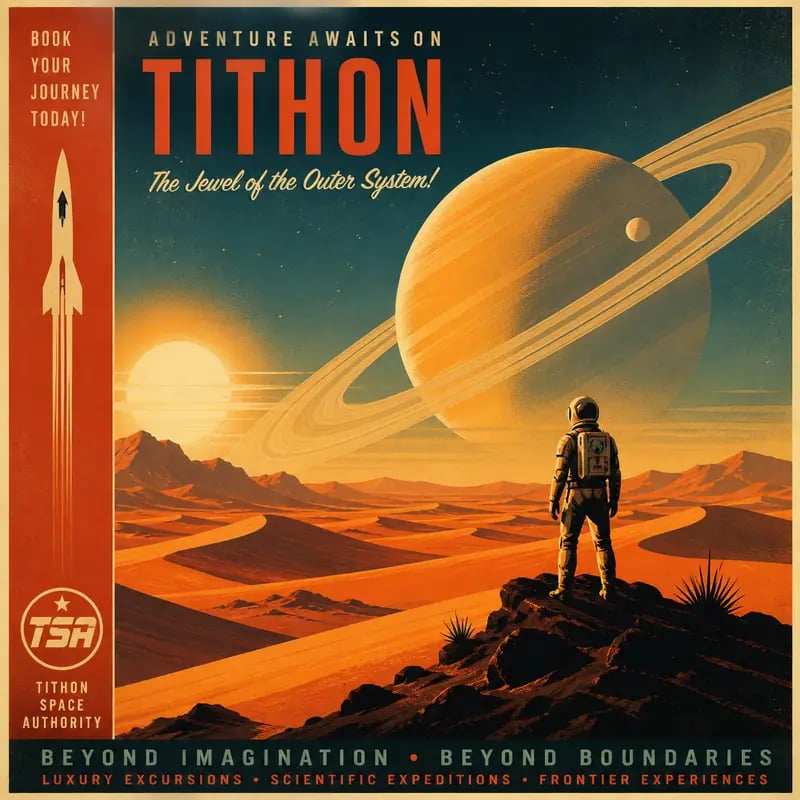
Posters, covers & social
Make key art for a poster, a cover, or a post. Name the theme and the style, and it lays out a striking piece.
Make Your First AI Artwork
Describe the art in your head and let nabn paint it. Sign in, spend credits, and generate a square piece in seconds.
More AI Image Generators
Need motion instead of a still image? Try the AI Video Generator
AI Art Generator — FAQ
A text-to-image tool that turns a written prompt into original artwork. Describe the subject, style, and colors, and it renders a square art image — no drawing skill or software needed.
nabn operates on a flexible credit model with plans starting from $20 for 1,000 credits up to high-volume creator tiers ($999). Generating images costs 16-18 credits per variant (~$0.32-$0.36 on standard plans), with complete commercial licensing included for all generated assets.
No. Generating art requires signing in, and each render spends credits from your nabn account — there is no anonymous free tier.
Any style you can describe — oil painting, anime, pixel, line art, 3D, surreal, and more. The style comes from your prompt, so the more specific the wording, the closer the result.
Text only. You describe the art in words and the model generates it from the prompt — there is no photo input on this page.
A high-quality image (a square raster artwork), not an editable vector file. It is a finished piece to use as-is, refined by re-prompting.