
16-Bit Pixel Art Canvas
Instant retro sprites, inventory icons, and game environments powered by Nano Banana 2 & GPT Image 2.
AI Pixel Art Generator: Create 16-Bit Retro Game Sprites
Generate crisp 16-bit pixel art, retro character sprites, and RPG inventory icons from prompts. Export clean, grid-ready assets without blurry anti-aliasing.
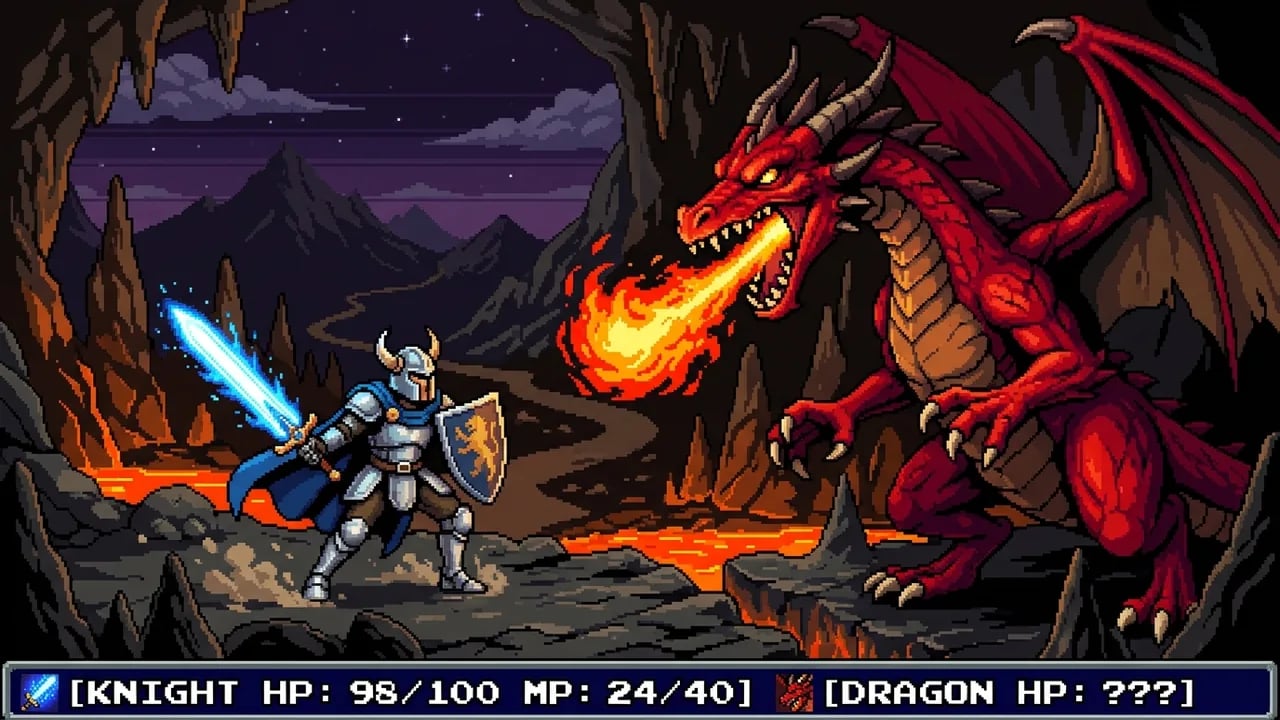
What Is an AI Pixel Art Generator?
An AI pixel art generator is a prompt-based visual creation tool that transforms text descriptions into retro 16-bit character sprites, RPG inventory icons, and isometric game tilesets. By enforcing strict square-pixel grids and restricted palettes, it generates game-ready assets in seconds while eliminating manual pixel-placement fatigue.
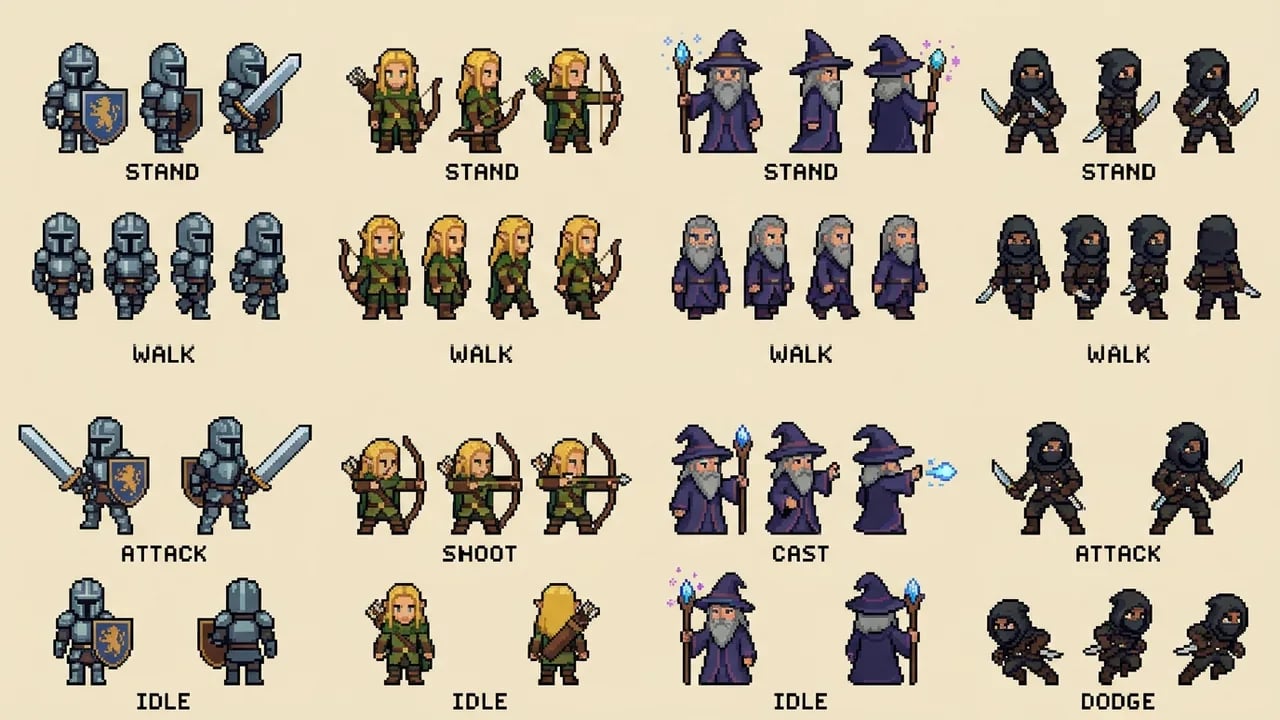
16-Bit RPG Heroes & Monster Sprites with Dynamic Poses
Craft retro warriors, archers, wizards, and rogues with high-contrast silhouettes. Every sprite maintains clean pixel clusters and distinctive outlines for effortless top-down or side-scrolling game integration.
- Multi-directional standing, walking, and attack silhouettes
- Zero-bleed outlines with 1px dark-toned contrast
- Ready for rapid prototyping or manual Aseprite touchups
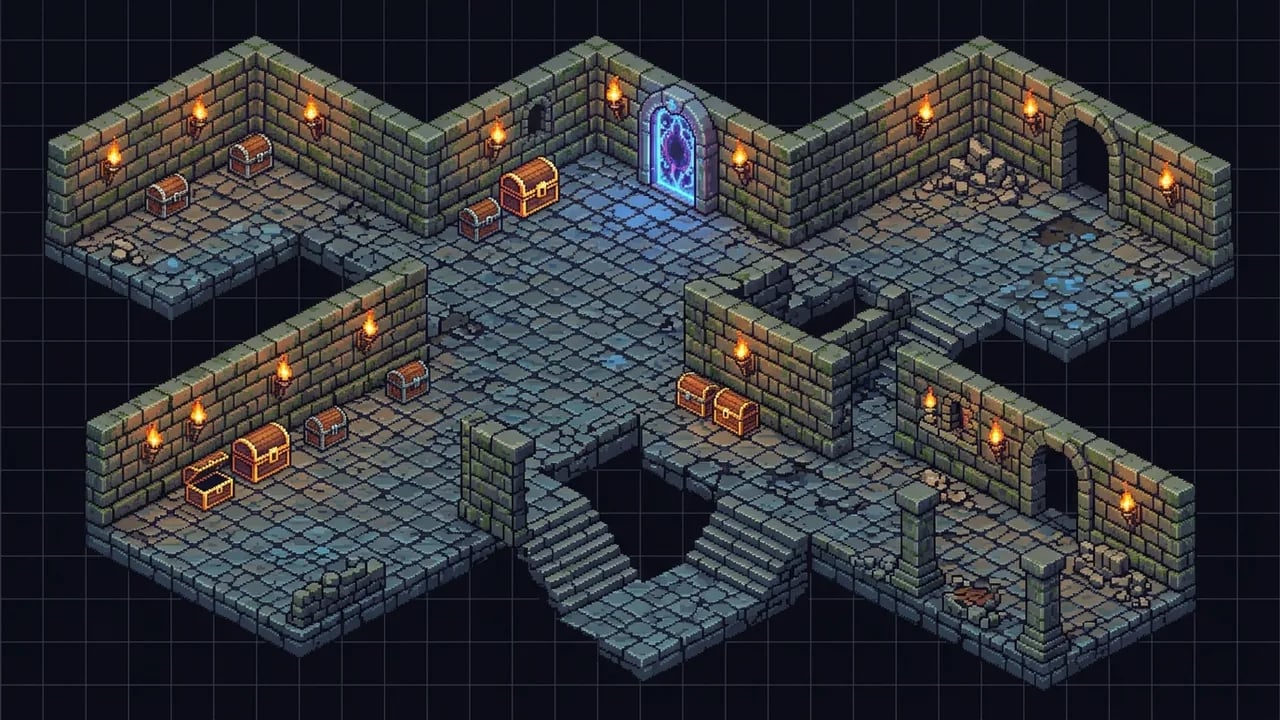
Cohesive Inventory Systems, Weapon Sets & Magic Potions
Generate complete 32x32 and 64x64 item grids with strict 16-color palette limits. Populate your roguelike or dungeon crawler inventory with enchanted swords, mana flasks, spellbooks, and gold keys.
- Consistent aesthetic across hundreds of distinct item types
- Limited 16-color palettes with 3-tone shading per material
- High readability at micro resolutions without muddy colors
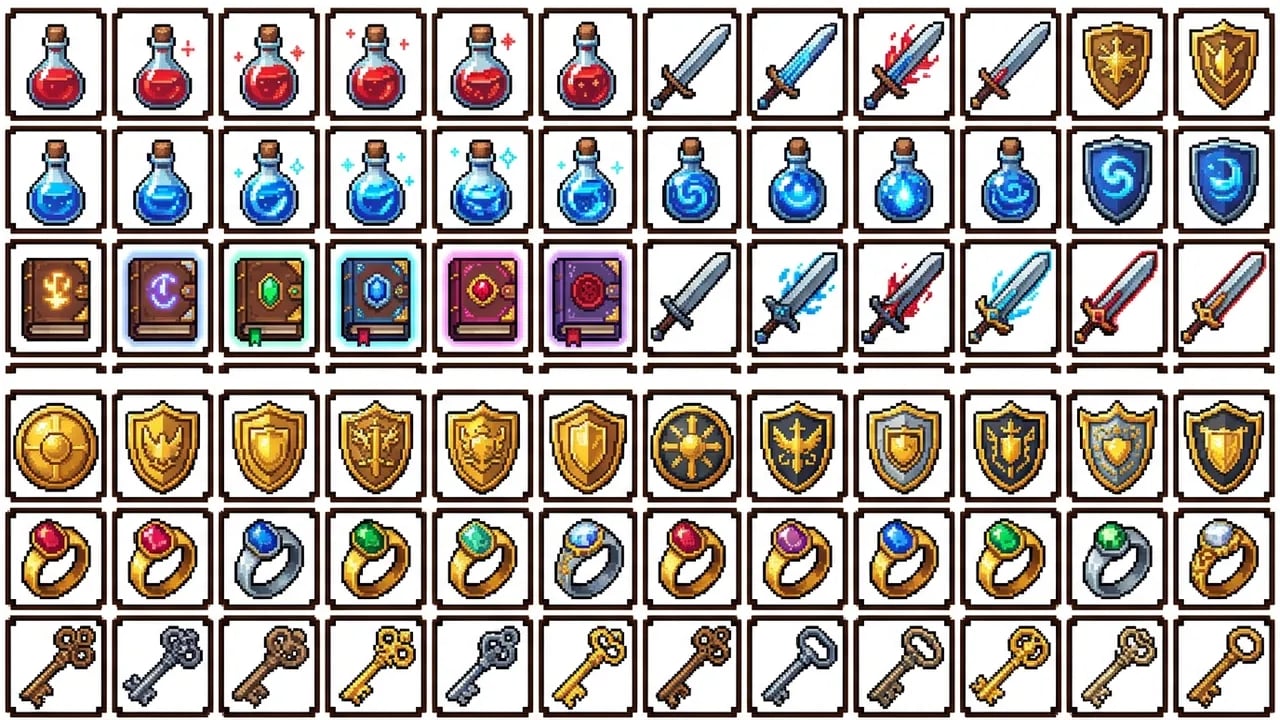
Isometric Dungeon Tilesets & Grid-Aligned Crafting Blueprints
Design cobblestone dungeon chambers, torch-lit stone corridors, and modular pixel tilesets. Perfect for tactics RPGs, isometric adventures, and Minecraft survival mural construction.
- Strict isometric angle and integer grid block alignment
- Easily countable pixel blocks for Minecraft & perler beads
- Modular environment assets with seamless tile transitions
Engineered for Authentic Retro Pixel Fidelity
Unlike generic image generators that produce blurry, continuous approximations, our engine enforces authentic hardware-inspired pixel constraints.
Uniform Square Pixels
Strict nearest-neighbor rasterization eliminates anti-aliasing blur and semi-transparent fringe artifacts.
Restricted Palettes
Curated 16 and 32-color gamuts prevent color bleed and facilitate seamless downstream palette indexing.
Clean Cluster Discipline
Features adhere to solid 2x2 multi-pixel clusters, completely eradicating noisy orphan pixels and messy jaggies.
Game-Engine Ready
Export clean assets ready for immediate import into Godot, Unity, GameMaker, RPG Maker, or Aseprite.
Why Indie Creators Choose nabn Over Manual Makers & Generic AI
| Production Dimension | nabn AI Pixel Art Generator | Manual Pixel Makers (Piskel / Pixilart) | Generic AI (Midjourney / DALL-E) |
|---|---|---|---|
| Prototype Turnaround Time | 5 to 15 seconds per asset | 3 to 8 hours of tedious manual clicking | 30 to 60 seconds (requires complex prompting) |
| Unit Production Cost | Cents per generation (~$0.32) | Free self-labor or $40-$80/sprite freelance cost | $20-$60/month subscription lock-in |
| Edge & Pixel Sharpness | Crisp integer square grid (zero blur) | Exact pixel placement | Severe anti-aliasing blur & fuzzy gradients |
| Color Palette Discipline | Restricted 16/32 color palettes (easy indexing) | Strict manual palette control | Blown colors (4,000+ random color bleeds) |
| Initial Artistic Skill Barrier | Zero barrier (click-to-load game presets) | High barrier (requires silhouette & anatomy mastery) | Medium (demands negative prompt mastery) |
| Downstream Game Engine Handoff | Optimized for 2-min Aseprite slicing & Godot import | Requires hand-drawing all remaining walk frames | Extremely difficult to recolor or clean up |
How to Generate 16-Bit Pixel Art in 3 Simple Steps
Follow our proven workflow to transform concept ideas into production-ready retro game assets.
- 1
1. Select Era & Describe Your Subject
Specify your subject (e.g. cyber knight, healing potion) along with retro hardware keywords like '16-bit SNES', 'restricted palette', and 'dark outline'.
- 2
2. Generate with Uniform Grid Constraints
Our dual-engine pipeline synthesizes discrete square pixels, enforcing solid color clusters while completely bypassing anti-aliasing blur.
- 3
3. Export & Import into Your Game Pipeline
Save your crisp PNG asset. Drop it directly into Godot or Unity, or open in Aseprite for quick palette indexing and sprite slicing.
Built for Every Retro Creative Workflow
From solo indie game development to Minecraft survival building, explore versatile use cases.
Indie Game Characters & Bosses
Prototype heroes, dungeon enemies, and colossal boss sprites in minutes to keep playtesting velocity high.
RPG Inventory & Equipment Grids
Generate vast assortments of weapons, magic spells, armor sets, and consumables with matching art direction.
Minecraft Murals & Perler Beads
Create sharp, low-color blueprints that map seamlessly onto physical block grids and handcrafted bead templates.
Retro Avatars & Streamer Emotes
Stand out on Discord, Twitch, and Twitter with authentic 8-bit and 16-bit retro profile pictures.
Ready to Build Your Retro Pixel World?
Start generating production-ready 16-bit sprites, items, and tilesets in seconds. No credit card required.
More AI Image Generators
Need motion instead of a still image? Try the AI Video Generator
Frequently Asked Questions About AI Pixel Art
nabn generates high-fidelity static character concepts, directional poses, and modular tilesets. For animated walk cycles, solo developers export their generated PNG sprite into Aseprite or Pyxel Edit to slice frames and assemble multi-frame animations with existing palette references.
Standard AI generators render images in continuous latent space, resulting in blurry edge gradients. nabn incorporates specialized prompt weighting, nearest-neighbor scaling emulation, and clean cluster rules that mandate solid multi-pixel blocks and sharp 1px outlines, preserving authentic retro raster aesthetics.
Yes. Outputs are exported as clean, uncompressed PNG files. You can drop them directly into Unity or Godot as static sprites with point filtering enabled, or import them into Aseprite to slice frames, index custom palettes, and assemble animated walk cycles.
Traditional online pixel makers require manual click-by-click drawing on an empty grid, taking hours per character. Our AI generator produces fully rendered 16-bit concept sprites in seconds, giving solo developers instant visual prototypes while leaving final tweaking to manual editors.
nabn operates on a transparent credit model with plans starting from $20 for 1,000 credits. Generating pixel art costs 16 credits per image (~$0.32 on standard plans) with complimentary initial trial credits upon sign-up. All generated pixel assets are ready for your indie video games, creative merchandise, and commercial branding.