ChatGPT Image Generator — Text to Image on GPT Image 2
nabn is a text-to-image tool powered by the GPT Image 2 model — the model behind ChatGPT Images 2.0, known for sharp, accurate in-image text. Describe a picture in plain words and it renders in seconds. nabn is an independent product and is not affiliated with OpenAI or ChatGPT — sign in and spend credits to generate.
Generate an image
Type a prompt and the GPT Image 2 model renders your image.
What is the ChatGPT image generator?
A ChatGPT image generator powered by the GPT Image 2 model is a high-speed text-to-image synthesis tool engineered for prompt precision, crisp typography, and balanced lighting compositions. Designers and creators input natural language prompts to produce digital illustrations, marketing visuals, and concept art in seconds.
Built as a dedicated model studio inside the nabn AI visual and video creation platform, giving creators direct 2K text-to-image generation at 16 credits per render.
Why use this ChatGPT image generator?
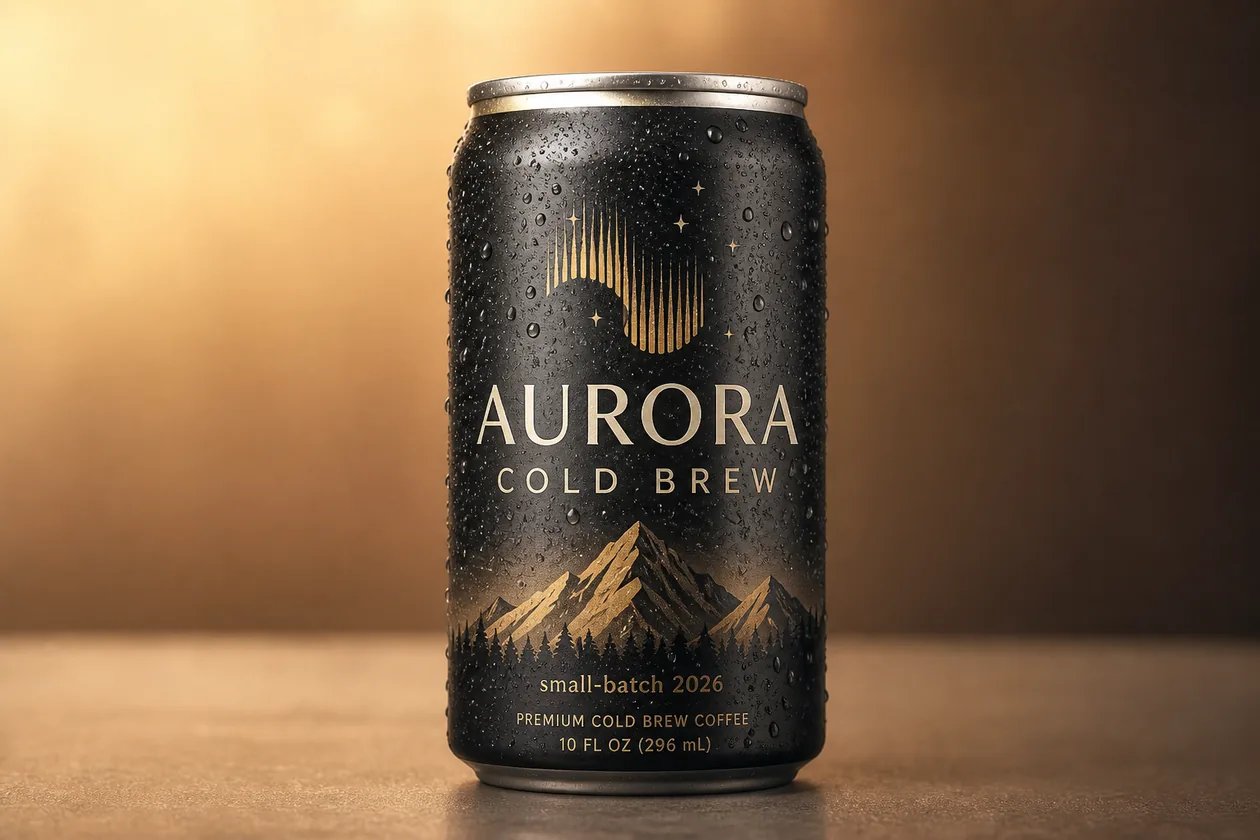
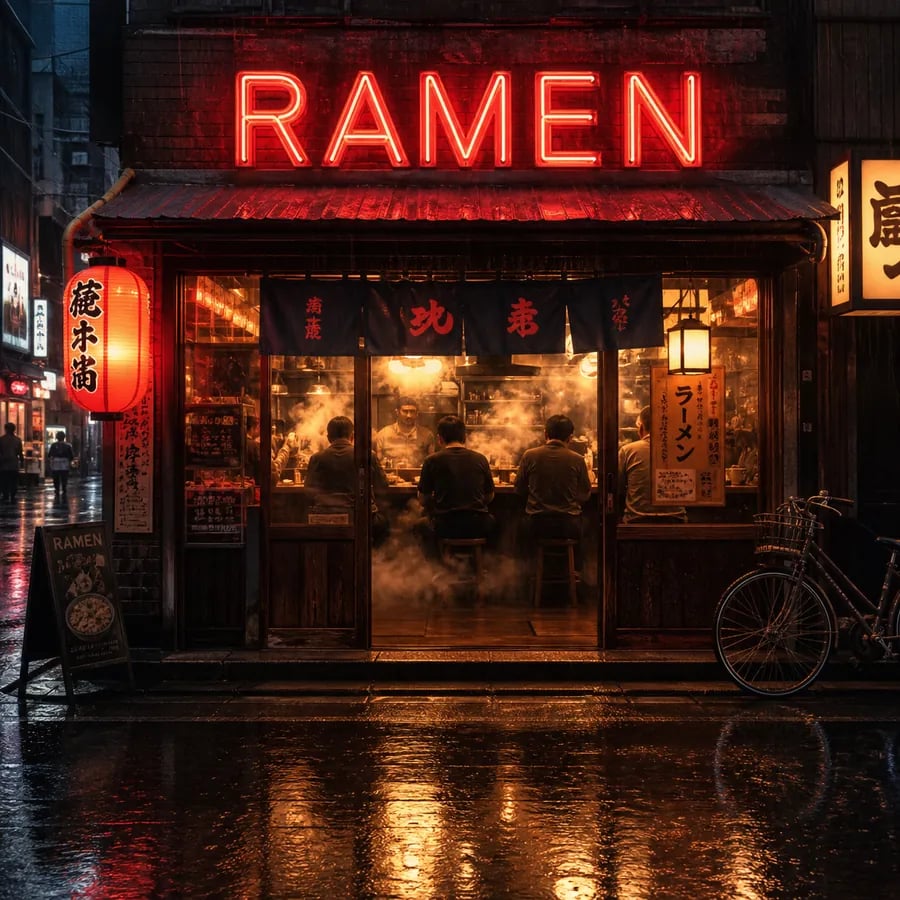
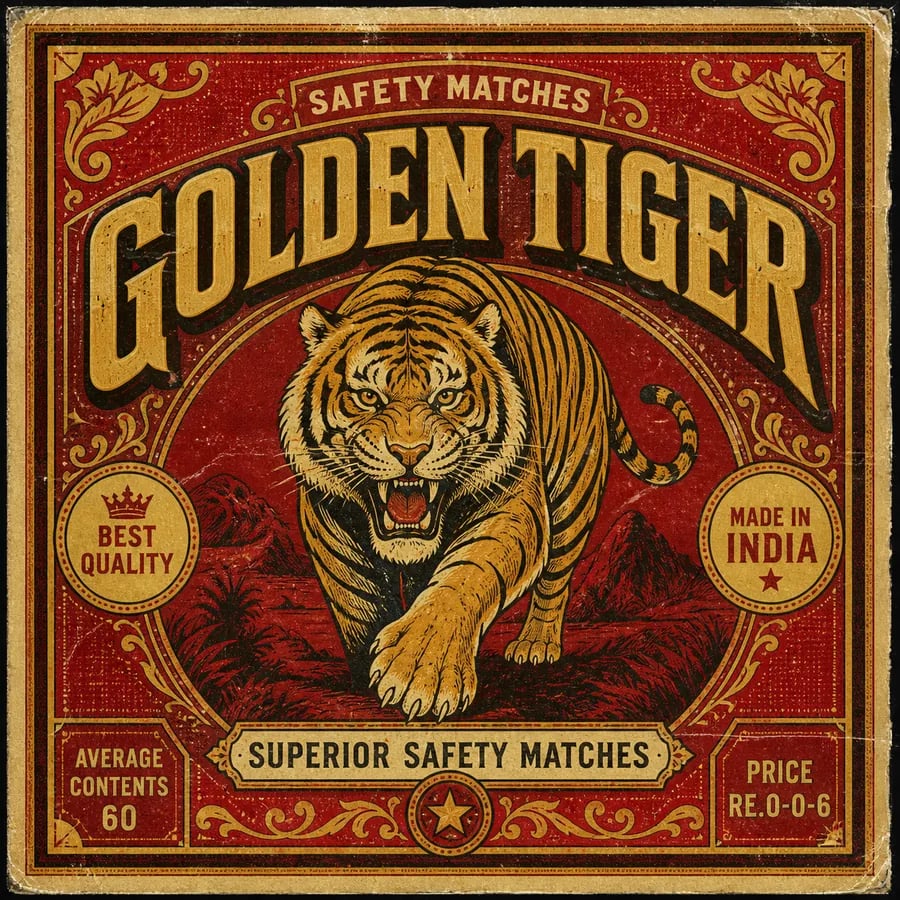
Reach for it when the words on the image matter — a poster headline, a product label, a shop sign, a matchbox design — and when a prompt lists a lot of details you need honored. Where many AI image generators smear letters into gibberish and drop half your instructions, GPT Image 2 keeps text legible and sticks to what you asked for. On nabn you get it behind a clean text box: describe the subject, the layout, and the exact words to render, and it returns a crisp image. Same prompt-only workflow, powered by ChatGPT Images 2.0.
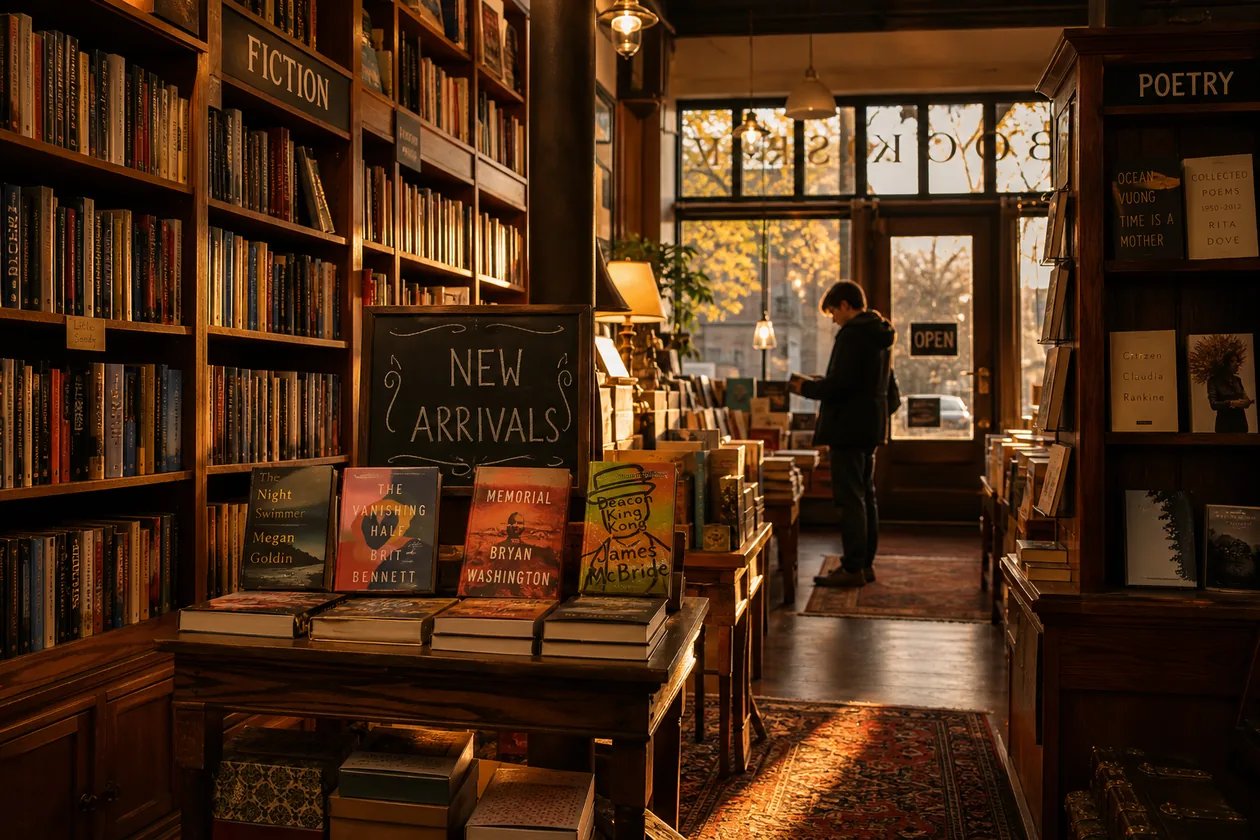
Tired of AI posters where the text comes out garbled?
Most image models turn a simple headline into warped, misspelled shapes and quietly ignore half the details in your prompt — so you rewrite it again and again and still can't use the result. GPT Image 2 is built for the opposite: readable lettering and faithful, detailed scenes. On nabn there is no model dropdown or settings to hunt through — describe what you want, generate, and fine-tune the wording until the text lands exactly right.

How to Use the ChatGPT Text-to-Image Generator
Three steps to your first image on nabn.
Describe your image
Type a plain-text prompt — the subject, the style, the layout, and any exact words you want rendered on the image.
Generate the image
Sign in, spend credits, and the GPT Image 2 model renders your image from the description.
Refine the prompt
Not quite right? Adjust the wording and generate again — small prompt changes steer the model toward exactly what you pictured.
What people make with GPT Image 2
One text-to-image tool on the GPT Image 2 model, many jobs. Here is where people reach for it most.
Posters & designs with real text
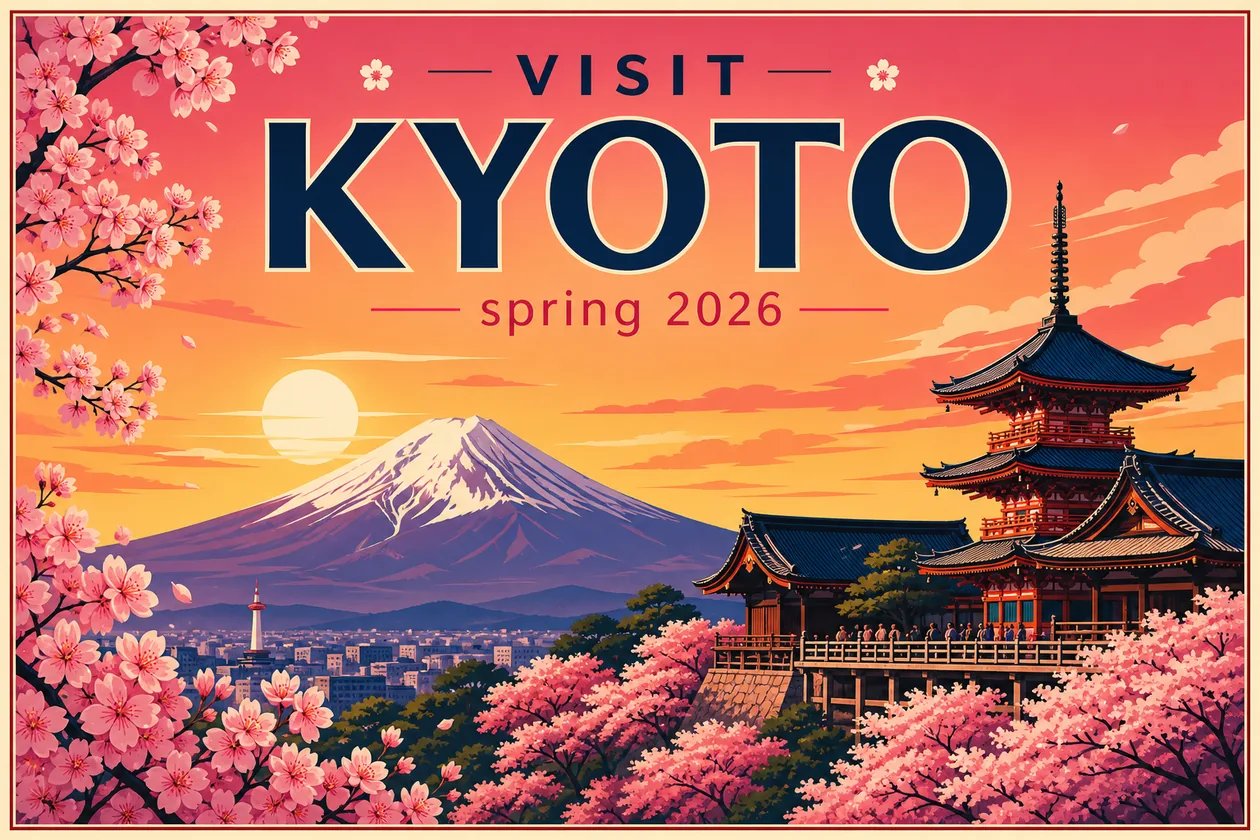
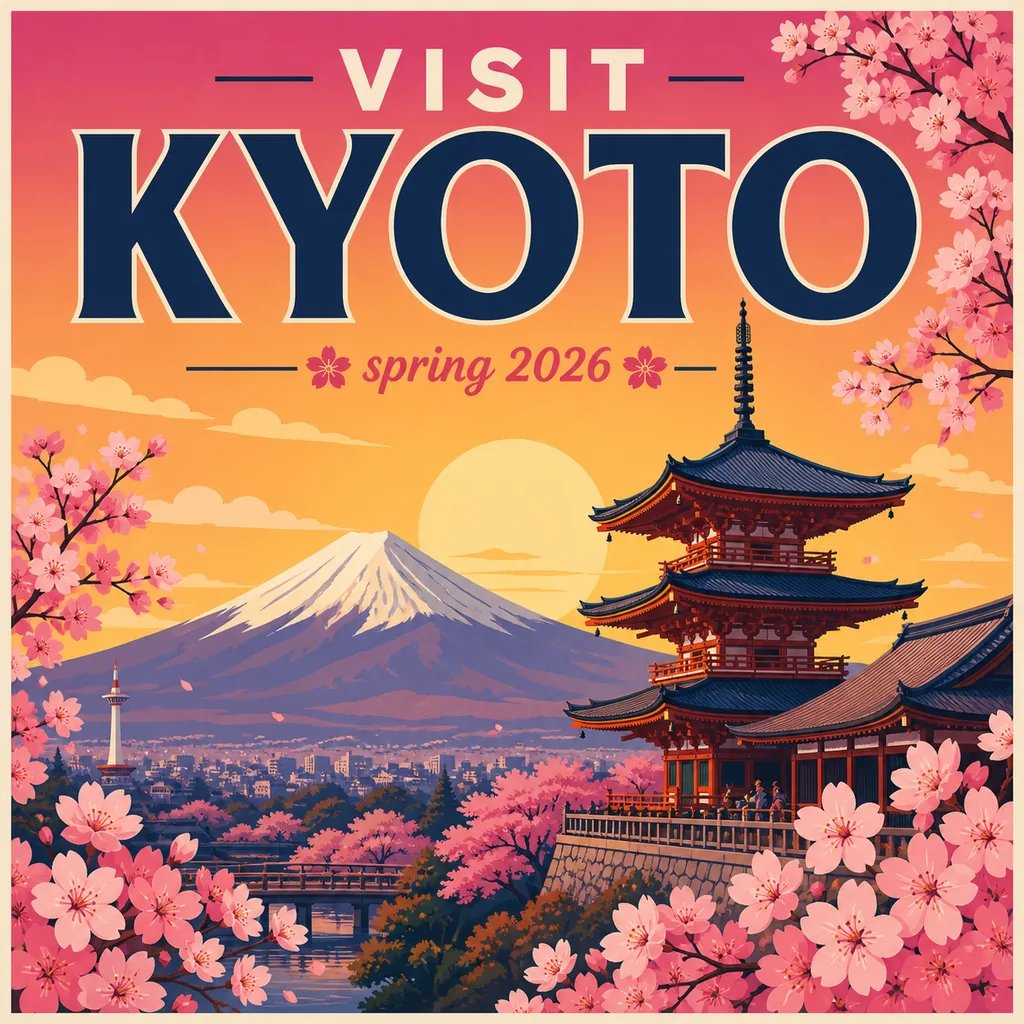
Make a poster, label, or sign where the words matter. It renders legible, correctly-spelled lettering that most image generators can't.
Campaign posters & product visuals
Compose print-ready posters, event flyers, and photoreal product visuals—down to readable headlines, surface reflections, textures, and small props.
Characters, art & illustration
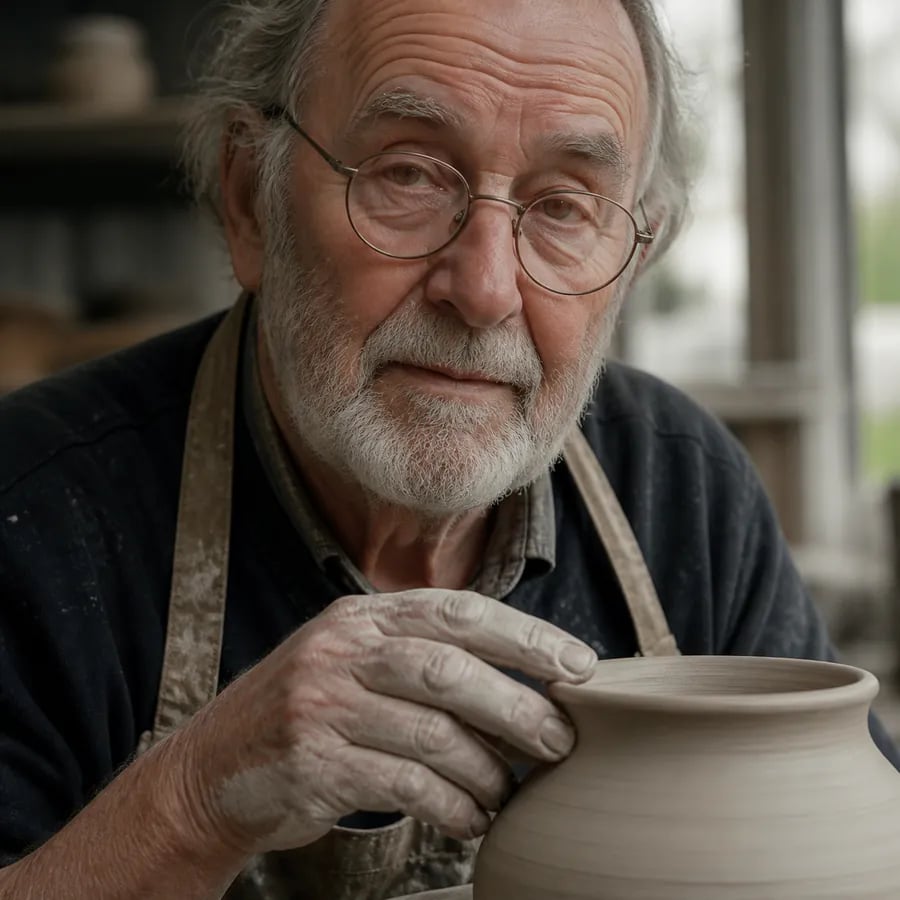
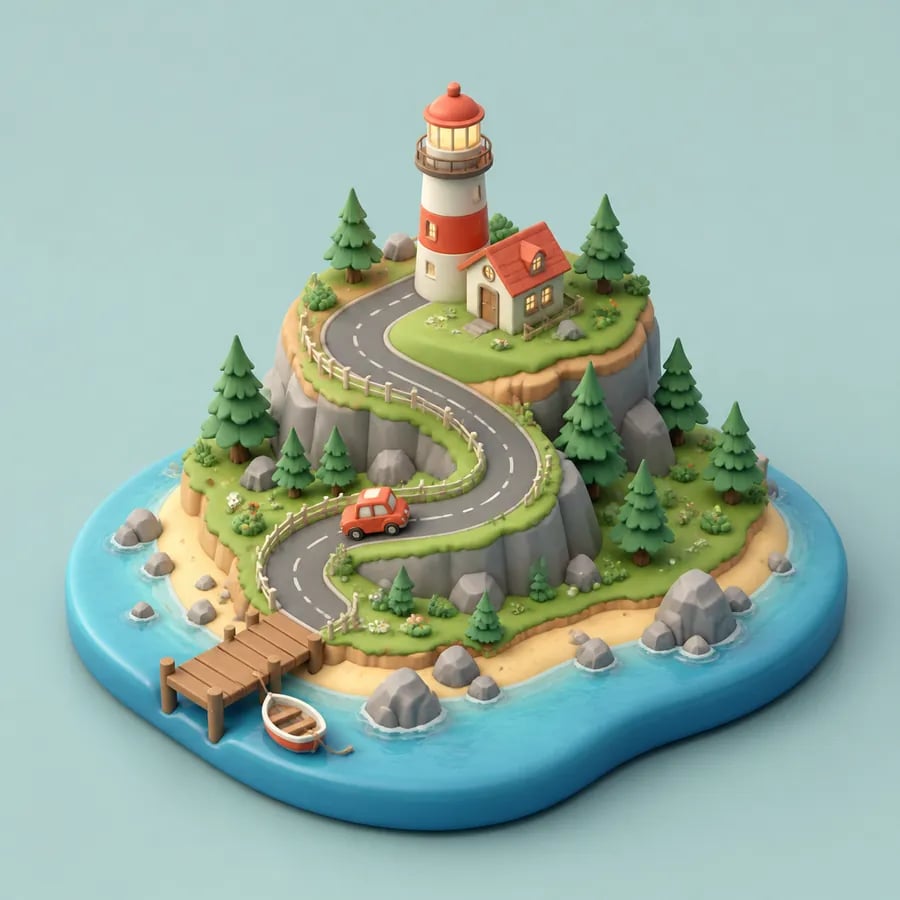
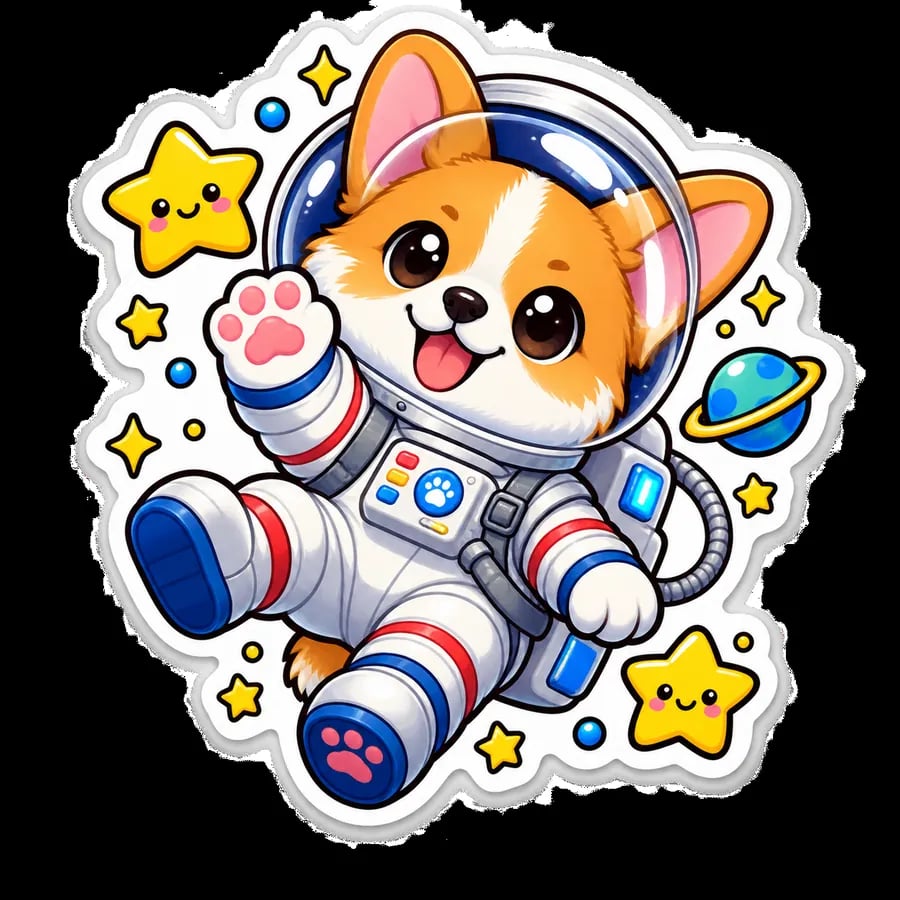
From hyperreal portraits to stickers, 3D dioramas, and concept art — describe a style and the model follows it.
Made with GPT Image 2
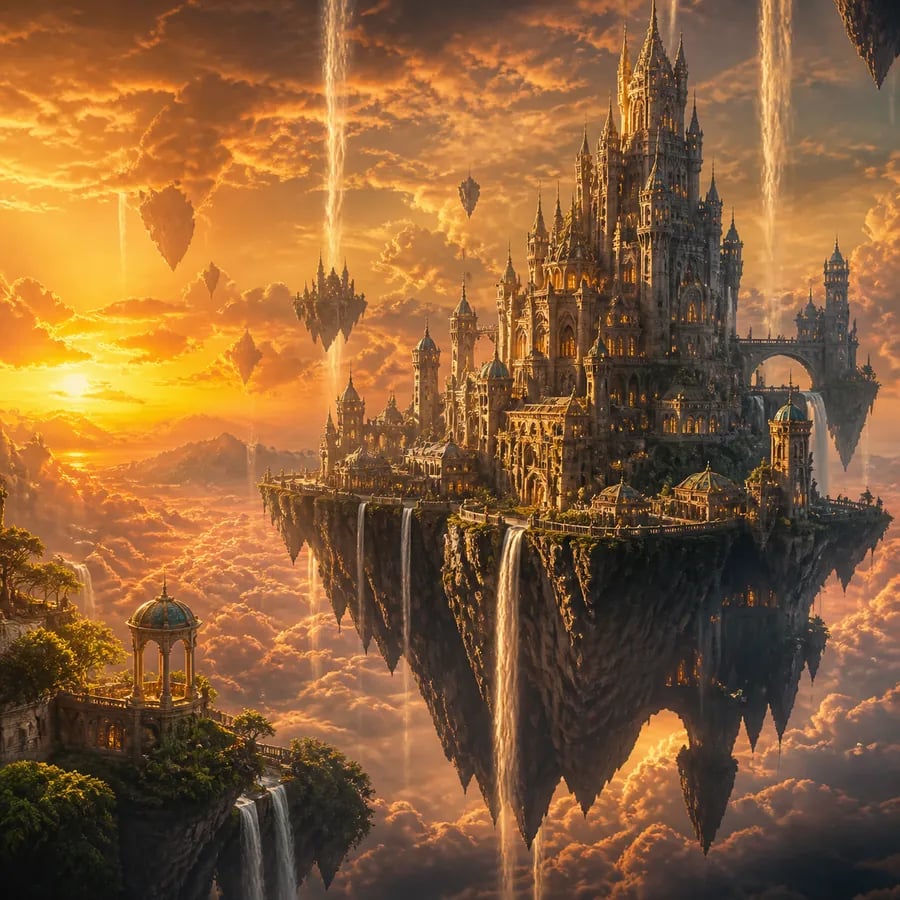
Every image here came from a single text prompt on nabn — the same GPT Image 2 engine this page is pinned to.
Generate Your First Image
Describe the image in your head and let the model render it — sharp text and all. Sign in, spend credits, and generate in seconds.