
Click any inking style to sync the generator prompt and live model preview
Line Art Canvas Preview
16:9 widescreen master ink drawing output
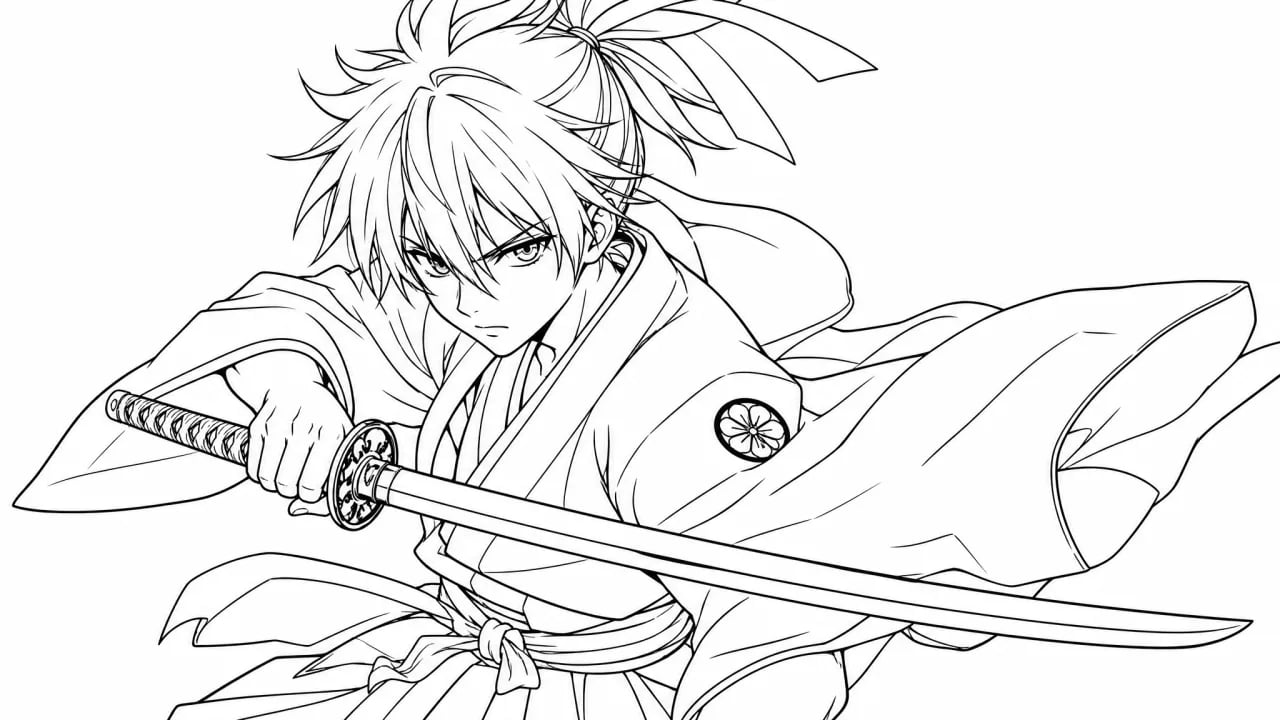
AI Line Art Generator: Clean Black & White Inking
Generate razor-sharp black and white line art with zero gray smudges. Craft anime manga G-pen contours, fantasy comic inking, and minimalist vector outlines from text prompts.
What Is an AI Line Art Generator?
An AI line art generator is a prompt-based visual creation tool that transforms text descriptions into crisp, pure black and white line drawings. It produces closed anime contours, comic inking, and minimalist vector outlines ready for digital coloring, flatting, and concept design.
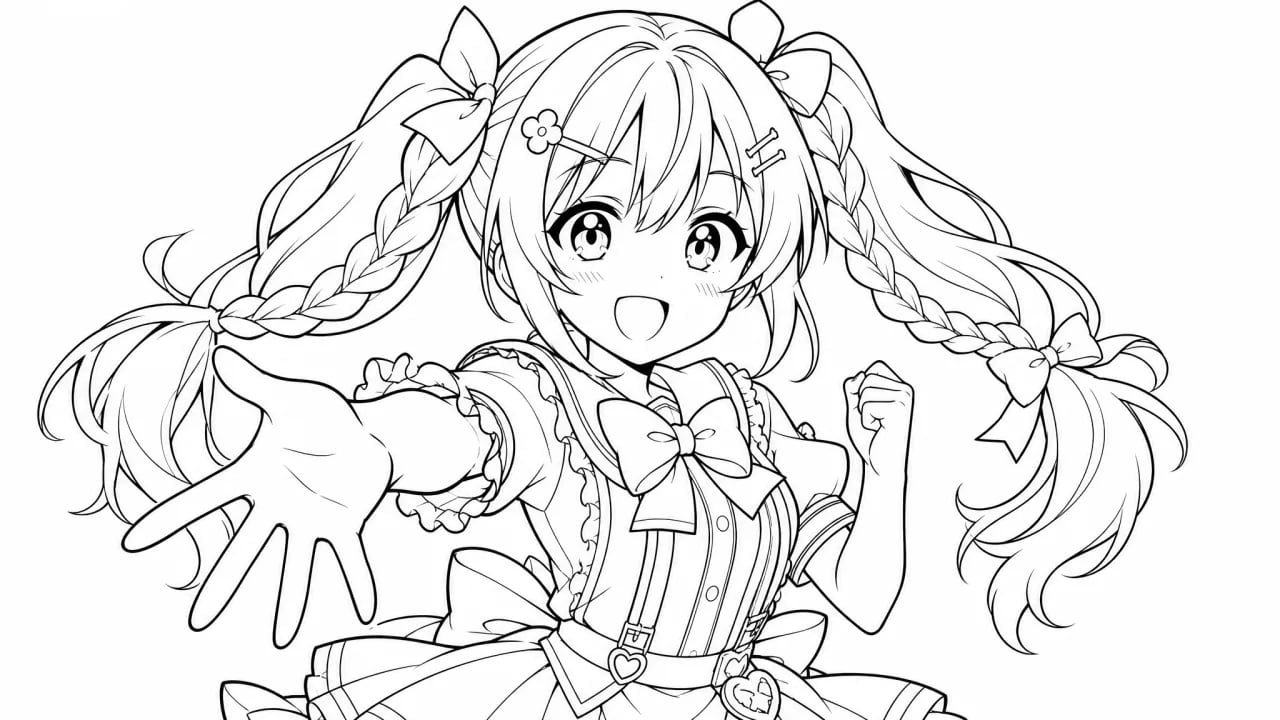
Japanese Manga G-Pen and Clean Closed Contours
Generate razor-sharp anime character outlines with authentic dynamic line weights and tapered stroke ends, emulating traditional Japanese comic dip pens.
- Dynamic stroke tapering mimicking real Japanese manga dip pens
- Closed outer contours designed for instant bucket fill coloring
- Pure solid white backdrop free of dirty pencil smudges
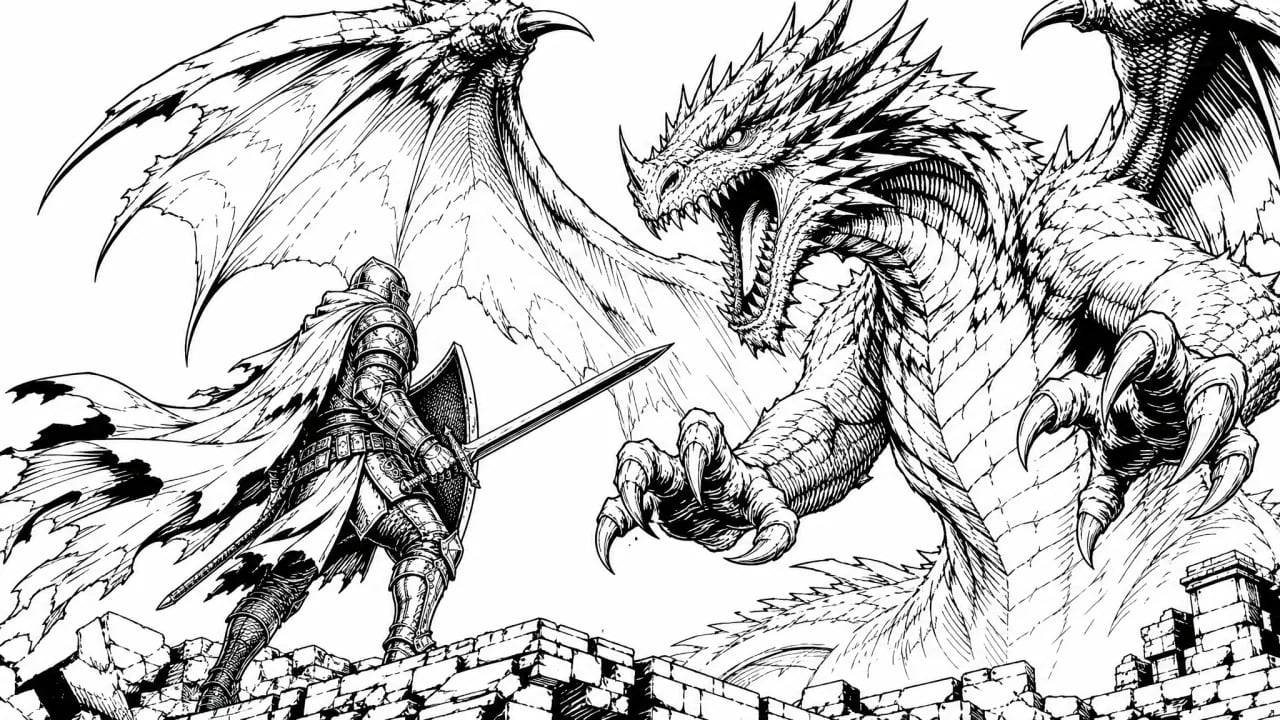
Western Comic and Fantasy Heavy Inking
Craft bold graphic novel illustrations featuring deep black shadows, dramatic cross-hatching textures, and high-contrast comic book action silhouettes.
- High-contrast deep blacks with zero muddy grayscale noise
- Crisp cross-hatching textures that hold clarity in print
- Dynamic action silhouettes suited for sequential graphic stories
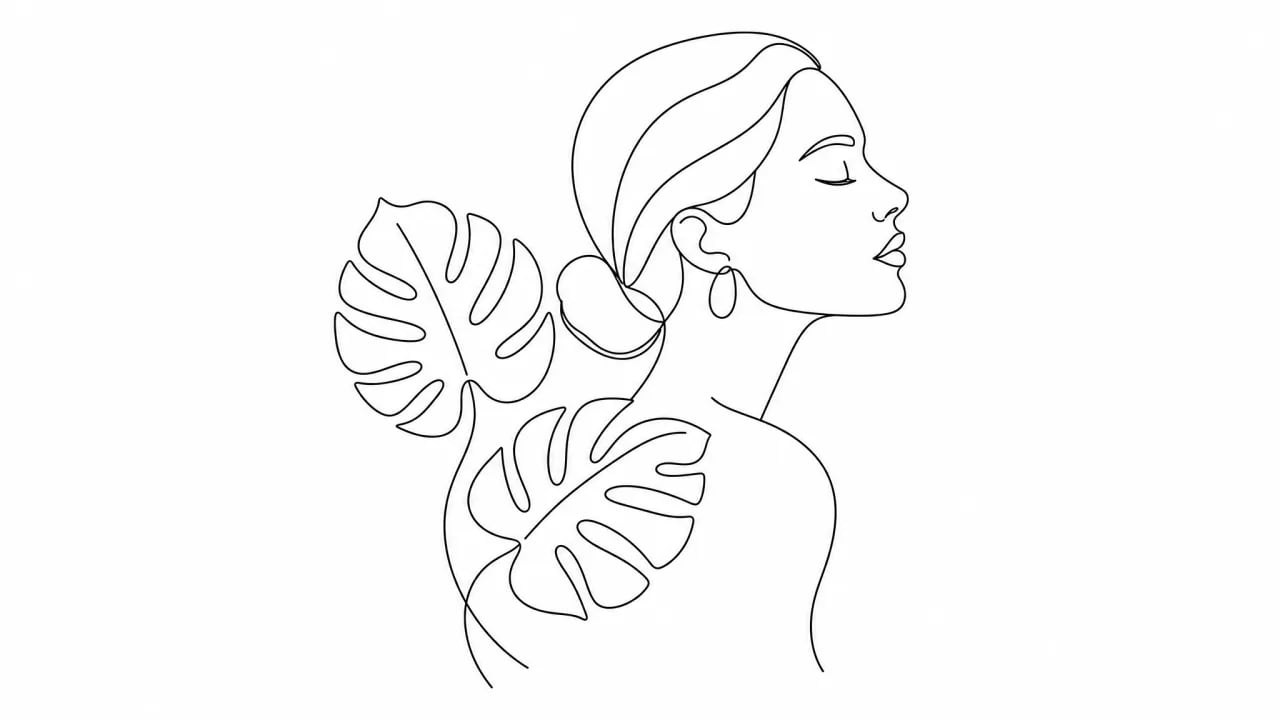
Minimalist Vector and Botanical Outlines
Produce elegant single-weight continuous line drawings combining modern Scandinavian portraits, architectural forms, and botanical flora.
- Uniform single-stroke weight and flowing aesthetic curves
- Modern Scandinavian lifestyle and botanical compositions
- High contrast optimized for automated vector tracing
Why Artists & Designers Choose Our AI Line Art Generator
Eliminate hours of manual cleanup and dirty grayscale smudges with dedicated black-and-white inking synthesis.
Zero Grayscale Smudges
Our monochrome inking prompt engine enforces pure monochrome contrast (#000000 / #FFFFFF), eliminating the muddy gray pencil noise common in generic AI outputs.
Bucket Fill & Flatting Ready
Produces tight, closed contour lines so digital painters can use the paint bucket or magic wand tool without frustrating color bleeding.
Versatile Inking Styles
Switch effortlessly from delicate shojo manga dip pens to bold superhero graphic novel inks and modern single-weight aesthetic lines.
Vector Trace Friendly
Ultra-crisp raster edges convert cleanly into SVG bezier curves in Adobe Illustrator or Inkscape with minimal anchor point bloat.
nabn Line Art AI vs Generic AI Filters vs Manual Pen Inking
| Comparison Dimension | nabn Line Art AI | Generic AI Filters | Manual Pen Inking |
|---|---|---|---|
| Line Purity & Contrast | Pure 100% black on white (#000000 / #FFFFFF) | Dirty grayscale smudges & pencil noise | Clean but labor-intensive manual inking |
| Bucket Fill & Flatting | Closed contour lines; zero color bleed | Broken gaps leaking flood fills | Requires tedious manual vector gap closing |
| Style Breadth | Manga G-pen, comic inking, minimalist vector | Single generic filter look | Limited to individual artist's hand style |
| Turnaround Speed | Under 15 seconds per iteration | 1-3 minutes with post-filtering | 3-8 hours per complex inking sheet |
| Vector Traceability | Smooth clean edges ideal for vectorization | Pixelated antialiasing causing trace artifacts | Native vectors but high manual overhead |
| Production Cost | Deductible credits (zero subscription lock-in) | High monthly recurring software fee | $40 - $150 per freelance commission |
How to Generate Clean Black and White Line Art in 3 Steps
Follow our proven prompt formula to achieve crisp outlines without muddy pencil shading.
1. Define Subject & Line Style
Specify your character, animal, or object and select your preferred inking style: Japanese manga G-Pen, comic graphic inking, or minimalist vector outline.
2. Add Inking Clarity Modifiers
Include targeted quality modifiers like 'pure black and white', 'clean closed outlines', 'zero grayscale shading', and 'solid white background'.
3. Export & Hand Off to Workflow
Export your crisp line drawing to colorize directly in Clip Studio Paint, or run image trace to export crisp SVG vectors.
Built for Digital Artists, Illustrators, and Designers
Accelerate your sketching and inking workflow across comic publishing, merchandise, and digital coloring.
Manga & Webtoon Inking
Generate initial ink drawing roughs and turnaround inkings to meet aggressive weekly episodic publishing deadlines.
Digital Coloring & Flatting
Provide clean line drawings for digital colorists and beginners looking for coloring practice without drawing from scratch.
Tattoo & Laser Engraving Stencils
Create high-contrast stencil guides suitable for tattoo thermal printers, vinyl cutters, and CNC laser engravers.
Minimalist Merch & Prints
Design aesthetic single-line wall art, botanical tote bag graphics, and screen printing apparel merchandise.
Ready to Generate Crisp Black & White Line Art?
Create professional comic inks, anime contours, and minimalist line drawings in seconds with complimentary trial credits.
Frequently Asked Questions
Everything you need to know about our digital inking generator.
What is an AI line art generator and how does it work?↓
An AI line art generator transforms written text descriptions into crisp, pure black and white line drawings using specialized diffusion models. It synthesizes sharp inking, closed contours, and expressive line weights on a solid white canvas. nabn provides complimentary trial credits for new users to generate artwork immediately with zero subscription commitments.
Can I use generated line art for coloring and flatting in Photoshop or Clip Studio Paint?↓
Yes. Our inking formulas produce clean, closed contour boundaries. Digital colorists can easily use the paint bucket or magic wand selection tools to drop flat base colors without experiencing messy color bleeding or edge leakage.
Is the generated inking delivered in SVG vector format?↓
Our generator exports high-fidelity monochrome raster images (WebP / PNG) on a pure white background. Because the lines are high-contrast with minimal antialiasing noise, they can be converted into clean SVG bezier curves using Adobe Illustrator Image Trace or Inkscape Trace Bitmap in just a few clicks.
How can I avoid gray shadows or pencil smudges in my inking prompts?↓
To ensure pure black-and-white output, include explicit negative modifiers and quality descriptors such as 'pure black and white lineart', 'zero grayscale shading', 'no pencil sketch noise', 'clean inking', and 'solid white background'. Using our built-in preset chips automatically appends these optimized tags.
How much does it cost to generate ink drawings on nabn?↓
nabn operates on a flexible, pay-per-credit model without mandatory monthly subscriptions. Generating a high-fidelity line drawing costs only a few cents per render. New users receive complimentary starting credits to test all inking styles with zero upfront payment.
More AI Image Generators
Need motion instead of a still image? Try the AI Video Generator