
Your Thumbnail Render
Rendered in native resolution, ready to test as your video cover
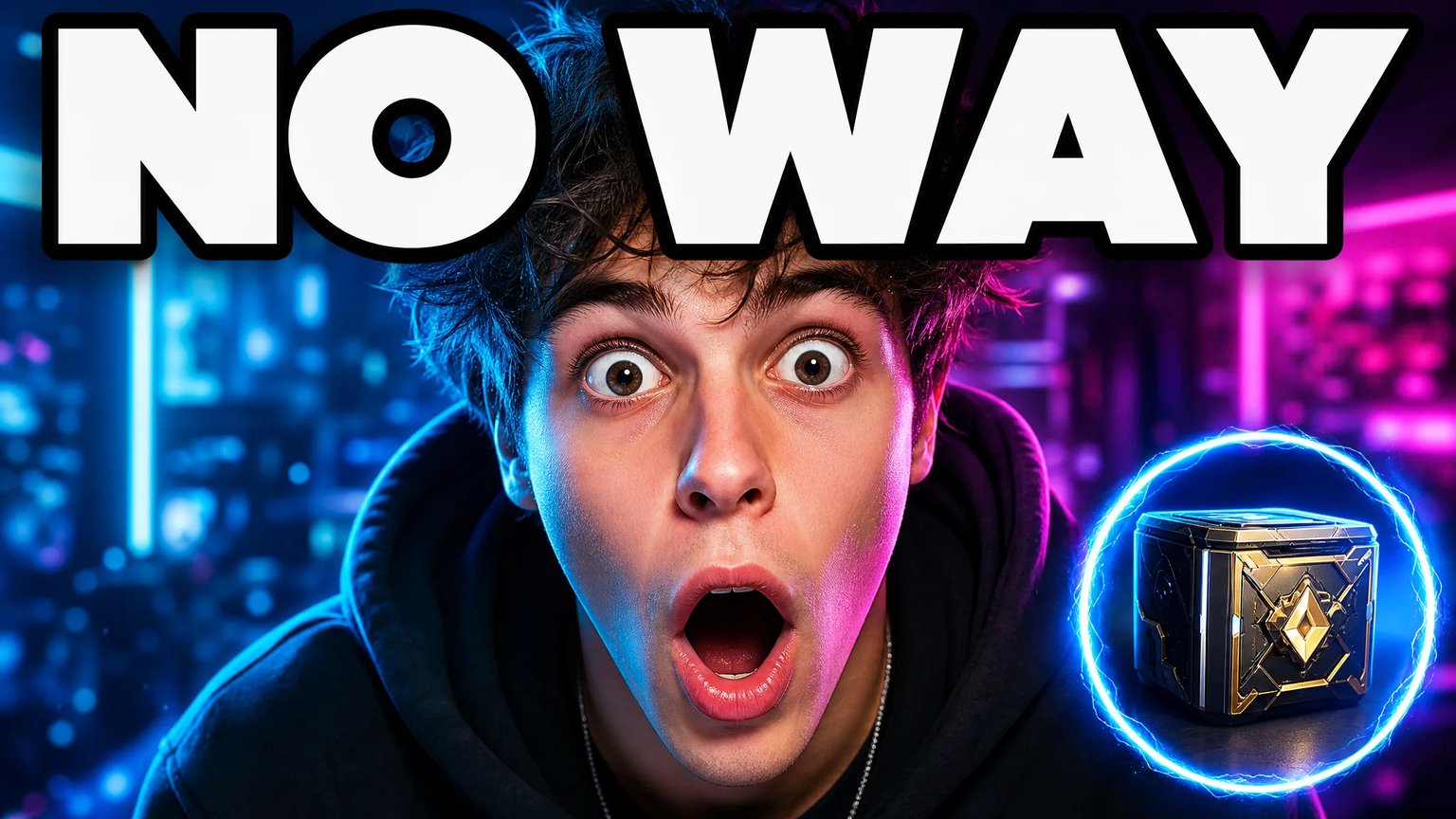
AI Thumbnail Generator: Bold Covers for Any Video
Describe your video and generate a bold, high-contrast YouTube thumbnail concept in seconds — no Photoshop, no uploads, and no waiting on a designer.
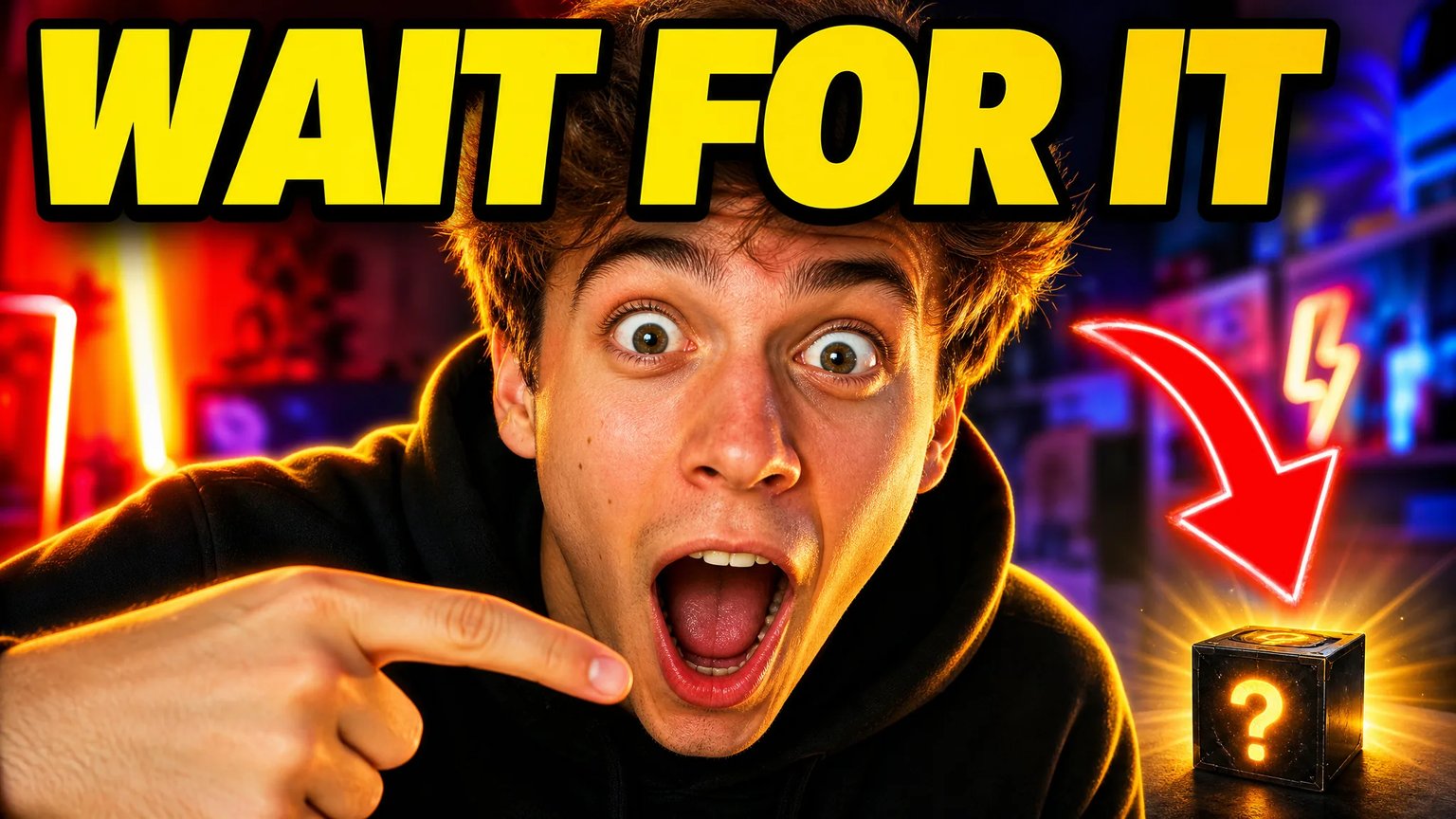
What Is an AI Thumbnail Generator?
An AI thumbnail generator is a text-to-image tool that turns a short video description into a bold, high-contrast YouTube cover concept. It renders a dominant subject, expressive reaction, and oversized headline text in seconds, giving creators a starting concept to test before committing to a final design.
Big Expressive Reactions That Don't Get Lost
Generate a dominant, expression-forward subject with room for bold headline text, sized to stay readable at small scan sizes instead of shrinking into a corner.
- Large subject framing built for mobile-feed scanning
- Bold sans-serif headline text with a thick outline baked in
- High-contrast color grading tuned for the suggested-videos rail

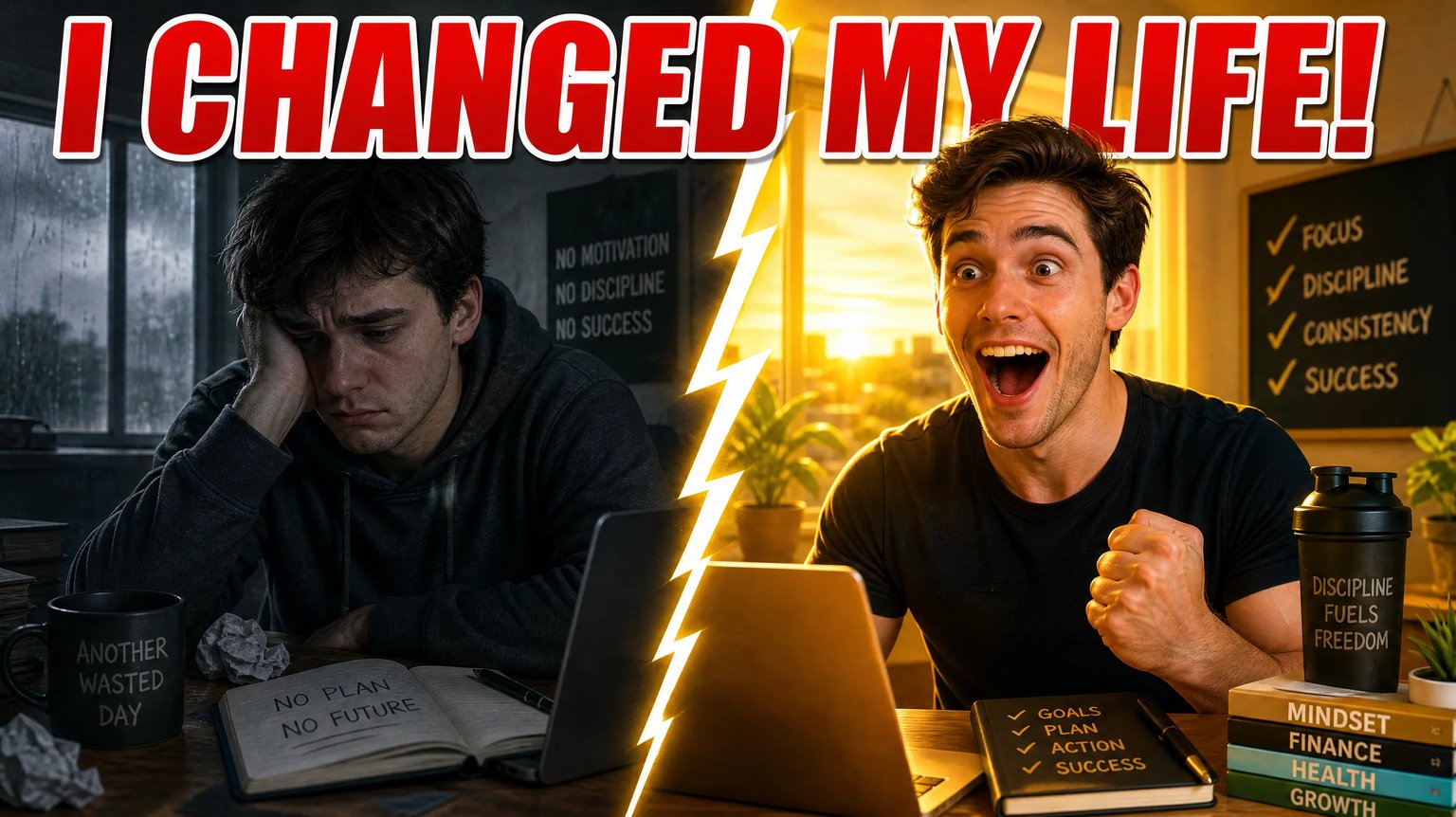
Split-Screen and Comparison Layouts
Describe two states, products, or outcomes and generate a split composition that sets up curiosity without a single edited photo.
- Clear left/right or before-and-after framing
- Consistent lighting and color grading across both sides
- No manual compositing or layer work required
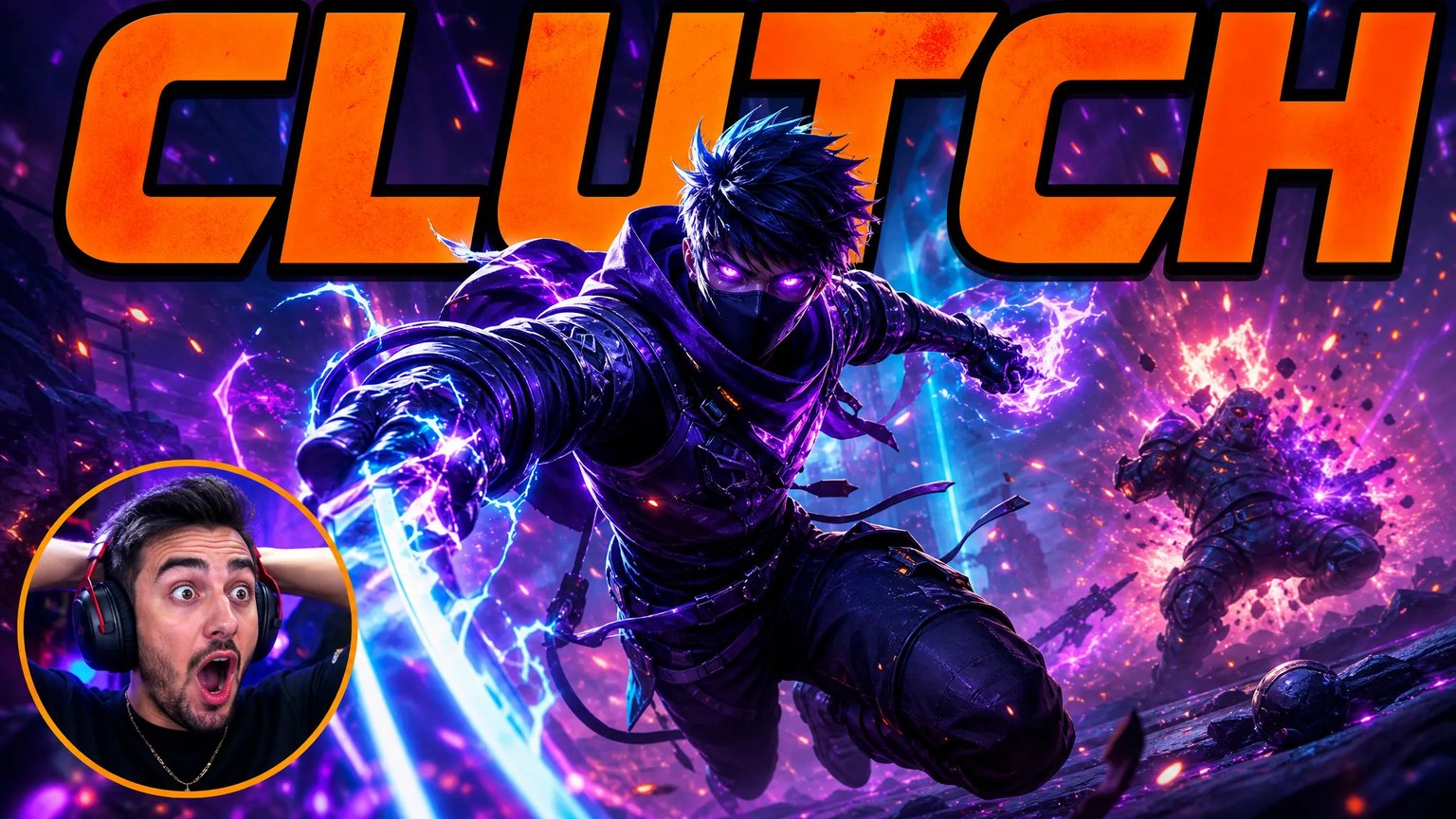
Match Your Channel's Genre, Not a Generic Template
From gaming highlight moments to calm tech-review layouts, describe the genre and tone and get a concept built for that niche instead of one-size-fits-all clip art.
- Genre-aware color and lighting direction
- Works for gaming, vlog, tutorial, and review formats
- Multiple concepts in minutes to compare styles
Why Creators Pick an AI Concept Over the Alternatives
Compare turnaround, subject framing control, and typical cost against YouTube's built-in AI thumbnail tool and hiring a freelance designer.
Seconds, Not a Design Queue
Describe your video and get a thumbnail concept back in under a minute instead of waiting on a freelancer's queue.
You Control How Big the Subject Is
Prompt for a dominant, close-up subject instead of accepting whatever framing an automatic tool picks for you.
Bold Text Baked Into the Composition
Headline text is generated as part of the scene layout, not bolted on afterward in a separate editor.
Multiple Concepts to Compare
Generate a few different directions for the same video and compare them before you commit to one.
Feature Comparison: AI Thumbnail Generator vs Alternatives
Independent comparison based on turnaround, framing control, and typical cost per concept.
| Evaluation Dimension | nabn AI Thumbnail Generator | YouTube's Built-In AI Thumbnail | Freelance Thumbnail Designer |
|---|---|---|---|
| Turnaround | Under a minute per concept | Instant, but auto-selected framing | Hours to days, depending on the queue |
| Subject framing control | Prompt-controlled: describe the exact size and pose | Automatic — no manual size or crop control | Full control, usually needs a revision round |
| Headline text styling | Described in the prompt, rendered in-scene | Not included — added separately in Studio | Custom, but adds to project cost and time |
| Source material needed | None — a text description only | Pulls frames from your uploaded video | You supply footage and brand assets |
| Cost per concept | Uses your nabn credits | Included free in YouTube Studio | Typically priced per design or package |
| Trying a new direction | Re-describe and generate again immediately | Limited to YouTube's own auto-suggestions | A new revision request, a new wait |
How to Generate a Thumbnail Concept in 3 Steps
Follow these steps to turn a video description into a bold cover concept you can test.
1. Describe Your Video and the Hook
Tell the generator what the video is about and what reaction or headline you want on the cover, such as "shocked reaction, bold red arrow, glowing mystery box".
2. Generate a Thumbnail Concept
Click Generate to render a bold, high-contrast concept image sized for a 16:9 cover in under a minute.
3. Compare, Iterate, and Export
Generate a few different directions, pick the one that fits your channel, and download it to use as your video cover.
Concept Covers for Any Video Format
Test a bold cover direction across gaming, vlog, tutorial, and review-style videos.
Gaming Highlight Reels
Concept a dramatic reaction-and-reveal cover for a boss-fight or clutch-play highlight video.
Vlogs & Story-Time Videos
Concept an expressive, personality-forward cover that fits a narrative or story-time video.
Tutorials & Product Reviews
Concept a clean, high-contrast cover that highlights the product or topic without clutter.
Any Channel, Any Niche
Test multiple cover directions for a single video before you commit to a final look.
Concept Your Next Thumbnail Today
Join creators using AI concepts to test bold, high-contrast covers before committing to a final design.
Frequently Asked Questions About AI Thumbnail Generation
More AI Image Generators
Need motion instead of a still image? Try the AI Video Generator