
AI Landscape Design Generator: Photo & Text to 4K
Turn real yard photos (up to 30 MB) or text prompts into photorealistic 2K and 4K garden, patio, and front-yard concepts in your browser. Restyle site photos with H3 Image (4K, 12 credits), GPT Image 2 (2K, 16 credits), or GPT Image 2.6 (2K 26 / 4K 42 credits), or draft text-only 4K yard ideas in Nano Banana 2 (18 credits) with upfront pricing.
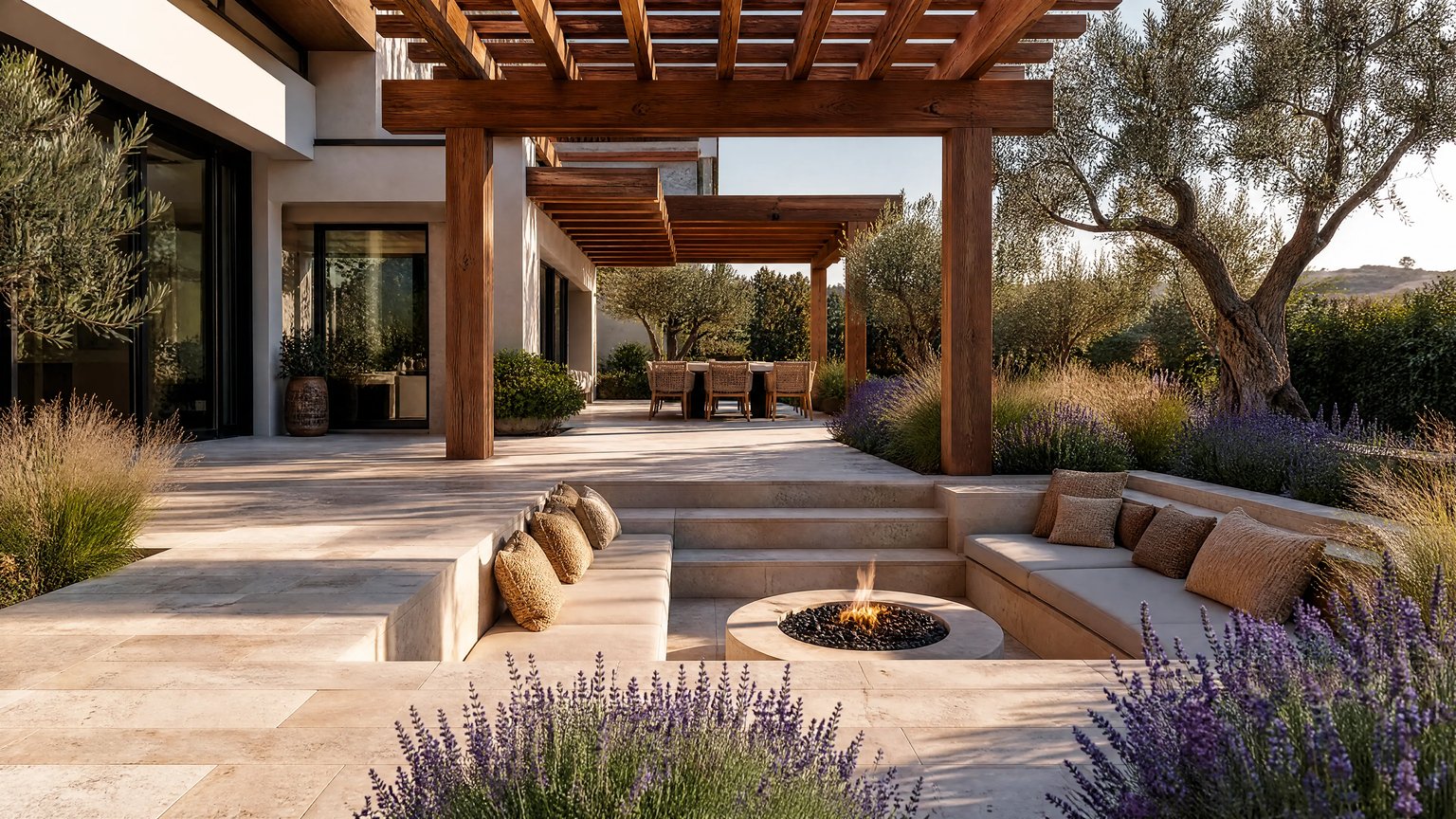
Reference image (optional · GPT Image 2 / 2.6 / H3 Image)
JPEG, PNG or WebP · up to 30 MB · 300–6000 px per side · ratio 2:5–5:2.
Optional: upload a reference image for 2K / 4K reference editing, or generate directly from text.
Your 2K / 4K Yard Concept Preview
Attach one yard photo (JPG, PNG, or WebP up to 30 MB) for H3 Image (12cr), GPT Image 2 (16cr), or GPT Image 2.6 (26–42cr), or prompt text-to-landscape in Nano Banana 2 (4K, 18cr).
What Is an AI Landscape Design Generator?
AI landscape design generator tools are browser-based exterior visualization workspaces that turn yard photos or text prompts into photorealistic 2K and 4K garden, patio, and front-yard concepts. Built for homeowners and designers, nabn previews hardscape layouts, drought-tolerant planting, and outdoor lighting rapidly while outputting raster concept renders rather than CAD grading blueprints or USDA plant schedules.
Built inside nabn AI Creative Studio, your exterior yard concepts connect seamlessly with interior 3D rooms, 2D floor plans, photo enhancement, and animated walkthrough videos in one browser workspace.
Restyle Overgrown Yards While Keeping Your House Facade Fixed
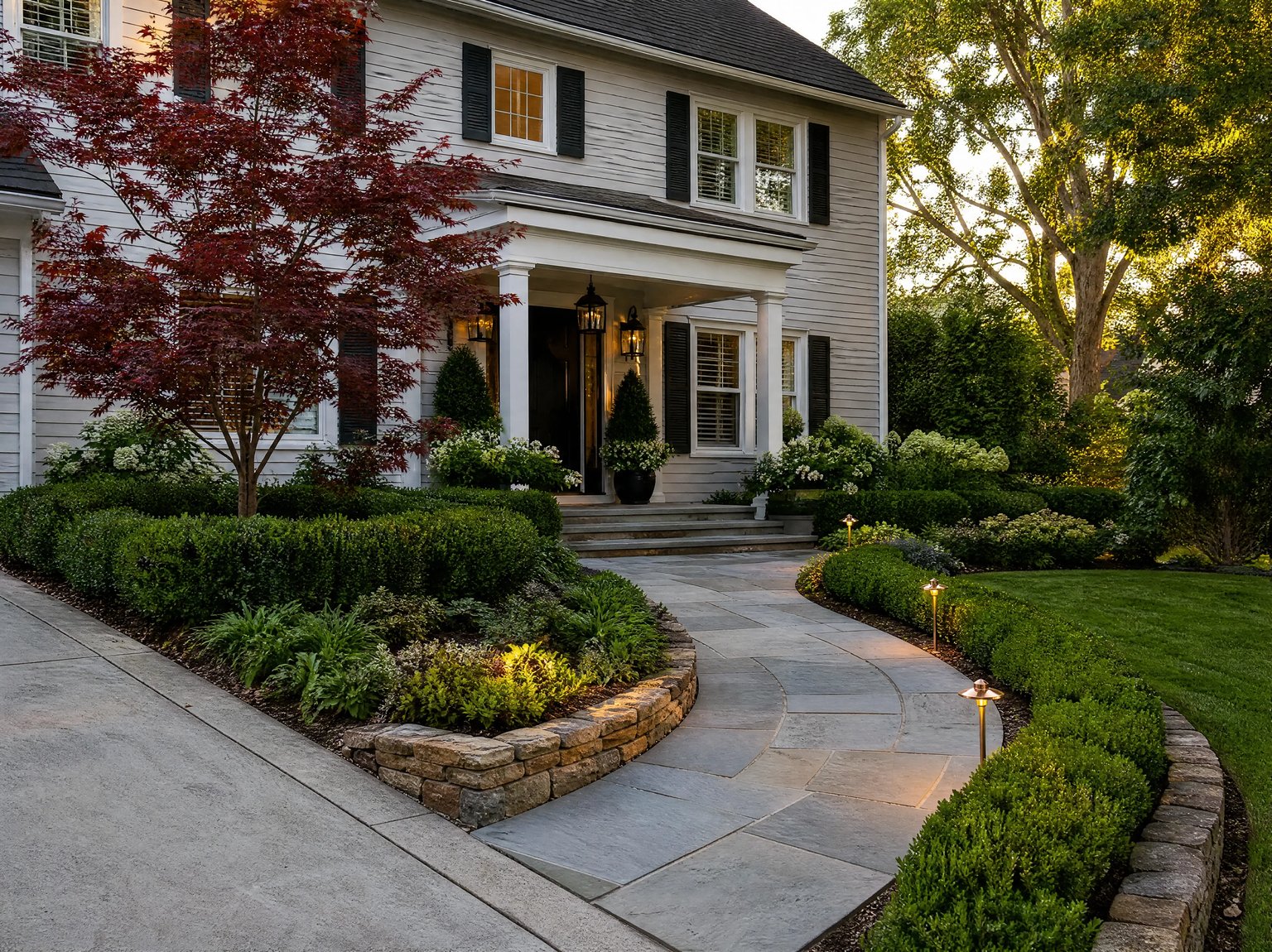
Homeowners tackling neglected yards need clear visual direction before hiring a crew. Attach a daylight snapshot of your front yard (up to 30 MB) and lock the house siding, roofline, and driveway while previewing curved bluestone walkways, trimmed hedges, and warm evening path lights.
- Photo-guided restyling on H3 Image (4K, 12cr), GPT Image 2 (2K, 16cr), or GPT Image 2.6 (26–42cr)
- Preview overgrown tree clearing and clean planting sightlines before requesting contractor bids
- Export crisp 2K and 4K front-yard concepts to share with family or your landscaper before planting
Explore Xeriscape Beds, Cedar Pergolas & Hardscape Materials
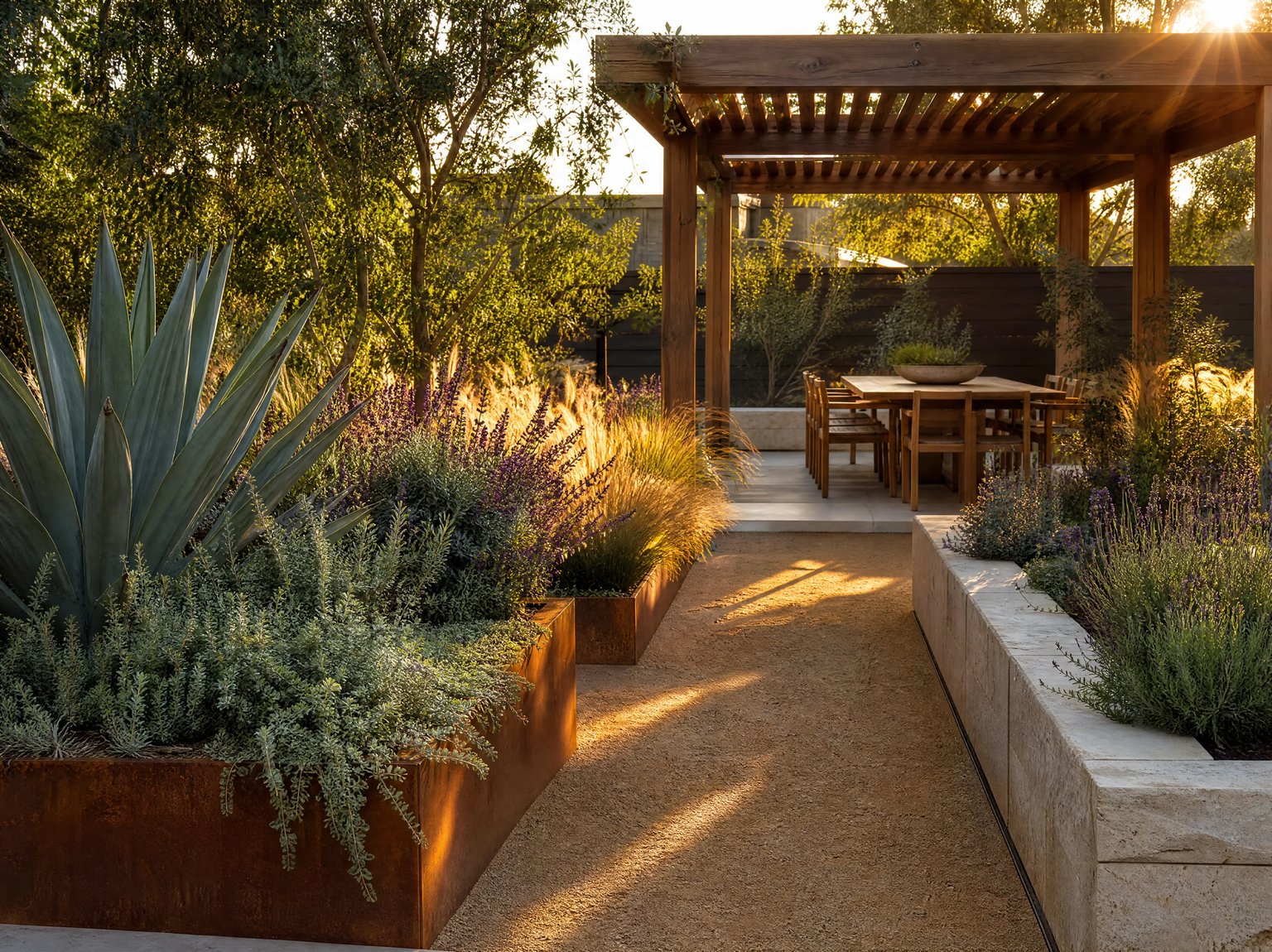
Compare decomposed granite paths, Corten-steel planters, travertine patios, and water-wise planting palettes in seconds instead of waiting days for outsourced drafts. Align with clients or family members on materials and shade structures before committing to detailed engineering.
- Compare stone pavers, cedar timber pergolas, gravel zones, and low-water plant beds rapidly
- Optional 2-credit AI Enhance tightens rough yard ideas into structured lighting and material prompts
- Preview gravel, Corten steel, and stone patio combinations in golden-hour lighting before buying materials
Draft Empty-Lot Layouts & Open-Sightline Evening Concepts
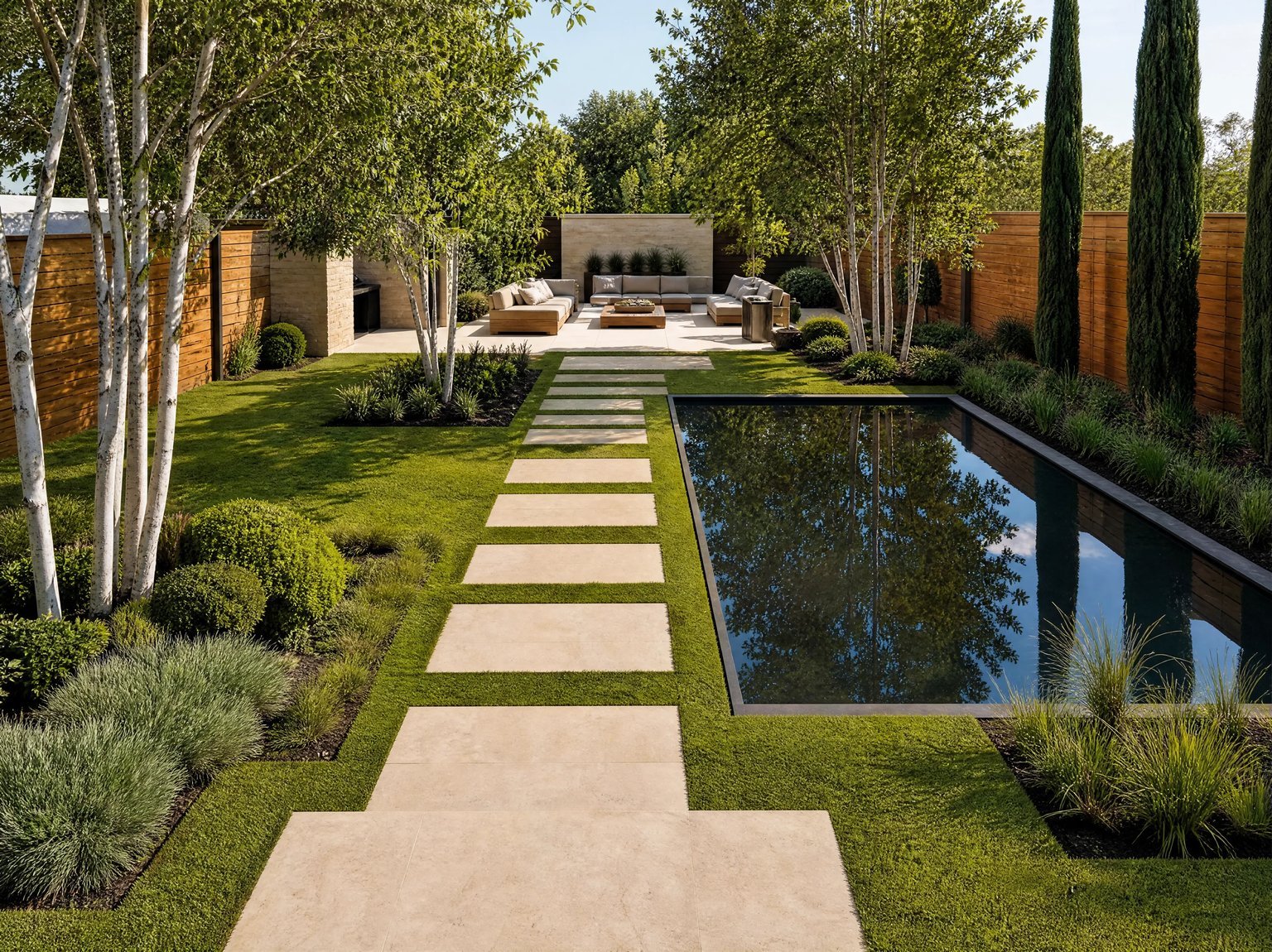
Starting from raw dirt or a new-build lot? Use text-to-landscape mode across all four engines—including Nano Banana 2 (4K, 18 credits, text-only)—to test privacy fencing, stepping-stone circulation, low border shrubs, and outdoor lighting mood before commissioning a site plan.
- All four engines accept text prompts, including Nano Banana 2 (4K, 18 credits, text-to-image only)
- Visualize open walkways, low shrubs, and evening lighting mood for early safety and comfort review
- Refine blank-lot layouts faster with optional 2-credit AI Enhance for richer planting and lighting detail
Why Homeowners & Landscape Teams Use nabn for Yard Concepts
Fast 2K and 4K exterior visualization with transparent credits—and straight talk about where engineering CAD takes over.
Yard Photo & Text-to-Landscape Modes
Upload a single yard photo (up to 30 MB) to H3 Image, GPT Image 2, or GPT Image 2.6, or draft blank-lot concepts from text including Nano Banana 2 (4K).
Faster Client & Family Style Alignment
Break design bottlenecks during peak season by testing patio stone, pergola placement, and planting palettes in minutes instead of waiting on freelance revisions.
Upfront Credits, Zero Weekly Traps
Know exact per-render credit costs before generating—12 to 42 credits across 9 paid plans ($20–$999 USD), plus 2-credit AI Enhance.
One-Click AI Prompt Enhance
Expand rough yard ideas into structured lighting, hardscape, and planting prompts for 2 credits—automatically refunded if enhancement fails.
AI Landscape Design vs. Subscription Yard Apps & Desktop CAD
Choose the right tool for rapid exterior concept alignment versus permit-ready grading and construction plans.
| Workflow Factor | nabn AI Landscape Design | Weekly AI Yard Apps | Desktop Landscape CAD / BIM |
|---|---|---|---|
| Accepted Starting Inputs | Yard photos (up to 30 MB) or text prompts in one browser workspace | Single flat photo filter with rigid style presets | Manual property survey import, contour drafting & 3D plant placement |
| House & Driveway Preservation | Prompt guardrails on H3 Image, GPT Image 2 & 2.6 keep facade anchored | Often alters roof pitch, siding, or driveway edges unpredictably | Exact measured structure once manually modeled |
| 2K & 4K Render Speed | 2K & 4K renders in seconds (Nano Banana 2 4K is text-to-image only) | Compressed previews or strict monthly HD caps | Hours of 3D modeling and raytraced rendering per yard |
| Pricing Transparency | Upfront 12 / 16 / 18 / 26–42 credits across 9 paid plans ($20–$999 USD) | Weekly auto-renewing mobile subscriptions or hidden paywalls | $300–$2,000+/yr desktop licenses plus steep learning curve |
| Drainage, Grading, USDA & Bids | No—raster concept visuals only; verify grading, plants & costs with pros | No—visual filters only without engineering calculations | Yes—topographic grading, irrigation, plant lists & quantity takeoffs |
| Best Stage in Project | Early style direction, patio/planting moodboards & client alignment | Casual inspiration snapshots | HOA/city permits, drainage engineering & itemized construction bids |
How to Design a Landscape Online in 3 Steps
Move from an overgrown yard photo or blank-lot idea to a clear 2K or 4K landscape concept without desktop CAD software.
Attach a Yard Photo or Start from a Text Brief
Drop a clear daylight photo of your front yard, backyard, or patio (JPG, PNG, or WebP up to 30 MB) into the reference slot—or leave it blank for empty-lot text-to-landscape concepts.
Set Keep-House Guardrails, Materials & Lighting
Load a recipe chip or describe hardscape stone, cedar pergolas, drought-tolerant planting, and evening pathway lighting. Use optional 2-credit AI Enhance to sharpen prompt structure.
Render in 2K or 4K & Hand Off to Pros
Run H3 Image (4K, 12cr), GPT Image 2 (2K, 16cr), or GPT Image 2.6 (26–42cr) for photo or text inputs—or Nano Banana 2 (4K, 18cr) for text-only concepts—then verify drainage, local plants, and quotes with a contractor.
Who Uses an AI Landscape Design Generator?
Built for homeowners planning curb appeal upgrades, landscape contractors pitching styles, and real estate teams presenting outdoor spaces.
Indoor-Outdoor Remodel Alignment
Coordinate patio stone, timber pergolas, and glass-door transitions with adjacent living spaces so interior and exterior finishes feel unified.
Site Layout & Footprints Before Hardscaping
Pair 4K yard concept renders with clean top-down residential layout diagrams when discussing patio zones, walkways, and structure footprints.
Animated Yard Walkthroughs for Client Pitches
Turn approved backyard pergola, pool-deck, or front-yard curb appeal concepts into smooth 15-second motion clips for homeowner approvals and property marketing.
Sharpen Low-Light Site Photos Before Redesigning
Clean up overcast smartphone yard snapshots or older property photos first so house trim, fences, and driveways give clearer visual guidance.
Turn Any Yard Photo or Text Idea into a 4K Landscape Concept
Explore front-yard curb appeal, xeriscape beds, and backyard patios in your browser with upfront 2K and 4K credit pricing.
12 credits (H3 Image 4K) · 16 credits (GPT Image 2 2K) · 18 credits (Nano Banana 2 4K text-only) · 26–42 credits (GPT Image 2.6) · 2 credits (AI Enhance) · 9 paid plans ($20–$999 USD)
View transparent credit plans & pricingAI Landscape Design Generator FAQ
Straight answers on what AI landscape design can render, how to start from a photo or prompt, drainage and CAD limits, and upfront credit costs.