
Your campaign character art
Instant fantasy portrait — enter your character details below
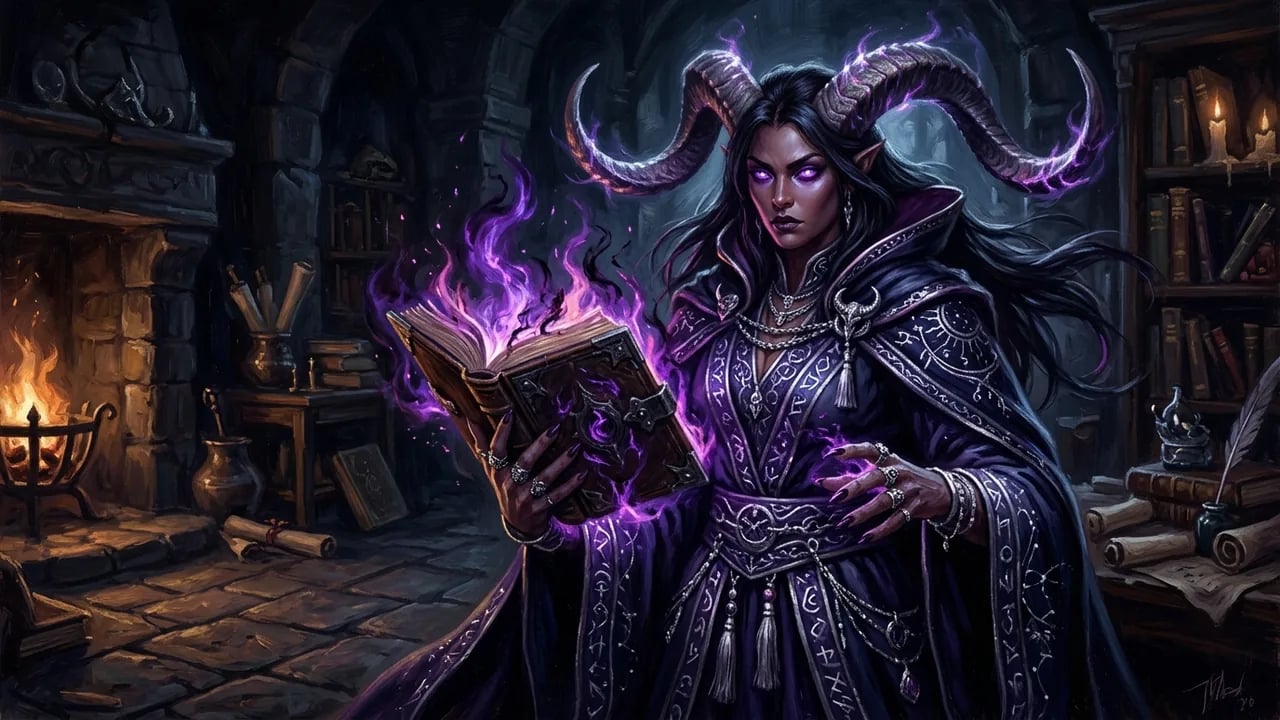
AI D&D Character Generator: Create Custom RPG Art
Generate custom D&D character art, NPC tokens, and party portraits in seconds. Describe race, class, and gear to create high-detail tabletop art.
Unofficial fan tool — not affiliated with or endorsed by Wizards of the Coast.
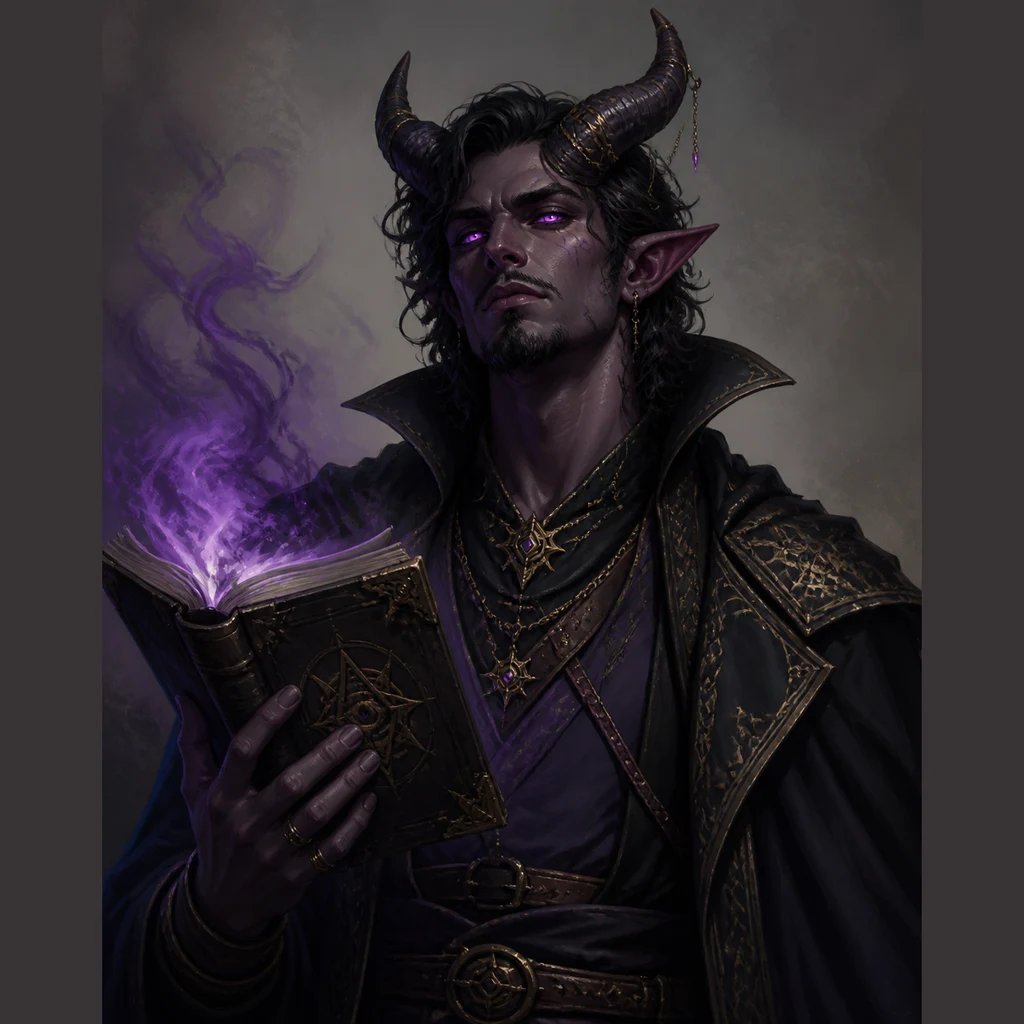
What is an AI D&D character art generator?
An AI D&D character generator is a prompt-based tabletop illustration tool that turns text descriptions of fantasy races, classes, and equipment into high-detail character portraits, NPC tokens, and campaign visuals. Players and Dungeon Masters specify visual armor details, weapon enchantments, and atmospheric lighting to render custom roleplaying art in seconds.
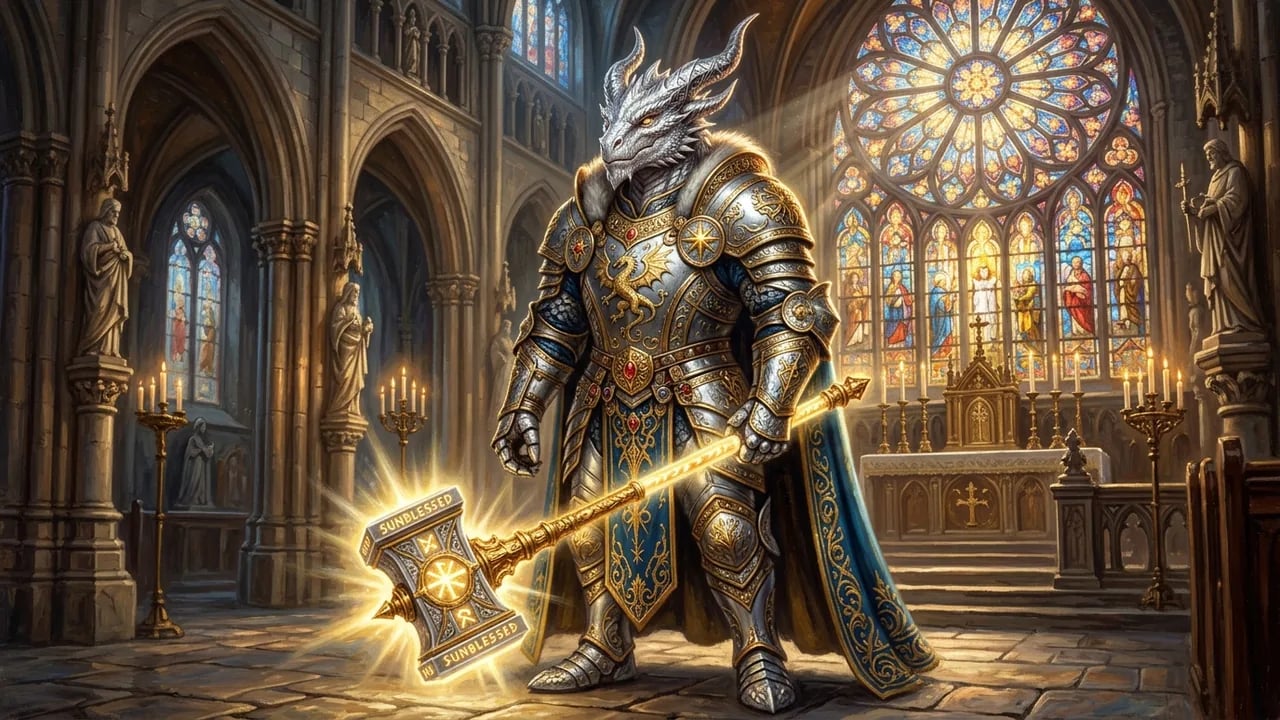
Faithful Rendering of Tieflings, Dragonborn & Fantasy Ancestries
Break free from generic human stock tropes. Render sweeping tiefling ram horns, textured dragonborn reptilian scales, glowing aasimar halos, and obsidian-skinned drow elves with accurate anatomical harmony.
- Anatomically coherent curved horns, tails, and reptilian crests
- Subtle racial skin tones from infernal crimson to subterranean obsidian
- Expressive eyes from radiant celestials to pupil-less warlock voids
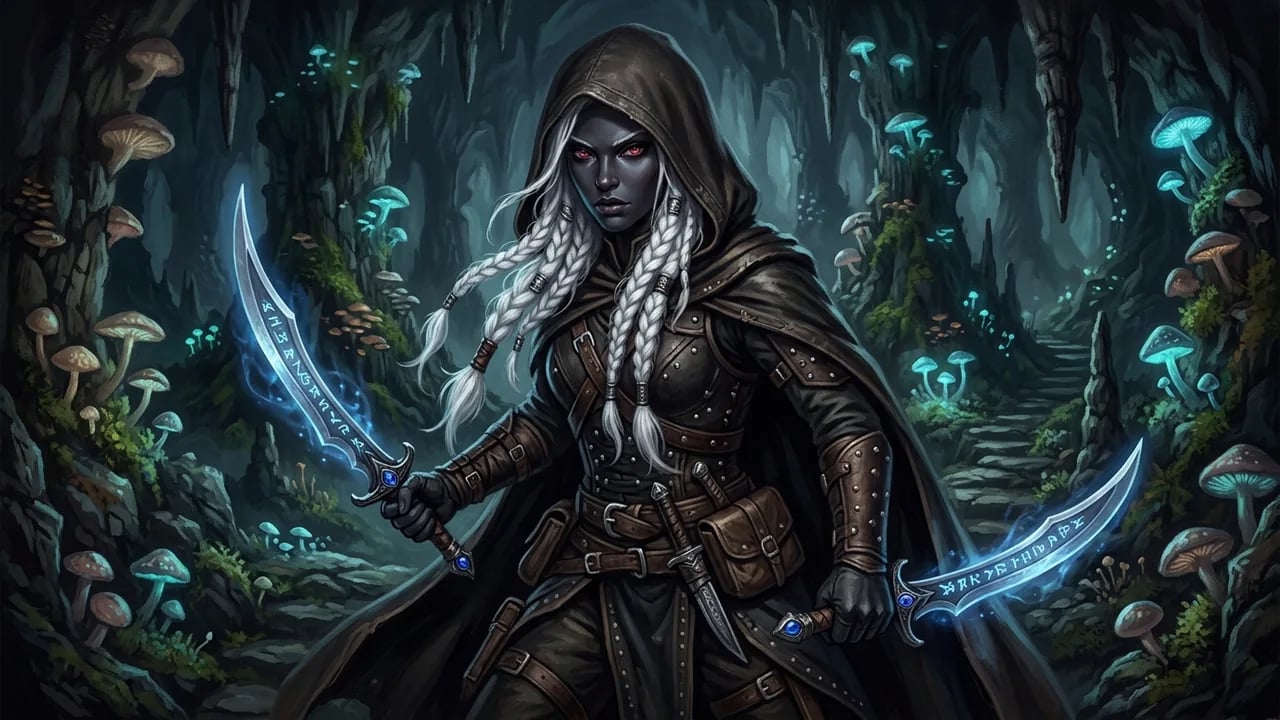
Granular Weapon Enchantments, Layered Plate & Arcane Runes
Specify exact magical weapon auras, ancient grimoires, divine holy symbols, and scarred leather cuirasses. Bring your unique multiclass build aesthetics to life with painterly depth.
- Dual-wielded enchanted scimitars with subtle bioluminescent glows
- Layered battle-worn chainmail, gothic pauldrons, and hooded cloaks
- Crackling eldritch amethyst magic and holy golden radiance
Zero-Prep NPC Tokens, Boss Encounters & Tabletop Atmosphere
Eliminate session prep burnout. Generate imposing tavern keepers, mysterious quest givers, sinister archliches, and dwarf forge clerics moments before your players roll initiative.
- Rich atmospheric backgrounds from Underdark caverns to roaring forge fires
- Bust and portrait framing optimized for circular VTT token cropping
- Consistent grimdark, heroic oil, or storybook fantasy art styles
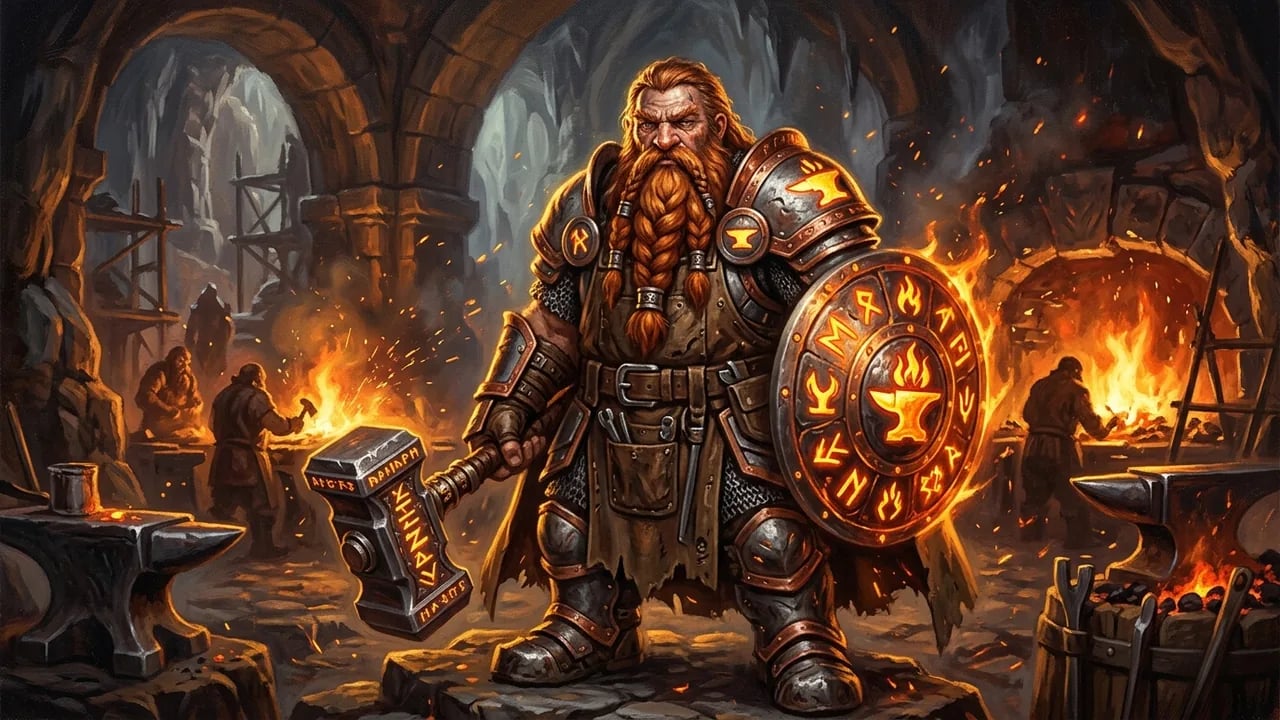
Engineered for Tabletop Adventurers & Game Masters
Replace multi-week artist waitlists and generic Pinterest stock art with dedicated roleplaying concept rendering.
Granular 5e Race & Class Depth
Prompt-native understanding of 5e races, barbarian battle scars, wizard robes, paladin oaths, and warlock eldritch patrons.
Virtual Tabletop (VTT) Ready
Outputs crisp 1024x1024 portraits with high subject contrast, making tokens immediately recognizable on Roll20 and Foundry battlemats.
Instant DM Zero-Prep Speed
Generate 10 distinct NPC portraits in under three minutes to keep unexpected player detours fully visual and immersive.
Commercial Homebrew Freedom
All generated artwork includes complete commercial licensing for GM Binder homebrew PDFs, streaming overlays, and campaign wikis.
Compare: nabn AI D&D vs. Midjourney vs. HeroForge
Why tabletop parties and DMs choose dedicated D&D AI generation over generic image tools and rigid 3D miniature builders.
| Capability & Workflow | nabn AI D&D Generator | Midjourney v6 | HeroForge (3D Mini Maker) |
|---|---|---|---|
| D&D 5e Race & Class Lore | Native semantic understanding of tiefling horns, dragonborn scales, githyanki blades & class regalia | Generic fantasy bias; frequently confuses subraces or omits holy symbols and spell foci | Constrained to pre-modeled 3D armor sets and plastic accessory libraries |
| VTT Battlemat Token Contrast | Crisp portrait lighting with high subject separation, optimized for circular VTT token crops | Complex cinematic backgrounds require manual Photoshop cutouts before VTT use | Plastic 3D miniature top-down render, lacking expressive painterly fantasy illustration |
| Prompt Speed & In-Session NPC Prep | Instant 5-10s turnaround; generate surprise tavern NPCs mid-session during live gameplay | 30-60s Discord queues; unusable for on-the-fly DM improvisation at the game table | Requires 15-30 minutes of manual 3D slider adjustments and piece assembly |
| Party & Campaign Art Consistency | Consistent painterly fantasy style across 5-person adventuring parties and NPC rosters | Style drift across prompt seeds; difficult to harmonize party portraits without complex LoRAs | Uniform plastic 3D figurine aesthetic with no 2D concept art variation |
| Cost per Character Concept | Pay-as-you-go credits (~$0.05 to $0.20 per character); unlimited prompt iterations | $10 to $30/month subscription with strict GPU hour limits and Discord-only UX | Free web viewer; $7.99 to $19.99+ to export digital 3D color files or physical minis |
| TTRPG Module & Campaign Publishing | Use character artwork in your published campaigns, streams, and homebrew books under platform terms | Paid plan required for publishing outputs in community modules or monetized content | Digital asset exports are restricted to personal, non-commercial tabletop use only |
How to generate D&D character art in 3 steps
Follow our proven roleplaying prompt formula to turn character concepts into high-impact portraits.
- 1
1. Specify Race, Class & Distinctive Gear
State your character's race and class combination, followed by distinctive features like curved horns, engraved silver plate armor, or a glowing runic staff.
- 2
2. Define Lighting & Campaign Mood
Set the scene with atmospheric descriptors: moody dungeon torchlight, bioluminescent Underdark cavern, cathedral stained glass, or roaring forge embers.
- 3
3. Export for Character Sheets & VTT Tokens
Save your crisp 1024x1024 WebP art to embed into digital character sheets, print for campaign binders, or crop into circular VTT tokens.
Built for Every Seat Around the Table
Whether you are rolling dice as a player or orchestrating the campaign as Dungeon Master.
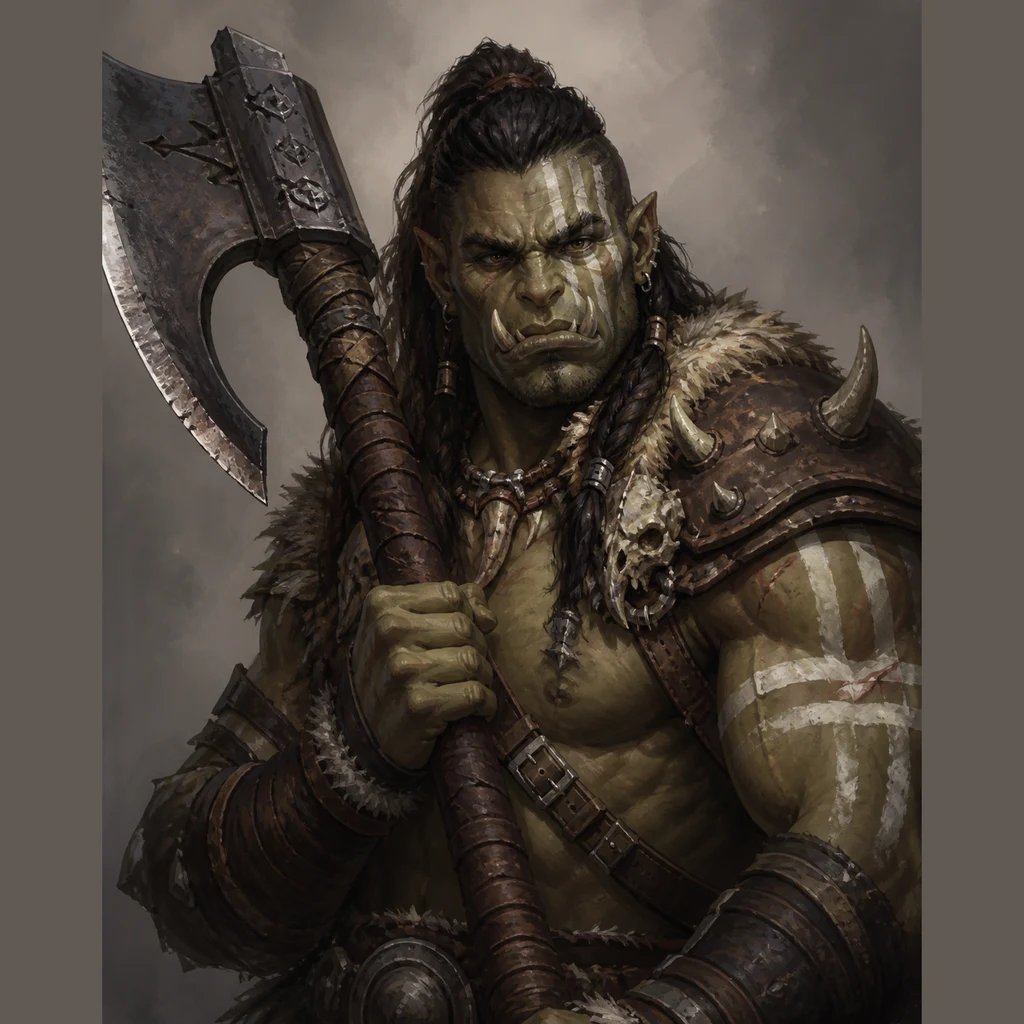
Player Characters (PCs) & Backup Heroes
Finally see the exact hero you play each week — from half-orc barbarians with battle-notched axes to gnome artificers with brass goggles.
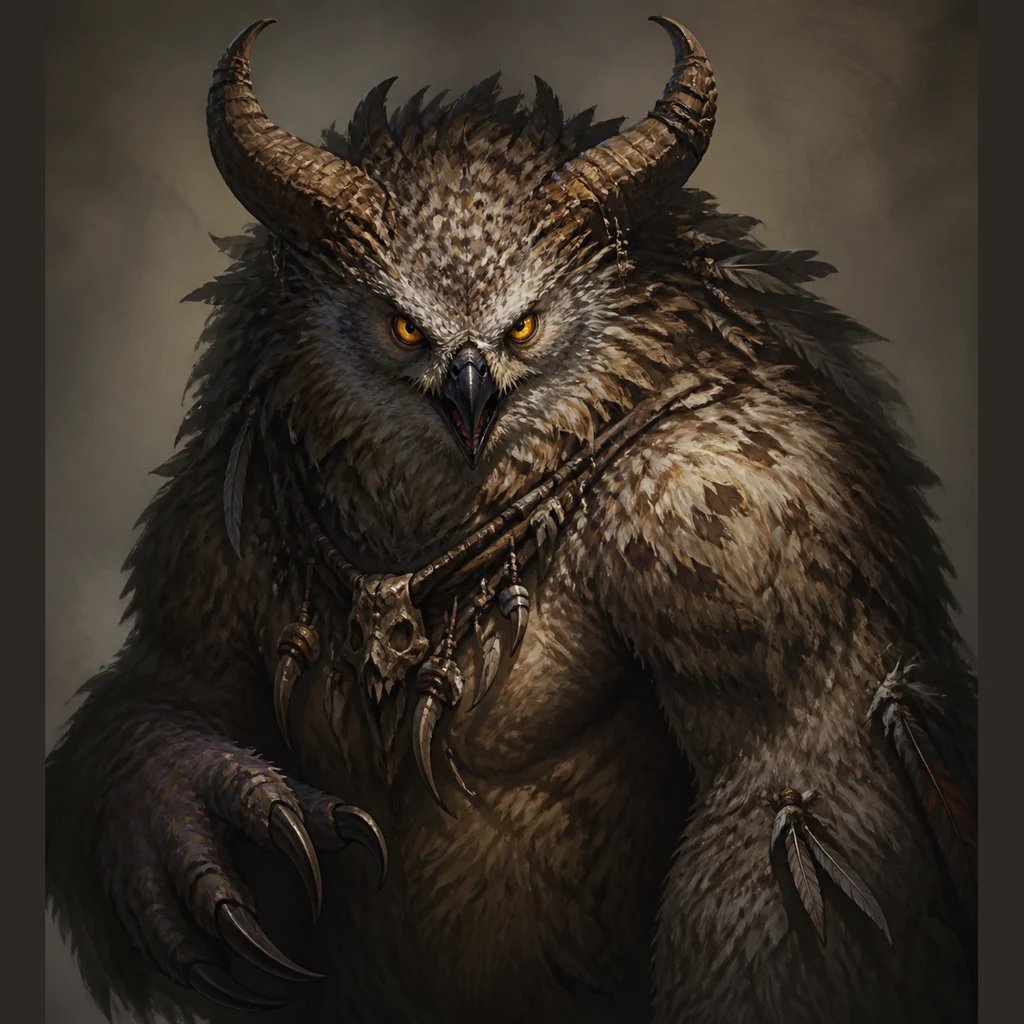
Dungeon Master NPCs & Villains
Flesh out living campaign worlds with distinctive tavern keepers, guildmasters, bandit captains, and terrifying lich bosses on demand.
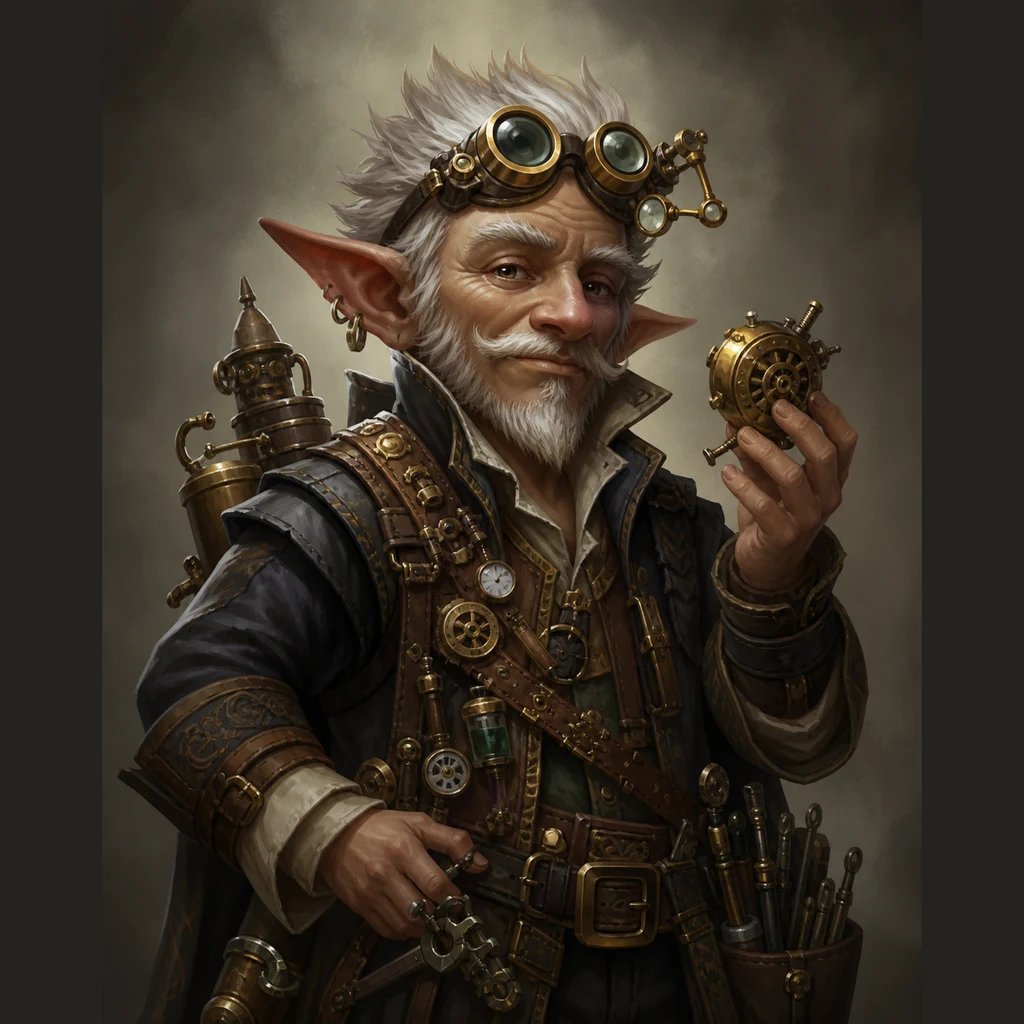
Virtual Tabletop (VTT) Token Sets
Produce crisp, high-contrast portrait tokens that remain instantly recognizable on Roll20, Foundry VTT, and Owlbear Rodeo battlemats.
Bring Your D&D Character to Life
Turn text descriptions into high-detail fantasy character portraits and NPC tokens in seconds.
More AI Image Generators
Need motion instead of a still image? Try the AI Video Generator
AI D&D Character Art Generator FAQ
An AI D&D character generator is a prompt-based tabletop illustration tool that turns text descriptions of fantasy races, classes, and gear into high-detail character portraits, NPC tokens, and campaign visuals in seconds. nabn operates on a flexible credit model starting from $20 for 1,000 credits, with images costing 16-18 credits (~$0.32-$0.36) per generation, with complete commercial licensing included for all generated assets.
No. nabn is a specialized 2D visual asset generator designed for character portraits, concept art, and VTT tokens. It does not compute mathematical 5e stat blocks, track spell slots, or interface directly with dice rollers or D&D Beyond mechanics.
Yes. All artwork generated through your nabn account includes complete commercial licensing for GM Binder homebrew publications, monetized YouTube / Twitch liveplay streams, and commercial campaign modules.
nabn's creative model understands fantasy anatomical descriptors. By specifying details such as 'sweeping curved ram horns', 'reptilian dragon scales', or 'solid pupil-less glowing eyes', the generator renders anatomically coherent non-human fantasy ancestries.
Yes. The generator produces high-contrast 1024x1024 portraits centered on the head and torso, making them perfectly suited for direct import into token cropping tools like Token Stamp 2, Foundry VTT actor sheets, and Roll20 battlemats.