
AI Photo Editor Generator: Creative Redraws
Need a new look for your photo? Use the AI Photo Editor Generator to upload an image and describe a creative redraw. Sign in and try a prompt.
The AI Photo Editor Generator turns an uploaded image and your written instructions into a creative redraw. Explore illustrated styles with GPT Image 2, then compare the result with your original. Sign in to start; the current 2K option costs 16 credits per generation. Artwork shown on this page is concept illustration, not a photo-editing before-and-after.
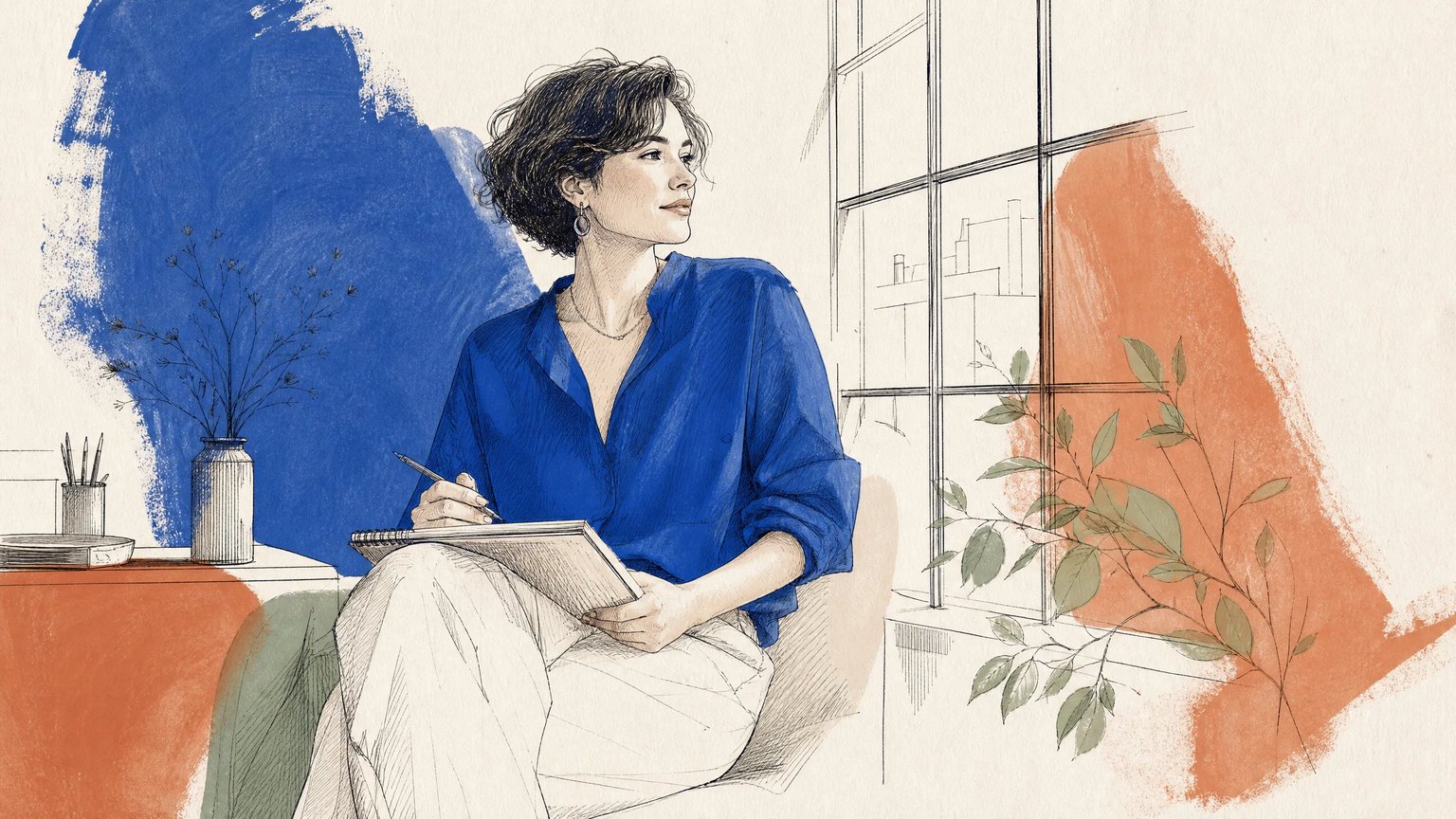
Source image (required)
JPEG, PNG or WebP · up to 30 MB · 300–6000 px per side · ratio 2:5–5:2.
Checking sign-in…
Your creative redraw
Upload an image before generating. The preview artwork is a concept illustration; your result may change details beyond your prompt.
Starter prompts are adapted from illustrated-style examples. Review the result; exact preservation is not guaranteed.
What Is an AI Photo Editor Generator?
An AI photo editor generator is an image editing tool that uses an uploaded picture and written instructions to create a new interpretation. Creators can explore cartoon redraws, ink illustrations, and product doodle concepts without building each element manually. Results are creative variations that require review because faces, text, and other details can change.
Give a familiar scene an illustrated look
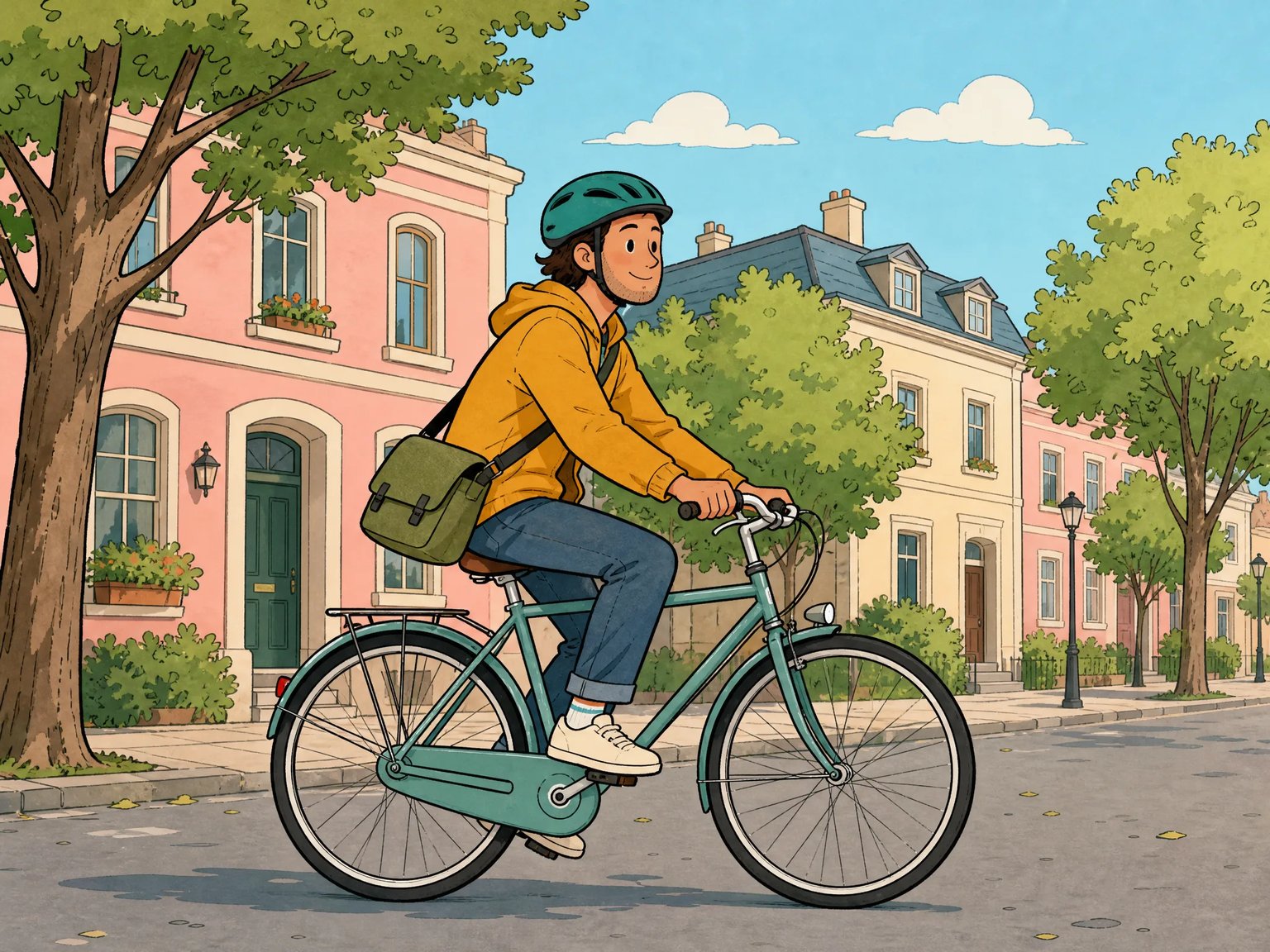
Use an uploaded image as the starting point for black outlines, flat color, and a playful drawn style. The cyclist artwork illustrates a visual direction; it was generated from text and is not an edited photograph.
- Describe the subject arrangement you want to retain.
- Name the outline weight, palette, and shading style.
- Compare faces, hands, clothing, and objects with your original.
Explore fine lines and open paper space
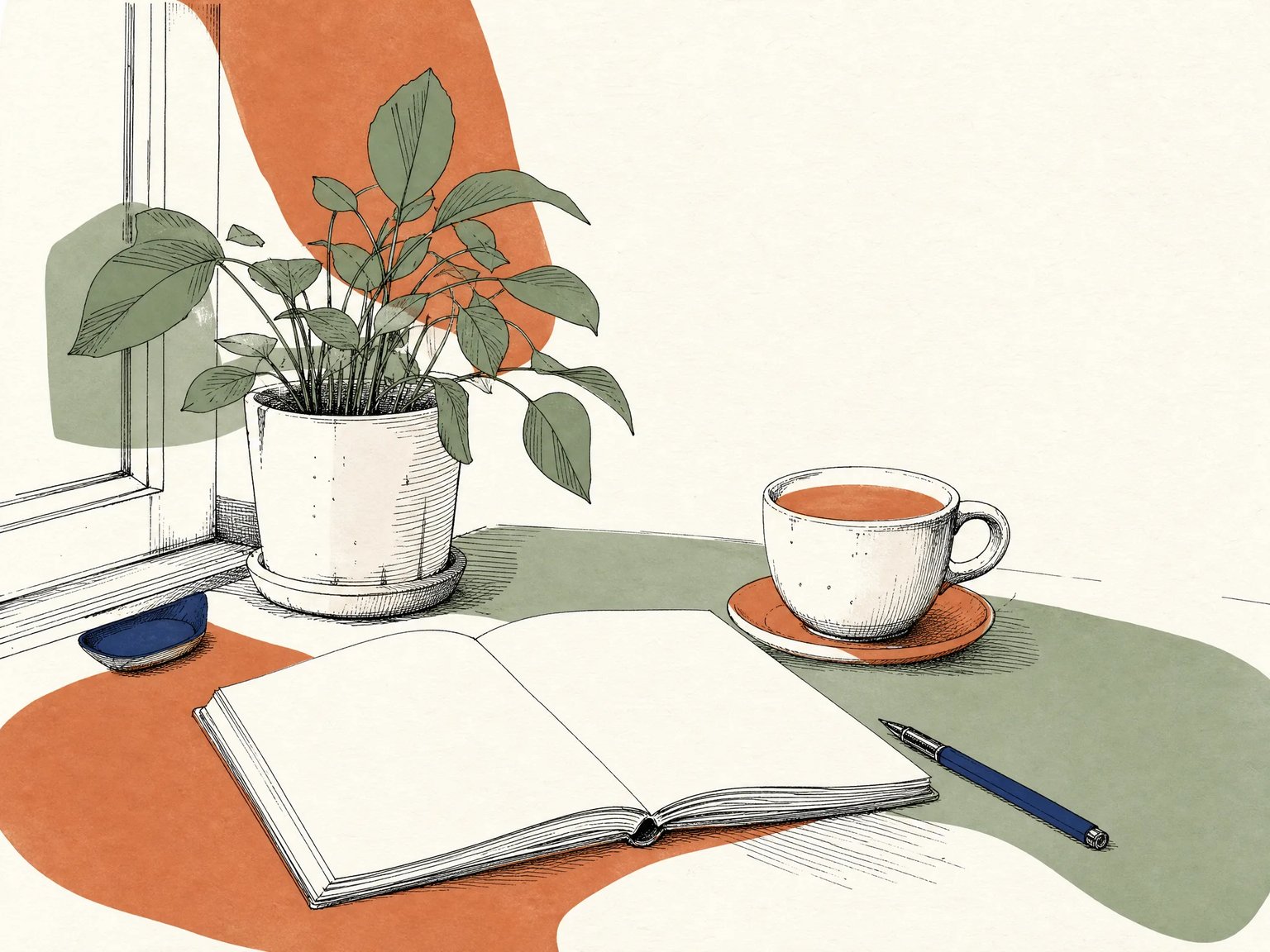
Request delicate ink contours, loose color fields, and a simpler background for an editorial illustration direction. This desk scene is an original concept illustration. Background simplification is part of the style, so choose it when a faithful record of the setting is not essential.
- Identify the objects that should guide the composition.
- Ask for a limited palette and warm-white negative space.
- Review the colors and objects; prompt constraints may be missed.
Sketch a playful product character
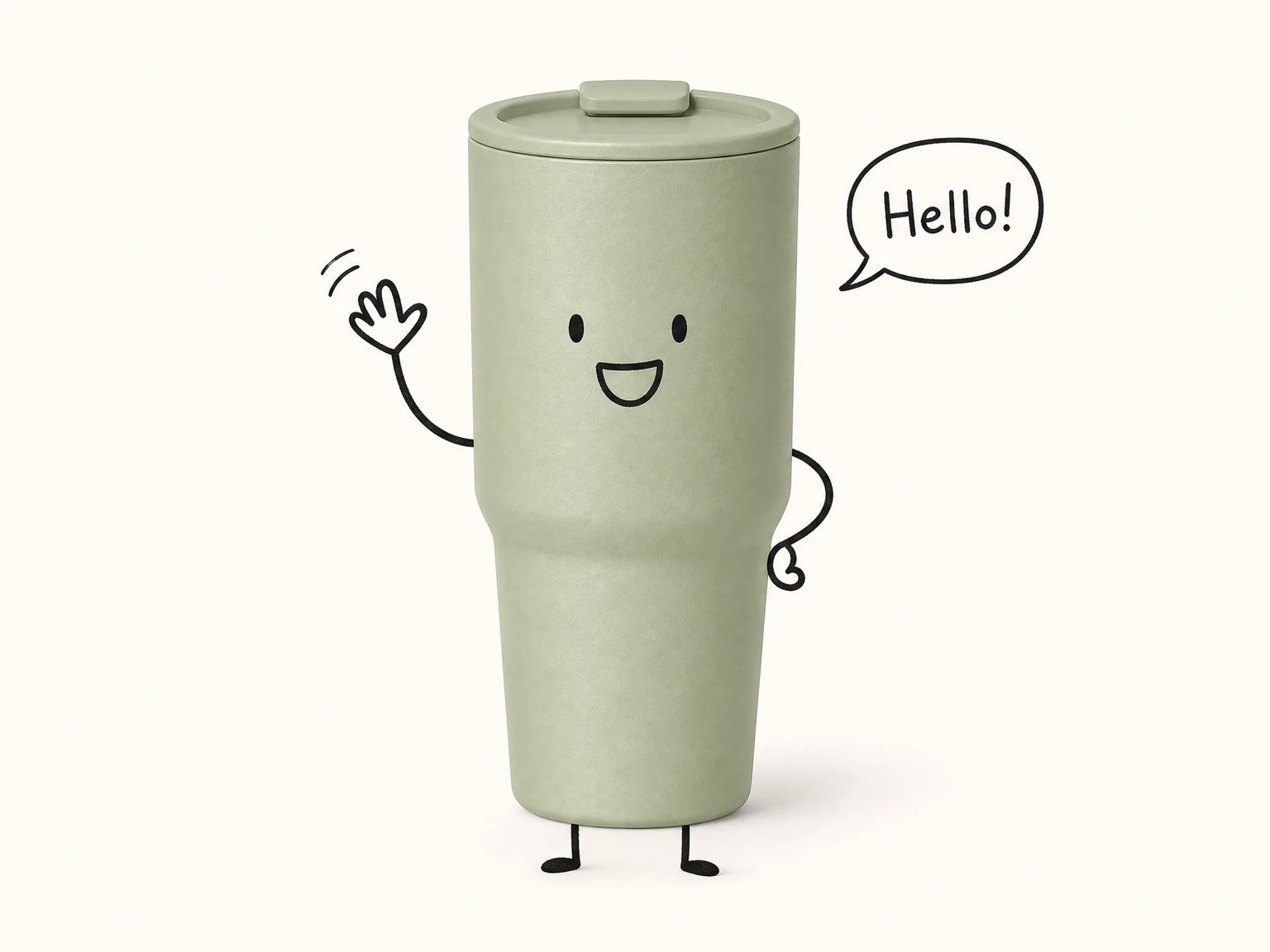
Explore a product-inspired character with simple limbs, an expression, and a short speech bubble. The smiling cup is a generated concept, not a verified product edit. Check shape, markings, and wording before using any result in customer-facing material.
- Keep the requested expression and caption simple.
- Inspect labels, proportions, background, and text.
- Use accurate photographs when product details must be exact.
Plan the edit before you generate
A useful brief states the visual change, the reference details, and how you will check the result.
Start from your own image
Sign in and upload the image you want to reinterpret in the browser. Keep a copy of the original for a direct visual comparison.
Describe the creative change
Name the object or scene, the intended change, and the details you want retained. Written preservation requests guide generation; they do not lock pixels.
Explore illustrated styles
Try cartoon outlines, ink and color blocks, or a product doodle concept. These are directions to explore, with results that may depart from the requested style or source details.
Check the output before use
Inspect faces, hands, text, labels, and background changes. The current editing option produces 2K output and costs 16 credits per generation; check the displayed settings before starting.
Choose the workflow for your goal
These are practical workflow distinctions, not speed, quality, or cost benchmarks. Exact deliverables still depend on the source and the work performed.
| Decision | NABN creative redraw | Manual masking and compositing | Controlled photography |
|---|---|---|---|
| Starting material | Uploaded image and a text prompt | Source images opened in an editor | Physical subject, camera, and scene |
| How changes are directed | Written instructions guide a new generation | Selections, masks, and layers define the edit | Adjust the subject, lighting, and camera setup |
| Source-detail control | Unrequested details can change | Original regions can be retained through masking | Records the arranged subject as photographed |
| Creative direction | Explore a generated style or visual variation | Build the intended composite with direct edits | Create the look through staging and capture |
| Output dimensions | Current editing configuration: 2K | Set by the document and available source resolution | Set by capture settings and the export workflow |
| Final review | Compare faces, objects, labels, and text with the source | Check mask edges, alignment, and composite lighting | Check focus, lighting, framing, and product accuracy |
How to edit an existing image with a prompt
Use one clear visual goal, then review what the generation actually changed.
- 01
Sign in and upload your image
Start with an image you are allowed to use. Add it to the editor and keep the original for comparison. The upload workflow requires an account.
- 02
Describe the redraw
Choose a style and state what should change. Name the subject, composition, colors, or objects you want retained. You can adapt a starter prompt; preservation instructions are requests, not guarantees.
- 03
Generate and compare
Check the selected model and displayed credit cost, then generate. Review the result against your original, including faces, hands, labels, and dimensions. If it drifts, refine the prompt and use the original reference again.
Creative uses for an uploaded image
Choose tasks where reinterpretation is useful and you can review the result before sharing it.
Personal illustrated keepsakes
Explore a cartoon interpretation of a familiar scene. Treat it as artwork; use a different workflow when exact likeness or an authentic family-photo composite is essential.
Editorial illustration directions
Use a reference image to explore ink lines, open space, and color blocks for a visual brief. Review the result before incorporating it into a finished layout.
Product social concepts
Try a playful product-inspired doodle for a creative direction. Verify markings and shape, and retain accurate product photographs wherever customers need factual details.
Creative brief exploration
Compare individual style ideas derived from an existing image. Share a reviewed concept as direction for further work; matching details across a set is not guaranteed.
Start with your image and one clear idea
Upload a reference, describe a creative redraw, and check the result against your original before using it.
Sign-in required · Current GPT Image 2 editing option: 2K · 16 credits per generation
Compare 9 credit packages and subscriptions, priced from $20 to $999 USD. This range includes monthly, annual, and one-time purchases; it is not the price of one edit.
View pricing and billing optionsAI photo editing questions
What to expect from uploads, prompts, credits, and output quality.