
Your custom wallpaper
Generated from your prompt
AI Wallpaper Generator: Widescreen Wallpaper from Text
Describe mood, aesthetic themes, and color tones to generate custom widescreen 4K desktop wallpapers and lockscreens matched to your workspace.
What is an AI wallpaper generator?
An AI wallpaper generator is a prompt-based digital design tool that creates vibrant desktop backgrounds, mobile lockscreens, and ambient landscape art from text descriptions. Users specify canvas framing, color palettes, atmospheric moods, and artistic styles to render stunning 4K and mobile wallpapers in seconds.
Wallpapers that match your setup, not generic AI slop
The complaint in every desktop and ricing community is the same: AI wallpapers all look like low-effort slop. The difference here is intent. Because you write the prompt, you control the palette, mood, and subject — so the wallpaper actually matches your color scheme, your icons, and the aesthetic you're building, instead of a random image bolted onto your screen. Name the colors you want and the AI wallpaper generator holds to them.
Stop scrolling wallpaper sites for something that fits
Finding a wallpaper that suits a specific theme is its own chore — the good ones are watermarked, the close ones are the wrong shape, and most are just not what you pictured. With an AI wallpaper generator you skip the hunt: picture the wallpaper, describe it, and generate it. If the first result is close but not right, adjust the prompt and generate again until the mood lands and the colors sit the way you wanted.
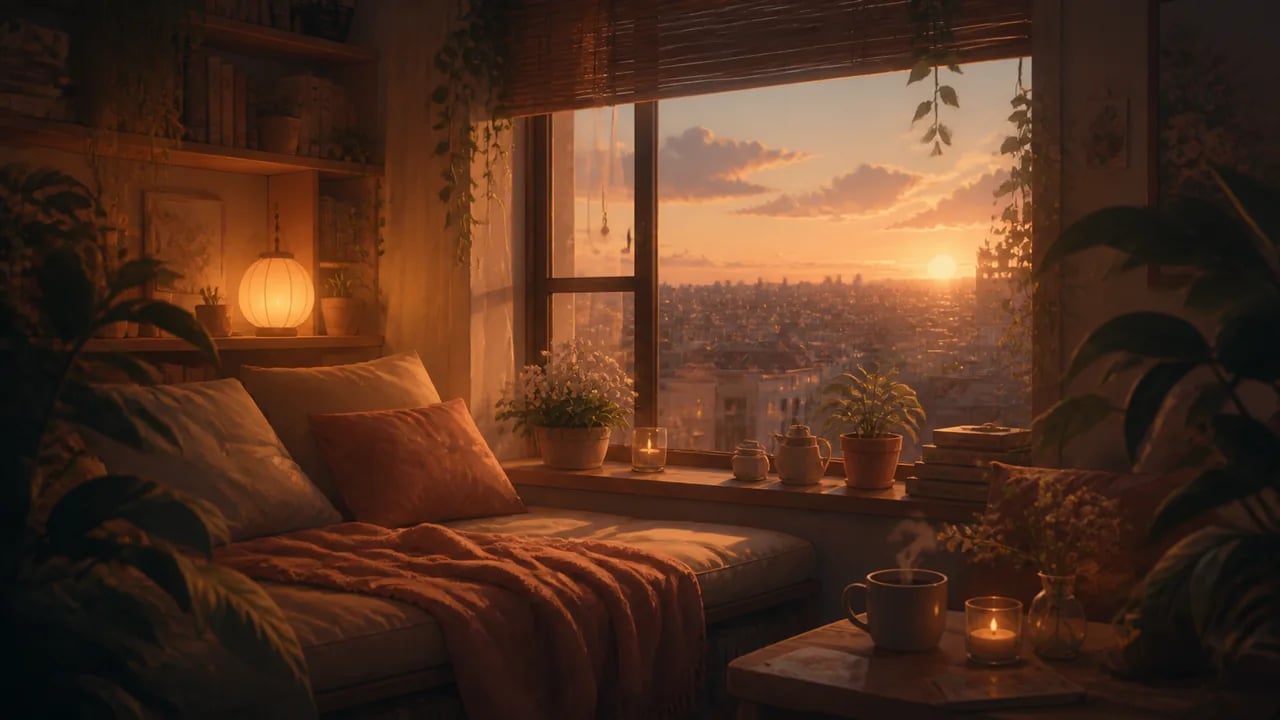
How to make a wallpaper with the AI wallpaper generator
Three steps to go from a blank screen to a finished wallpaper with the AI wallpaper generator.
- 1
Describe your wallpaper
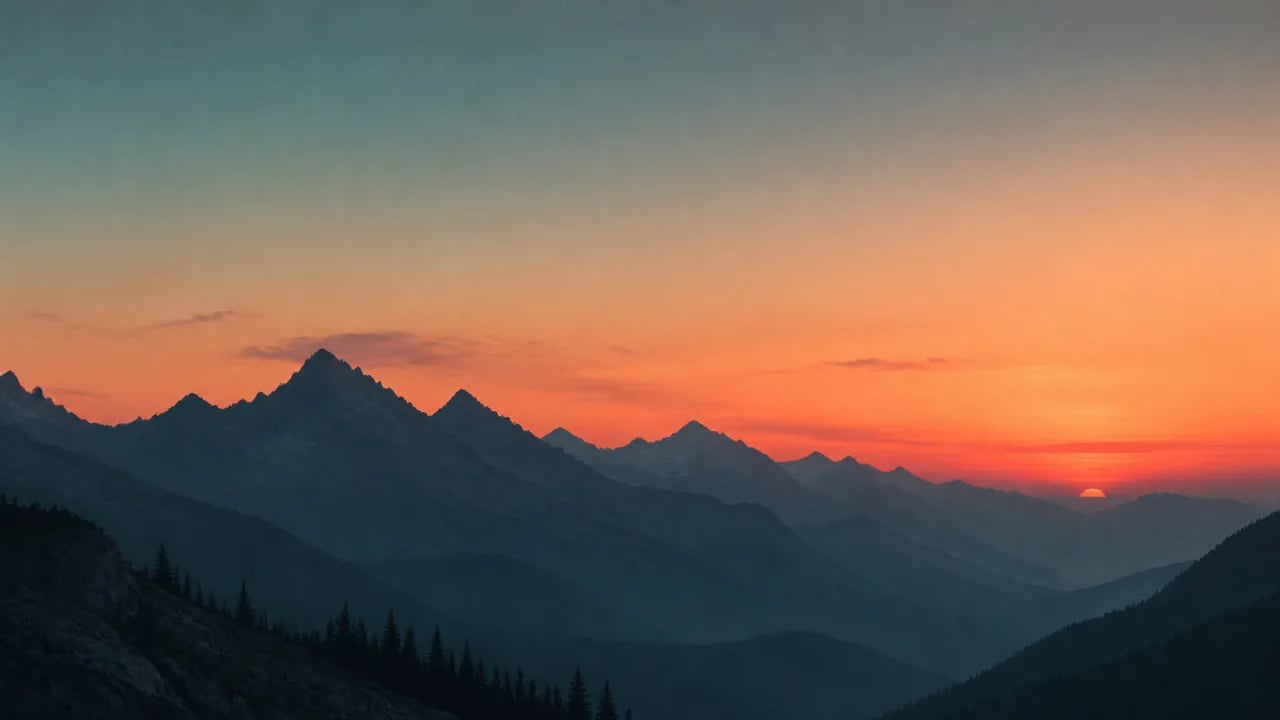
Write the scene, style, and colors — for example, a minimalist mountain range at dusk in teal and coral, with calm negative space for your icons.
- 2
Pick a model and generate
Choose GPT Image 2 or Nano Banana 2 in the AI wallpaper generator, then generate. Each generation spends credits, so you're signed in and in control of the run.
- 3
Refine by re-prompting
Close but not quite? Tweak the palette or mood in your prompt and generate again until the wallpaper fits your screen and your theme.
What people make with the AI wallpaper generator
The AI wallpaper generator is one text-to-image tool, put to work on the wallpapers people actually want.
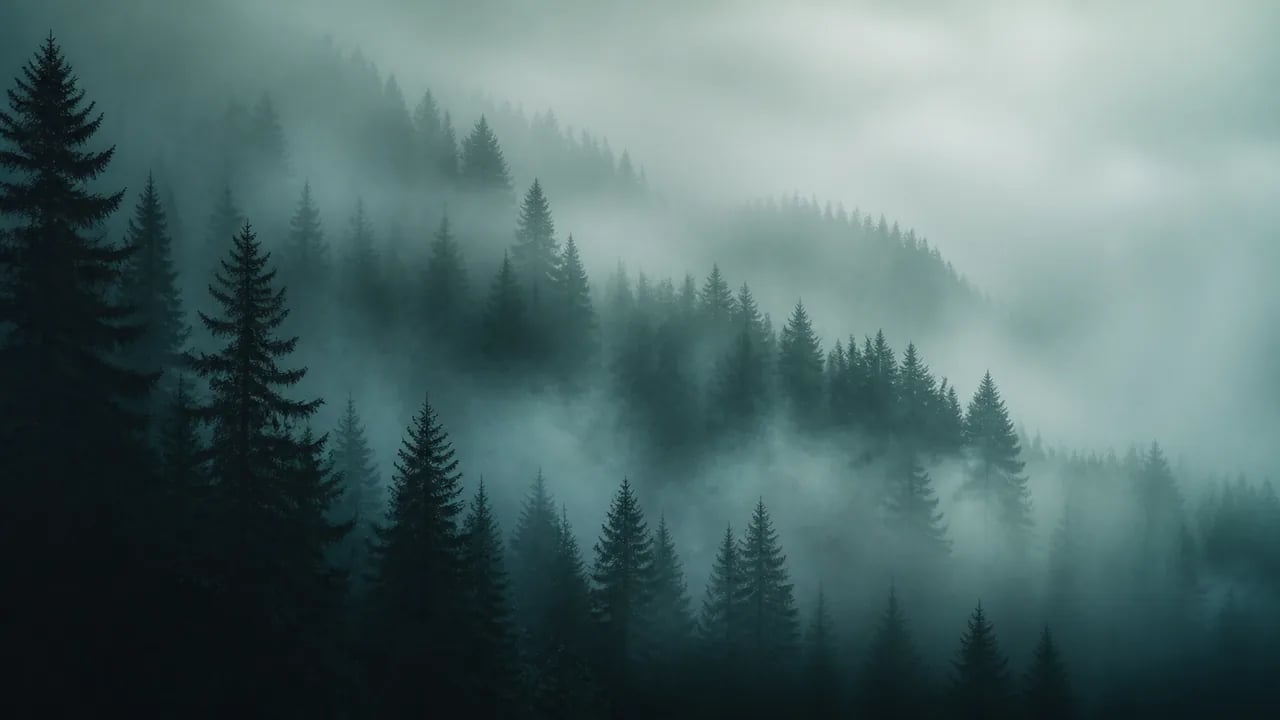
Desktop wallpapers
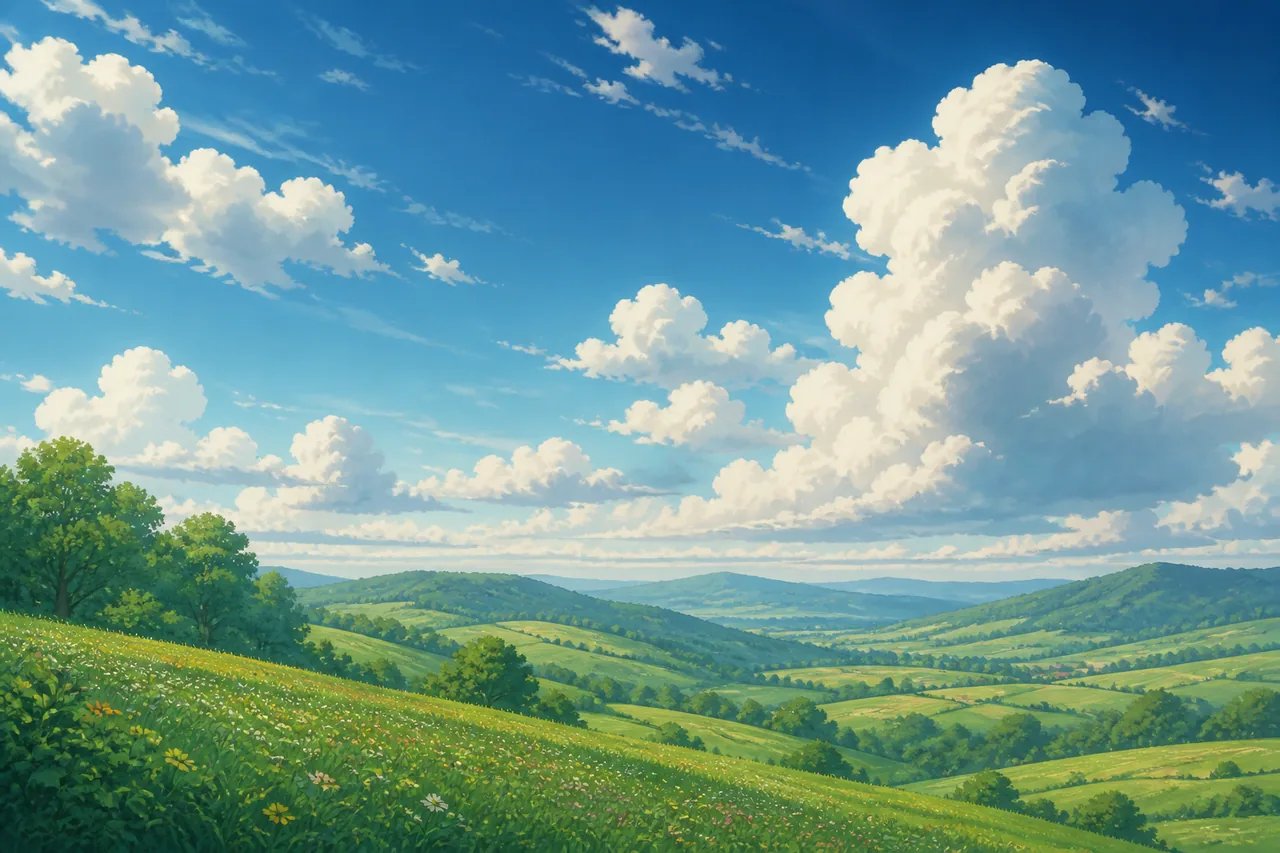
The AI wallpaper generator paints widescreen 16:9 scenes for your desktop — moody forests, minimalist landscapes, or abstract gradients that sit calmly behind your icons.
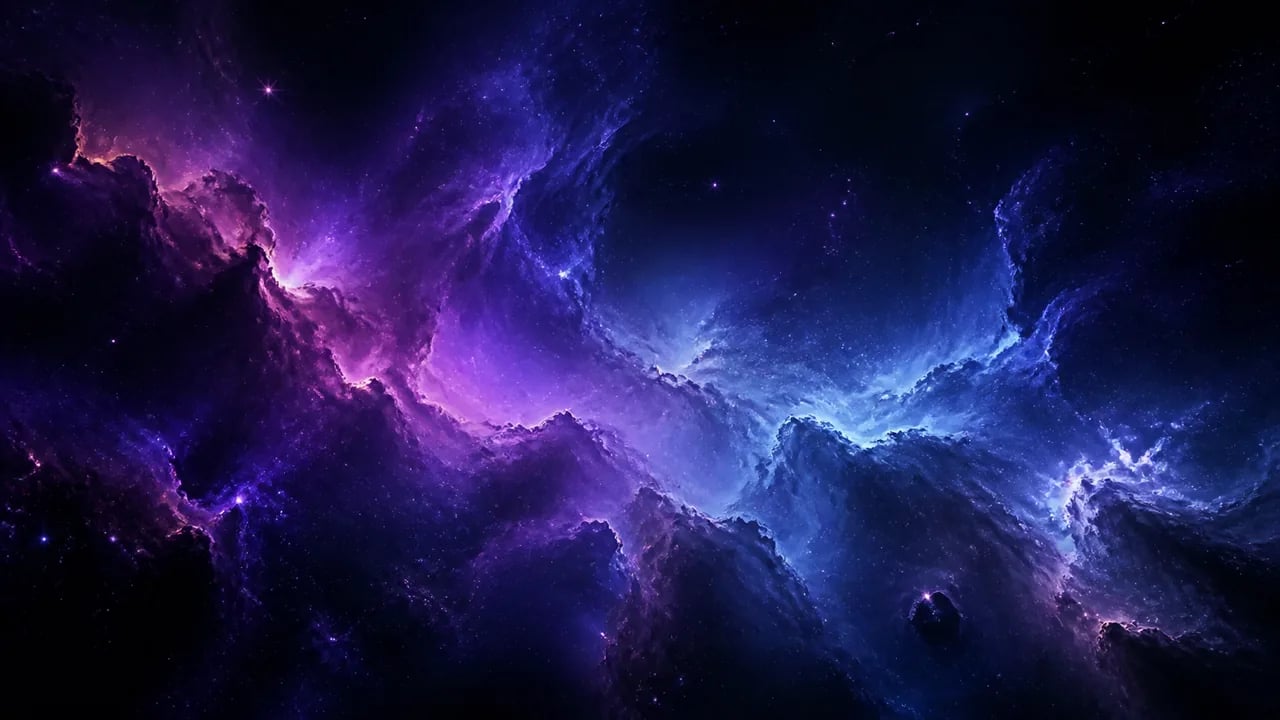
Aesthetic and 4K wallpapers
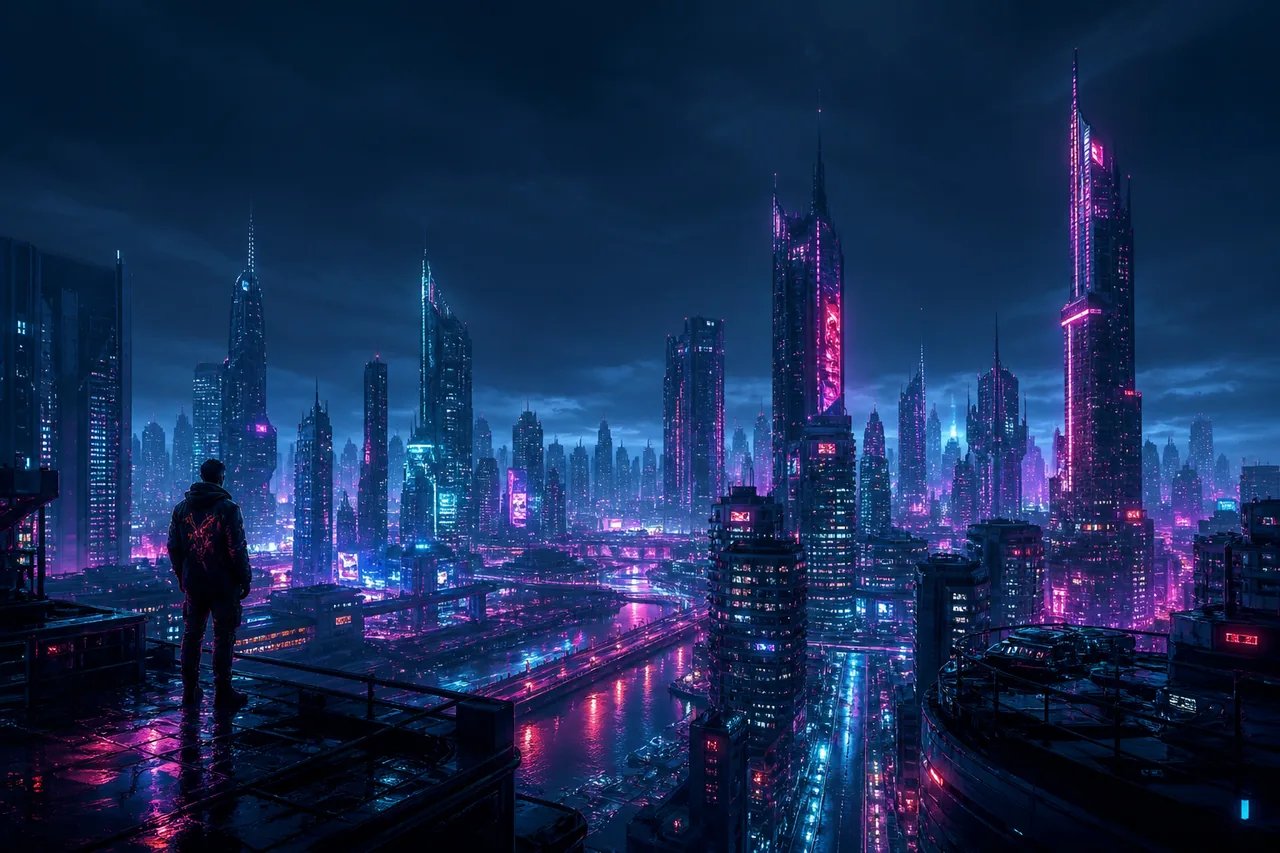
Cohesive, high-detail wallpapers built around one palette — cosmic nebulae, dreamy gradients, or a specific aesthetic you are theming your space around.
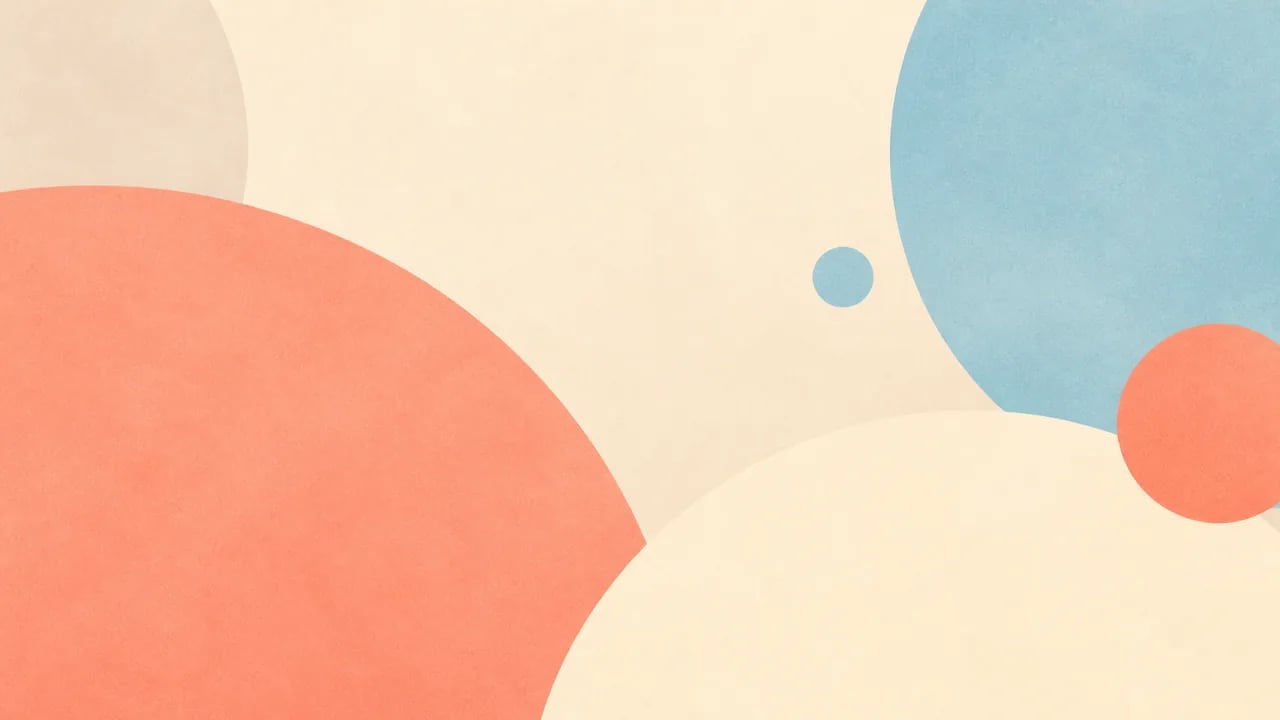
Minimalist wallpapers
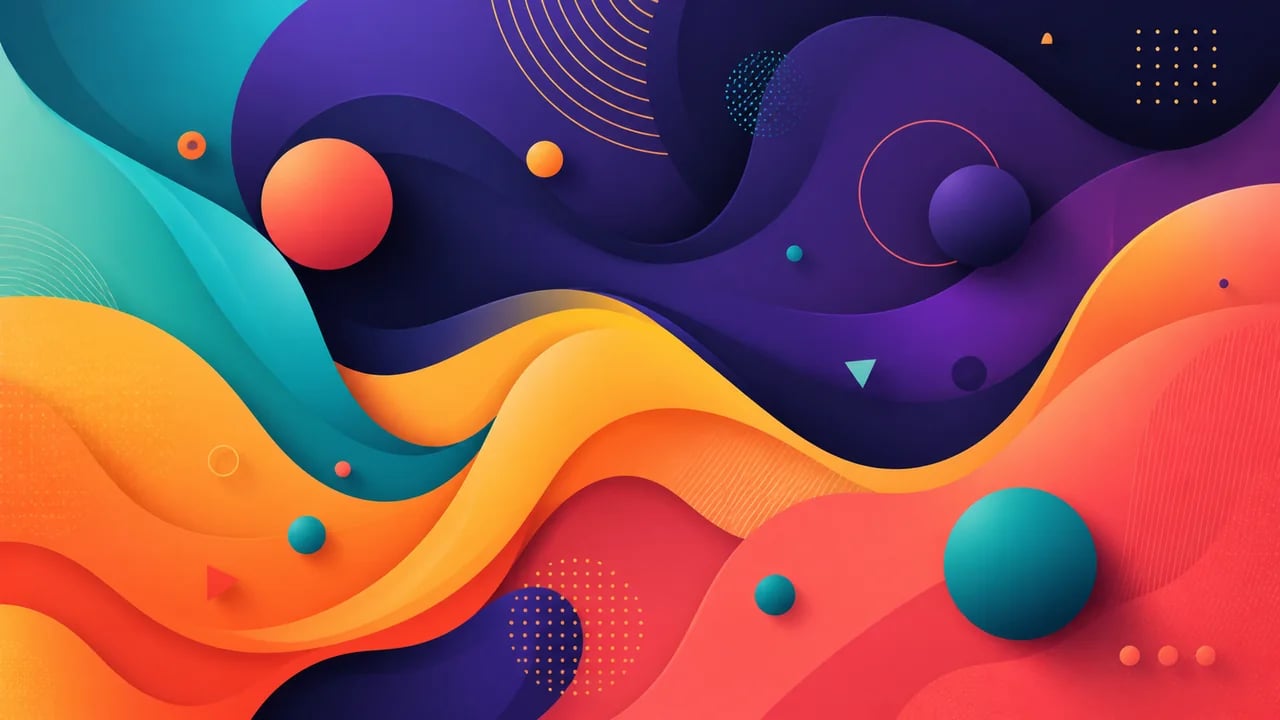
Clean, low-distraction wallpapers — soft geometric shapes and muted palettes that keep the focus on your work, not the background.
Make a wallpaper that is actually yours
Describe the theme and colors you want and let the AI wallpaper generator paint a widescreen wallpaper for your setup. Sign in and spend credits to generate.
More AI Image Generators
Need motion instead of a still image? Try the AI Video Generator
AI wallpaper generator FAQ
Each wallpaper is generated as a single widescreen 16:9 image, which fits standard desktop and laptop screens. It is not stitched into a dual-monitor panorama, and phone screens are taller than 16:9, so this AI wallpaper generator is built for desktop wallpapers first.
You can ask for text in your prompt, but AI image models still render lettering unreliably, so words may come out garbled or misspelled. For a clean quote wallpaper, treat the AI-made scene as the backdrop and place the text yourself in a separate app.
No. This is a text-to-image AI wallpaper generator — it creates wallpapers from written prompts only, not from a picture you provide. Describe the scene you have in mind and it paints one from scratch.
Name the exact colors in your prompt — for example "muted sage green and warm cream" or "deep teal with a coral accent." Stating the palette up front is the most reliable way to get an AI wallpaper generator result that sits well with your theme and icons.
nabn operates on a flexible credit model with plans starting from $20 for 1,000 credits up to high-volume creator tiers ($999). Generating images costs 16-18 credits per variant (~$0.32-$0.36 on standard plans), with complete commercial licensing included for all generated assets.