
Your tattoo design
A sample design — describe your own idea to generate one
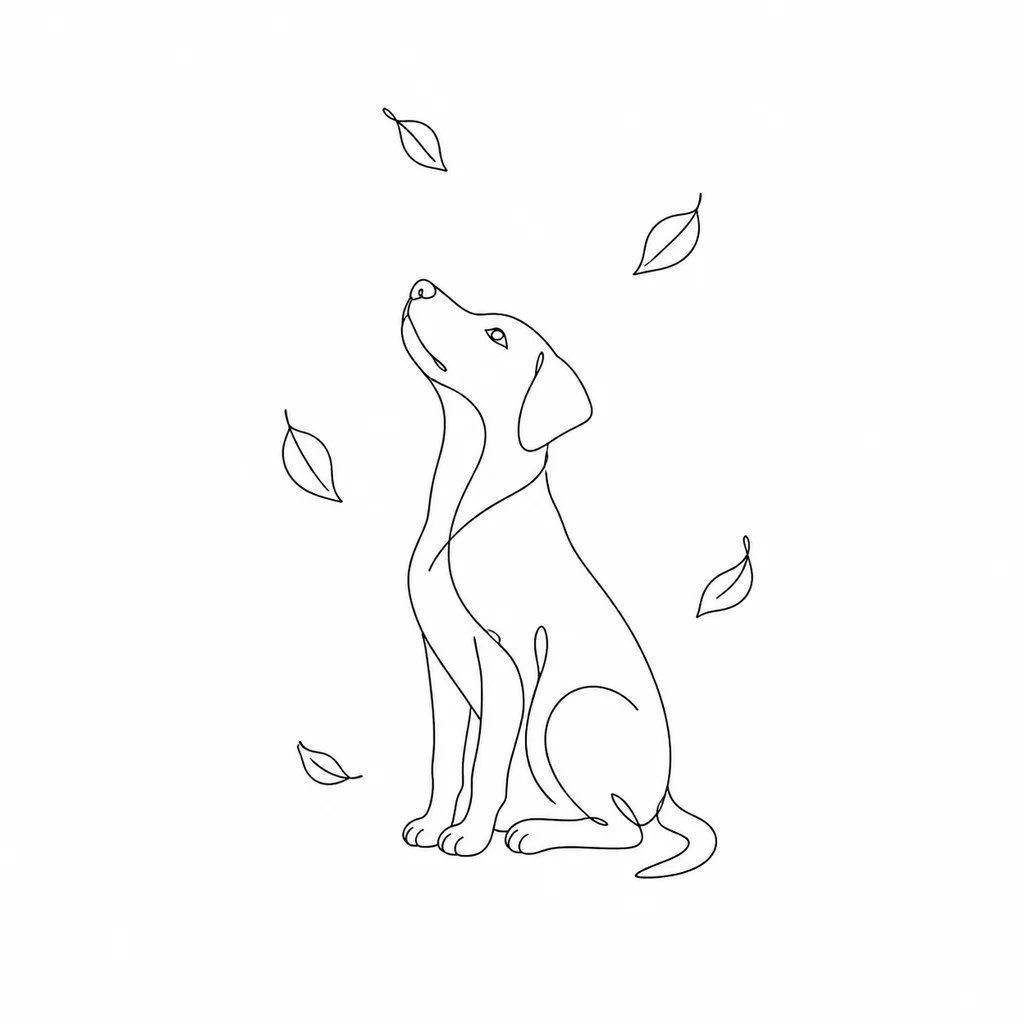
AI Tattoo Generator: Turn Your Idea Into a Design
Turn your tattoo ideas into crisp stencils, delicate linework, and custom ink concepts ready to share with your artist for consultation.
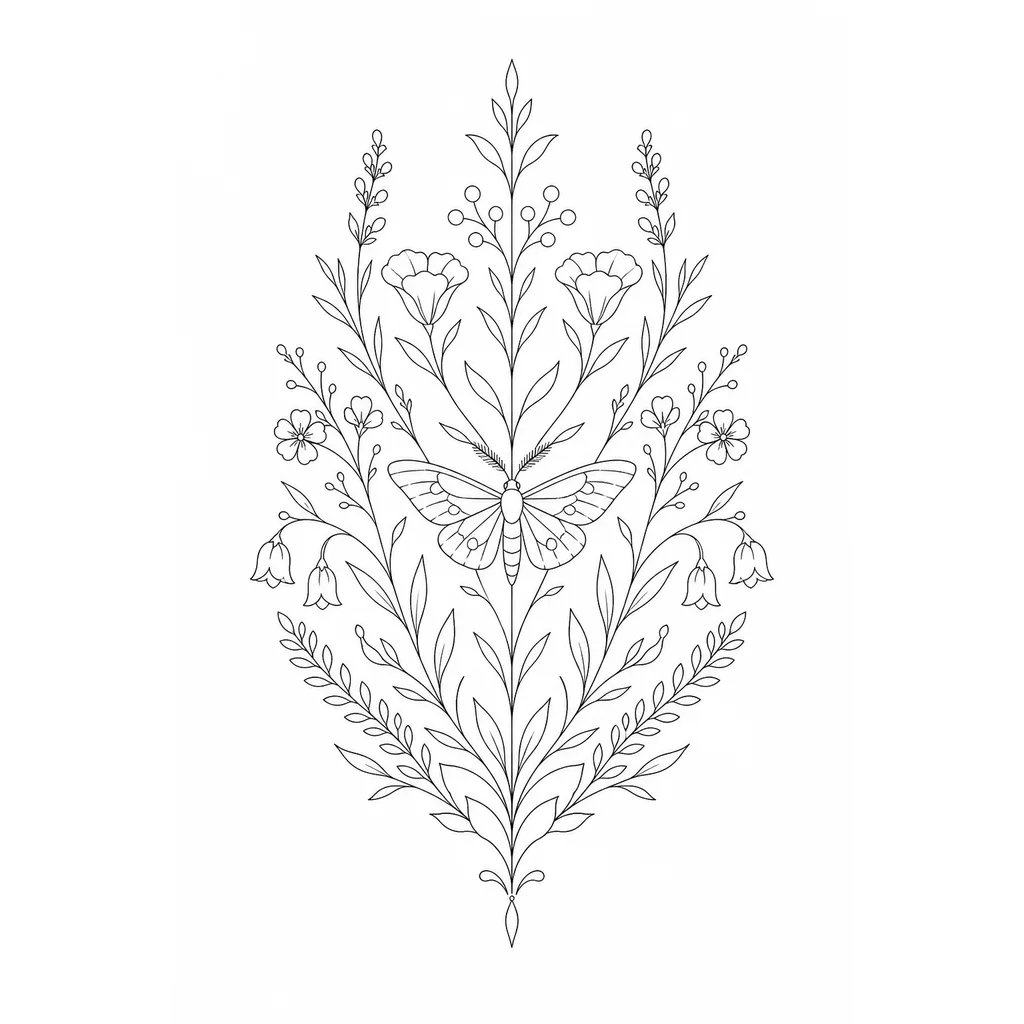
What is an AI tattoo generator?
An AI tattoo generator is a prompt-based visual design tool that creates blackwork stencils, neo-traditional flash art, fine-line ink concepts, and sleeve compositions from text descriptions. Tattoo artists and clients describe motifs, placement anatomy, and shading styles to render clean stencil references and body art concepts in seconds.
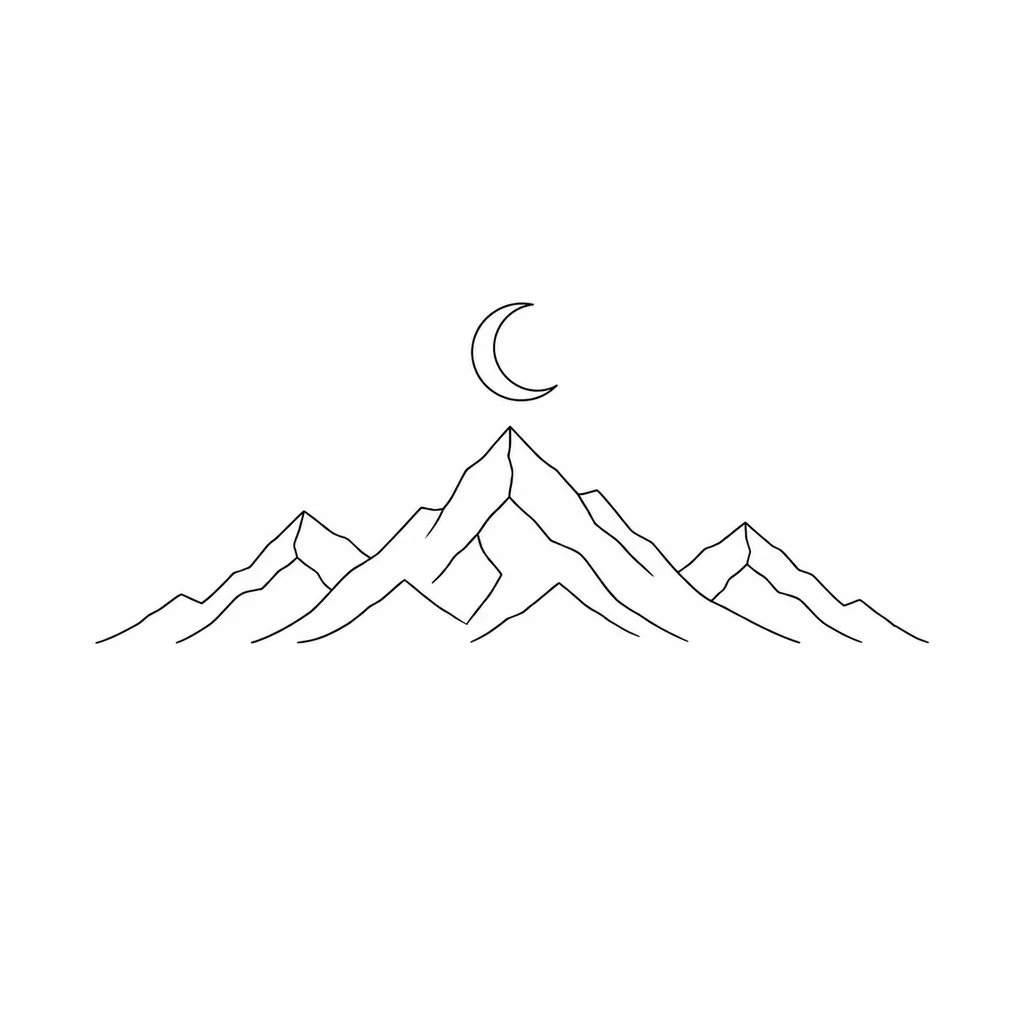
Explore tattoo designs without drawing them yourself
Most people can picture their tattoo but cannot draw it. The AI tattoo generator closes that gap: describe the idea in plain words, get a design back in seconds, then change the wording to try a different style, composition, or level of detail. Generate several versions, set them next to each other, and keep the one that feels right. It turns hours of sketching you cannot do into a few minutes of describing what you mean — and every version stays yours to adjust.
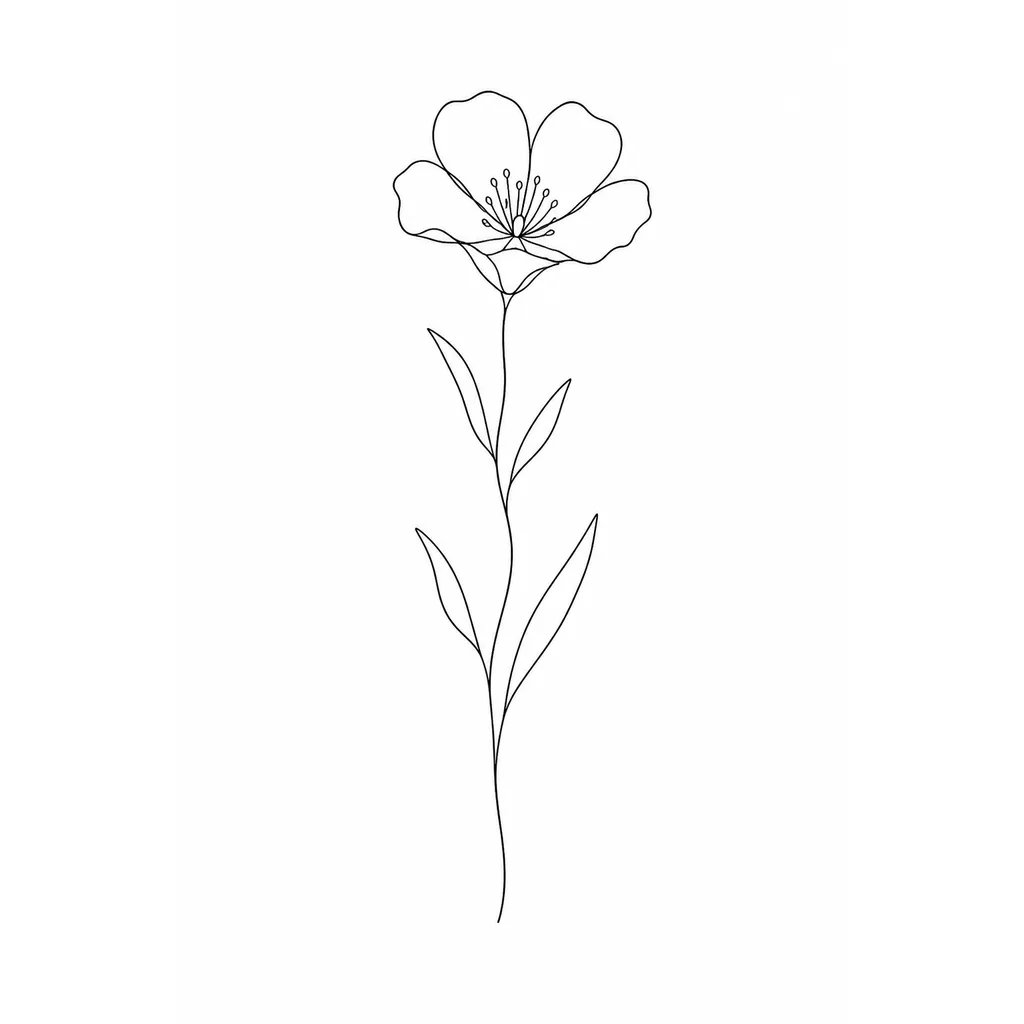
Have a meaningful idea you can't put on paper?
The hardest tattoos to plan are the personal ones — a tribute to someone you love, a pet, a private symbol. You know what it should mean but not what it should look like, and describing it from scratch to an artist is hard. Start with words instead. Describe the subject and the style, generate a design, and use it to talk the idea through with your artist. You end up with something to point at, not just something to explain, which makes a permanent decision far easier to get right.
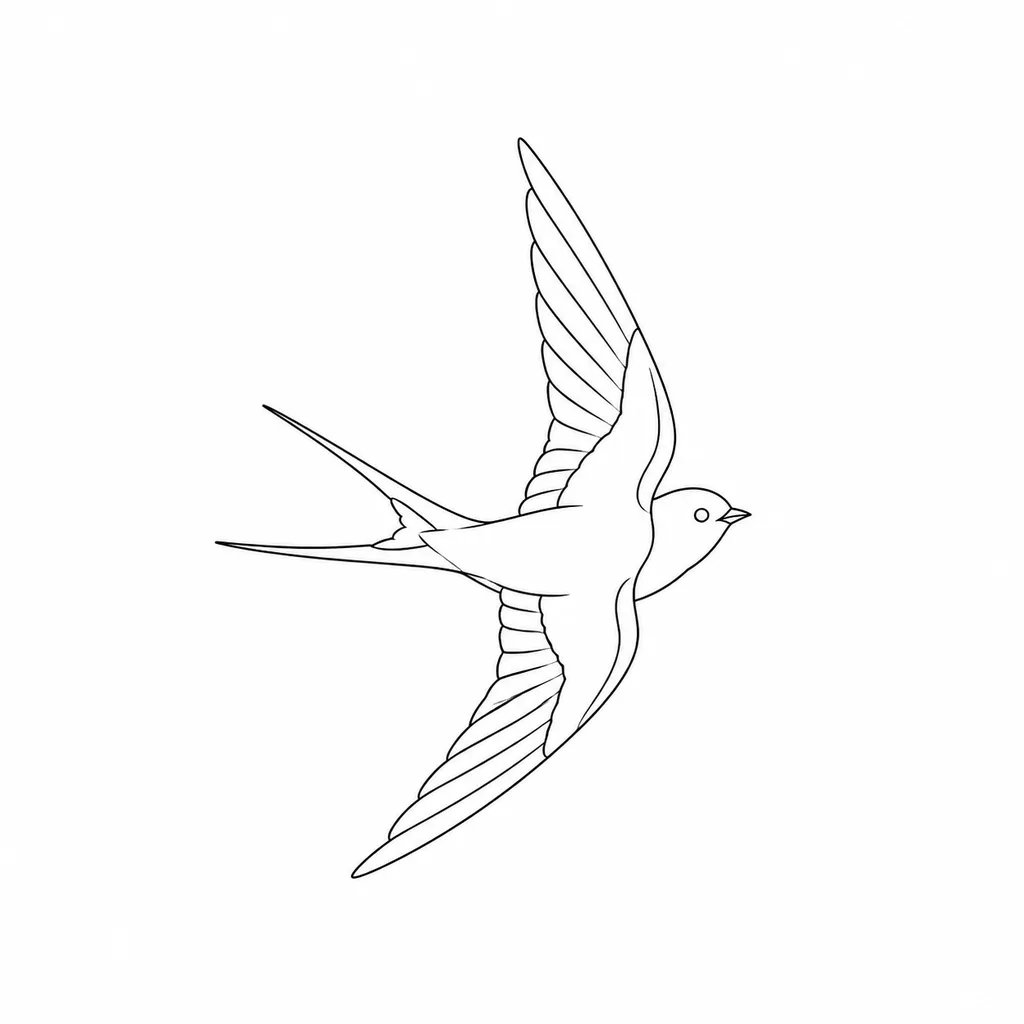
How to design a tattoo with AI
Three steps from an idea in your head to a design in your hand.
- 1
Describe your idea
Type the subject, style, and any details — for example, a fine-line fern with small berries. The more specific your words, the closer the first design.
- 2
Generate and refine
Review the design, adjust your wording, and generate again to explore styles and compositions until one fits.
- 3
Bring it to your artist
Use your favorite design as a reference for your tattoo artist, who can adapt it to your body, size, and placement.
What people design with it
The same AI tattoo generator handles very different ideas.
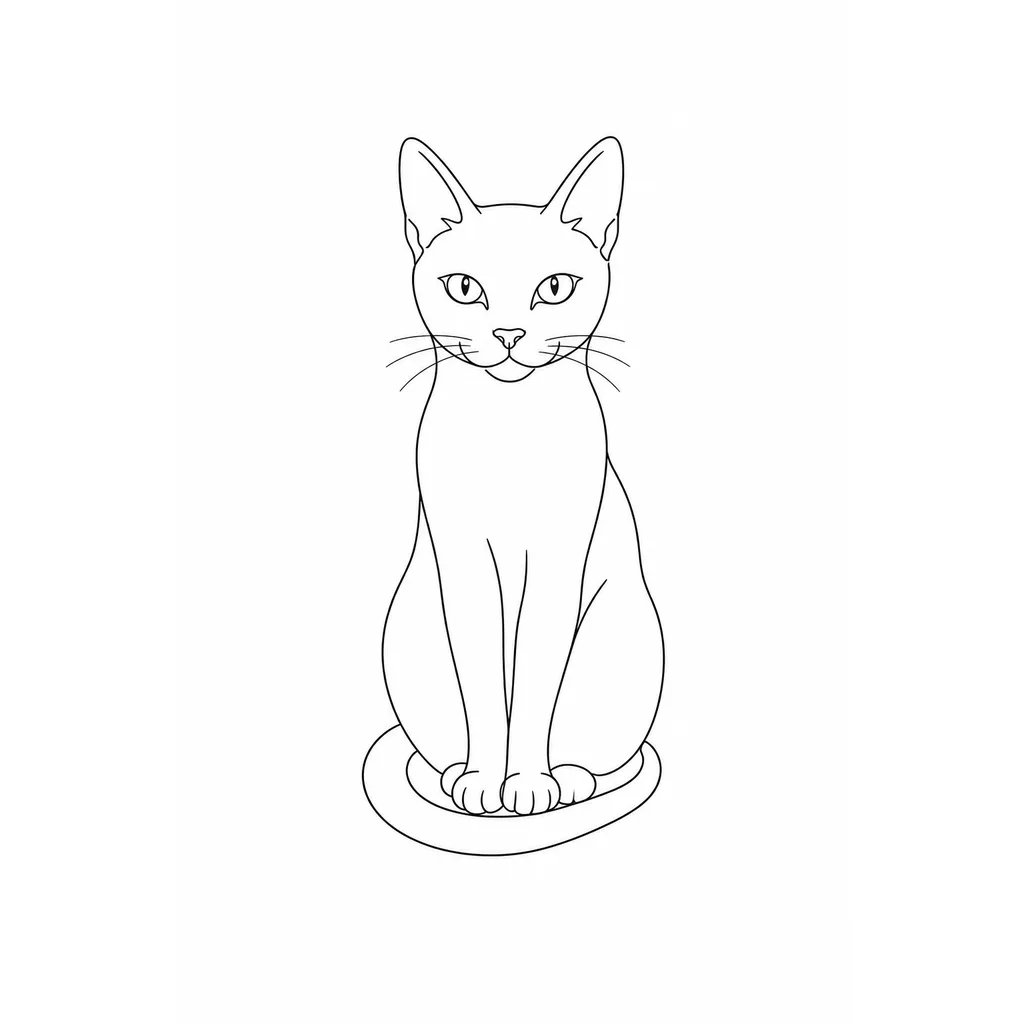
Pet and tribute tattoos
Describe a pet or a subject that matters to you and get a design to honor it — a common reason people reach for a tattoo they cannot draw.
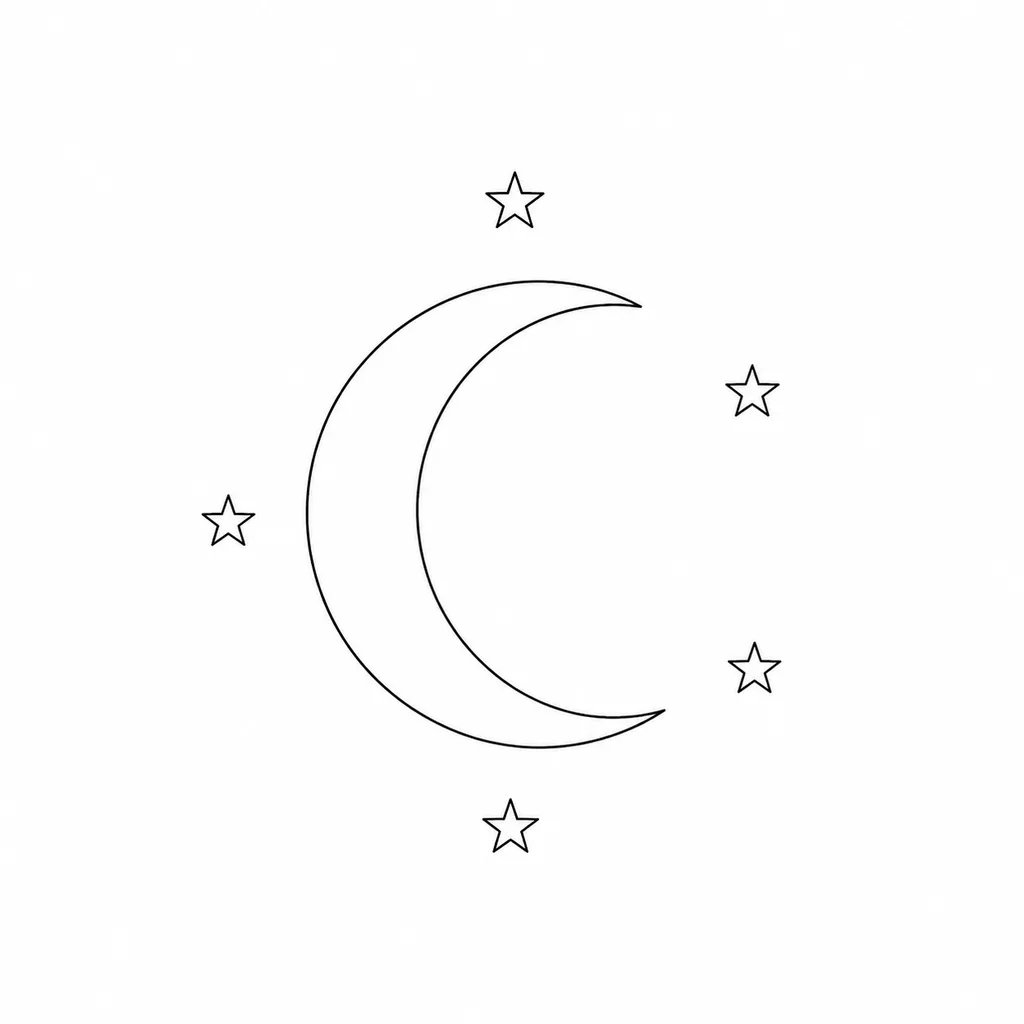
Exploring styles
Unsure between fine line, blackwork, or something celestial? Generate the same idea in different styles and compare them before you commit.
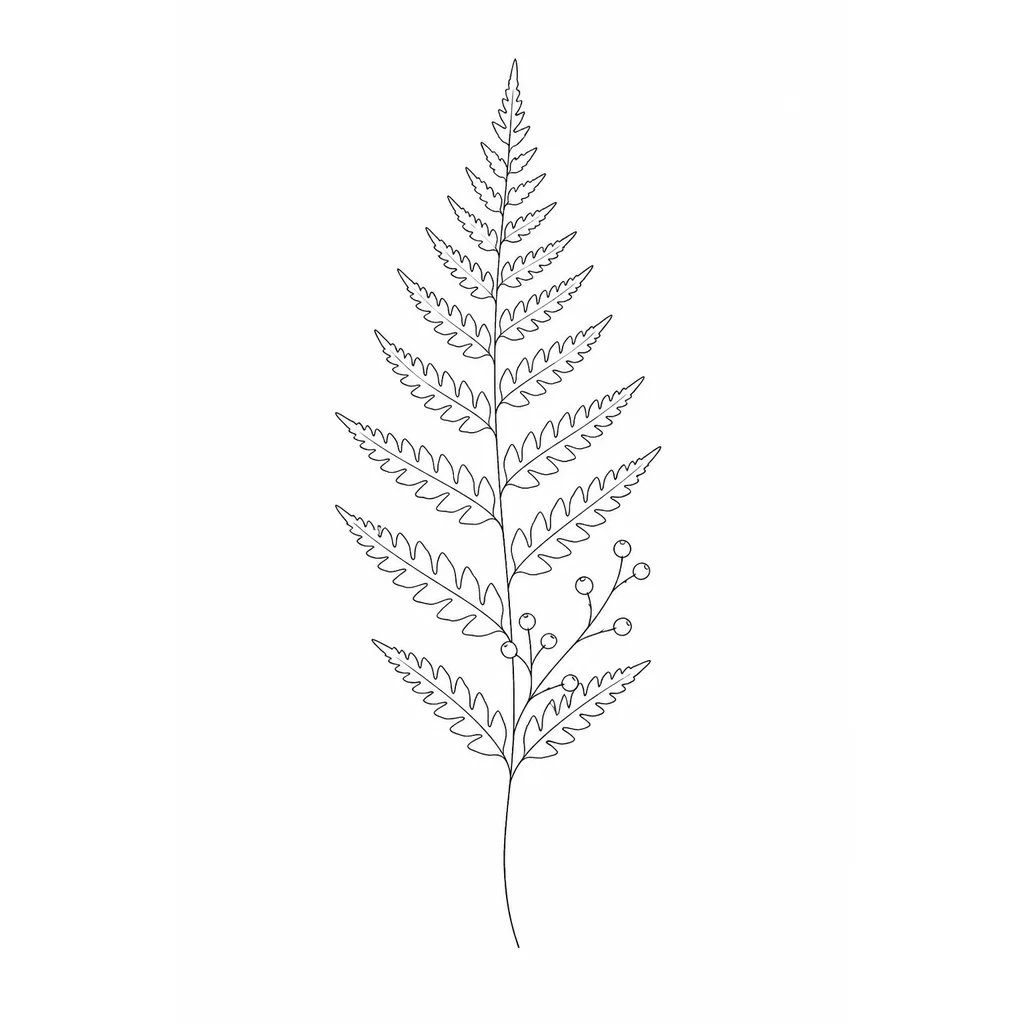
A starting point for your artist
Turn a description into a clear picture your tattoo artist can work from, so the final piece matches what you had in mind.
Design your next tattoo
Describe your idea and see it as a design in seconds.
More AI Image Generators
Need motion instead of a still image? Try the AI Video Generator
AI tattoo generator FAQ
Describe it in words. The AI tattoo generator reads your description — subject, style, and details — and draws a design for you, so drawing skill is not needed. Adjust the wording and generate again to refine it.
No. It creates a design from a text description, not an overlay on a photo of your body. To judge placement and size, bring the design to your tattoo artist and describe where you want it.
Yes. Use it as a reference for your artist. Tattoo artists routinely work from references and can adapt the design to your body and their own style.
Yes. Describe the subject and the style you want, and the generator produces a design you can refine — one of the most common reasons people use it.
nabn operates on a flexible credit model with plans starting from $20 for 1,000 credits up to high-volume creator tiers ($999). Generating images costs 16-18 credits per variant (~$0.32-$0.36 on standard plans), with complete commercial licensing included for all generated assets.