
AI Photo to Sticker Generator
Upload a photo and turn it into an illustrated sticker using styles rewritten from real, engagement-verified prompts. The default style redraws only the subject and keeps your original background, softened behind it; switch to the 1K transparent option for a pixel-verified alpha-channel PNG instead.
Source image (required)
JPEG, PNG or WebP · up to 30 MB · 300–6000 px per side · ratio 2:5–5:2.
Checking sign-in…
Preview Your Photo as an Illustrated Sticker
Upload a photo, load one of the 4 verified prompt presets below, or switch the model to the 1K transparent option if you need a true alpha-channel cutout instead of a kept background.
What Is an AI Photo to Sticker Generator?
An AI photo to sticker generator is an image-to-image tool that redraws an uploaded photo's main subject as an illustrated sticker with a white die-cut border, using styles built from verified real high-engagement prompts. Output keeps the original photo background by default, or switches to a 1K export with a pixel-verified transparent background.
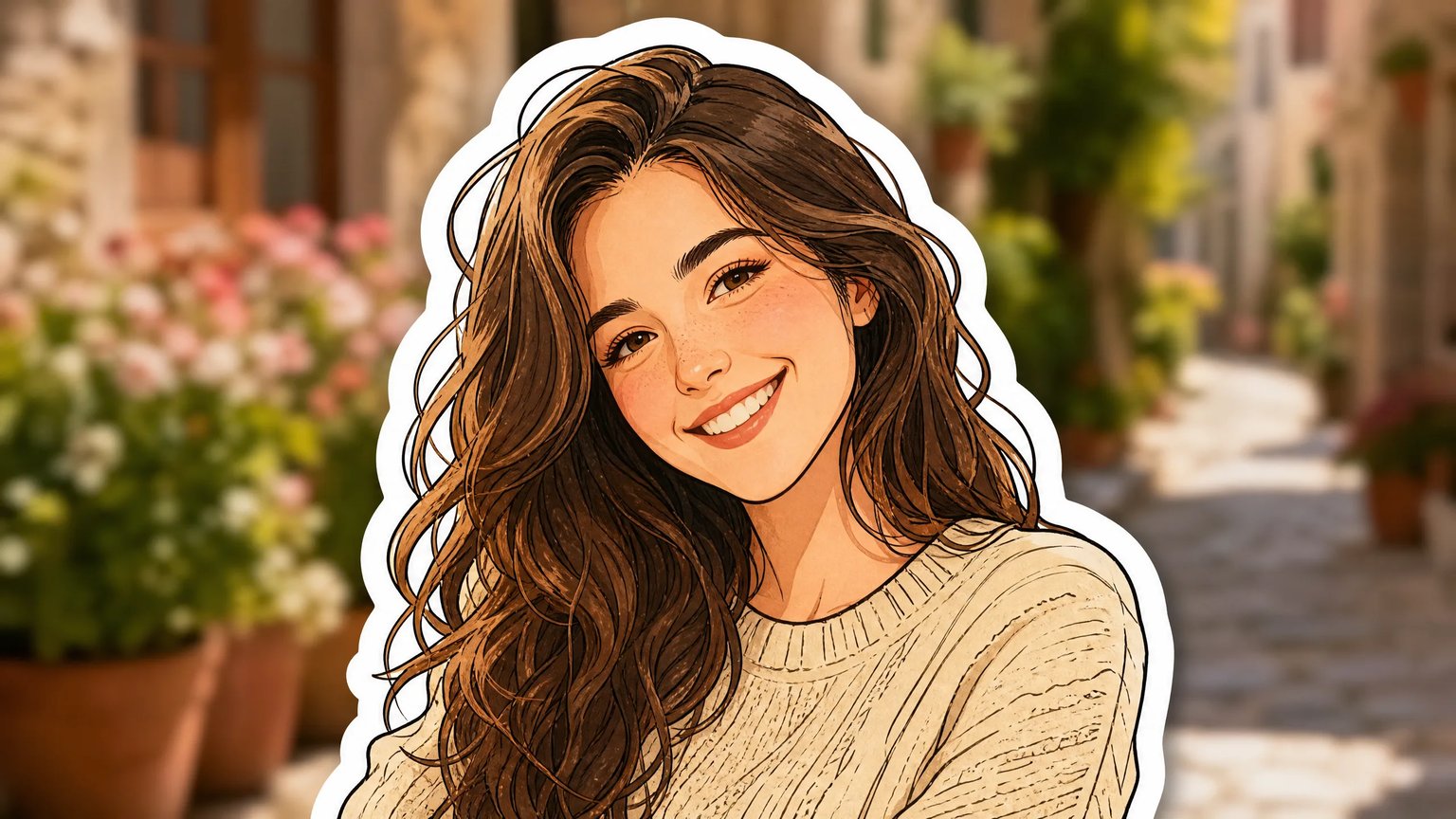
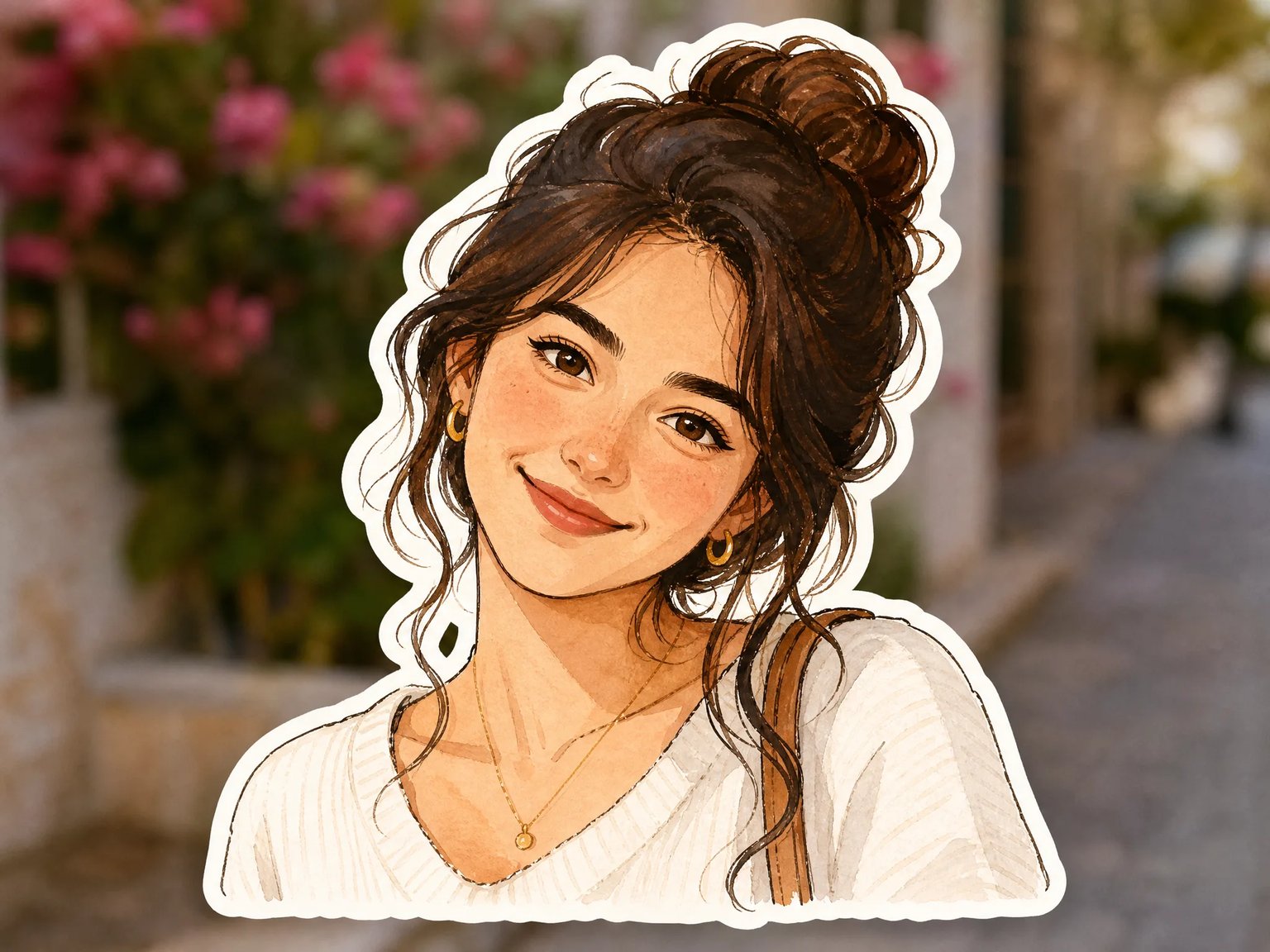
Hand-Painted Illustrated Sticker
Redraws the subject as a hand-painted illustration with a thick white die-cut border, while the original photo's background stays visible, softened behind it — based on a real high-engagement prompt rather than a guess at what might look good.
- Thick white die-cut sticker border
- Original background kept, just softened
- Styled from a verified real high-engagement prompt
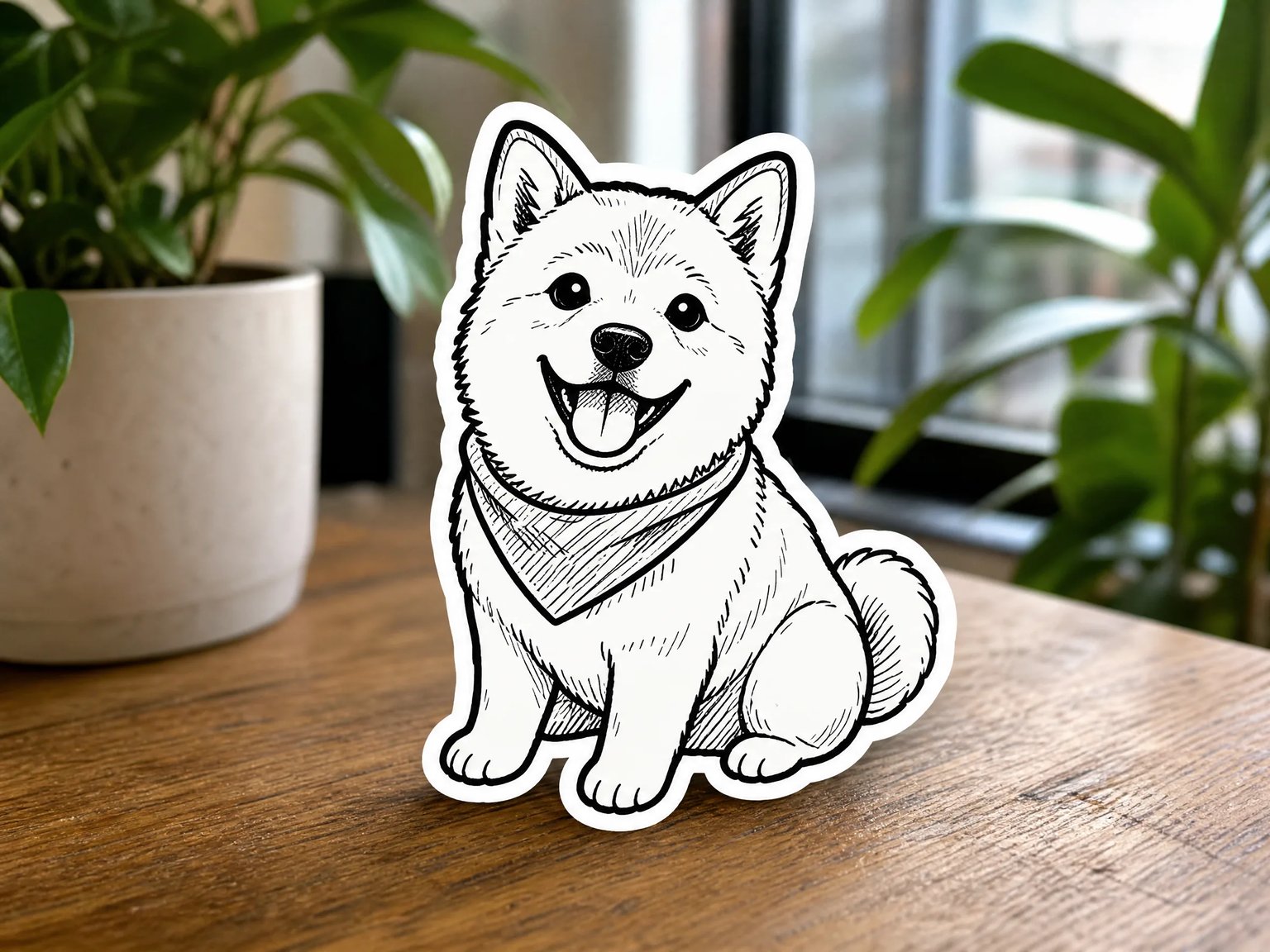
Monochrome Doodle Sticker
Redraws the subject in bold black-outline doodle style with a thick cream-white sticker border, while the rest of the real photo environment — table, plants, window light — stays completely untouched.
- Bold black-outline doodle illustration
- Real photo environment left untouched
- Works for pets as well as people
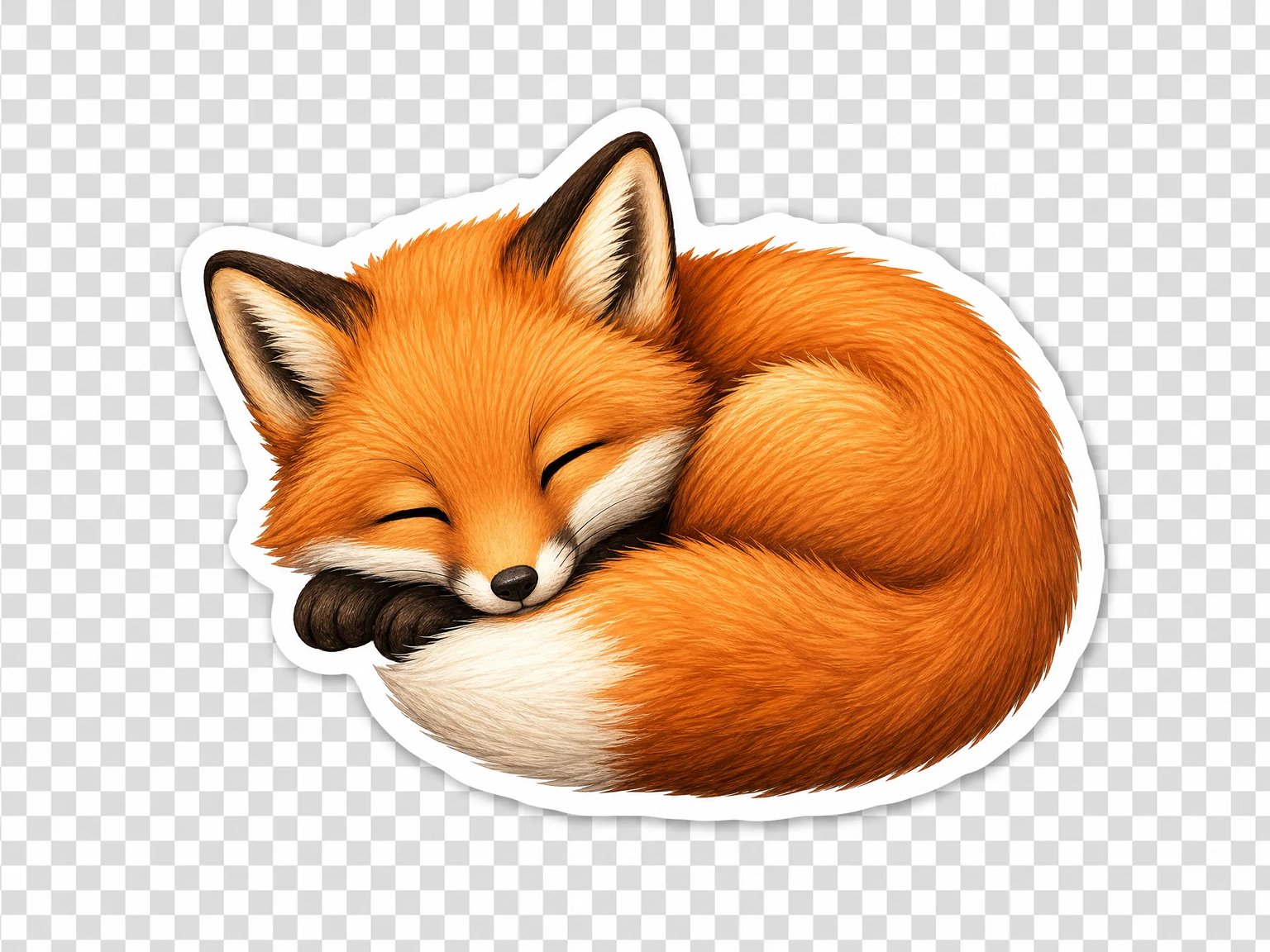
1K True Transparent PNG
Switch to the 1K transparent option for a real RGBA PNG with an actual alpha channel — verified pixel-by-pixel rather than trusted on the model's success response alone — ready to drop onto any background. The checkerboard above is only a standard transparency preview convention; the downloaded file has no checkerboard pixels in it.
- Real alpha channel, not a white box
- Verified pixel-by-pixel, not just claimed
- Available at 1K resolution for 10 credits
Built From Real Prompts, Verified Transparency
Two differentiators that hold up under inspection, not just marketing claims.
Verified Prompt Library
Editor presets are rewritten from real, engagement-confirmed GPT Image 2 prompts, not guesses at what might work.
Background Kept by Default
The default style redraws only the subject and keeps your original photo background, softened behind the illustration.
Pixel-Verified Transparency
The 1K transparent option was checked with a real paid API call and a pixel-level alpha inspection, not just a success message.
Honest About Limits
No partial-subject cutout, no 2K/4K transparency, and no automatic sticker-pack bundling — stated upfront, not discovered later.
How This Compares
A straight look at claims versus verified behavior.
| Capability | This Tool | Typical Sticker Apps | Generic Background Removers |
|---|---|---|---|
| Transparent PNG | Verified real alpha channel, at 1K only | Often claimed at higher resolutions, unverified by us | Usually leaves a plain white background |
| Default output style | Illustrated sticker; original background kept and softened | Closed style library, outcome unclear before running it | Flat cutout, no illustration style |
| Prompt source | 4 presets rewritten from real high-engagement X posts | Hidden presets; the actual prompt is rarely visible | No prompt input at all |
| Partial-subject cutout | Not supported — the whole photo is redrawn as one piece | Sometimes partial, per user reports of missed body parts | Can isolate a single object |
| Platform | Web browser, including iPhone and Android browsers | Often a dedicated iOS or Android app | Usually a dedicated app |
| Sticker-pack bundling | Not supported — exports one PNG at a time | Sometimes builds a submittable pack automatically | Not applicable |
From Photo to Sticker in 3 Steps
Upload once, pick a style, download the PNG.
Upload Your Photo
Attach the photo you want turned into a sticker — a person, a pet, or any clear subject works.
Pick a Style, or Go Transparent
Load one of the verified prompt presets below, or switch the model to the 1K transparent option if you need a true alpha-channel cutout instead of a kept background.
Generate and Download
Generate the sticker and download the PNG — then add it to a chat app yourself or print it.
Where People Use Photo Stickers
Pick the style that fits the scene, from chat to print.
Chat Stickers for WhatsApp & iMessage
Download the PNG and add it to your chat app's sticker tray the normal way — this tool generates the image; it doesn't create or submit a sticker pack for you.
Scrapbook & Photo Album Decoration
The background-kept illustrated style suits album pages and digital scrapbooks better than a hard cutout, since the original scene still shows through.
Small Die-Cut Print Stickers
Export the 1K transparent version for small printed stickers that need a clean edge instead of a white background behind the subject.
Profile & Avatar Decoration
The illustrated sticker style also works as a standalone profile picture when you don't need the die-cut border at all.
Looking for other ways to generate images from your photos? Start from nabn's AI creative visual studio to see every tool in one place.
Turn Your Photo Into a Sticker
Load a verified prompt preset, or switch to the 1K transparent option — billed per generation in credits.
16 credits (GPT Image 2, default style) · 10 credits (1K transparent option) · 9 paid plans ($20–$999 USD)
See all plansAI Photo to Sticker Generator — Frequently Asked Questions
Straight answers on what gets redrawn, whether the transparency is real, and what the tool can't do.