
AI Mockup Generator — Apparel, Packaging & Wall Art
Use our AI mockup generator to render apparel hoodies, cosmetic packaging, and framed canvas wall art in 2K or 4K without Photoshop. Try it now. Describe a product and setting to create a raster concept preview; this studio uses text prompts, not uploaded artwork.
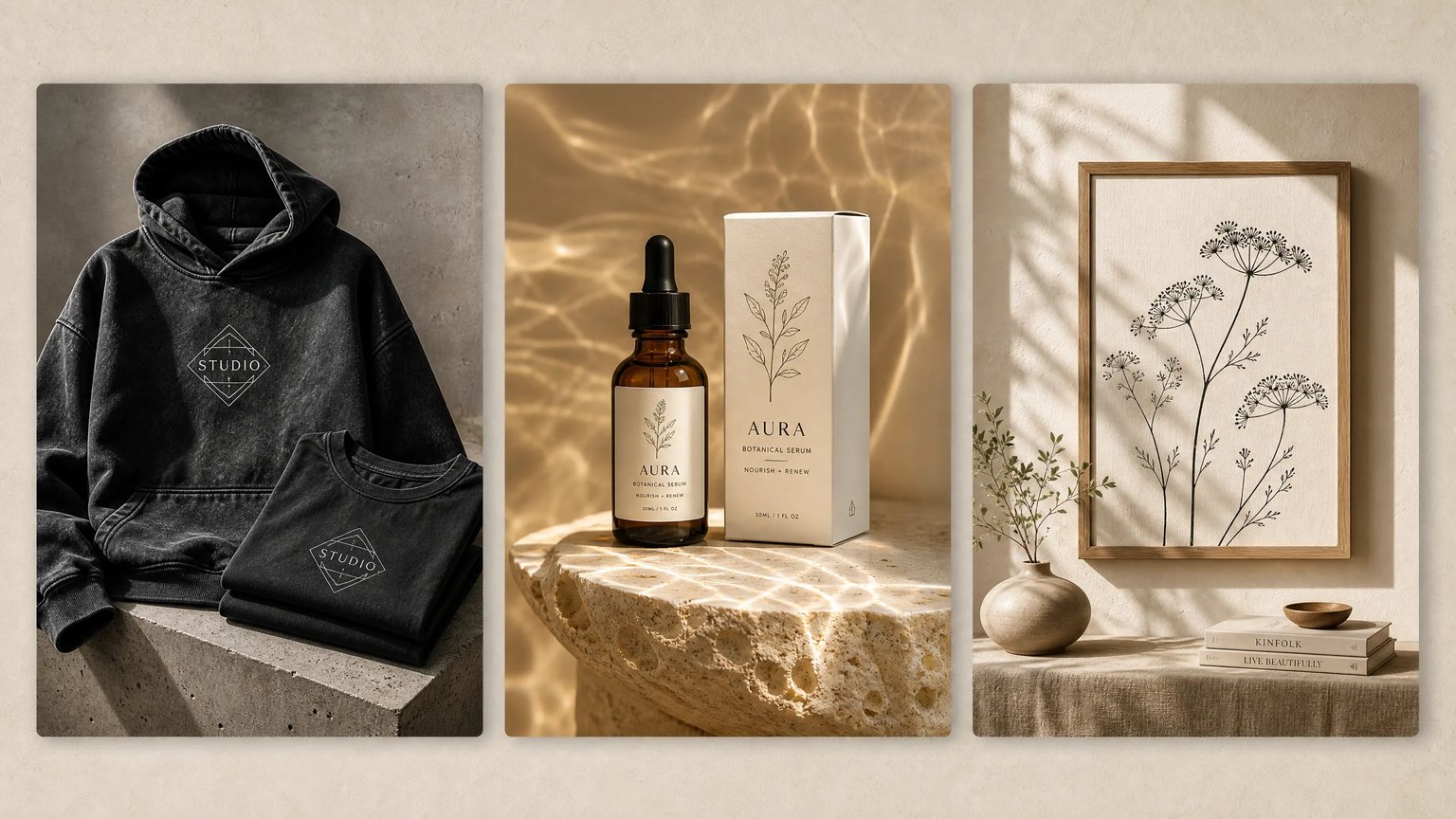
Render Commercial Apparel, Packaging & Canvas Mockups
Choose GPT Image 2 (2K) or Nano Banana 2 (4K), then describe your product, materials, and lighting. This text-to-image studio creates concept previews, not exact reproductions of existing logos.
What Is an AI Mockup Generator?
An AI mockup generator is a text-to-image tool for product concept previews. Sellers and designers describe materials and lighting to visualize hoodies, cosmetic bottles, kraft boxes, and framed prints. The resulting raster images help compare presentation ideas without Photoshop; they are not editable templates, exact logo placements, or verified product photographs.
Explore Garment Drape and Studio Compositions
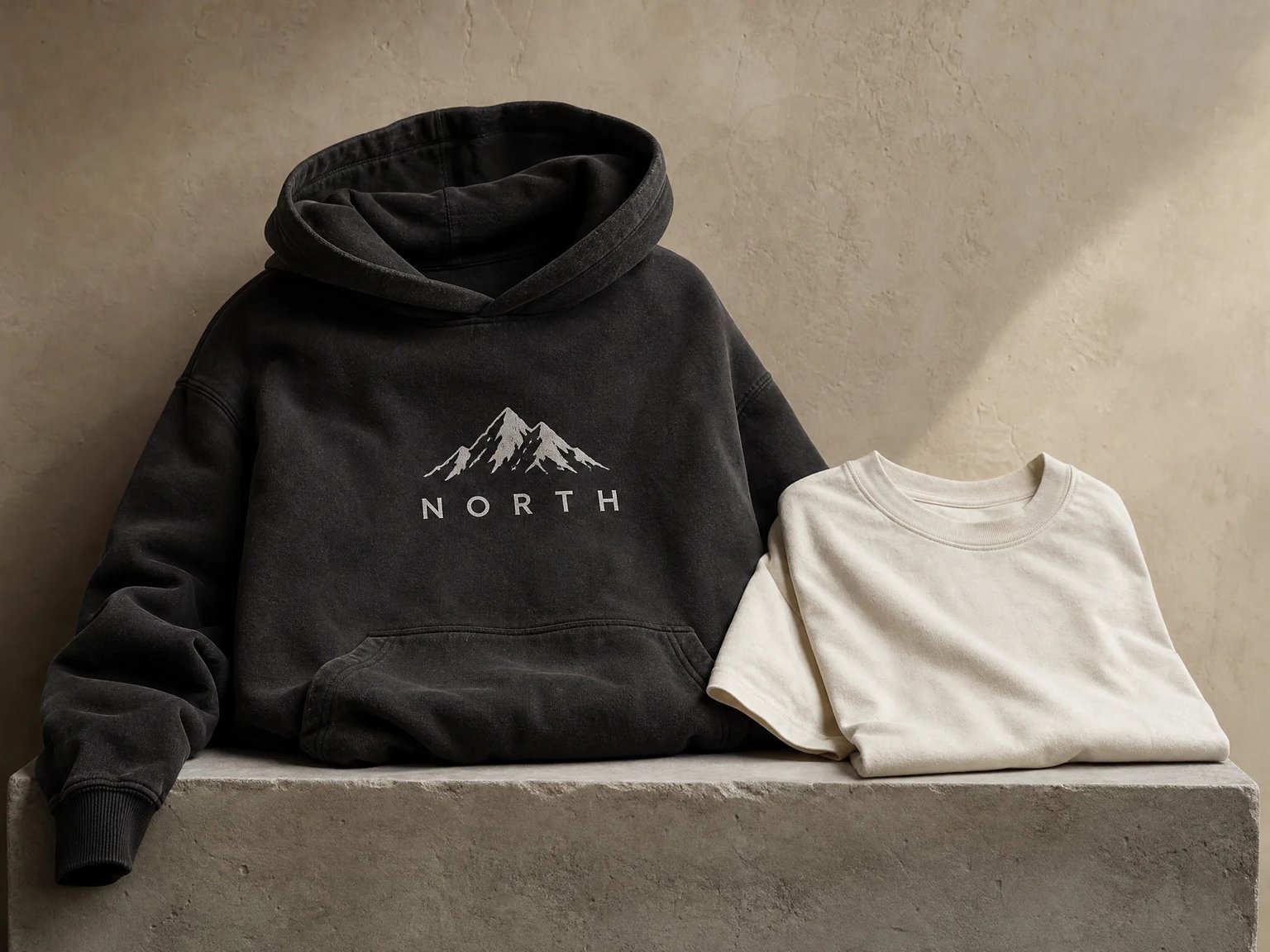
Describe washed cotton hoodies, drop-shoulder tees, or embroidered caps on concrete plinths. Compare lighting and fabric appearance before choosing a presentation direction. These generated concepts do not verify garment weight, print dimensions, or the appearance of a manufactured item.
- Specify fabric weight and weave like 400gsm brushed fleece or combed ring-spun cotton.
- Place short brand words in quotes and review the generated lettering for errors.
- Explore flat-lay, concrete plinth, or ghost-mannequin compositions from text.
3D Box, Bottle & Pouch Concepts Before Physical Dielines
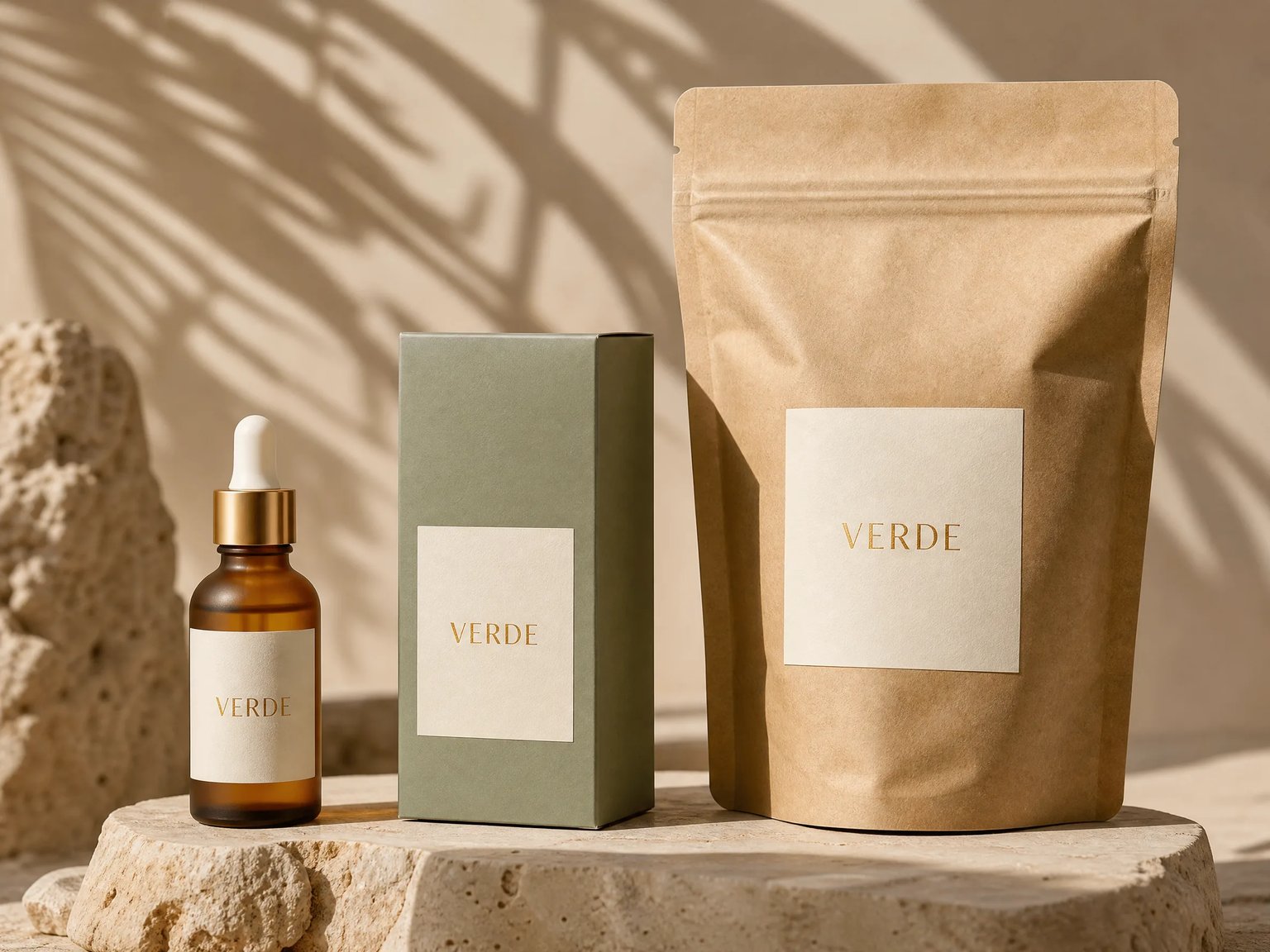
Describe amber glass bottles, matte mailer boxes, or kraft pouches on travertine podiums to explore packaging presentation ideas. Generated lighting and surface finishes are visual approximations. Use packaging software and physical samples to validate folds, dimensions, and print finishes.
- Combine multiple packaging substrates—glass bottles, rigid boxes, and stand-up pouches.
- Prompt tactile finishes including embossed gold foil, matte kraft paper, and frosted glass.
- Dial in 85mm macro depth of field and organic window caustics for client pitch decks.
Framed Canvas, Book & Merch Scenes Without Photoshop
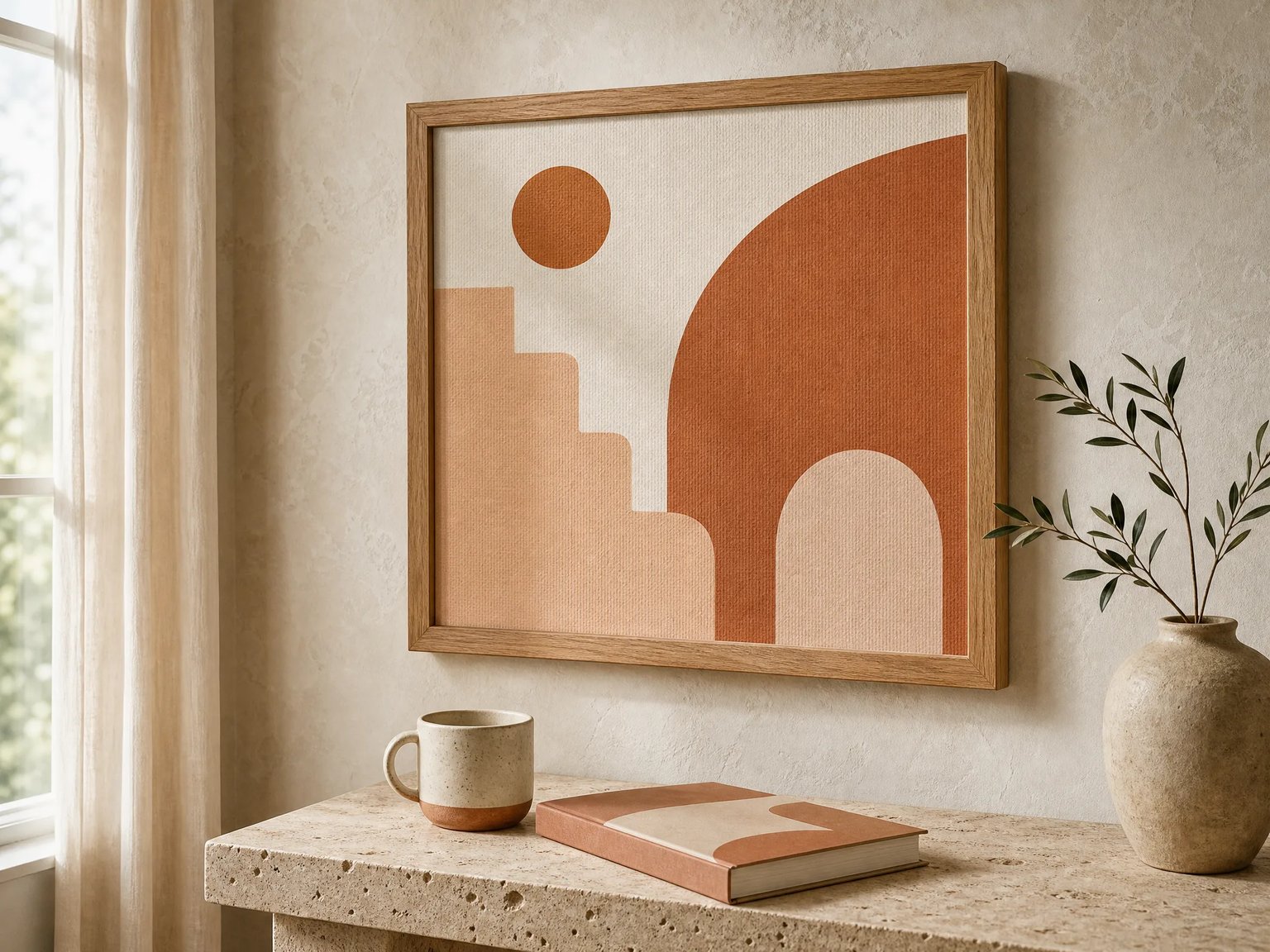
Describe framed canvas wall art, book covers, mugs, and gallery lighting directly in your browser. Use the resulting scene to discuss a visual direction. This studio does not place an uploaded artwork into a frame or preserve an existing design pixel for pixel.
- Create sunlit Nordic plaster, industrial loft, or minimalist gallery wall settings.
- Pair framed canvas prints with complementary props like ceramic mugs and lookbooks.
- Open or save the generated original image, then check its details before use.
Why E-Commerce Brands & Designers Use an AI Mockup Generator
Compare prompt-based concept previews with editable PSD templates and fixed-placement mockup workflows. Choose based on whether you need new scene ideas or precise placement of existing artwork.
Zero Photoshop Dependency
Create apparel, bottle, box, and wall-art concepts in your browser. Generating a scene here does not require a Photoshop installation.
Custom Scene Directions
Specify a studio plinth, interior wall, or lighting setup in your prompt. Results vary between generations; uniqueness and exact brand lettering are not guaranteed.
Text-Based Concept Previews
Describe the product, color palette, surface finish, and short label text. The current studio accepts text prompts and does not offer a logo upload control.
2K and 4K Model Options
GPT Image 2 uses 16 credits per image at 2K; Nano Banana 2 uses 18 credits at 4K. Review generated details and applicable rights before publishing.
AI Mockup Generator vs. Traditional PSD & Template Workflows
A workflow comparison, not a review of every template vendor. Template capabilities and licenses depend on the particular file or service.
| Workflow Dimension | nabn AI Mockup Generator | Editable PSD Template Workflow | Fixed-Placement Mockup Workflow |
|---|---|---|---|
| Scene & Environment Variety | Describe a new scene, background, and camera direction in text | Begin with an existing scene; editable elements depend on the PSD | Choose among the scenes offered by the selected service |
| Software & Hardware Requirements | Run the generator in a web browser; no Photoshop installation required | Use an editor that supports the template and its Smart Object features | Use the selected service and its supported editing controls |
| Material & Lighting Control | Request materials and lighting in a prompt; inspect the generated approximation | Adjust the layers, masks, and effects provided by the template | Use the material and lighting variations available in the catalog |
| Logo & Graphic Input | Text descriptions only; no upload or pixel-exact logo placement on this page | Place existing artwork into the template when its layer structure supports it | Place artwork in the areas supported by the chosen mockup |
| Deliverable & Scale Boundary | Flattened raster concept image; no PSD layers, CAD dielines, or calibrated print sizes | An editable PSD and raster exports, subject to template and editor support | Preview image exports in the formats offered by that service |
| Usage & Pricing Checks | 16 or 18 credits per image; generation time varies. Paid options range from $20 to $999 USD | Check the editor license, template price, usage rights, and editing work required | Check current plan limits, export options, and the license for the selected mockup |
How to Generate Realistic Product & Apparel Mockups Online
Turn a written product idea into a raster studio concept preview in three steps.
- 01
Choose a Scene Preset or Write a Prompt
Sign in, choose a preset, and describe the apparel, packaging, or wall-art concept you want to explore. This studio starts from text; it does not upload or place an existing logo file.
- 02
Describe the Product Substrate, Texture & Studio Lighting
Specify the exact physical item (such as an oversized acid-wash hoodie, frosted glass dropper bottle, or oak-framed canvas), surface finish, and studio pedestal lighting. Pick GPT Image 2 (2K, 16 credits) or Nano Banana 2 (4K, 18 credits).
- 03
Review Brand Details & Download 2K/4K Raster Art
Check lettering, fabric details, and proportions, then open or save the original result. Treat it as a concept reference. Use real product photographs where accurate buyer expectations or marketplace rules require them.
Commercial Workflows Built for the AI Mockup Generator
Tailored product visualization pipelines for print-on-demand sellers, packaging designers, and brand studios.
Print-on-Demand Streetwear & Merch
Explore screen-print and embroidery presentation ideas on hoodies, tees, tote bags, and caps. Verify actual placement, print scale, and garment appearance with physical samples.
Cosmetic, Food & Box Packaging
Visualize frosted serum bottles, matte kraft mailer boxes, stand-up coffee pouches, and beverage cans on travertine podiums before ordering physical print samples.
Framed Canvas & Wall Art Concepts
Explore framing, room lighting, and prop arrangements for a wall-art presentation. Use an appropriate editing workflow or actual photography to show a specific existing artwork accurately.
Brand Identity Bento-Grid Pitch Decks
Generate cohesive multi-item brand identity showcases—combining stationery, packaging boxes, apparel tags, and signage under unified studio lighting.
Launching a full product campaign with luxury foil stationery, dimensional display headlines, and paid social creatives? Pair your studio presentations with our AI Business Card Generator, AI 3D Text Generator, AI Floor Plan Generator, and AI Ad Generator.
Render Your Custom Product & Apparel Mockups in 2K or 4K
Create photorealistic streetwear hoodies, cosmetic packaging, and framed canvas showcases without Photoshop Smart Objects.
GPT Image 2 uses 16 credits per image (2K) and Nano Banana 2 uses 18 credits per image (4K). Sign-in required; 9 paid plans and credit packs range from $20 to $999 USD.
Frequently Asked Questions About the AI Mockup Generator
Answers on text prompts, logo limitations, supported concepts, original-image downloads, and credit pricing.