
Your emoji
Generated from your prompt
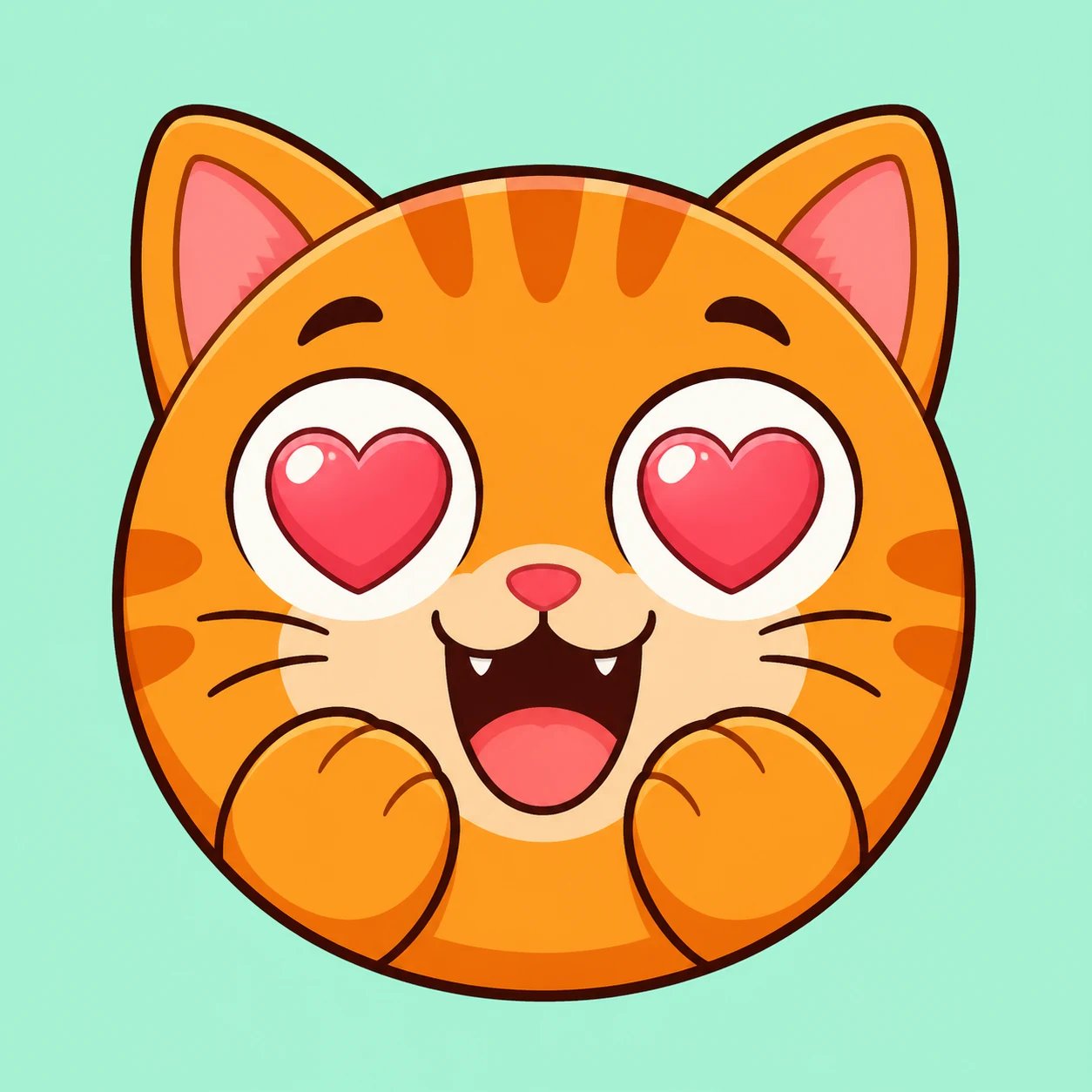
AI Emoji Generator: Turn a Prompt into Custom Emoji Art
Describe a mascot, a mood, or a reaction and this AI emoji generator paints original custom emoji art for your Discord or Slack, from a text prompt.
What is an AI emoji generator?
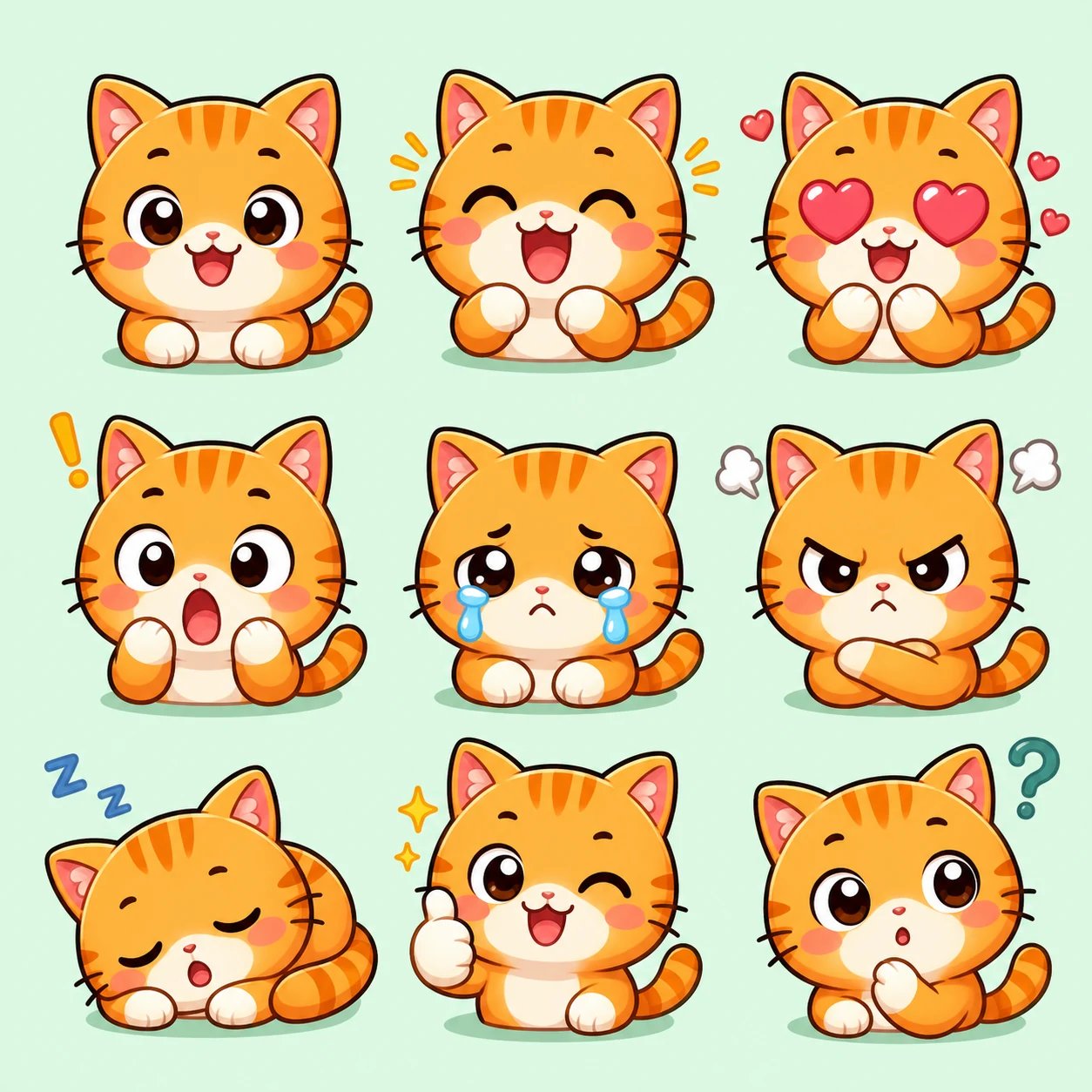
An AI emoji generator is a prompt-driven icon design tool that creates custom expressive emojis, Discord stickers, and chat reaction graphics from text descriptions. Community managers and creators describe emotions, objects, and visual styles to render vibrant isolated reaction icons on clean backgrounds in seconds.
Emoji that fit your community
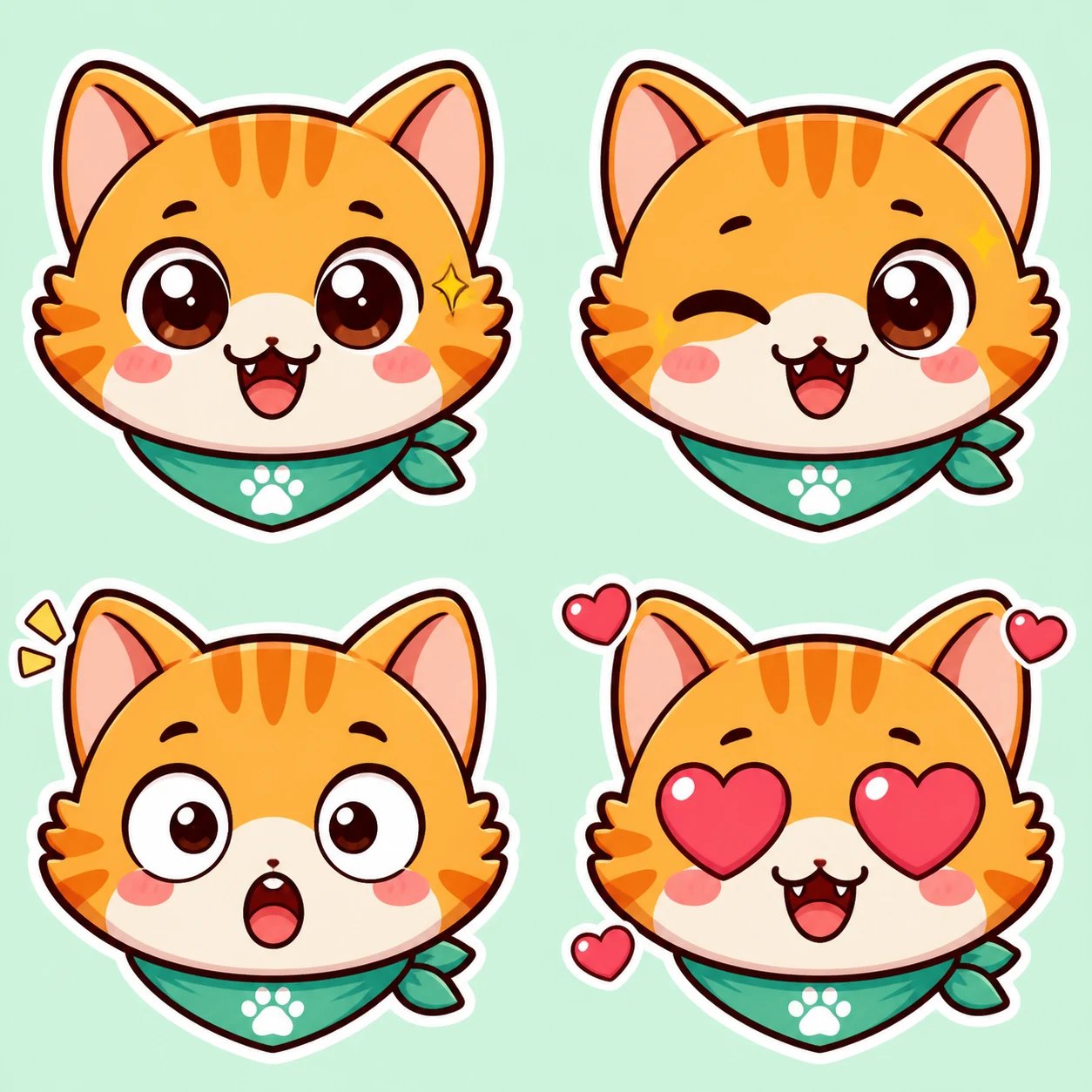
A custom emoji should feel like your server sounds. Because you write the prompt, the AI emoji generator gives you a mascot and a mood that belong to your community — an inside joke, a team color, a recurring character — instead of the same stock reactions every other server already uses. Describe the vibe and it renders an icon to match.
No artist, no drawing tablet, no design skills
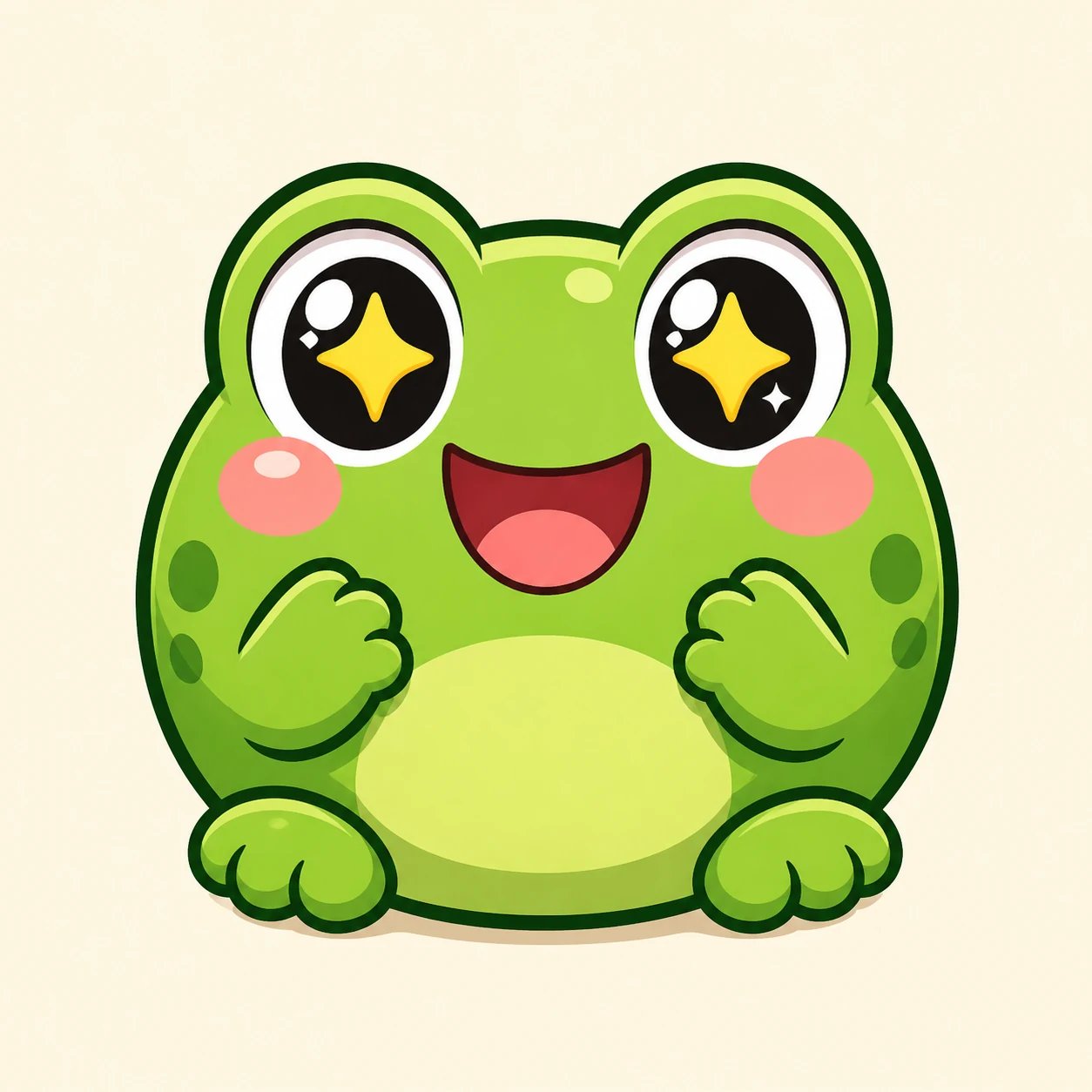
Most community owners cannot afford to commission an artist for a full emoji set, and drawing dozens of expressive icons by hand is slow. The AI emoji generator closes that gap: describe the character and the reactions you want and generate a whole themed set in minutes, then re-prompt anything that misses. You stay in control of the look without learning design software.
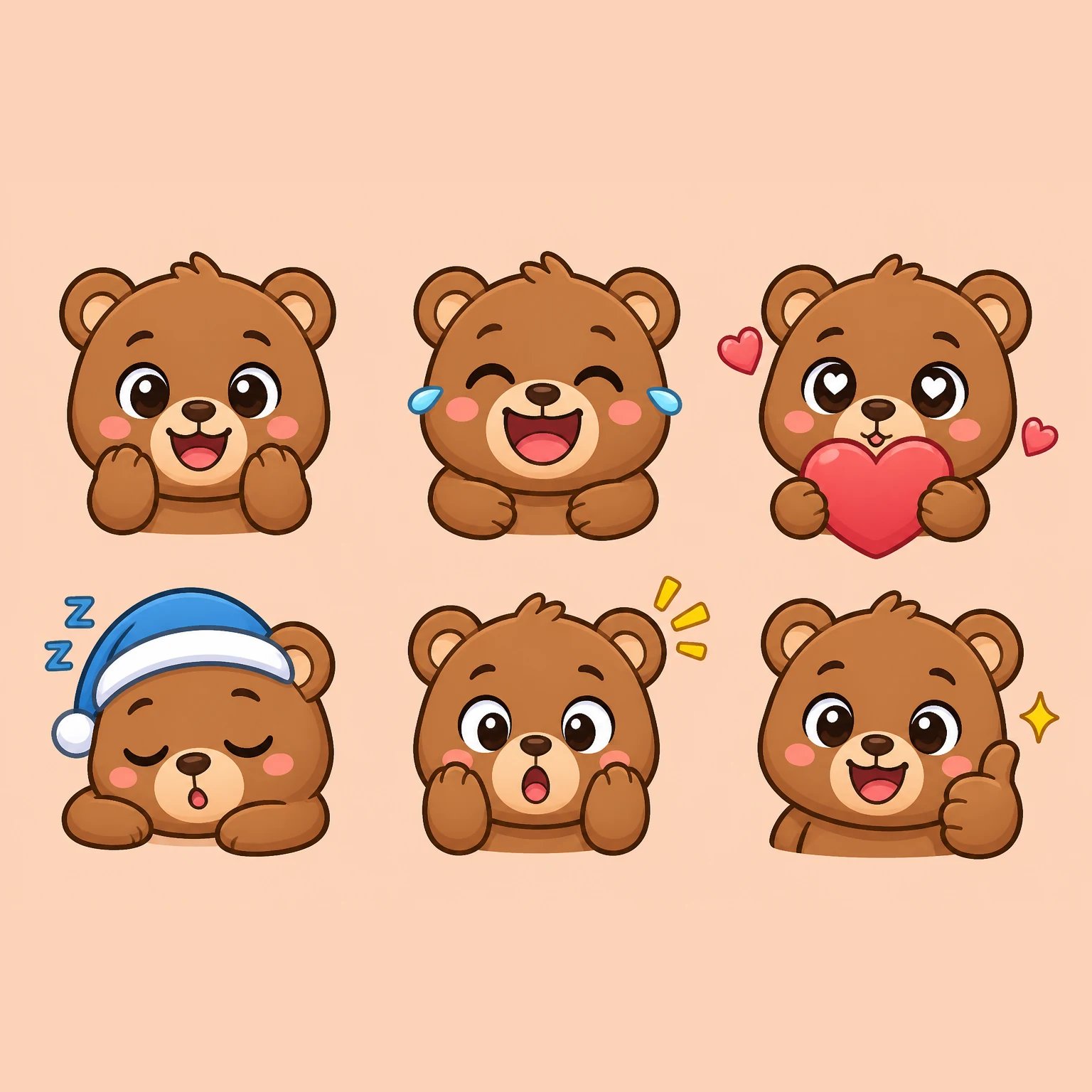
How to make an emoji with the AI emoji generator
Three steps to a custom emoji with the AI emoji generator, from a blank prompt to a set for your server.
- 1
Describe your emoji
Write the character, the expression, and the colors — for example, a round orange cat with heart eyes, or a green frog giving a thumbs-up. The more specific the prompt, the closer the emoji comes to what you pictured.
- 2
Pick a model and generate
Choose GPT Image 2 or Nano Banana 2 in the AI emoji generator, then generate. Each generation spends credits, so you sign in first and every run stays intentional.
- 3
Refine by re-prompting
Close but not quite? Adjust the expression or palette in your prompt and generate again until the emoji fits your community.
What people make with the AI emoji generator
The AI emoji generator is one text-to-image tool, put to work on the custom emoji communities actually use.
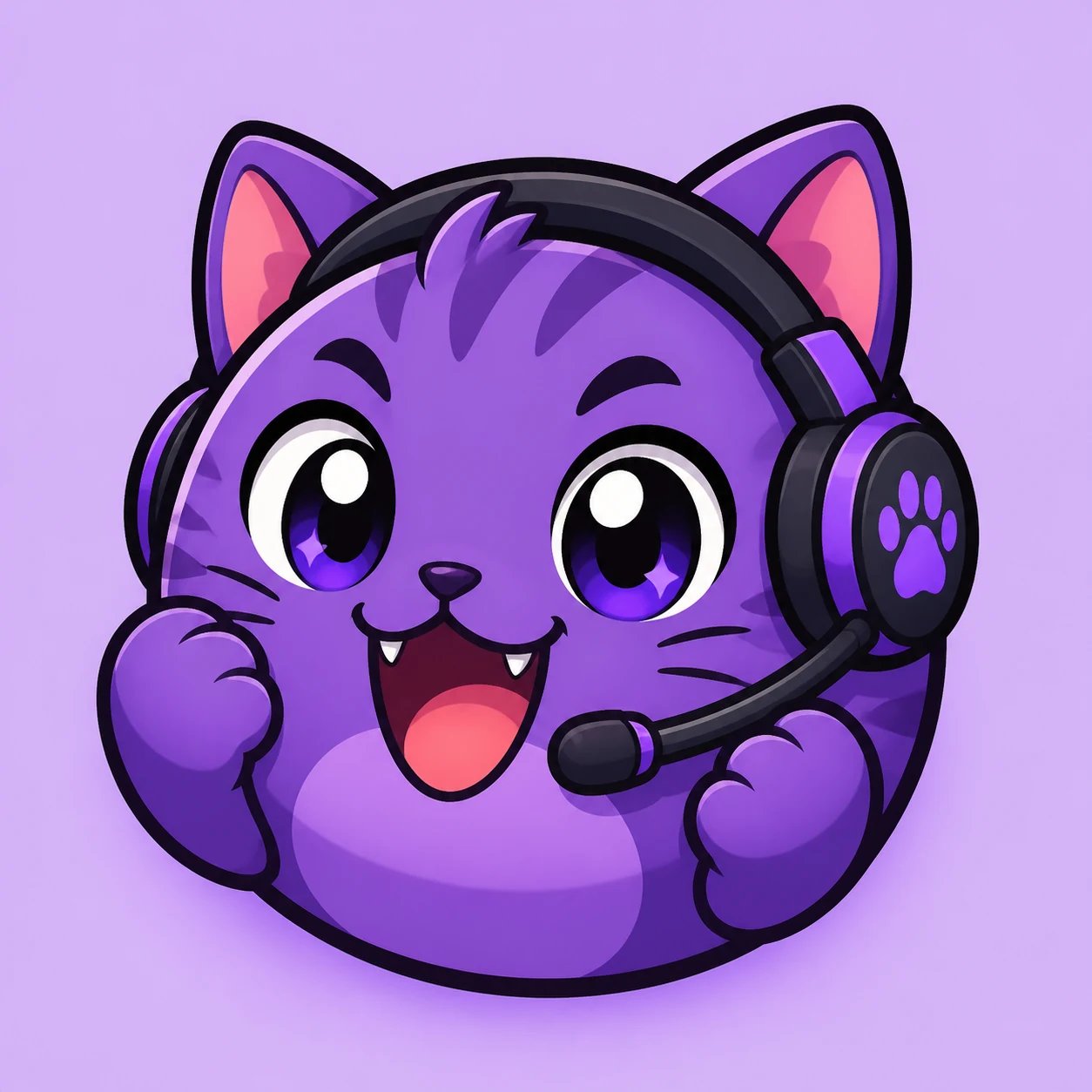
Custom Discord and Slack emoji
Generate a themed mascot in the reactions your server uses most, then add the square icons to your Discord or Slack as custom emoji. Clean outlines stay readable even at emoji size.
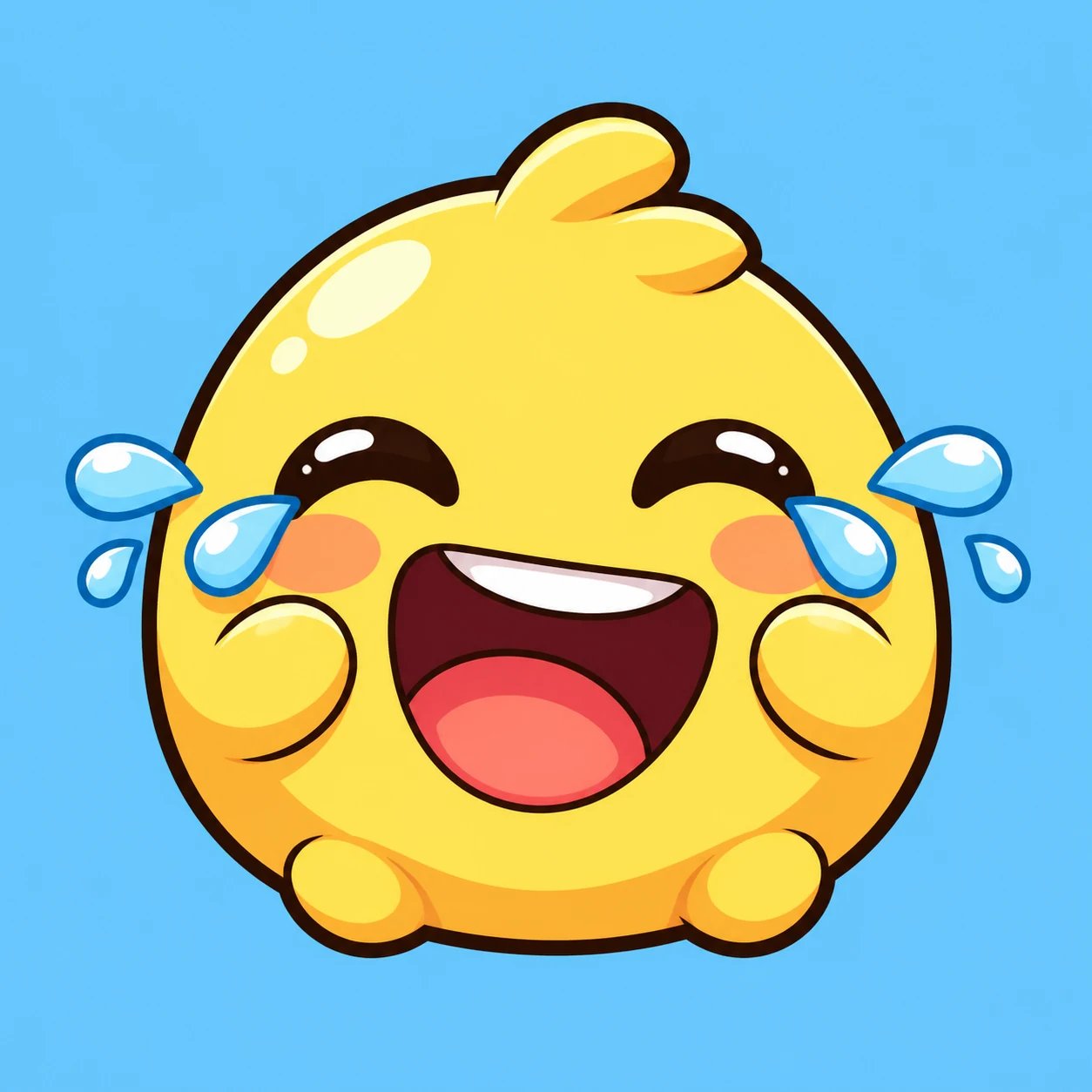
Reaction and chat emoji
A laughing face, a thumbs-up, a crying-with-joy blob — describe the reaction and the AI emoji generator makes an icon that lands the feeling in chat.
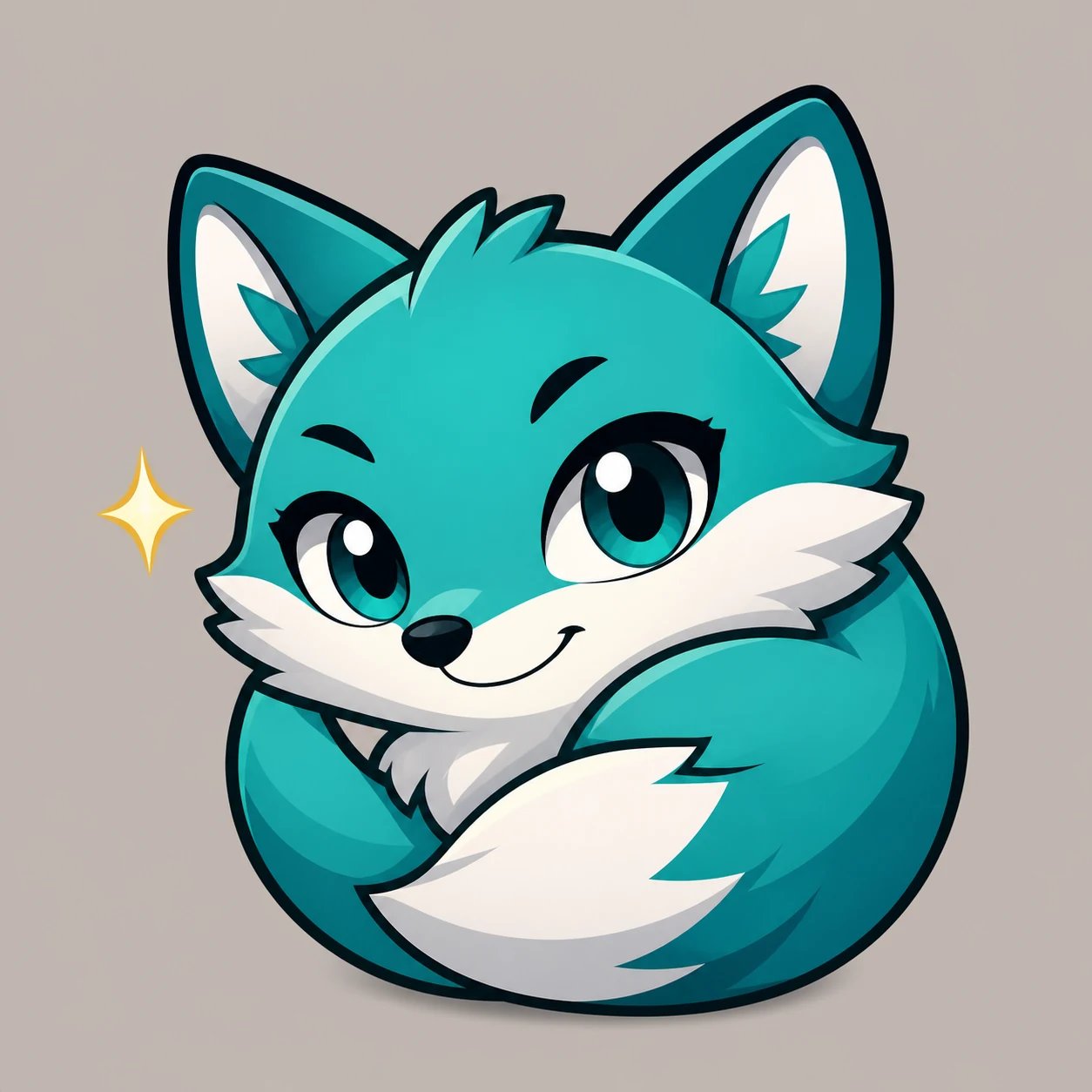
Brand and streamer emoji
Streamers and small brands can give their audience a mascot of their own — one consistent character in a set of expressions that matches the channel's personality.
Need a seamless repeating pattern to match your custom emoji set? Try the AI Pattern Generator
Give your community an emoji set that's actually yours
Describe your mascot, its expressions, and your colors and let the AI emoji generator paint a square emoji for your server. Sign in and spend credits per generation.
More AI Image Generators
Need motion instead of a still image? Try the AI Video Generator
AI emoji generator FAQ
An AI emoji generator is a text-to-image tool that turns a written prompt into a small square emoji icon.
Yes. Describe the mascot and the reactions you want, generate a set, and add the square icons to your server as custom emoji. You size and add them to Discord or Slack yourself; the generator paints the art.
No. This is a text-to-image AI emoji generator — it creates emoji art from written prompts only, not from a picture of you. Describe the character you want instead.
No. The AI emoji generator makes static emoji art — a single still image per generation. It does not produce animated or moving emoji.
nabn operates on a flexible credit model with plans starting from $20 for 1,000 credits up to high-volume creator tiers ($999). Generating images costs 16-18 credits per variant (~$0.32-$0.36 on standard plans), with complete commercial licensing included for all generated assets.