
Your book cover
Generated from your prompt
AI Book Cover Generator: Turn a Prompt into Cover Art
Describe your book's genre, mood, and scene and this AI book cover generator paints original cover art from a text prompt — no designer required.
What is an AI book cover generator?
An AI book cover generator is a prompt-based visual design tool that produces genre-specific front cover illustrations, fantasy dust jackets, and thriller key art from text descriptions. Authors and publishers specify narrative themes, focal characters, and typography space to render captivating book cover visual concepts in seconds.
A cover that fits your story
A cover should signal the genre and the mood before a reader opens the book. Because you write the prompt, the AI book cover generator gives you art that matches your plot, your setting, and your tone — a brooding thriller, a warm romance, a sweeping fantasy — instead of the same template every other title reuses. Describe the scene and it renders it.
No designer, no five-hundred-dollar budget, no design software
Most indie and self-publishing authors cannot spend hundreds of dollars commissioning a cover, and learning design software to make one is slow. The AI book cover generator closes that gap: describe the cover you picture and generate original art in minutes, then re-prompt until it fits. You stay in control of the look without hiring anyone. You add your title and author name yourself afterward — the tool paints the art, not the lettering.
How to make a book cover with the AI book cover generator
Three steps to cover art with the AI book cover generator, from a blank prompt to an illustration for your book.
- 1
Describe your cover
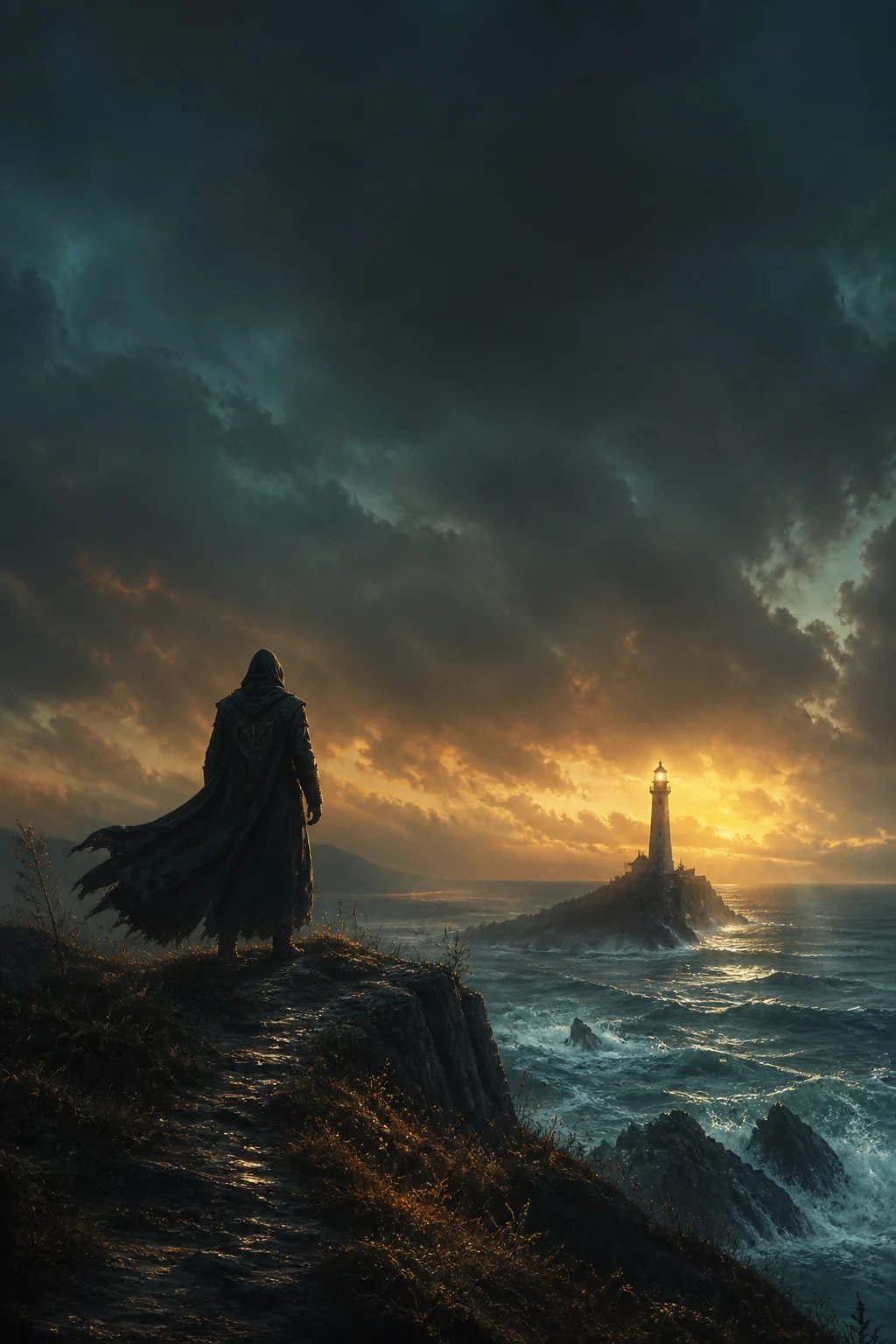
Write the genre, the scene, and the mood — for example, a lone lighthouse under a stormy dusk sky, or a snowy village bookshop window. The more specific the prompt, the closer the cover art comes to your story.
- 2
Pick a model and generate
Choose GPT Image 2 or Nano Banana 2 in the AI book cover generator, then generate. Each generation spends credits, so you sign in first and every run stays intentional.
- 3
Refine, then add your title
Adjust the scene or palette in your prompt and generate again until the art fits. Then add your title and author name yourself — the tool paints the illustration, not the text.
What people make with the AI book cover generator
The AI book cover generator is one text-to-image tool, put to work on the covers authors across genres actually need.
Fantasy and sci-fi covers
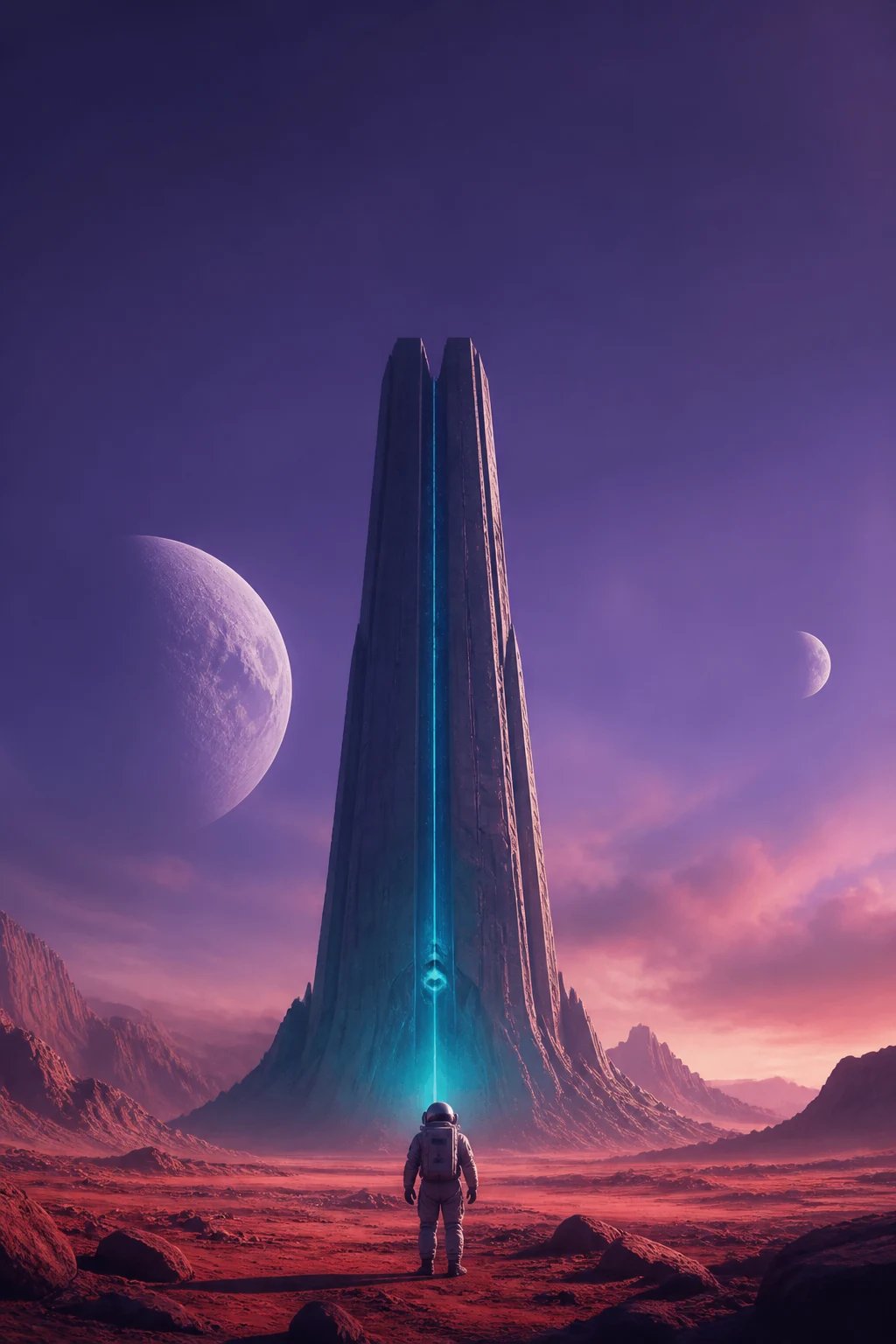
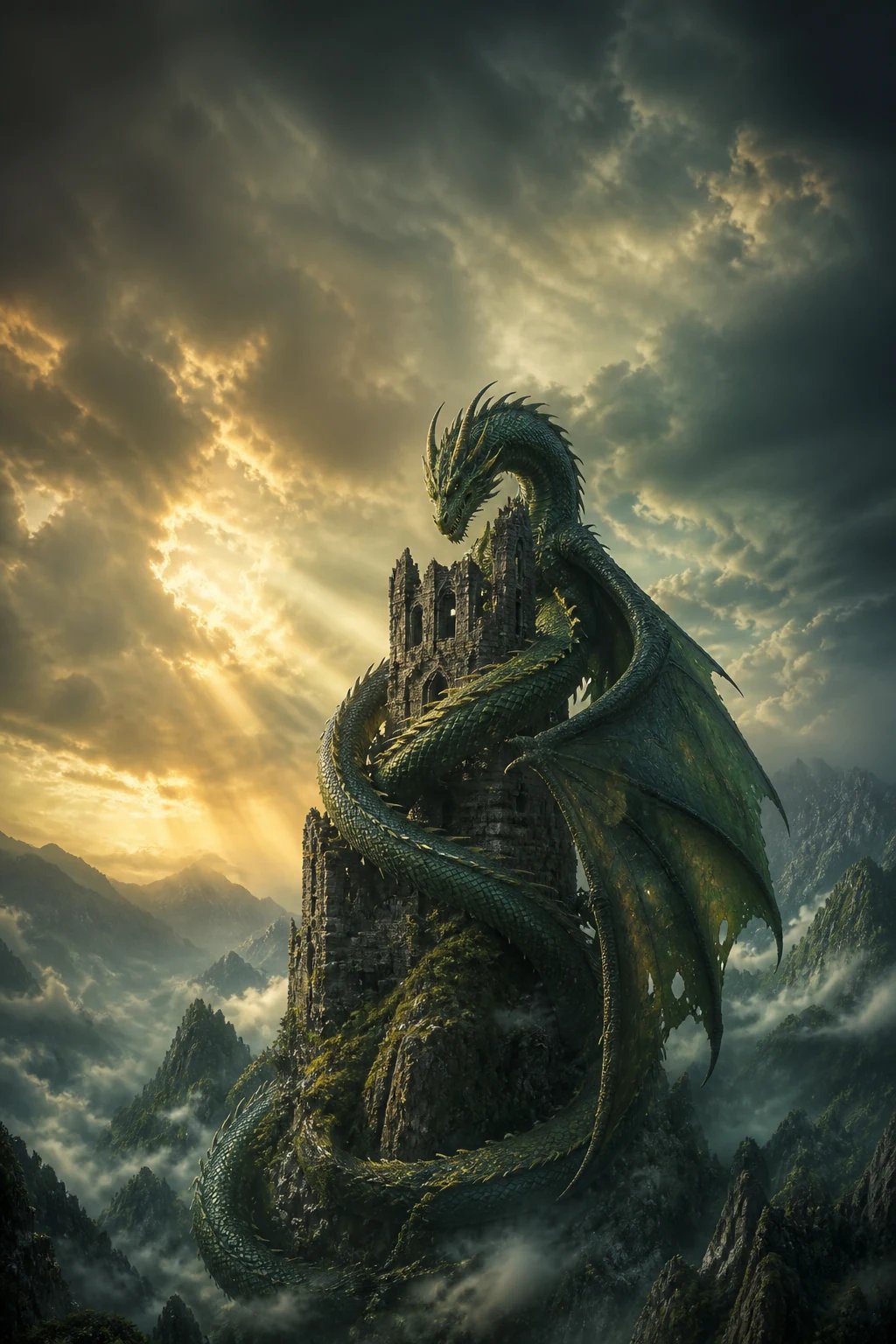
Dragons, alien worlds, sweeping landscapes — describe the scene and the AI book cover generator paints the art that signals speculative fiction at a glance.
Thriller and mystery covers
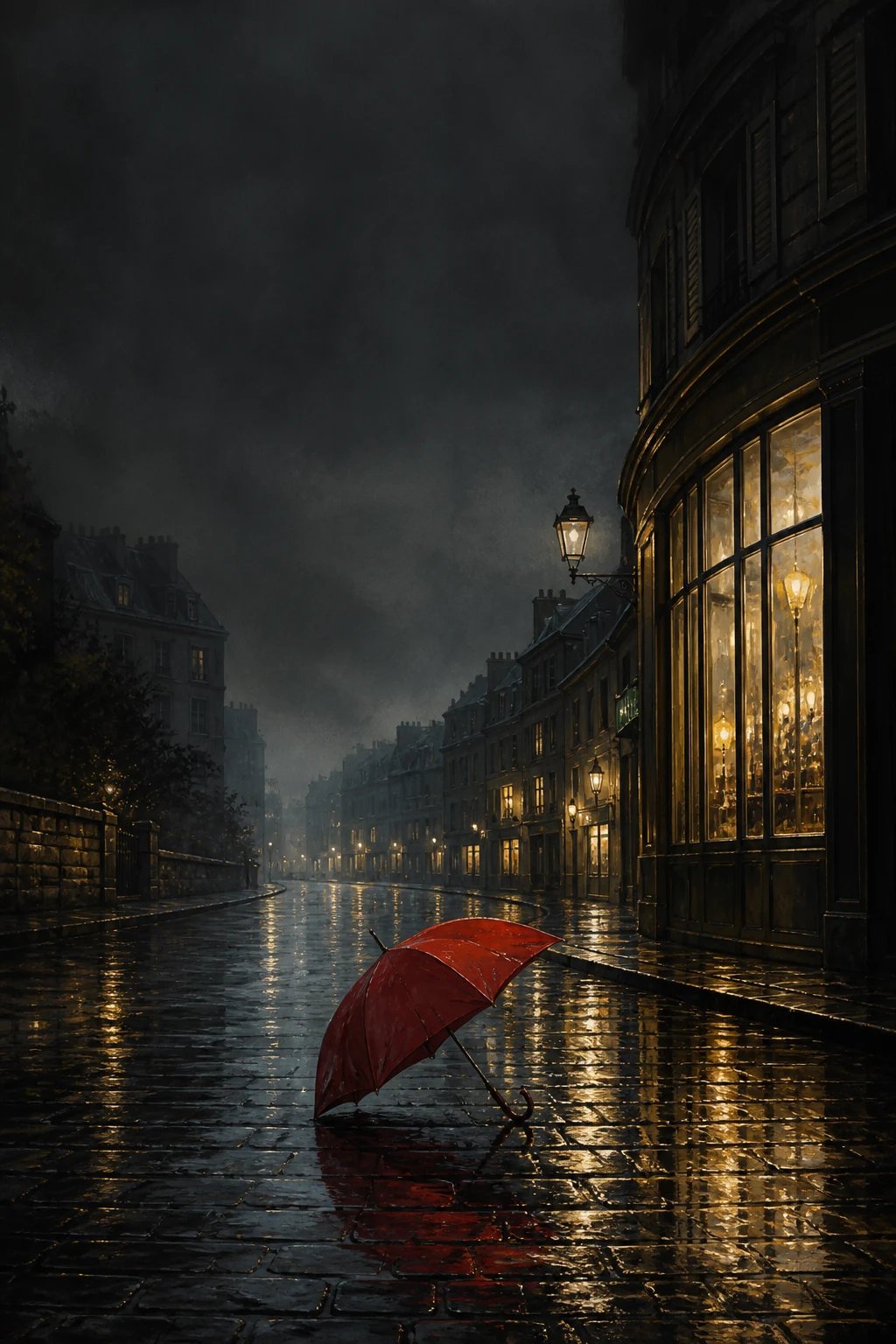
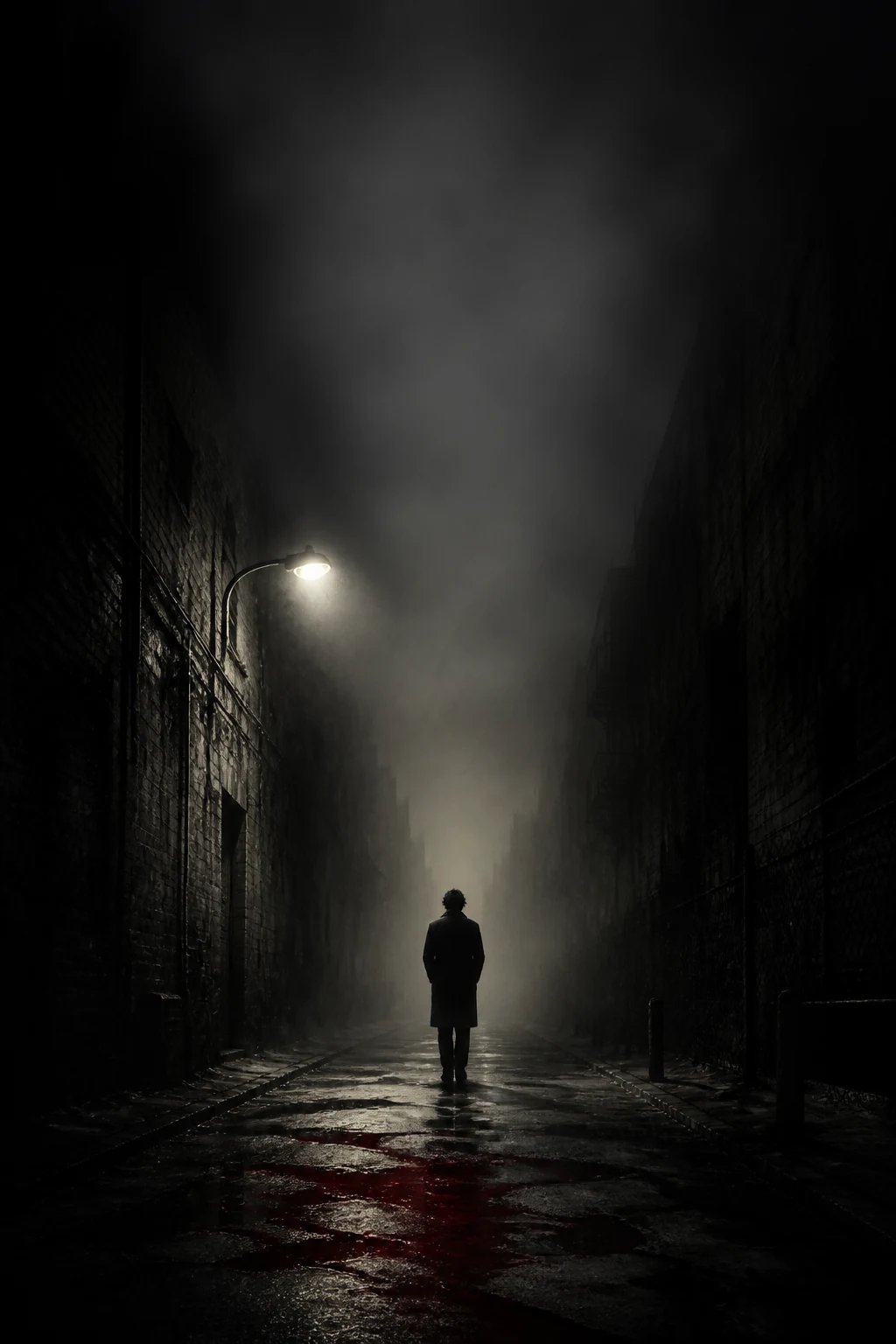
A fog-filled alley, a single red accent, a bookshop at night — generate the tense or intriguing art a crime, thriller, or mystery cover needs.
Romance and literary covers
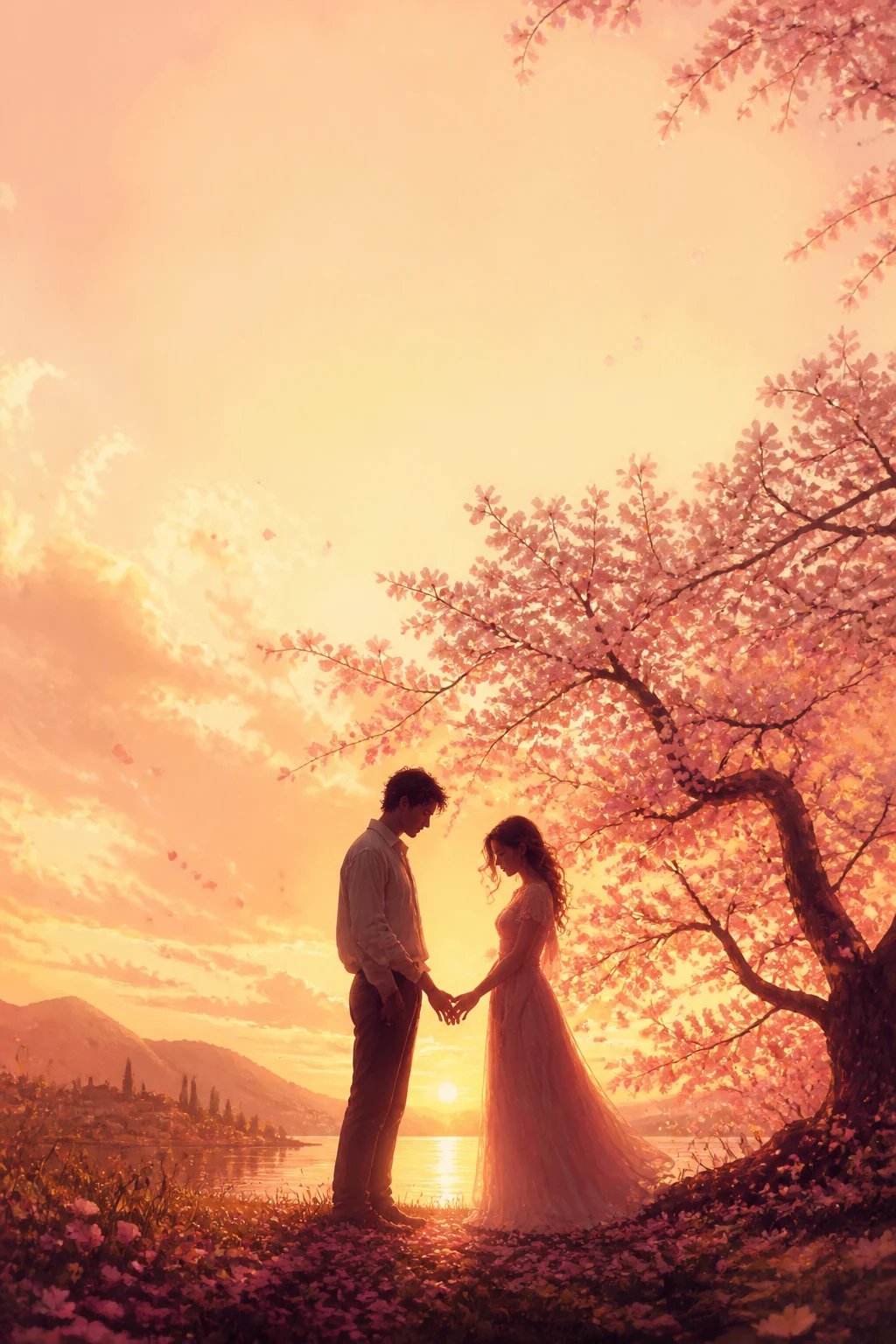
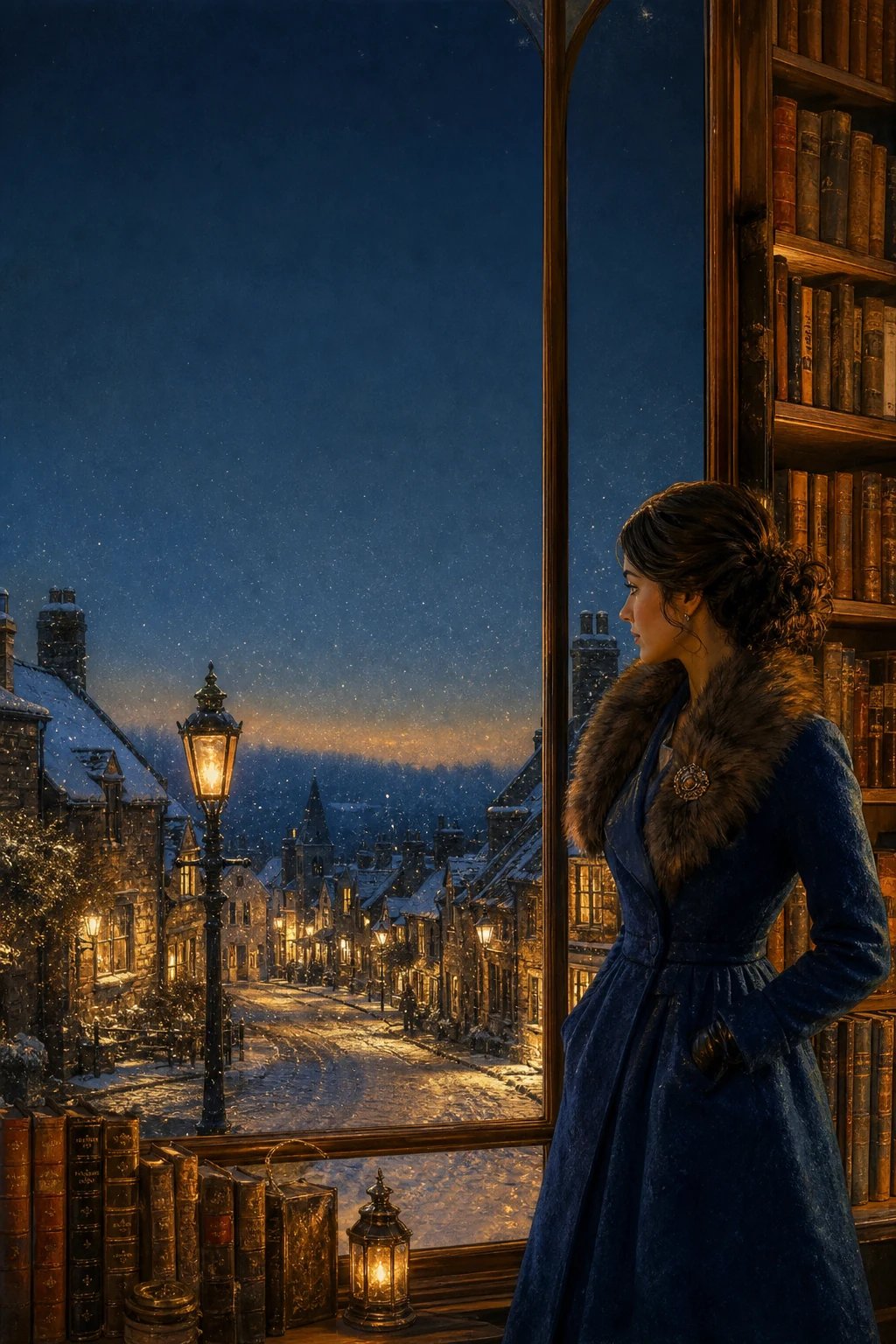
Warm, tender, or quietly literary — describe the feeling and the tool renders a cover that matches the emotional tone of your story.
Give your book a cover that fits its story
Describe your genre, scene, and mood and let the AI book cover generator paint original cover art for your novel. Sign in and spend credits per generation.
More AI Image Generators
Need motion instead of a still image? Try the AI Video Generator
AI book cover generator FAQ
An AI book cover generator is a text-to-image tool that turns a written prompt into original cover art.
No — the tool paints the artwork, not the lettering. AI image models still render text unreliably, so you add your title and author name yourself after generating, using any layout tool you like.
No. This is a text-to-image AI book cover generator — it creates cover art from written prompts only, not from a picture you provide. Describe the scene you want instead.
The art is generated in a tall 2:3 portrait shape that suits most ebook and paperback covers. For a specific store's exact trim size, place the art into your cover layout and size it there.
nabn operates on a flexible credit model with plans starting from $20 for 1,000 credits up to high-volume creator tiers ($999). Generating images costs 16-18 credits per variant (~$0.32-$0.36 on standard plans), with complete commercial licensing included for all generated assets.