
AI Image Editor
Free AI Image Editor for photo editing, style changes, and image-to-image transformation online.
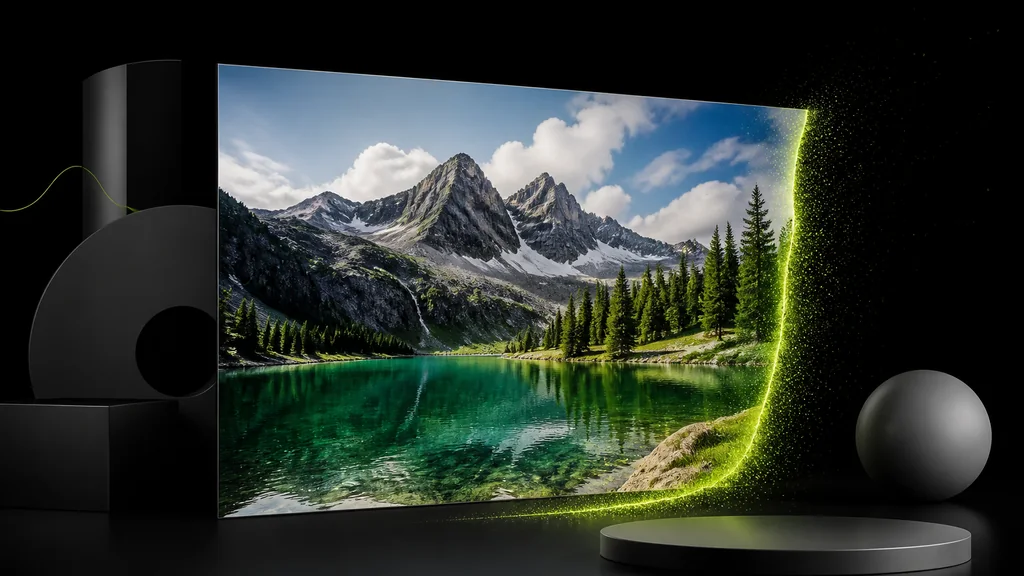 BeforeAfter
Free AI Image Editor - Edit Photos Online with GPT Image 2
nabn AI Image Editor uses supported image models to edit photos from a prompt and an optional reference image. Start with eligible starter credits.
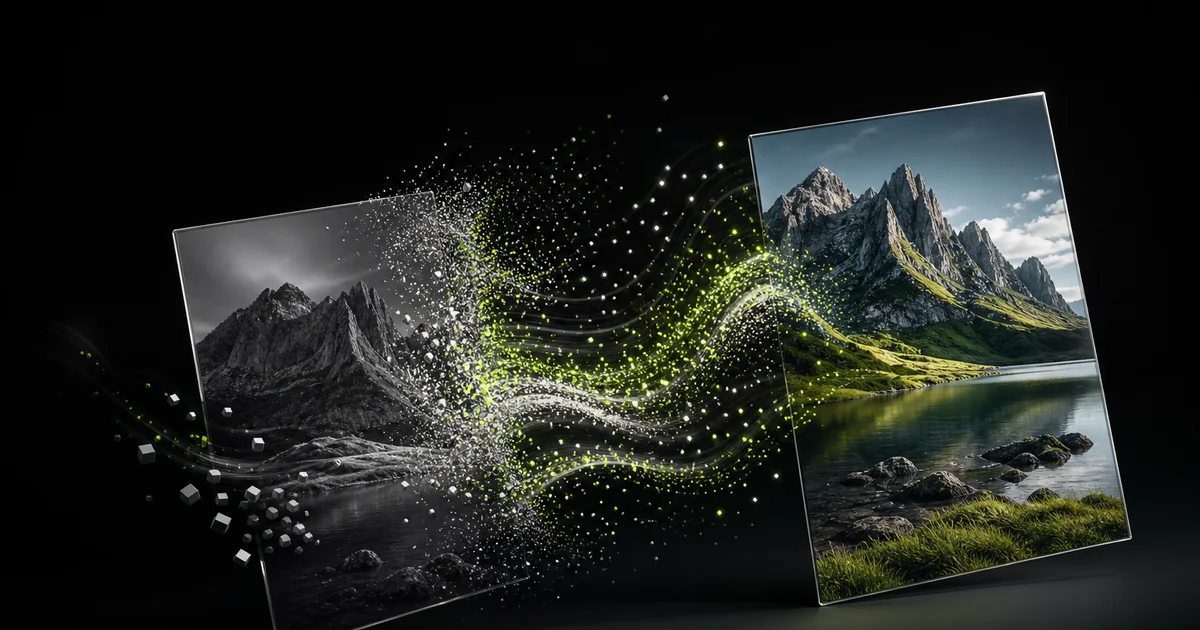
What Is AI Image Editor?
AI Image Editor is an online tool that edits photos with simple text. No learning curve: upload an image, describe the edit, and get results in seconds. Free AI Image Editor stays aligned with the latest advancements in AI technology, always delivering cutting-edge results. It removes backgrounds, changes outfits, alters hair, removes objects, and applies styles, all on one page. No downloads, no sign-up, and completely free. Whether for product photos, social media, or personal edits, AI Image Editor delivers professional quality at zero cost.
For more tools, try AI Hairstyle Changer or AI Image Generator
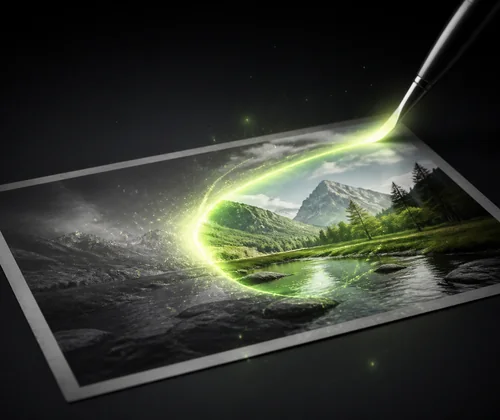
How to Use AI Image Editor for Free
Editing images with AI is easier than you think. Follow three simple steps: upload, describe, and download. No training, no tutorials, no design background needed.
Step 1: Upload your image (JPG or PNG)
Click the upload area and select your photo. AI Image Editor supports standard formats and processes files instantly. Drop your image and you are ready to edit.
Step 2: Describe the edit you want
Type “remove the background” or “change hair to purple.” Or choose from preset prompt templates for background replacement, object removal, or style transfer.
Step 3: Preview and download your result
Preview the AI-edited image instantly. If you like it, download in JPG or PNG. Not quite right? Adjust the prompt or switch models and regenerate as many times as you want.
Struggling with Image Editing?
Traditional photo editing can be slow and costly. nabn's AI Image Editor lets you upload an image, describe the change, and create a new result through a prompt-guided workflow.
Always Up to Date with the Best AI Models
nabn supports the image models shown in the editor. Select an available workflow and model for the kind of edit you want to create.
Ready-to-Use Prompt Templates
AI Image Editor includes preset prompt templates: replace background, change hair, switch clothing, remove objects, adjust expressions, and more. Each template works as-is or customizable. Saves beginners trial and error while giving experienced users a quick start.
Truly Free, One-Page Workflow
Other tools interrupt with sign-ups and download limits. AI Image Editor keeps everything on one page: upload, select a model, choose a prompt, generate, preview, download. No account needed, no page reloads. Re-generate freely in JPG or PNG. This frictionless free AI image editor is the go-to for quick edits.
Start Editing with AI Image Editor Now
No need to learn complex tools or pay for software. Upload your image, describe your edit, and let AI handle the rest. Free, fast, and available right now.
FAQs About AI Image Editor
AI Image Editor is an online tool that uses artificial intelligence to edit images based on simple text descriptions. You upload a photo, describe what you want, and the AI processes your request automatically, delivering an edited result in seconds.
Eligible image workflows can be tried with starter credits. Further generations use credits according to the selected model and output.
You sign in with Google to generate — it takes a few seconds. New accounts get free starter credits to try the editor, and no credit card is required.
AI Image Editor supports a wide range of editing tasks: background removal and replacement, outfit and hair color changes, facial expression editing, object removal, sketch-to-storyboard, and style transfer, plus more.
Yes, AI Image Editor lets you re-generate as many times as you like. Adjust your prompt or switch models and click generate again. Each attempt produces a fresh variation, so you can explore different results freely.
AI Image Editor is ideal for e-commerce sellers, social media creators, small business owners, students, and professional photographers, anyone who needs fast, high-quality image editing without complex software.